


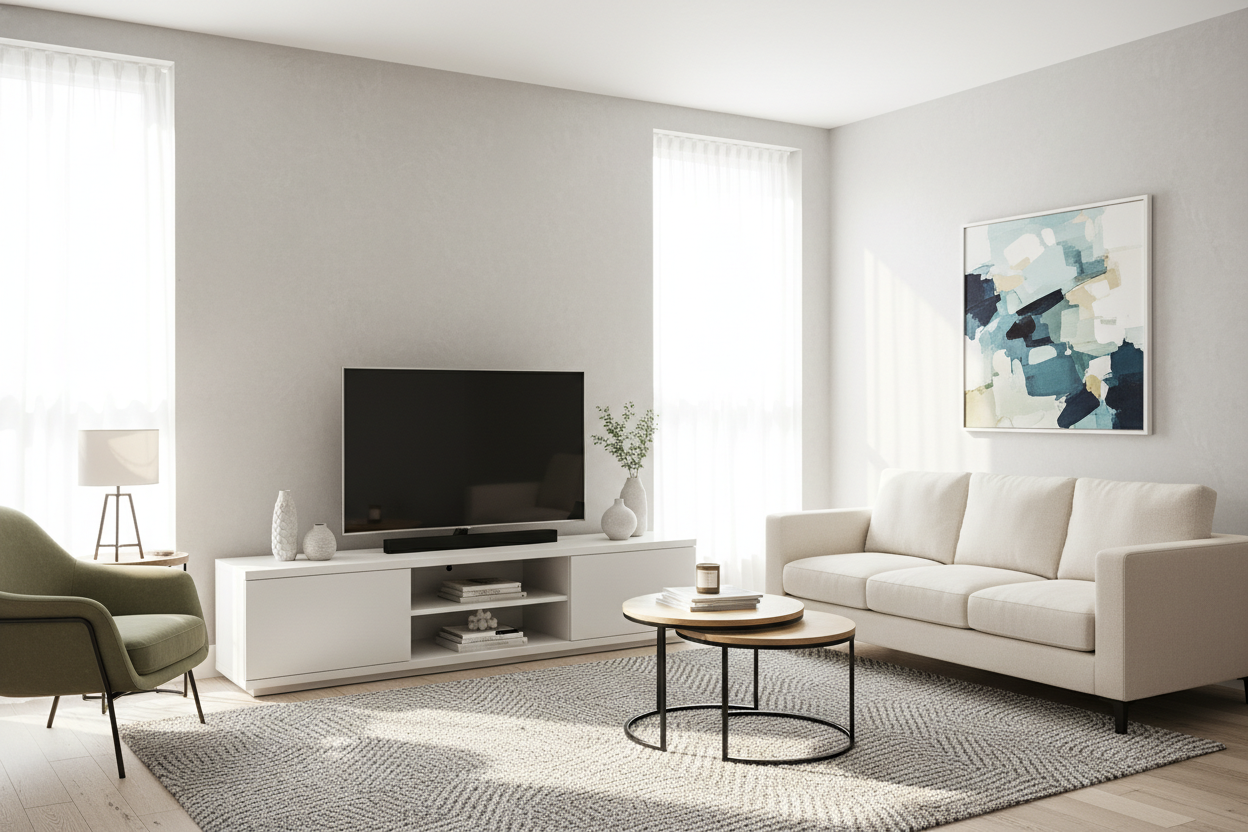
I used to think that more was better. I once squeezed an 80-inch media unit into a 450-square-foot studio because I wanted that 'built-in' look I saw on Pinterest. It was a disaster. It looked like a spaceship had crash-landed in my living room, and I had to shimmy past it just to get to my kitchen. Switching to a tv stand 54 inch wide was the moment I finally stopped feeling like a guest in my own home.
- Proportion is King: A 54-inch unit perfectly balances the most popular 50-55 inch TV sizes.
- Visual Airflow: Shorter consoles leave wall space open, making low ceilings feel higher.
- Corner Utility: That extra foot you save allows for lamps, plants, or subwoofers.
- Cable Control: Smaller units force you to be intentional with your tech clutter.
The Problem With Default Furniture Sizing
Big-box retailers love to push those massive 70-inch consoles. They look impressive in a warehouse with 30-foot ceilings, but in a standard apartment, they are layout killers. When I first considered downsizing your media console, I realized that oversized furniture creates a visual weight that makes a room feel ten degrees hotter and twice as crowded. If your furniture is touching both side walls, you don't have a media center; you have a barricade.
Most people buy for the 'future'—the giant house they might own one day. But you live in your current square footage right now. A massive unit in a small room screams 'I don't have enough space,' while a properly scaled 54 in tv stand says you actually know how to design a room.
The Magic Math Behind a 54 In TV Stand
A 54 in tv stand is exactly 4.5 feet of real estate. It is the 'Goldilocks' zone of furniture. If you have a 50 or 55-inch TV, the actual width of the screen is usually between 44 and 48 inches. Putting that screen on a 54-inch base gives you about three to five inches of 'buffer' on either side. This prevents the top-heavy 'lollipop' effect where the TV looks like it is about to tip the stand over.
I have tested units that were exactly the same width as the TV, and it looks cheap—like you bought a kit and forgot a piece. That extra bit of width on a tv stand 54 inches wide provides the structural grounding your eyes need to feel like the setup is stable and intentional. It is enough room for the TV feet to sit securely without flirting with the edge.
Breathing Room for Plants and Lamps
By opting for a 54 tv console instead of a 72-inch monster, you usually gain back about a foot and a half of floor space. In a small living room, eighteen inches is a lifetime of space. That is exactly enough room for a tall snake plant or a slim floor lamp that actually lights up your reading nook. When I swapped my old unit, I finally got my living room wall back, and the white space around the furniture made the whole room feel four feet wider.
How to Style a 54 Inch Entertainment Center
When you are working with a 54 inch entertainment center, you have to be a ruthless editor. You do not have room for a collection of 400 DVDs and five different gaming consoles on top. I always recommend choosing a unit with closed storage—think slatted doors or solid cabinets. Nobody wants to look at your tangled nest of HDMI cables or the dust bunnies under your cable box.
You should browse modern TV stands that offer at least one adjustable shelf and built-in cable management holes. If a unit doesn't have a pre-drilled hole for wires, skip it. Drilling into cheap MDF is a nightmare that usually ends in a splintered mess. Keep the top surface clean: the TV, maybe one small decorative object, and that is it. Let the 54 tv stands do the heavy lifting behind closed doors.
Should You Float It or Keep It Freestanding?
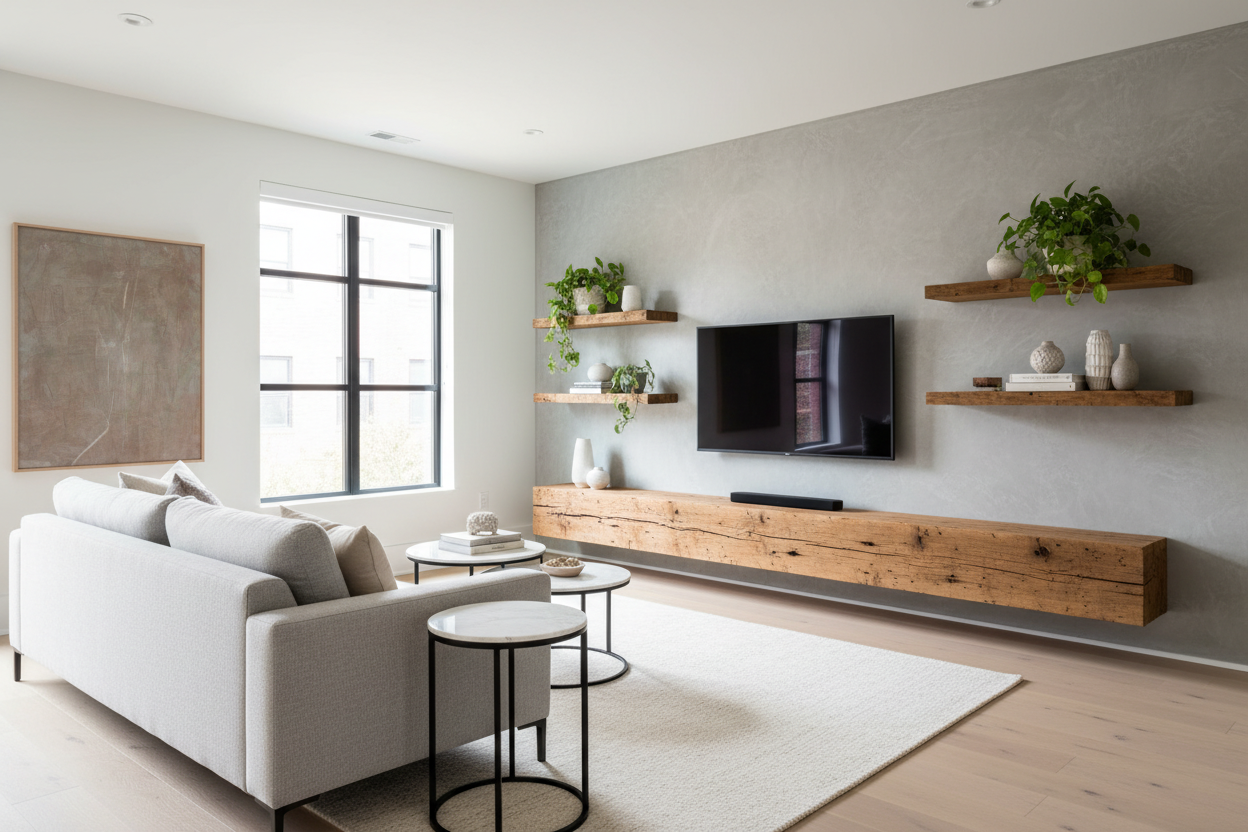
For a tv stand 54 wide, you have a big decision: legs or wall-mounted? If you are a renter, go for a freestanding unit with tapered legs. Being able to see the floor underneath the furniture is a classic designer trick that makes the room feel less crowded. If you own your place and want a truly 'pro' look, a wall-mounted media console is the move. It clears the floor entirely, which makes vacuuming easier and gives the whole setup a sleek, custom appearance.
Personal Experience: The Sagging Mistake
I once bought a 'bargain' 54-inch stand made of paper-thin particle board. I thought I was being smart, but within six months, the center started sagging under the weight of my soundbar and TV. It looked like a sad smile. Now, I only buy units with a center support leg or those made from high-grade plywood or solid wood. If the box weighs less than 40 pounds, it is probably not going to last the year. Spend the extra $50 for something that won't warp.
Frequently Asked Questions
Can a 65-inch TV fit on a 54-inch stand?
Technically yes, but please don't. A 65-inch TV is about 57 inches wide. It will hang over the edges of a 54-inch stand, which looks unstable and is a total magnet for getting bumped into. It's a recipe for a shattered screen.
Is a 54-inch stand too small for a large living room?
If you have a massive open-concept 'great room,' a 54-inch stand might look like a postage stamp on the wall. In those cases, you need to use other furniture, like bookshelves, to flank it and give it more presence.
What is the best height for a 54-inch TV console?
Aim for 20 to 24 inches. You want your eyes to be level with the middle of the screen when you are sitting on your sofa. If you have to tilt your head up, your console is too high and your neck will hate you by the second episode of your binge-watch.


Laisser un commentaire
Ce site est protégé par hCaptcha, et la Politique de confidentialité et les Conditions de service de hCaptcha s’appliquent.