


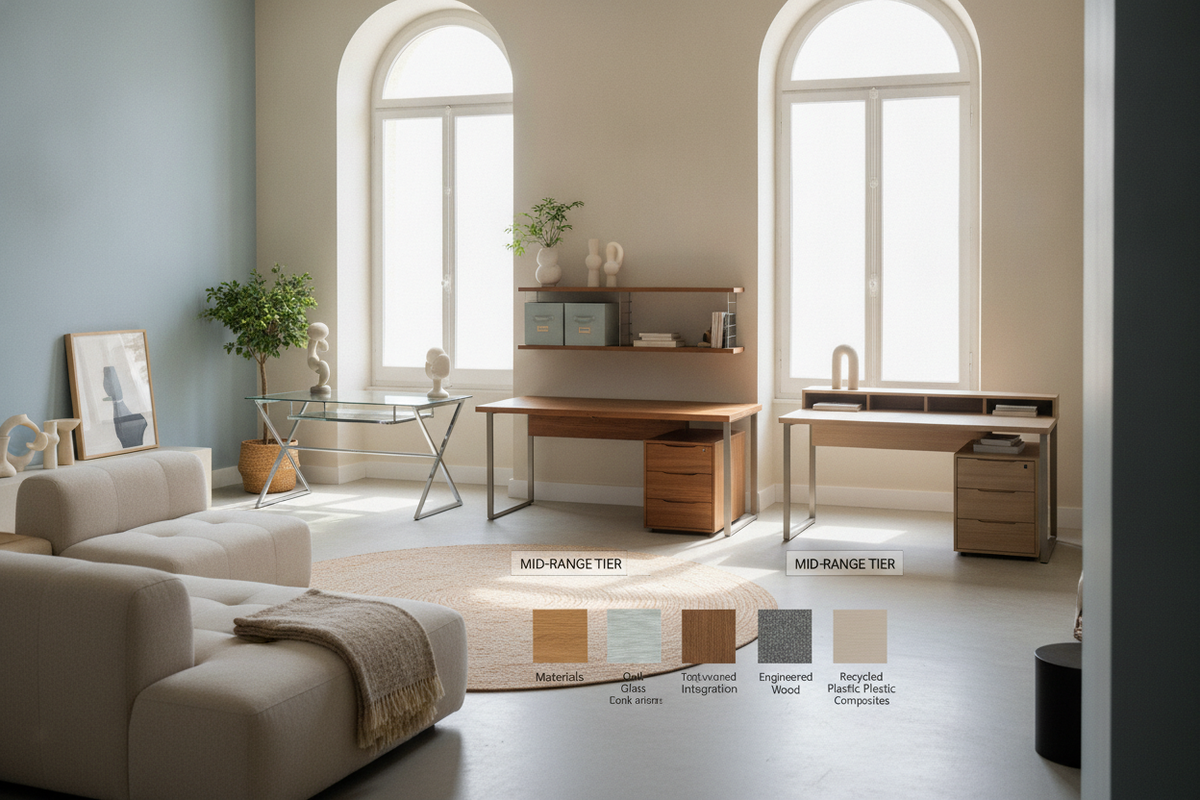
Understanding Workstation Cost Drivers: Structural Elements, Materials, and Hardware
Evaluating desk cost requires looking past exterior styling to understand the structural elements that define durability, stability, and everyday ergonomics. A workstation is composed of primary functional layers: the main worktop surface, the underlying support architecture, joining hardware, and integrated organizational features. Variations in manufacturing complexity, core densities, and hardware quality create substantial differences in price and expected operational lifespan.
Surface Materials: Laminate, Engineered Core, and Solid Timber
The worktop surface absorbs direct contact, friction, peripheral weight, and spill risks. Workstation surfaces generally fall into three main material categories:
- Melamine and High-Pressure Laminate: Engineered cores surfaced with decorative resin-infused paper or high-pressure laminate offer balanced moisture and scratch resistance. These finishes provide accessible price points, uniform visual patterns, and simple cleaning routines.
- Veneered Medium-Density Fiberboard: Real wood veneers applied over stable manufactured cores deliver the authentic grain and warmth of timber while preserving dimensional stability against humidity shifts.
- Solid Hardwoods and Slabs: Solid timber offers substantial mass, distinct character, and the ability to be refinished over decades, though it represents a higher material investment requiring periodic conditioning.
Base Construction: Fixed Metal Frames, Panel Ends, and Motorized Systems
A desk's stability relies on its lower support structure. Fixed open-frame metal bases constructed from powder-coated steel tubes provide rigid support and open legroom at an efficient manufacturing cost. In contrast, full-panel slab ends made from heavy furniture board lend structural grounding, privacy via integrated modesty panels, and built-in anchors for cabinetry.
Dynamic bases, such as height-adjustable systems featuring integrated motorized columns, introduce electronic control units, gearing mechanisms, and reinforced crossbeams. These components expand movement options throughout the workday while requiring precise engineering tolerances.
Desk Cost Tiers: Entry-Level, Mid-Market, and Executive Workstations
Workstations can be grouped into functional tiers that balance material quality, joinery strength, storage capacity, and overall footprint.
Essential Flat-Pack Workstations for Compact Spaces
Entry-level desks prioritize spatial efficiency and straightforward assembly. These designs typically feature open metal leg assemblies paired with lightweight manufactured wood tops. They suit secondary study corners, student dorms, guest rooms, and compact writing nooks where heavy storage demands are minimal and easy relocation is helpful.
Mid-Tier Workstations with Built-In Storage and Enhanced Load Capacity
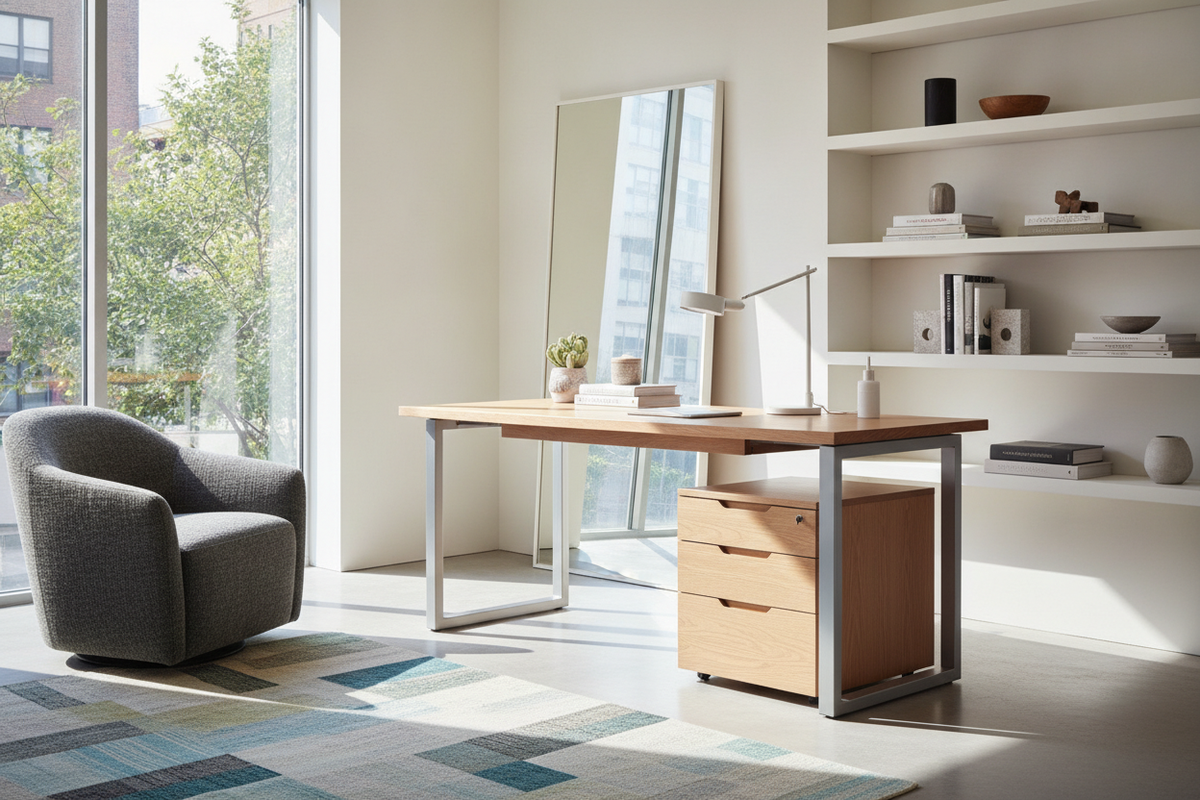
Mid-tier desks often represent the practical sweet spot for dedicated daily home office work. In this tier, desks feature thicker desktops, reinforced frame members, and integrated pedestal drawers or utility shelving. Surfaces are finished with durable scratch-resistant coatings, and drawers incorporate smooth ball-bearing glides to handle regular opening and closing under document weight.
Executive and Specialty Desks: Solid Wood, L-Shaped Layouts, and Credenza Suites
Executive and extensive corner configurations are designed for maximum surface area and complete office organization. These setups feature expansive L-shaped returns, full modesty panels, locking filing drawers, wire management raceways, and matching overhead hutches or credenza sideboards. The combination of larger material requirements, specialized joinery, and integrated storage systems positions these units at the upper end of the furniture spectrum.
Dimensional Footprints and Room Fit: Sizing Categories as a Cost Factor
Physical dimensions directly influence material volume, shipping logistics, and overall pricing. Selecting the appropriate footprint ensures the desk fits the room's spatial flow without crowding walkways or restricting seating movement.
Compact Workstations for Alcoves and Multi-Use Rooms
Compact desks with shallow worktop depths fit neatly along hallway alcoves, bedroom perimeters, or open living area corners. When planning for smaller footprints, consider vertical space utilization, such as integrated upper shelves or desktop risers, which keep primary equipment off the main writing surface without demanding extra floor area.
Full-Size and Corner Configurations for Dedicated Home Offices
Dedicated home office rooms accommodate standard and expanded desk profiles. Greater desktop depth allows comfortable screen focal distances, space for external input devices, and room for open paperwork. Corner and L-shaped designs separate primary computing tasks from secondary writing or reading zones, providing continuous workspace across two functional planes.
Storage Integration vs. Freestanding Add-Ons: Value Analysis
When selecting a workstation, buyers must decide between an all-in-one desk with built-in cabinetry or an open-leg minimalist table paired with standalone storage units.
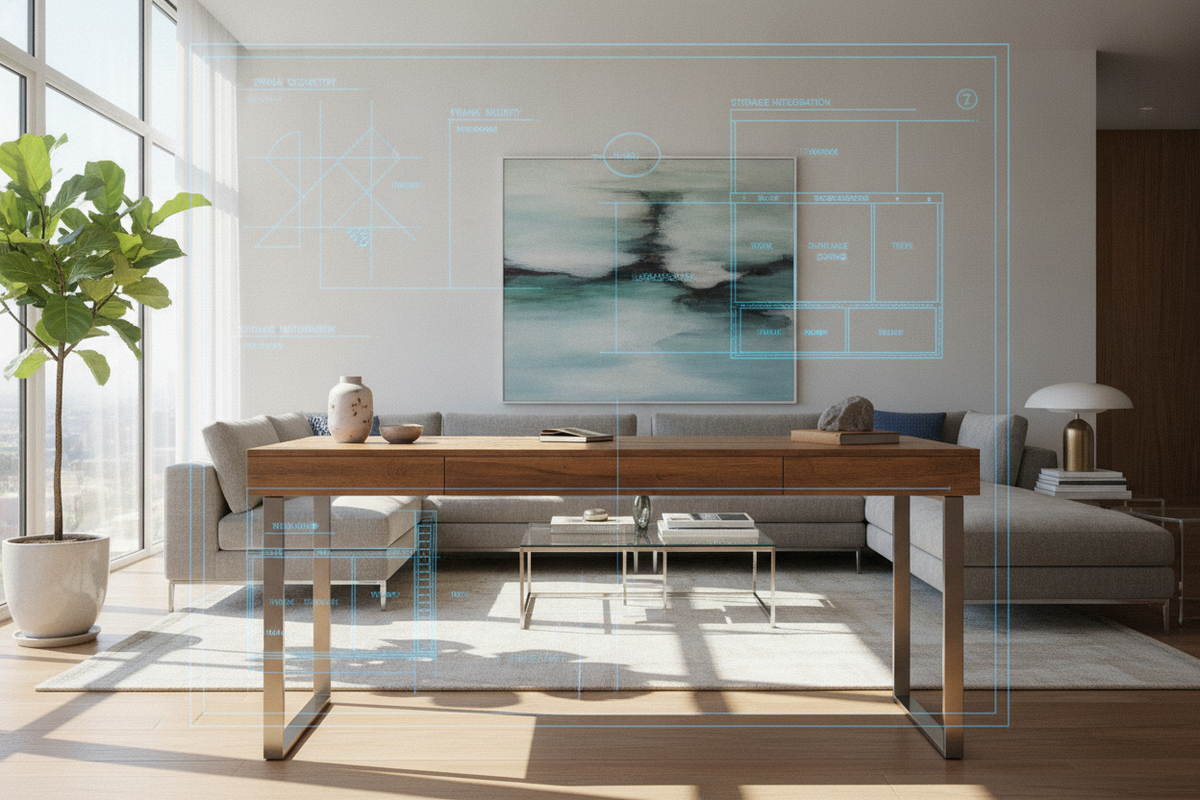
Integrated Pedestals, Hutches, and Side Shelving
Desks with built-in drawers, file holders, and elevated hutches provide an aesthetically unified appearance and immediate utility out of the box. These configurations anchor storage securely to the primary structure, eliminating the need to source separate matching pieces. They work especially well in dedicated rooms where the desk will remain in a fixed layout.
Modular Storage Pairings: Mobile Filing Carts and Side Credenzas
Pairing an open writing desk with independent mobile drawer pedestals or low credenzas offers layout flexibility. Mobile units can slide under the desktop to conserve space, roll out to serve as side utility tables during large projects, or move to adjacent walls as room arrangements change over time. While purchasing pieces separately may involve additional coordination, it allows for phased upgrades and adaptable room arrangements.
Assembly, Maintenance, and Longevity Considerations
Understanding maintenance and long-term care helps maximize the lifespan of any workstation investment:
- Joinery and Hardware Care: Cam-lock fasteners, dowels, and machine bolts benefit from periodic inspection and gentle tightening to ensure the frame remains rigid over years of daily shifts.
- Surface Protection: Using desk pads under writing implements, coasters beneath hot or cold beverages, and soft-bottom organizers helps protect finishes against scuffs and heat marks.
- Weight Distribution: Distributing computer towers, multi-monitor mounts, and heavy book stacks evenly across primary load-bearing rails prevents long-term desktop deflection.
Workstation Decision Framework: Matching Budget to Daily Workflow
To choose the best workstation configuration for your functional needs and budget, follow this practical checklist:
- Identify Primary Task Demands: Determine whether the desk must support single-screen computing, multi-monitor arms, extensive paperwork, or crafting activities.
- Measure Room Clearance: Map out the floor plan, ensuring adequate clearance behind the desk for chair movement, entry doorway swings, and accessible cabinet doors.
- Assess Storage Needs: Count the items requiring immediate reach—such as pens, notepads, external drives, and active files—to decide between integrated drawer pedestals or open desktop organizers.
- Select Core Finish: Balance maintenance preferences and aesthetic continuity with existing room furnishings when deciding between easy-clean laminate, wood veneer, or solid timber.

Laisser un commentaire
Ce site est protégé par hCaptcha, et la Politique de confidentialité et les Conditions de service de hCaptcha s’appliquent.