


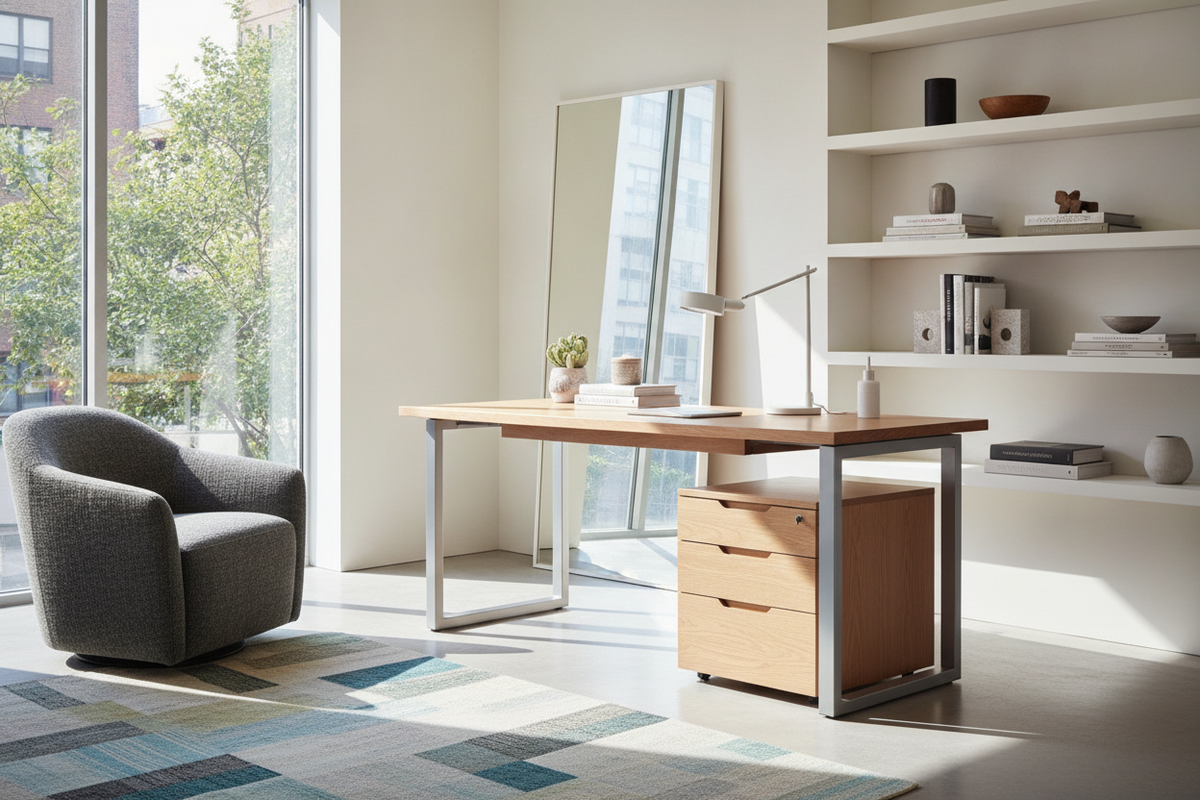
Modern workspaces increasingly demand an intentional balance between responsive ergonomics and elevated interior design. While early adjustable workstations often prioritized industrial utility over visual refinement, the rise of architectural, designer-tier pieces—exemplified by the aesthetic principles behind a design within reach standing desk—has altered expectations. Creating a refined home office no longer requires settling for bulky lifting columns or compromised material quality.
Instead, a well-curated workstation integrates seamless height adjustment into an airy, sculptural footprint. Achieving this harmony involves evaluating desktop proportions, selecting resilient finishes, coordinating supplemental storage, and designing clean cable paths that honor the surrounding interior architecture.
Architectural Workstations: Merging Designer Aesthetics with Sit-Stand Utility
The defining trait of a designer-grade sit-stand desk is visual lightness. Traditional sit-stand units often appear top-heavy or excessively mechanical, drawing attention to motor housings and thick telescoping legs. In contrast, an elevated dwr standing desk profile emphasizes slender leg profiles, concealed mechanics, chamfered or rounded desktop edges, and quiet structural transitions.
By treating the workstation as a sculptural centerpiece rather than utilitarian office equipment, these designs maintain visual continuity across open-concept spaces and formal residential studies. For a broader look at balancing workstation form with everyday office utility, explore our desk design office guide to understand how clean geometries support focus and visual serenity.
Surface Proportions and Dimensional Decision Categories
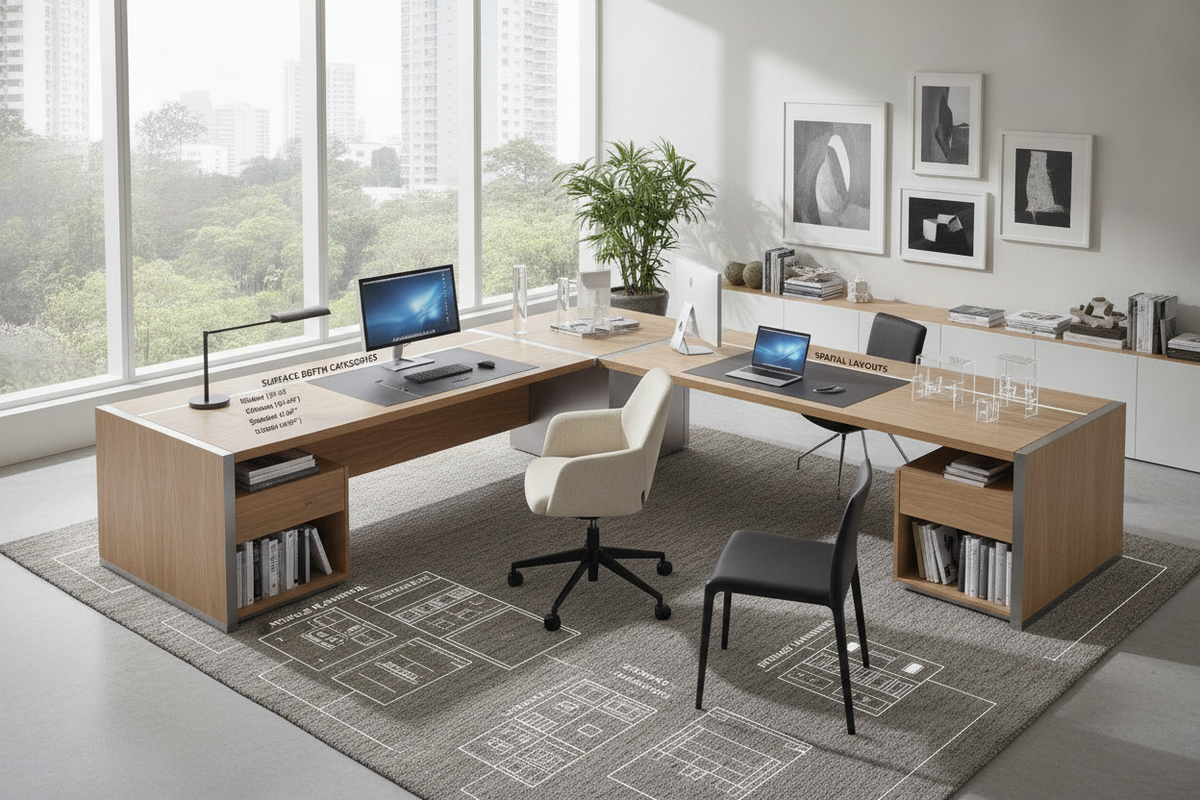
Choosing the correct surface footprint requires understanding both your daily equipment load and the visual balance of the room:
- Compact Executive Surfaces: Ideal for laptop-centric workflows, slender rooms, and dedicated alcoves where maintaining open walkway circulation is paramount.
- Extended Architectural Desktops: Suited for dual-screen setups, physical drafting materials, and reference documents, providing ample surface area while distributing visual weight across the room.
- Depth Considerations: Generous desktop depths allow monitor arms and accessories to sit comfortably behind typing zones without crowding the user's primary sightline.
When selecting your layout, ensure there is adequate perimeter clearance so the surface can rise and lower without brushing against surrounding window ledges, picture frames, or accent walls. When planning perimeter clearances and dynamic cable loops around an adjustable workstation, review our office standing desk guide to prevent common configuration errors.
Material Selection: Solid Hardwoods, Matte Laminates, and Structural Frames
The tactile experience of a premium desk is anchored by its top surface and structural subframe. Designer-led workstations typically favor authentic textures that develop character over time:
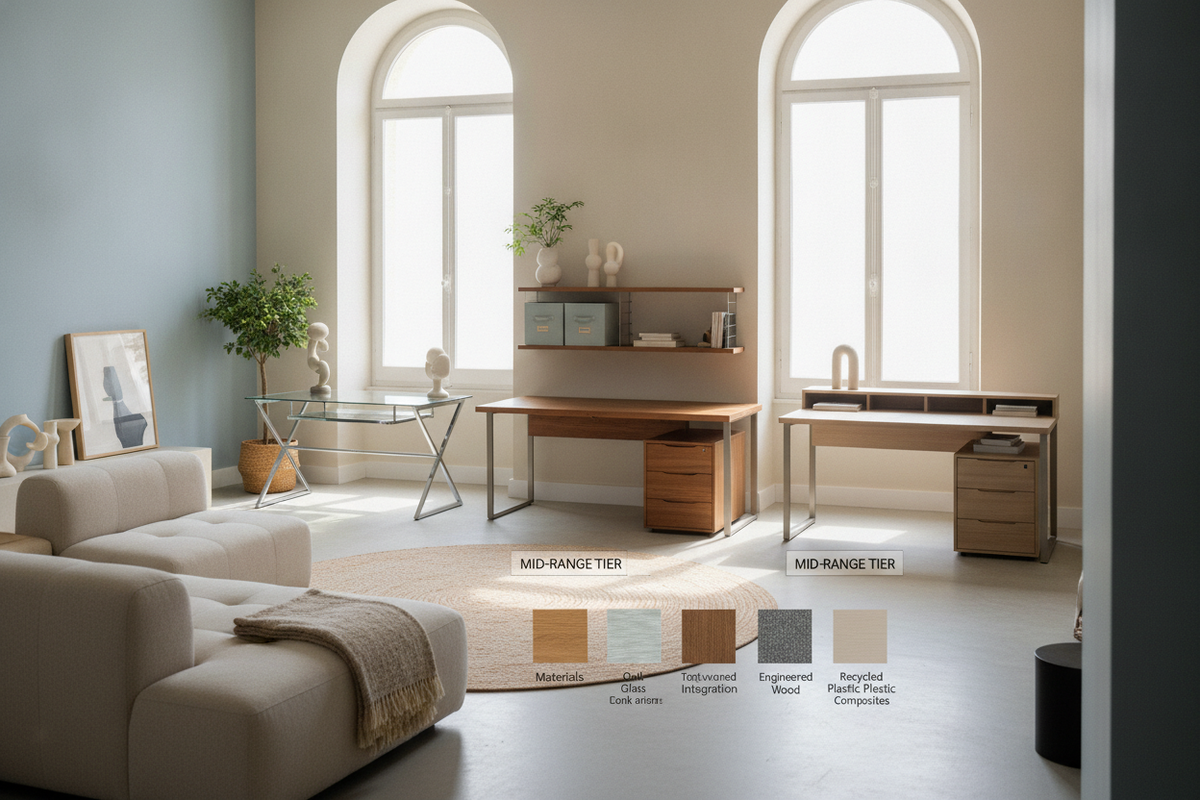
- Solid Hardwoods and Natural Veneers: Walnut, white oak, and ash introduce organic grain patterns and visual warmth, grounding modern metal frames and softening contemporary interiors.
- Soft-Touch Matte Laminates: High-performance matte finishes minimize surface glare and reduce fingerprint visibility, making them exceptional for high-focus tasks under direct daylight.
- Cast and Extruded Metal Bases: Powder-coated steel or anodized aluminum subframes provide rigid support during movement cycles while maintaining a slender, minimalist profile.
For rooms requiring a distinct sculptural profile and dedicated compact drawers, inspect a specialized desk design product to explore unconventional silhouette options.
Solving the Minimalist Storage Paradox
One inherent challenge of the minimalist sit-stand silhouette is the intentional absence of built-in pedestal drawers. Because the desktop moves dynamically, attached heavy storage drawers can clutter the floating profile and create knee-clearance restrictions. Resolving this requires thoughtful pairing with detached storage architectural elements.
To maintain an uncluttered surface without compromising everyday productivity, consider these companion pieces:
- Low-Profile Mobile Pedestals: Compact rolling drawer units that tuck neatly beneath the desk in seated mode or sit alongside the perimeter when standing.
- Wall-Mounted Credenzas: Floating horizontal cabinetry positioned directly behind the desk to house stationery, archives, and peripheral devices.
- Architectural Bookcases and Sideboards: Full-height shelving or low consoles that mirror the wood tones and metal finishes of your main desk frame.
If your workspace requires high-capacity filing and concealed organizational compartments alongside your work surface, consider an office desk product featuring built-in cabinetry as an integrated organizational hub.
Cable Architecture and Aesthetic Cleanliness
Nothing disrupts the clean lines of a design within reach office desk faster than dangling power cords and exposed adapter bricks. Managing wires on an adjustable frame requires a dynamic approach that accounts for vertical travel without leaving unsightly slack puddles on the floor.
Begin by securing a low-profile power strip directly to the underside of the desktop frame. Plug monitors, task lamps, and desktop accessories directly into this under-desk distribution point so only a single primary power cable needs to descend to the wall outlet. Encase this descending cord inside a flexible, articulated spine or fabric sleeve that bends smoothly as the desk elevates. Pair this setup with under-mount cable trays to keep transformer blocks completely hidden from seated and standing eye levels.
Room Layout Strategies and Placement Archetypes
Where you place an architectural standing desk fundamentally shifts how the surrounding room functions:
- Floating Executive Placement: Orienting the desk centrally, facing toward the door or panoramic windows, establishes an authoritative presence while highlighting the furniture's 360-degree design details.
- Perimeter Anchor: Placing the workstation along a feature wall optimizes floor space in compact rooms, making it easy to incorporate wall-mounted task lighting and floating shelves above.
- Open-Plan Shared Spaces: In multi-use living rooms or studio apartments, positioning the desk perpendicular to a dividing bookcase demarcates a private zone without constructing permanent partitions.
To determine whether a dedicated workstation or a flexible shared surface best suits your daily routine, check out our desk office design guide for foundational spatial planning insights.
Long-Term Ergonomics and Routine Maintenance
Preserving the elegance and operational fluidity of a designer sit-stand setup relies on mindful daily habits. Alternate postures naturally throughout the workday, establishing a cadence that aligns with task types—such as standing during phone meetings and sitting during intensive focus work. Ensure your monitors sit at comfortable eye height and your elbows rest comfortably perpendicular to the work surface.
For ongoing care, wipe natural wood veneers with a lightly dampened microfiber cloth along the direction of the grain, avoiding harsh abrasive cleaners. Periodically check leg assembly bolts and motor attachment points to ensure structural stability remains flawless through years of continuous movement.

Laisser un commentaire
Ce site est protégé par hCaptcha, et la Politique de confidentialité et les Conditions de service de hCaptcha s’appliquent.