


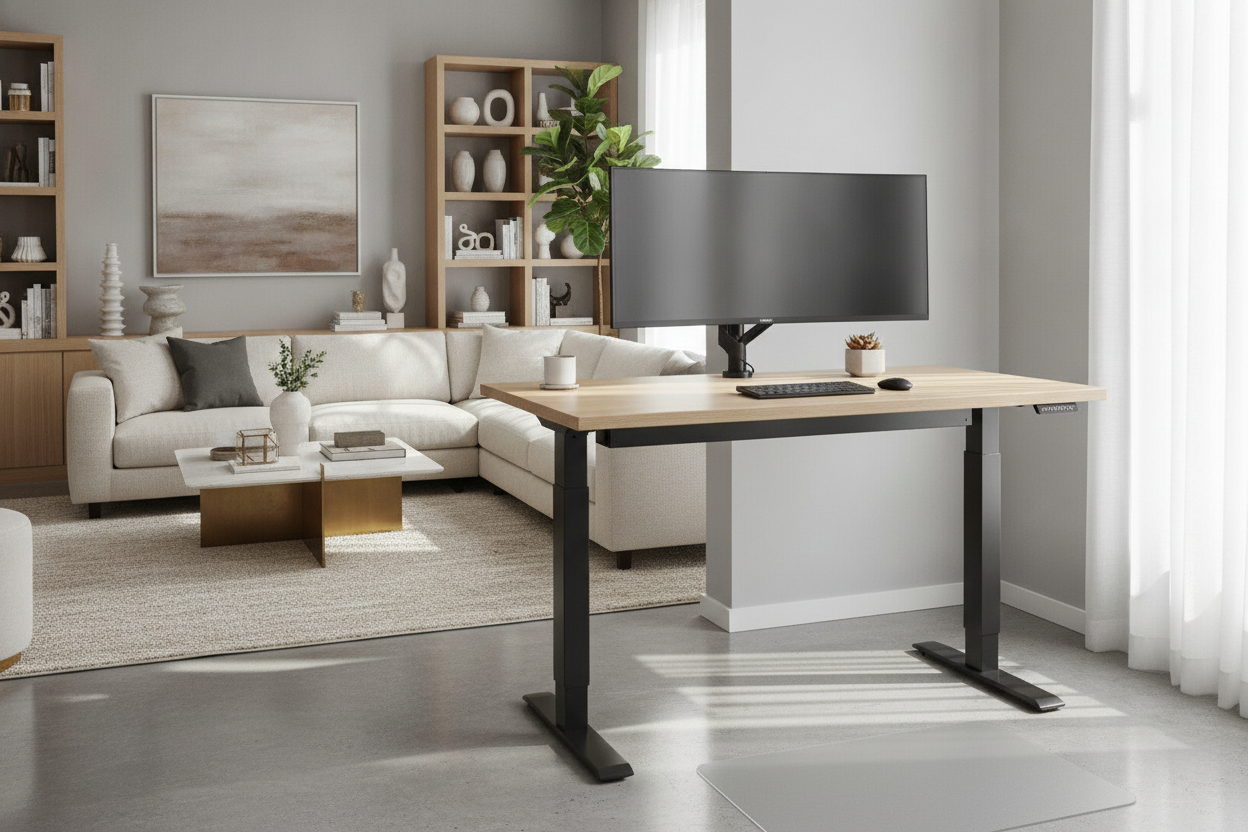
Introduction: The Compact Sit-Stand Equation
Working comfortably in a small home office or multifunctional living space often requires thoughtful spatial trade-offs. A 30 wide standing desk offers a balanced footprint for rooms where a standard executive desk would overwhelm the walkway or crowd surrounding furnishings. By condensing height-adjustable functionality into a thirty-inch width, this format allows you to alternate between seated and upright work postures without dominating your floor plan.
Selecting a compact standing workstation involves evaluating how your essential equipment interacts with limited surface area. Rather than sprawling horizontally, a successful thirty-inch layout relies on intentional vertical alignment, balanced gear distribution, and careful coordination with surrounding storage units.
Choosing Between Dedicated Standing Desks and Converters
When planning a compact sit-stand workstation, the primary structural decision centers on whether to invest in a standalone motorized or manual desk, or to retro-fit an existing table using a desktop riser.
Dedicated Compact Desks: Legroom and Aesthetic Cleanliness
A dedicated 30" wide standing desk is engineered as a unified frame and tabletop unit. Because the entire desktop surface raises and lowers on motorized or crank-driven lifting columns, you retain an open, clean architectural profile. This setup maximizes knee and legroom underneath the frame when seated, while keeping the visual mass in the room minimal.
Single-Top Converters: Flexibility for Existing Tables
Desk converters rest directly on top of an existing credenza, dining table, or writing desk. While they provide an adaptable entry point into sit-stand routines without replacing existing furniture, they add noticeable visual bulk and can reduce usable under-desk clearance. For dedicated workspaces where visual continuity and unrestricted leg movement matter, a standalone compact frame is generally the cleaner interior choice.
Surface Zoning for a 30-Inch Tabletop
A thirty-inch desk width accommodates standard daily tasks when equipment is arranged into distinct functional zones. While larger height adjustable standing desks allow for expansive multi-monitor arrays, side-by-side reference materials, and tabletop accessories, a compact surface requires clear prioritization.
- Primary Visual Zone: Centering a single display on a clamp-mounted monitor arm frees up valuable base space beneath the screen, keeping the tabletop open for peripheral movement.
- Input Zone: Utilizing a compact or tenkeyless keyboard alongside an ergonomic mouse ensures your hands remain in a natural posture without pushing against the desktop edges.
- Utility Margin: The remaining perimeter should be reserved for essential work tools, such as a compact writing pad, task light base, or phone stand.
By organizing the surface along a strict front-to-back axis, a compact desktop functions efficiently without feeling crowded.
Room Fit and Placement Strategies in Small Workspaces
Positioning an adjustable desk in a tight environment demands awareness of dynamic movement zones. Reviewing creative standing desk layout ideas can help you integrate a compact workstation into multipurpose areas, such as bedroom nooks, living room alcoves, or open hallways.
Vertical Clearance and Wall Protection
Because the desk transitions across different heights, you must preserve clear vertical travel space. Ensure the desktop edge maintains a slight gap from adjacent drywall to prevent friction or scuffing during height adjustments. Additionally, verify that window sills, hanging picture frames, wall shelving, and low-hanging light fixtures sit comfortably outside the desk's motion path.
Designing an Inspiring Dynamic Layout
A small workstation should feel cohesive with the surrounding interior design. Focusing on designing a clean standing desk setup through coordinated surface finishes, disciplined cable routing, and soft accent lighting prevents a compact work corner from looking like an afterthought.
Evaluating Frame Stability and Weight Distribution
Narrower desks have a smaller footprint, which makes structural balance an important consideration during setup. Stability in a compact standing workstation is influenced by several mechanical and organizational factors:
- Base Footing Proportion: Look for frame designs where the base feet provide generous depth relative to the width of the desktop, ensuring front-to-back steadiness at standing heights.
- Center of Gravity: Center the weight of heavy displays and laptop mounts directly over the frame supports rather than cantilevering them too far backward or to one side.
- Leveling Adjustments: Utilize adjustable leveling glides beneath the feet to compensate for uneven flooring, rugs, or baseboard transitions.
Integrating Storage and Companion Furniture
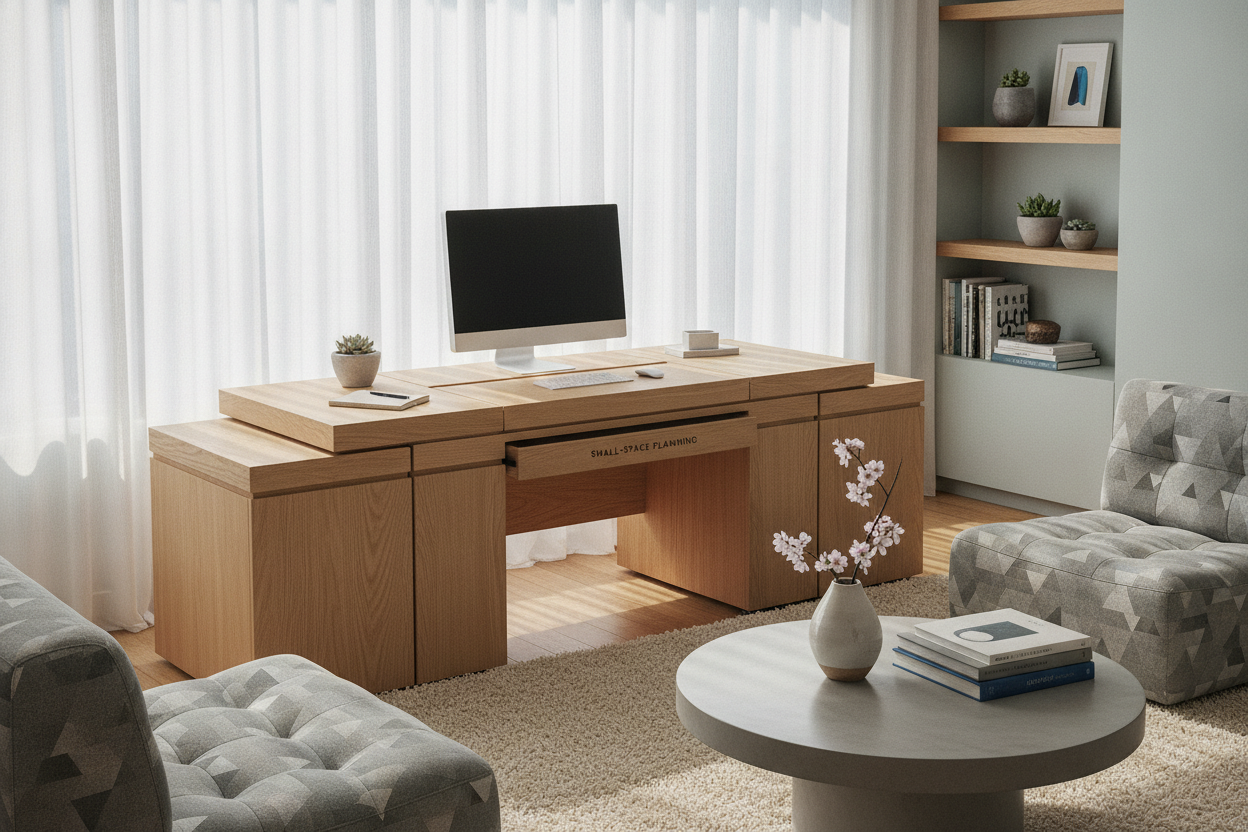
Because a 30 wide standing desk prioritizes a minimal horizontal footprint, built-in drawer space is typically limited. Maintaining an organized environment requires shifting storage duties to companion furniture pieces nearby.
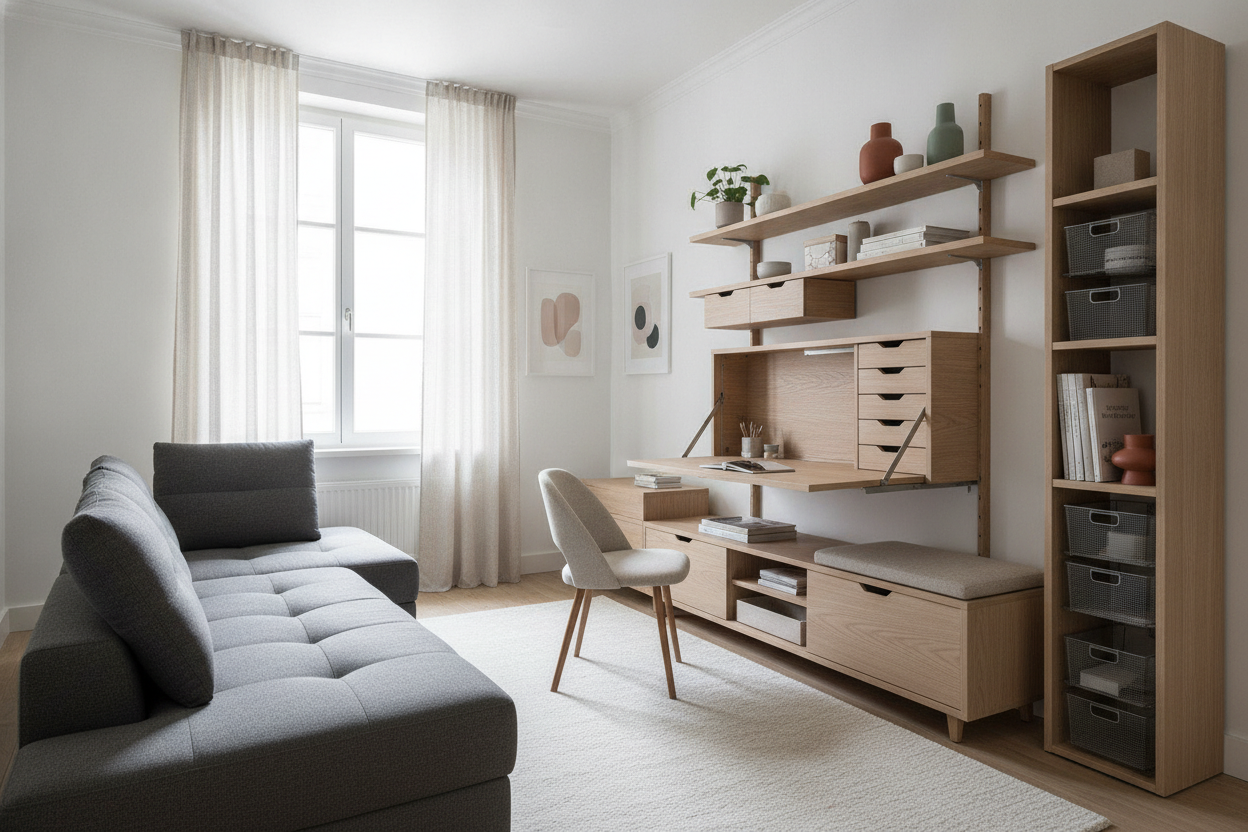
Low-profile mobile filing cabinets or rolling drawer pedestals can roll neatly beneath the frame during seated sessions or tuck alongside a nearby wall. Complementing the desk with vertical wall shelves, floating ledges, or an adjacent storage credenza allows you to keep documents, stationery, and technology accessories close at hand without sacrificing desktop real estate.
Summary Decision Checklist for Compact Standing Setups
Before finalizing your compact workspace arrangement, run through this practical checklist to ensure an ergonomic and clutter-free experience:
- Measure the Movement Envelope: Confirm adequate overhead and side clearance for the desk throughout its full range of vertical motion.
- Check Cable Slack: Ensure power cables, display cords, and charging leads have enough slack to move upward smoothly without pulling on wall outlets.
- Optimize Display Mounting: Choose a clamp-style or grommet-mounted monitor arm to elevate screens and recover surface area.
- Plan Off-Desk Storage: Pair the workstation with mobile drawers or wall-mounted shelving to store non-essential work supplies.

Laisser un commentaire
Ce site est protégé par hCaptcha, et la Politique de confidentialité et les Conditions de service de hCaptcha s’appliquent.