


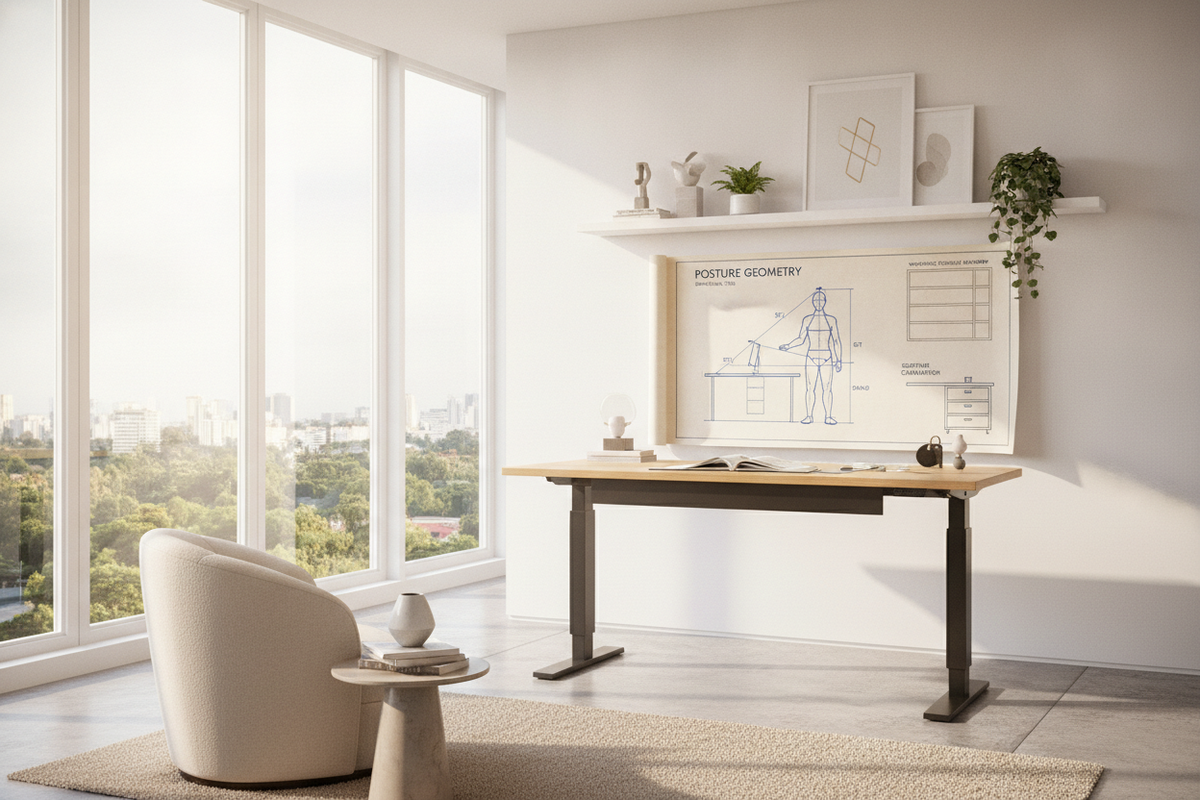
Calibrating a workstation begins with recognizing that standard furniture heights rarely accommodate individual human proportions. Relying on a fixed surface often leads to hunching or elevated shoulders. A comprehensive standing desk height chart serves as an adaptable framework rather than an inflexible rulebook, translating anatomical proportions into tailored elevations for dynamic daily use.
The Fundamentals of Sit-Stand Height Calibration
Modern ergonomics relies on regular transitions between active standing and supported seating. When utilizing a sitting desk height chart in tandem with standing guidelines, the objective is to eliminate unnatural reaching and posture collapse. Instead of treating height presets as arbitrary markers, consider your desk as a supportive platform that aligns with your natural movement throughout the day.
Posture Geometry: The Anatomical Baseline for Desk Elevation
Setting up your desk surface requires understanding key anatomical reference points. Proper alignment minimizes muscle strain across prolonged working sessions.
Upper Body Alignment and Forearm Planes
Your primary working elevation is governed by the relationship between your shoulders, elbows, and wrists. When resting your hands on your keyboard, your upper arms should hang naturally from relaxed shoulders. Your elbows should rest comfortably at roughly an open right angle, allowing your forearms to form a level plane parallel to the floor. If your wrists bend upward or your shoulders shrug, your desk surface is set too high.
Lower Body Grounding and Foot-Floor Dynamics
Effective elevation begins at the floor. In seated mode, your feet should rest flat with your knees aligned near hip level to distribute weight evenly across the chair cushion. When standing, sole thickness from supportive footwear or plush anti-fatigue mats elevates your physical baseline. Always calibrate your standing presets while wearing your typical daily work footwear on your chosen floor surface.
User Stature Dimensional Tiers Framework
Anthropometric differences call for distinct working elevation tiers. Selecting a height standing desk product with a wide vertical travel range ensures every family member or colleague can establish proper alignment.
Petite and Compact Stature Calibration
Shorter individuals frequently face surfaces that cannot lower sufficiently in seated mode. In these setups, chairs must be raised to meet the desk plane, necessitating an under-desk footrest to preserve lower body circulation. In standing mode, lower elevation targets prevent shoulder hiking and wrist extension.
Mid-Range Stature Adjustments and Standard Ranges
Those of average height find broad compatibility across standard dual-stage frames. However, fine-tuning remains essential. Differences in torso-to-leg proportions mean two individuals of identical overall height often require noticeably different seated and standing desk heights.
Tall Stature Elevation Tiers and Frame Extension Stability
Taller statures require extended vertical lift columns. At higher elevations, frame rigidity becomes vital to avoid desktop wobble while typing. Ensuring adequate overlap between telescoping leg segments provides stability during full standing extension.
Sitting vs. Standing Desk Height Transition Mechanics
Switching positions alters how your body engages with work surfaces. In a seated posture, your pelvis tilts back slightly, pulling your torso deeper into lumbar cushioning. When standing, your pelvic tilt stabilizes, shifting your reach forward. Programmable memory controllers on a versatile height standing desk product enable seamless switching between these calibrated baselines without manual guesswork.
Monitor Sightlines and Peripheral Reach Geometry
Desk height directly dictates screen positioning. As outlined in our standing desk guide, the top third of your display should align directly with your horizontal eye line when looking straight ahead. This orientation prevents downward cervical tilt and neck fatigue. Adding an adjustable monitor arm allows you to adjust screen depth and elevation independently from your keyboard surface.
Workspace Storage and Room Layout Integration
A sit-stand desk functions within a broader interior ecosystem. Understanding vertical travel corridors prevents spatial bottlenecks, as explored in our standing desk guide on layout design.
Decoupled Storage Pedestals and Vertical Clearance Buffers
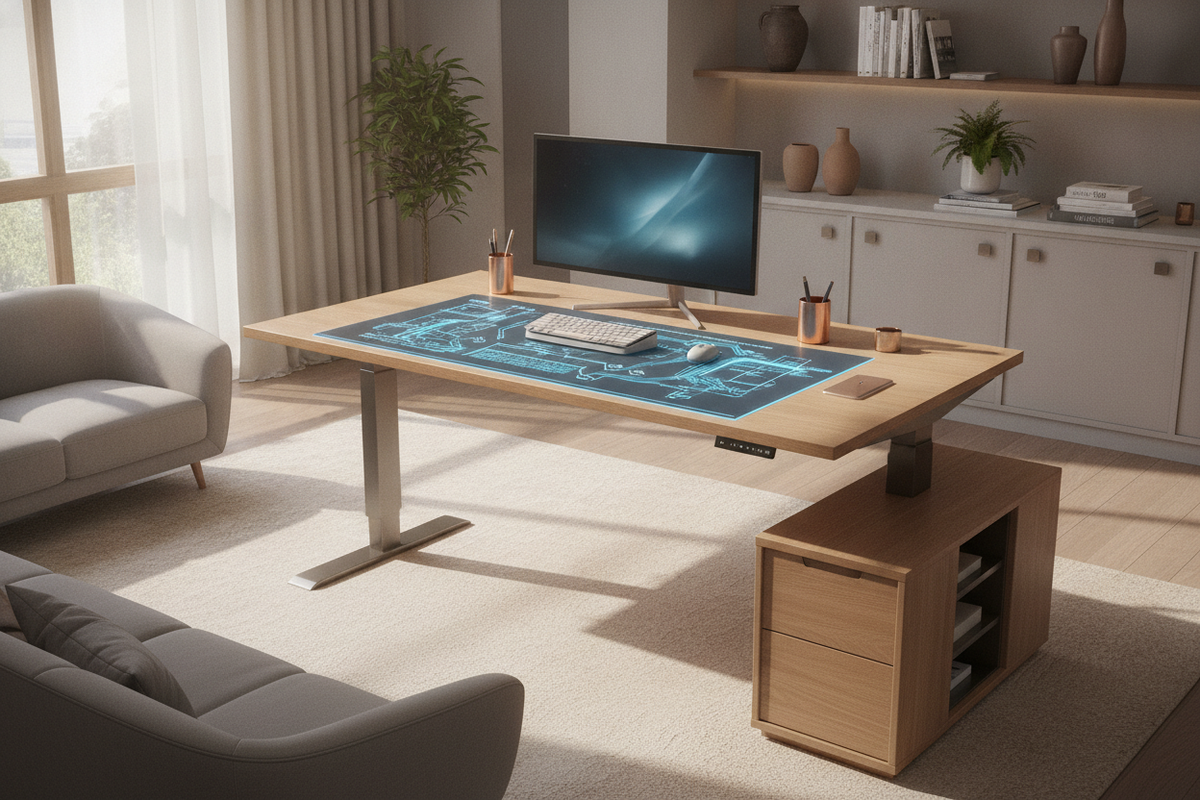
Under-desk mobile file pedestals and low credenzas must stay clear of the lowest seated desk height. Maintaining a safe buffer zone prevents desktop collision during downward motorized movement. Cable routing baskets should also be anchored cleanly beneath the tabletop to avoid snagging on nearby cabinets.
Multi-Function Workspaces and Vanity Desk Adaptations
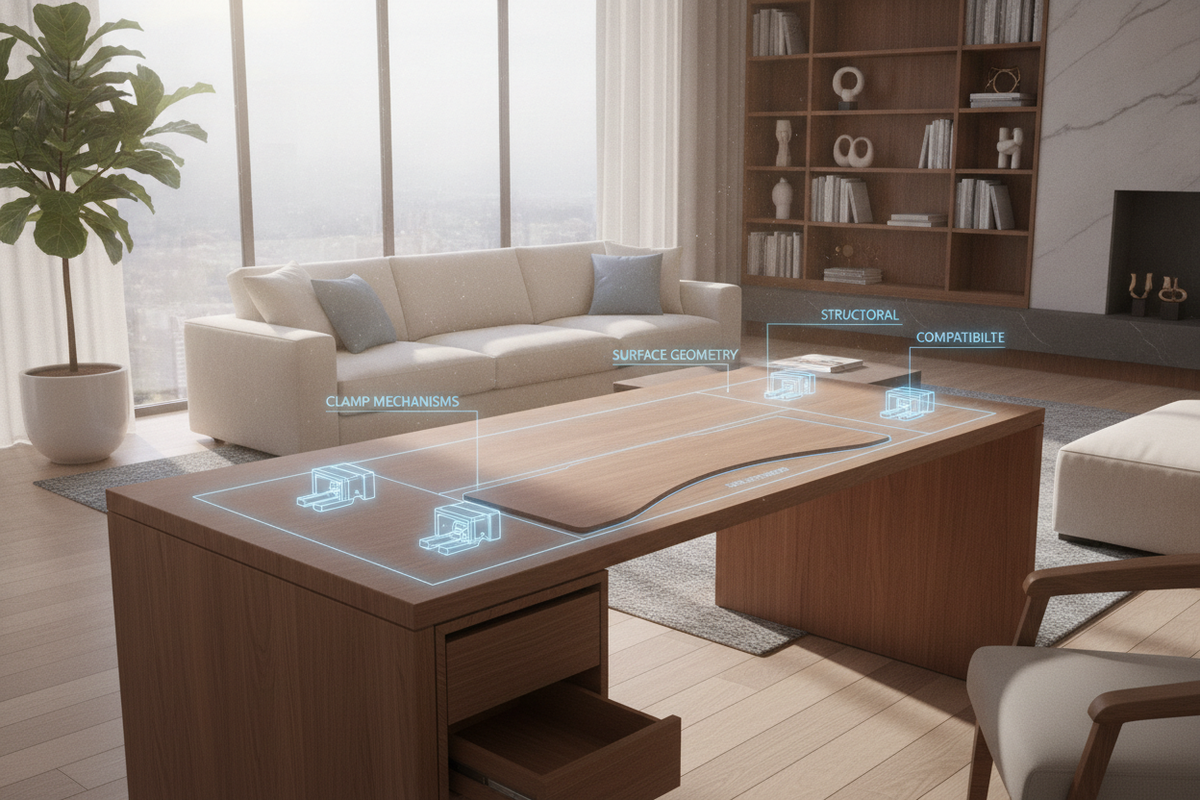
Hybrid spaces often blend study and grooming roles. Incorporating adaptable furniture, such as a specialized desk height product with integrated mirrors and storage, demonstrates how customizable surface heights support diverse daily routines within compact floor plans.
Step-by-Step Desk Height Calibration Protocol
- Dial in the Seated Foundation: Adjust your office chair so your feet rest firmly on the floor with knees comfortably positioned. Lower your desk until your forearms rest parallel to the desktop with shoulders completely relaxed.
- Establish the Standing Baseline: Stand on your preferred floor mat with your regular footwear. Raise the work surface until your elbows replicate the same relaxed, horizontal angle.
- Fine-Tune Display Sightlines: Position your primary monitor at roughly arm's length, setting the top of the screen at eye level to support a neutral neck posture.
- Program Memory Presets: Store these exact sitting and standing elevations in your desk controller for repeatable, one-touch alignment.

Laisser un commentaire
Ce site est protégé par hCaptcha, et la Politique de confidentialité et les Conditions de service de hCaptcha s’appliquent.