


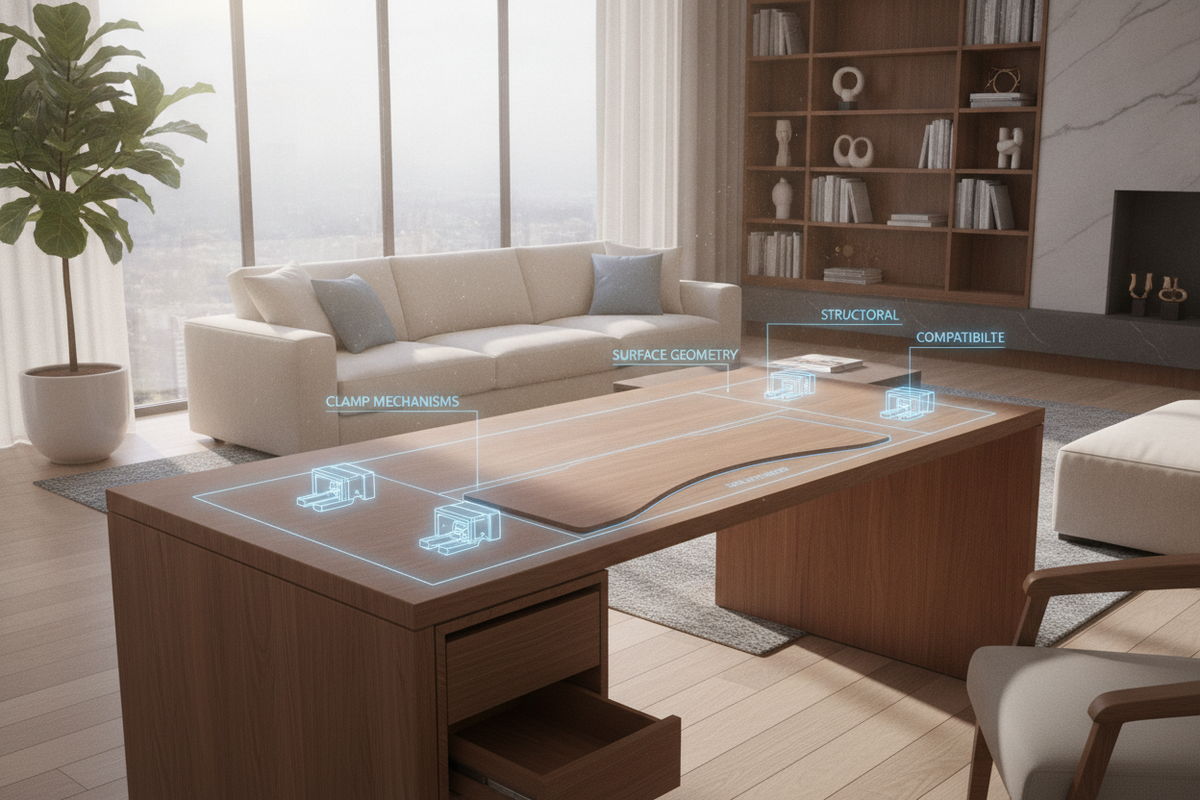
A constrained desktop creates daily friction for productivity, hybrid work setups, and creative workflows. When a primary work surface lacks the depth or lateral span to accommodate secondary screens, notebooks, or peripheral hardware, adding a desk extender offers a practical alternative to replacing the entire workstation. Exploring comprehensive strategies to extend desk space demonstrates that modular add-ons can adapt an existing table to evolving technical demands while preserving floor space.
Successfully integrating an extension for desk surfaces requires understanding the mechanical forces, edge geometry, and ergonomic envelopes that govern these accessories. Whether configured as a flush-mount lateral wing, a front-mounted forearm support tray, or an elevated monitor bridge, each form factor alters the physical balance and workflow dynamics of the primary desk.
Desk Extender Architecture: Mechanical Form Factors and Extension Types
Modern desk extenders fall into distinct mechanical categories, each designed for specific surface requirements and load profiles:
- Flush Clamp-On Surface Extensions: These platforms use heavy-duty C-clamps or under-edge brackets to align their surface flush with the main desktop, functioning as seamless lateral side extensions or depth expanders.
- Folding Drop-Leaf Side Wings: Equipped with locking bracket hinges, a folding desk extension table attachment allows users to collapse the surface downward when not in use, making it ideal for multipurpose rooms.
- Front-Edge Ergonomic Trays: Mounted along the user-facing edge, these trays serve as keyboard shelves or forearm supports, bringing input devices closer to the body to free up rear desk depth.
- Elevated Clamp Riser Shelves: Functioning as a desk extender for monitor hardware, these raised platforms create a tiered vertical zone, allowing keyboards, notebooks, or docking stations to slide underneath.
Dimensional Planning and Spatial Zoning for Surface Expansion
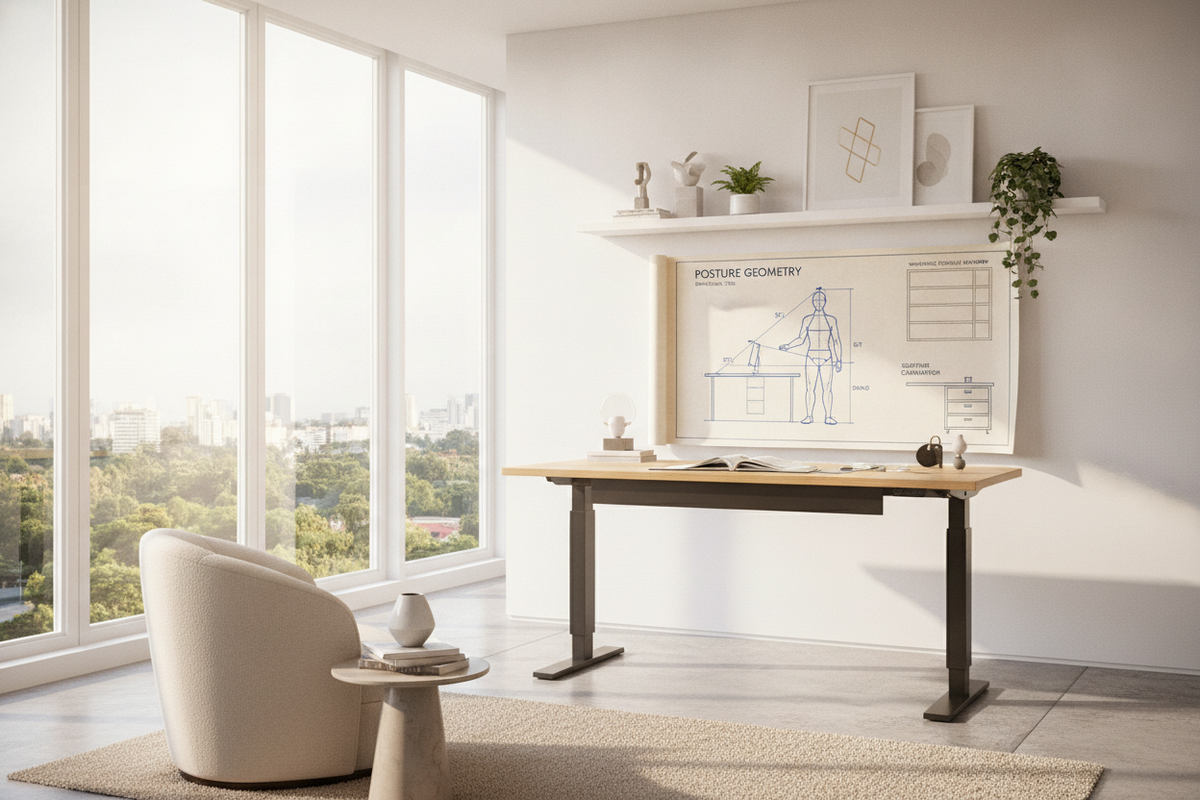
Expanding a workstation requires balancing peripheral reach envelopes against surrounding room circulation. Workspace ergonomics divides the desk into primary reach zones for active input, secondary zones for frequently accessed hardware, and tertiary zones for reference materials.
Lateral Side Extensions vs. Forward Depth Additions
Choosing between a side desk extension and a desk depth extender depends on your equipment configuration. A lateral wing excels as a desk extender for laptop sidecar setups or dual-machine workflows, creating an offset dock for secondary laptops or tablets without cluttering the primary focal path.
In contrast, extending forward depth pushes displays further away, facilitating comfortable focal distances for larger monitors or dual-screen arrays. This extra depth also creates ample clearance for full-size desk pads, drawing tablets, and wrist rests along the leading edge.
Perimeter Room Clearance and Chair Pushback Geometry
When selecting a clamp on desk extender, evaluate the perimeter clearance around the desk frame. In compact rooms, extending the desk forward can reduce chair pushback clearance or block passage paths. Factoring in layout planning for small home office rooms helps maintain balanced clearance between extended desk edges, rolling chair casters, and nearby doorways.
For micro-apartments and multi-use bedrooms, pairing compact additions with dedicated small space furniture solutions ensures that every square inch contributes to a functional, uncrowded layout.
Structural Compatibility: Desktop Materials, Edge Profiles, and Clamp Mechanics
The structural integrity of any attachable desk extension relies directly on the compatibility between the clamp assembly and the desktop construction.
Clamp Pressure Distribution and Edge Reinforcement
A desk extender clamp exerts concentrated clamping pressure and rotational leverage along the desktop perimeter. On solid wood or dense engineered composite desktops, wide-profile contact plates distribute this mechanical force evenly. Rubberized or felt padding between the metal clamp brackets and the desktop finish prevents surface scratching and slippage under dynamic loads.
For hollow-core or honeycomb-core tabletops, standard narrow clamps risk crushing internal cardboard webbing. Distributing clamping pressure across broader load-spreading plates or positioning clamps near reinforced internal framing blocks helps prevent structural deformation.
Dealing with Beveled Edges, Metal Aprons, and Under-Desk Crossbars
Before installing a clip on desk extender, inspect the perimeter edge geometry of your table. Common structural hurdles include:
- Beveled and Chamfered Edges: Tapered edge profiles reduce the flat vertical surface available for clamp jaws to seat squarely, requiring specialized angled shims or deeper-reach brackets.
- Under-Desk Metal Aprons: Desks with structural steel perimeter frames or crossbars positioned close to the edge may obstruct standard C-clamp clearance, necessitating low-profile clamp designs or side-mounting drop brackets.
- Slanted Back Panels and Modesty Screens: Rear privacy panels can prevent clamp arms from sliding fully onto the back perimeter, making a side desk extender or front-edge mount a more viable configuration.
Workflow and Device Zoning: Laptop Sidecars, Monitors, and Peripherals
Deploying a computer desk extender allows you to strategically segregate core work equipment from peripheral tools:
- Laptop Sidecar Configuration: Mount a right side desk extension to hold a closed docking station, external hard drives, or an open notebook used for messaging and video calls.
- Tiered Peripheral Staging: Elevate monitor arms onto an upper bridge while dedicating the extended lower tier to audio interfaces, stream controllers, or digital sketching tools.
- Analog Writing Annex: Keep the central desk zone clear for keyboard and mouse navigation by utilizing a desk extender side shelf for physical notebooks, binders, and desk organizers.
For users seeking an all-in-one elevated architecture, comparing modular clamp shelves against integrated monitor shelf workstation setups provides a clear perspective on built-in cable routing versus aftermarket modularity.
Step-by-Step Installation, Stability Calibration, and Cable Management
Proper assembly and dynamic calibration ensure your desktop extender remains rigid and stable during daily use:
- Clear and Inspect the Contact Zone: Clean the top and bottom surfaces of the desk edge to remove dust and oils that could cause clamp padding to slip.
- Align and Hand-Tighten the Brackets: Position the clamp brackets evenly along the target perimeter edge. Hand-tighten the thumb screws or hex bolts incrementally, alternating between clamps to ensure balanced tension.
- Level and Check Surface Flushness: Use a straightedge or spirit level across the seam between the desk and the extension to verify that the surfaces align without awkward height steps or tilt.
- Tighten to Final Torque: Secure the mounting hardware firmly without overtightening, ensuring the brackets hold fast against lateral and downward pressure.
- Establish Cable Channels: Route charging cables, display cords, and peripheral wires along the underside of the extension frame using adhesive clips or hook-and-loop straps to prevent snagging during chair movement.
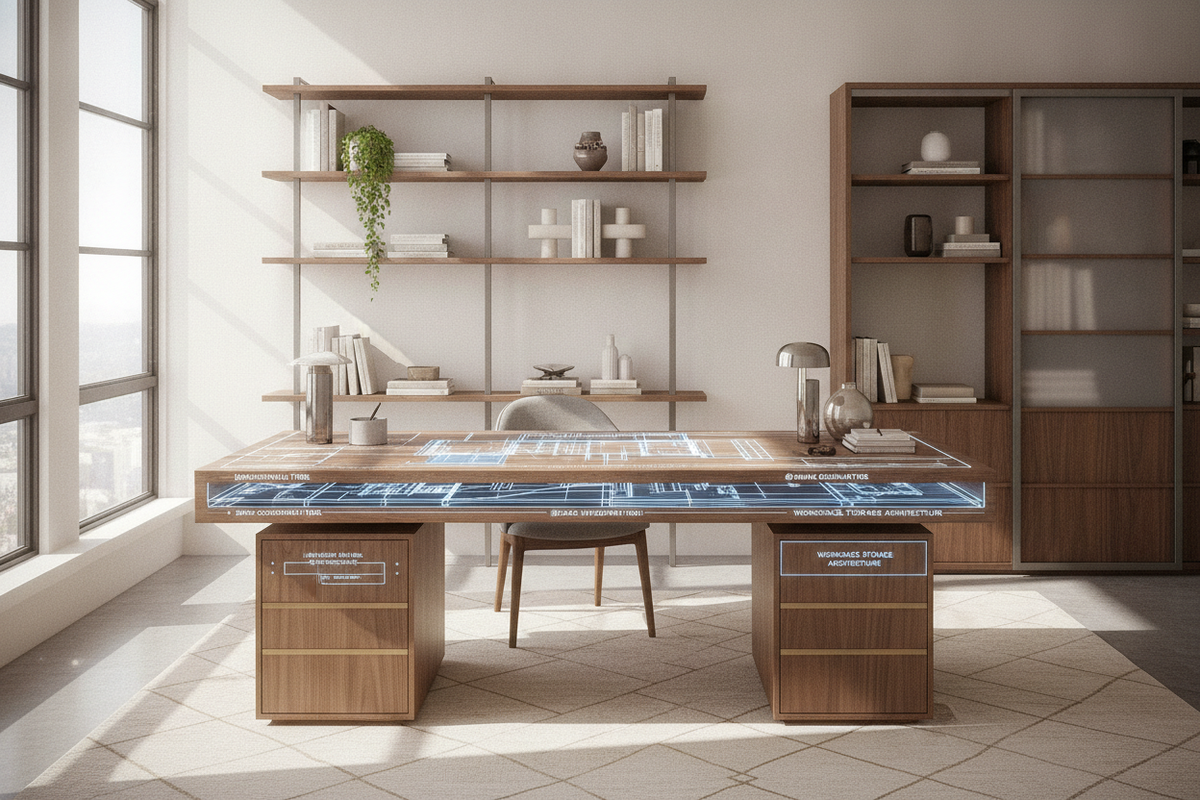
Storage Synergy: Harmonizing Desk Extenders with Surrounding Office Cabinets
While a desk extension expands immediate working surface, long-term workstation efficiency depends on cohesive storage coordination. Adding modular surfaces without adequate drawer or shelving support can inadvertently encourage surface clutter accumulation.
Positioning a mobile filing pedestal or an under-desk credenza adjacent to your desk extension creates a cohesive L-shaped or stepped workstation. When workspace requirements outgrow add-on accessories, transitioning to dedicated corner computer desk setups offers continuous desktop real estate paired with expansive integrated cabinetry.
By thoughtfully matching clamp mechanisms to desktop materials, calibrating load distribution, and integrating adjacent storage, a desk extender transforms a restrictive work area into an ergonomic and versatile workstation.

Laisser un commentaire
Ce site est protégé par hCaptcha, et la Politique de confidentialité et les Conditions de service de hCaptcha s’appliquent.