


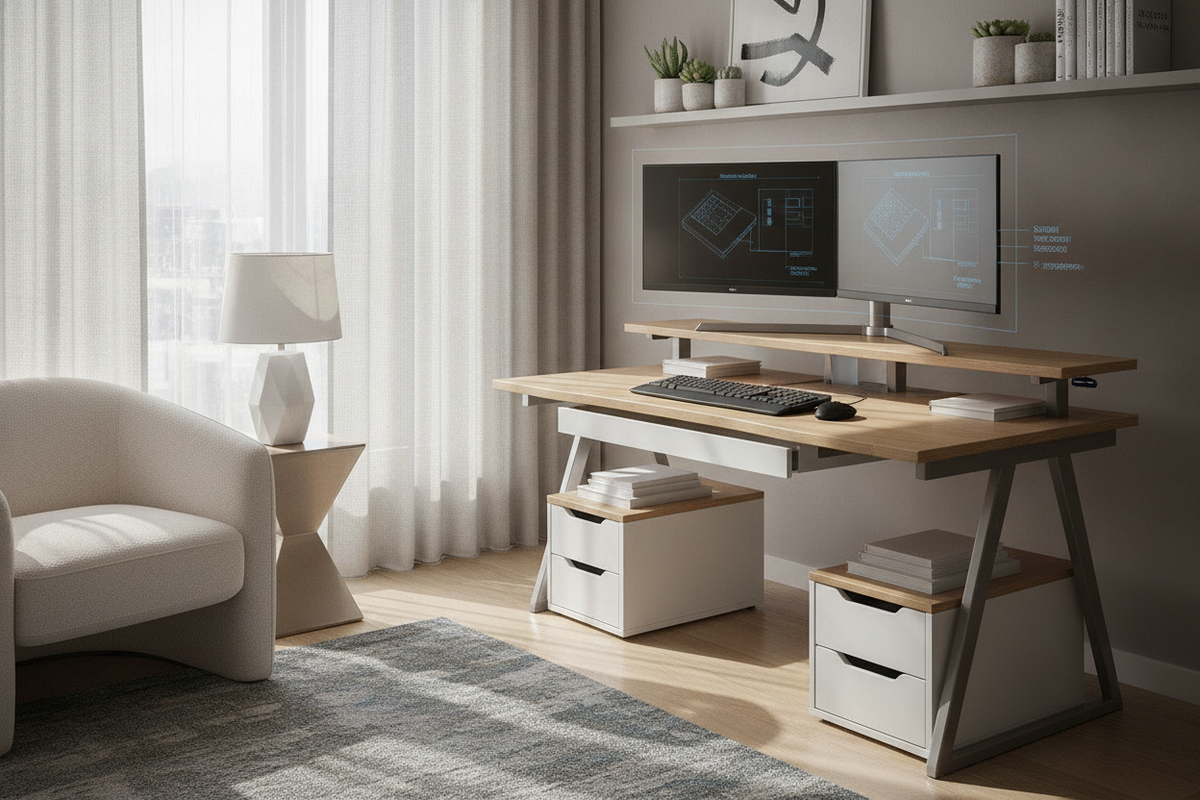
Balancing multi-display workflows with constrained square footage presents an architectural challenge for home offices, urban apartments, and multi-purpose rooms. A small desk dual monitor configuration allows users to maintain high visual bandwidth without sacrificing room circulation or desktop functionality. Achieving an ergonomic and visually balanced setup requires deliberate decisions regarding desktop dimensions, screen alignment geometries, elevation hardware, and peripheral storage zoning.
Footprint Categories and Spatial Allocations for Small Desks
Before selecting display configurations, it is necessary to assess the structural boundaries of the desk. Compact work surfaces typically fall into specific spatial categories, ranging from ultra-narrow alcove tables to shallow depth consoles and compact corner units. When planning around space-constrained layouts, exploring dedicated furniture in a small space collection helps ensure the desk foundation provides adequate stability and proportionate proportions for dual screens.
Evaluating Desktop Depth and Viewing Clearances
Desktop depth directly dictates visual comfort and peripheral ergonomics. On shallow surfaces, standard factory monitor stands often consume a significant portion of the usable depth, pushing keyboards too close to the user edge and forcing screens into an uncomfortably close focal range. Managing depth requires finding ways to push display panels as far back toward the rear edge as possible to preserve forearm support and neutral eye-to-screen focal depth.
Managing Width Constraints and Screen Overhang
Width restrictions determine whether two screens can sit side by side without protruding past the outer desk perimeter. Severe lateral overhang increases the risk of bumping panels when moving around the room and can destabilize lightweight desks. Selecting narrower aspect ratio displays or adjusting orientation angles mitigates edge projection and preserves walking corridors.
Screen Arrangement Geometry: Horizontal vs. Vertical Stacked
Managing dual monitor limited desk space requires choosing between two primary alignment geometries: horizontal side-by-side or vertical over-under stacking. Each approach addresses distinct spatial limitations.
Side-by-Side and Asymmetric Primary-Secondary Layouts
A classic horizontal arrangement places displays next to each other. On compact desks, keeping both screens flat across the back creates an excessively wide footprint. A more efficient horizontal layout employs an asymmetric curve, positioning the primary monitor directly centered in front of the user while angling the secondary screen inward at a slight tilt. Alternatively, rotating the secondary display into a vertical portrait orientation drastically decreases overall horizontal span while offering an ideal format for reading documentation, reviewing code, or managing communication feeds.
Vertical Stacked Configurations for Ultra-Compact Widths
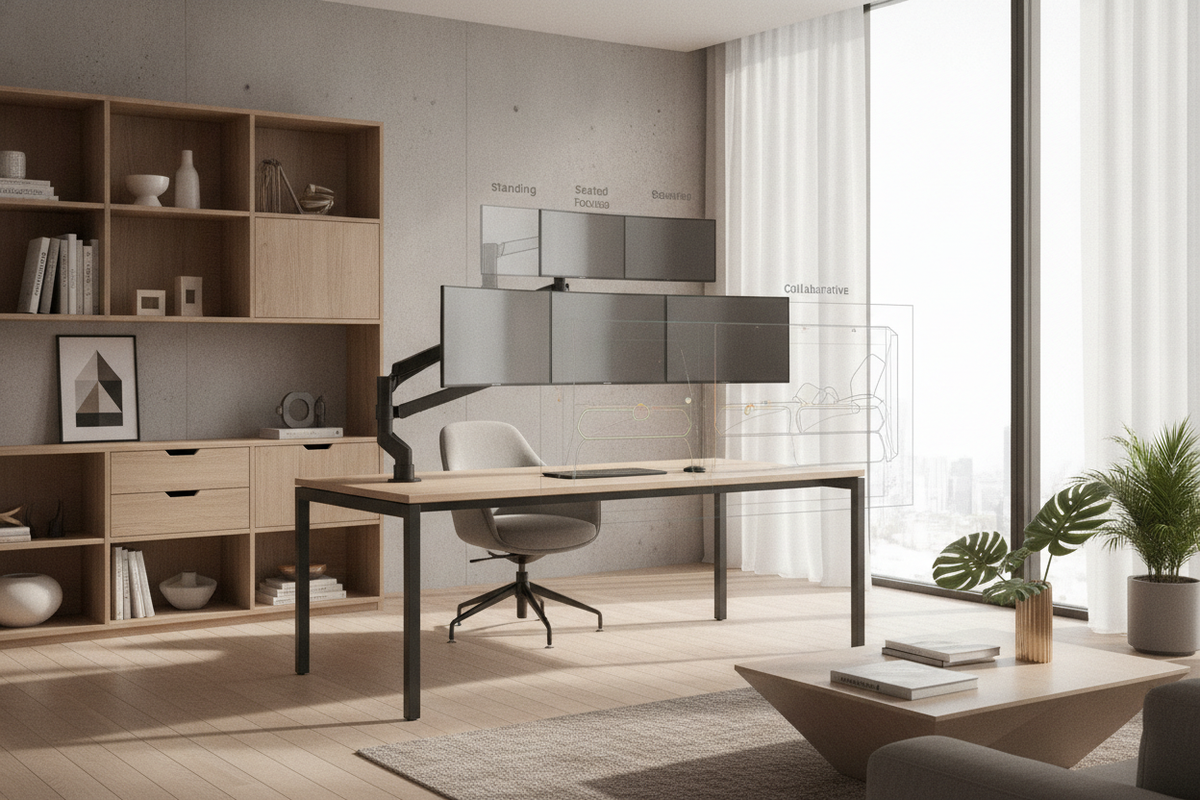
When horizontal tabletop width is severely constrained, vertical stacking represents the ultimate space-saving geometry. By mounting one monitor directly above the other, the workstation retains dual-screen functionality while occupying the horizontal footprint of a single display. This configuration is particularly suited for narrow alcoves, though it requires setting the lower screen close to the desk surface to prevent excessive upward neck tilt when viewing the top panel.
Elevation Strategies: Articulating Arms vs. Integrated Shelf Risers
Reclaiming the tabletop surface beneath screens is essential for small workspaces. Eliminating bulky stock stands creates continuous, usable space for input devices, stationary, and tech accessories.
Clamp and Grommet Mount Considerations on Compact Desktops
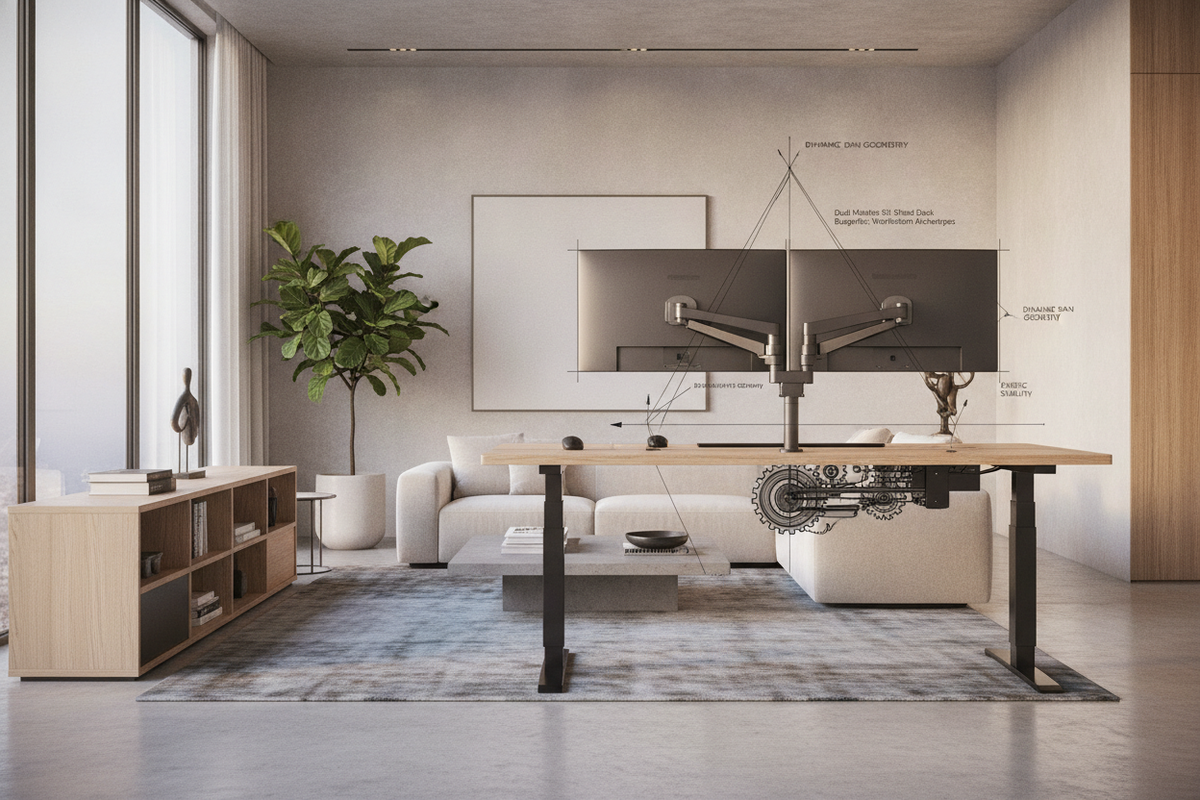
Articulating monitor arms attached via edge clamps or grommet holes provide maximum positioning flexibility. However, compact desks require special attention to rear clearance. Standard dual-arm linkages often articulate backward, which may prevent a desk from sitting flush against a wall. Choosing low-profile, forward-articulating arms or vertical pole mounts resolves rear clearance limits while floating the monitors above the surface.
Tiered Desktops and Full-Width Monitor Shelves
For users seeking a rigid, integrated approach without clamp installations, desks featuring elevated shelves offer an attractive alternative. Desks engineered with upper tiers, such as an integrated desk monitor product, provide a dedicated elevated plane for dual screens. This structural approach naturally creates open cubbies directly beneath the monitor shelf, ideal for sliding keyboards out of the way when writing or handling physical paperwork.
Peripheral Optimization and Usable Work Surface Zoning
Maintaining order on a compact desk requires rigorous peripheral management. Placing laptops into vertical closed-clamshell docks offloads substantial surface area to the back corner. Pairing compact tenkeyless or 75-percent keyboards with low-profile wireless mice prevents peripheral crowding. Routing cables through under-desk trays and adhesive channels eliminates visual clutter, creating an organized, distraction-free environment outlined in our small space desk guide.
Offloading Storage and Expanding Vertical Room Synergy
To keep a small dual-monitor desk functional, secondary storage should be shifted off the main tabletop. Utilizing wall-mounted pegboards, floating shelves above the screen tier, and slim rolling drawer units underneath the desk frame ensures that office supplies, reference books, and hardware hubs remain accessible without encroaching on primary workspace zones.
Decision Framework: Selecting the Ideal Small Desk Dual-Monitor Setup
Optimizing a small workstation comes down to balancing structural footprint, display layout, and personal workflow demands. Assess your primary room constraints by prioritizing:
- Footprint depth: Utilize articulating arms or integrated riser shelves to push monitors back and free up typing room.
- Footprint width: Choose portrait-secondary or vertically stacked screen alignments to fit narrow alcoves.
- Cable and device management: Employ vertical laptop stands and under-desk cable trays to maintain clear surface real estate.
- Surrounding storage: Leverage wall space and under-desk mobile storage to isolate active work from clutter.

Laisser un commentaire
Ce site est protégé par hCaptcha, et la Politique de confidentialité et les Conditions de service de hCaptcha s’appliquent.