


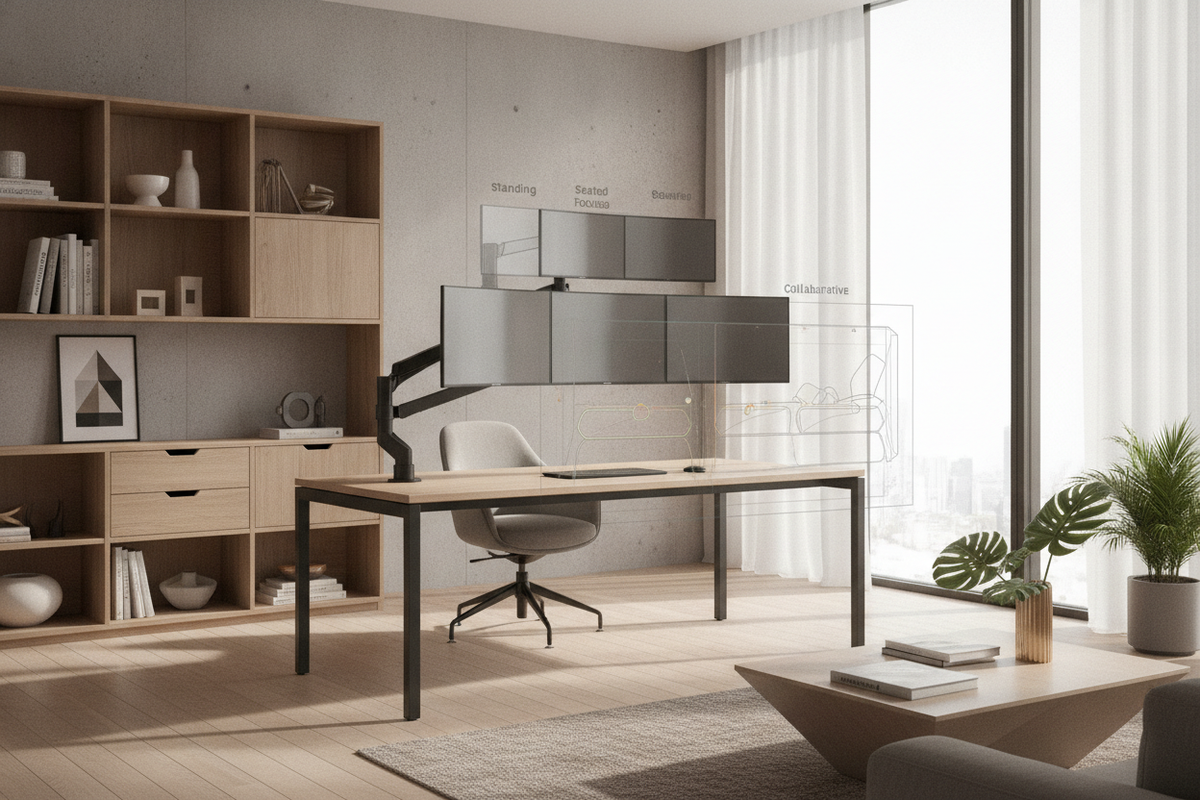
Understanding the Monitor Desk Ecosystem: Integrated Surfaces vs. Modular Add-ons
A well-planned workstation balances primary screen positioning with everyday task space. Setting up a dedicated monitor desk involves choosing between workstations with built-in monitor platforms, freestanding tabletop risers, or articulated mounting arms. Each approach establishes distinct physical boundaries for screens, input devices, and analog writing surfaces.
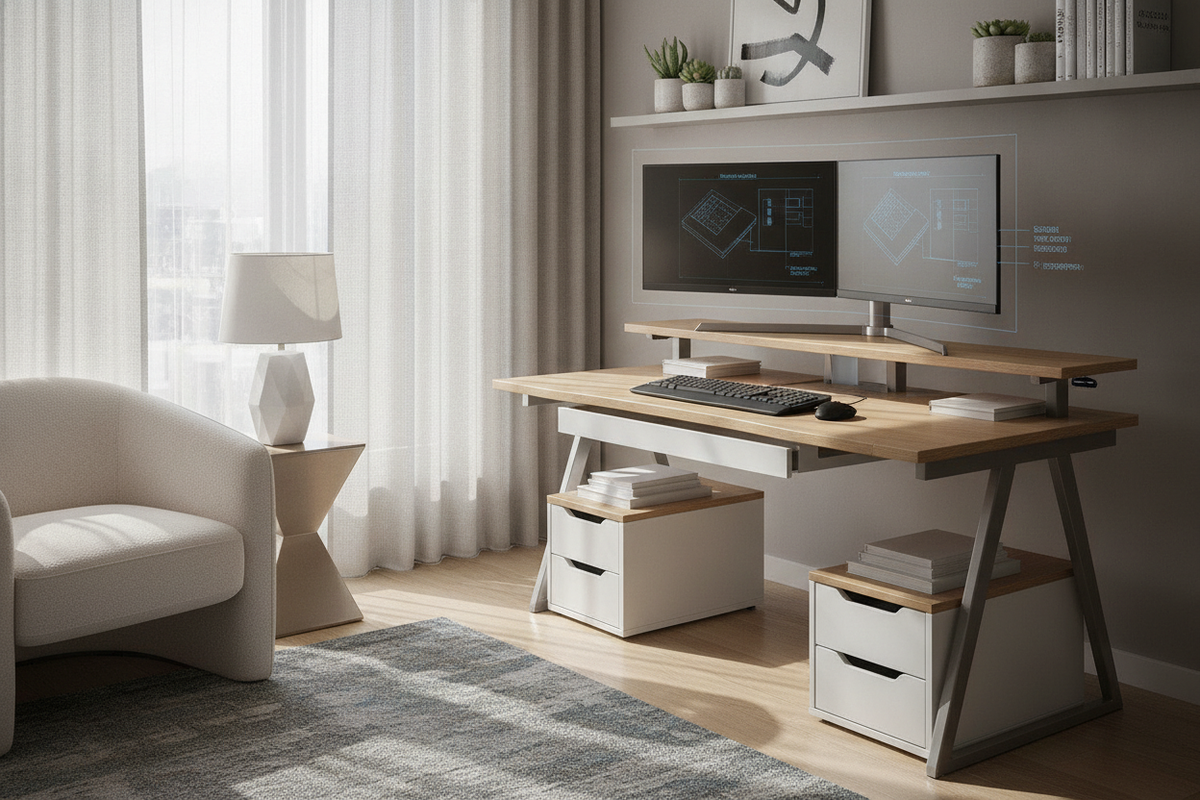
Integrated designs incorporate fixed or semi-fixed upper tiers directly into the desk framework. An integrated desk monitor stand workstation establishes a clear bi-level layout from the start, ensuring the main surface remains open for notebooks, tablets, or compact input gear. In contrast, modular configurations rely on a separate monitor rack for desk surfaces, giving you the flexibility to reposition, swap, or remove the shelf as peripheral requirements evolve over time.
- Integrated Riser Desks: Offer structural stability, unified finishes, and purpose-built cable routing passages without requiring aftermarket hardware clamping.
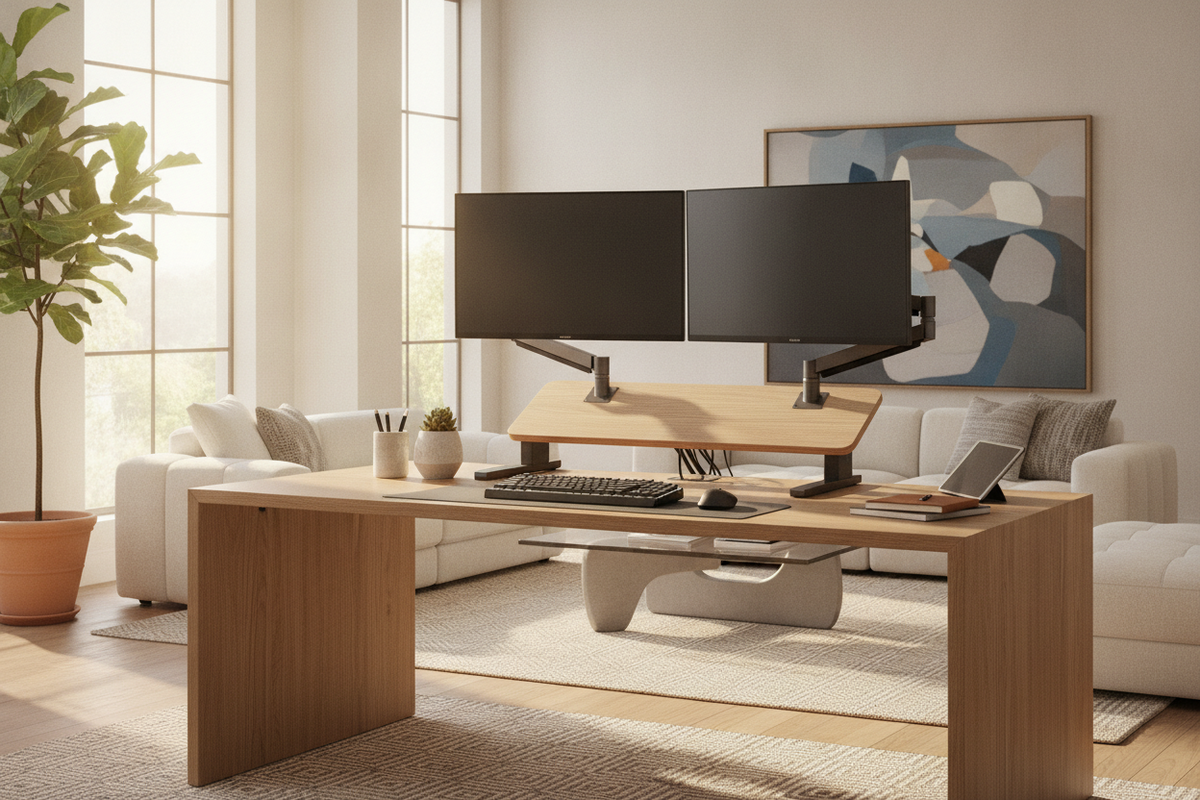
- Freestanding Tabletop Risers: Provide portable elevation across various desktop styles and allow easy relocation when reconfiguring a room layout.
- Articulated Mounting Platforms: Maximize open surface area beneath the display, allowing dynamic focal distance adjustments for varied workflows.
Desktop Depth and Spatial Tiers: Planning Surface Real Estate and Sightlines
Desktop depth dictates visual comfort, peripheral layout, and posture throughout extended work sessions. When planning your layout, it helps to approach surface area through functional depth zones rather than treating the tabletop as a single flat area. When visual real estate feels crowded, reviewing principles for planning screen size relative to desktop depth helps prevent oversized screens from overwhelming shallow workstations.
Dividing a desktop into functional tiers keeps everyday tools within easy reach while reserving deeper zones for elevated screens:
- Immediate Interaction Tier: The front portion of the desktop accommodates your keyboard, mouse, and wrist support, maintaining neutral arm positioning.
- Transition and Utility Tier: The mid-depth section holds items like reference documents, compact audio interfaces, or charging docks.
- Display and Elevation Tier: The rear boundary positions the monitor stand for table use, setting the display at a comfortable focal distance and elevating the top bezel close to eye level.
Elevation Dynamics: Configuring Monitor Stands for Standing and Sit-Stand Desks
Dynamic sit-stand desks introduce motion and vibration considerations that differ from static desks. Integrating a monitor stand for standing configurations requires steady contact points, low-center-of-gravity shelf profiles, and reliable vibration dampening. Sudden height transitions can cause display wobble if the upper tier is top-heavy or loosely balanced.
When utilizing an adjustable stand up desk monitor stand, broad-base platform designs help distribute weight evenly across the moving desktop. For multi-screen arrangements or compact standing desks where tabletop footprint is constrained, looking into freestanding screen support solutions can isolate display weight entirely from the motorized desktop, ensuring smooth height adjustments without shifting tabletop accessories.
Material Selection and Structural Load Balancing
The longevity of a monitor desk arrangement depends on choosing compatible materials for both the main frame and secondary risers. Heavy ultrawide displays and multi-screen arrays exert sustained downward force, making material rigidity and reinforcement essential.
Solid wood and thick engineered composite panels with durable laminate finishes resist surface sagging when supported by steel under-frame crossbars. Powder-coated metal legs and structural stretchers maintain frame rigidity, preventing lateral sway during typing or height adjustments. For separate monitor shelf accessories, matching the riser material to the desk finish creates a cohesive aesthetic, while heavy-gauge steel or reinforced composite shelves maintain level support without bending over time.
Cable Routing, Peripheral Zoning, and Sub-Tier Organization
A cluttered desktop often stems from disorganized power cords, display cables, and peripheral hubs. Utilizing the open vertical space created beneath a monitor rack for desk setups transforms passive clearance into organized utility zones. Keyboards, slim audio gear, stream decks, and laptop docking stations slide neatly beneath the shelf when not in active use.
Routing display and power connections along structural frame channels or dedicated cable management trays keeps cords concealed. Integrating soft ambient backlighting behind the display panel reduces visual contrast in dim rooms. Coordinating cable concealment alongside thoughtful aesthetic choices when designing the wall space behind your display produces a calm, distraction-free environment that supports daily focus.
Integrated Storage Synergy: Pairing Desks with Credenzas, Shelves, and Side Units
Maintaining an uncluttered monitor desk requires sufficient storage capacity nearby. Relying solely on the desktop surface to store reference materials, paperwork, and technical accessories creates visual noise and reduces usable workspace. Pairing your primary desk with matching lateral cabinets, mobile drawer pedestals, or tall open shelving units for office organization ensures every tool has a designated home off the main workspace.
Distributing tech accessories, archival storage, and decorative accents across surrounding storage furniture preserves the clean, architectural profile of your monitor desk setup. By harmonizing desk depth, tiered display elevation, and modular storage, you create an adaptable home office that supports productive daily routines.

Laisser un commentaire
Ce site est protégé par hCaptcha, et la Politique de confidentialité et les Conditions de service de hCaptcha s’appliquent.