


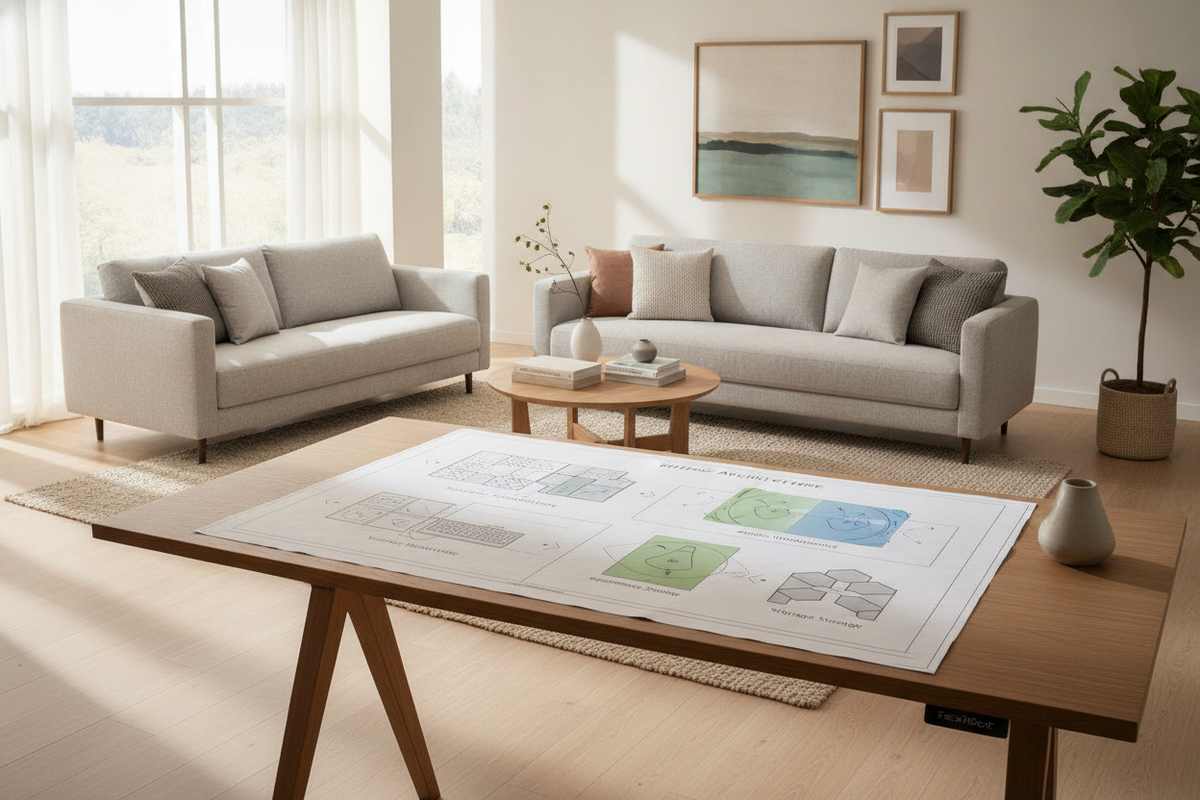
Understanding the Seiffen Laminated Standing Desk Architecture
Modern remote work and flexible study environments place demanding structural requirements on everyday furniture. The FlexiSpot Seiffen laminated standing desk represents a functional synthesis of engineered composite surfaces and motorized steel lift architecture. Designed to alternate smoothly between sitting and standing postures, this workstation centers on balancing dynamic vertical travel with everyday surface resilience.
At its foundation, the desk relies on telescoping steel leg columns driven by synchronized lifting mechanisms. These structural legs distribute downward forces through broad floor feet while providing stable anchoring points for the overhead desktop. By pairing an engineered laminate top with an adjustable underframe, the configuration delivers a balanced platform suitable for dual-monitor setups, desktop computers, writing utensils, and ancillary office hardware.
Laminate Surface Engineering: Durability, Texture, and Aesthetic Profiles
Desktop selection heavily impacts the daily tactile experience and visual harmony of a workspace. Laminate surfaces are engineered by bonding decorative, resin-impregnated wear layers to dense composite wood cores. This manufacturing method yields a non-porous outer shell that resists daily surface scuffs, ink marks, and inadvertent liquid spills far more effectively than untreated natural timbers.
Beyond protective resilience, modern laminates replicate nuanced woodgrain patterns, clean solid neutrals, and stone-inspired textures. Perimeter edge banding protects the core substrate against humidity shifts and impact wear along the desk rim. When planning visual cohesion across a home office, discovering how different textures blend into your decor is essential, as detailed in our guide on designing a standing desk setup that actually looks good.
Dimensional Planning and Worksurface Sizing Categories
Selecting the appropriate desktop footprint requires balancing spatial constraints against workflow demands. The Seiffen series spans multiple dimensional profiles, accommodating everything from modest bedroom alcoves to dedicated commercial suites:
- Compact Footprints: Ideal for single-laptop setups, writing pads, and secondary tablet devices within space-constrained apartments or multipurpose guest rooms.
- Mid-Sized Worksurfaces: Provide balanced dimensions for standard dual-display configurations, desktop audio monitors, and primary input peripherals without crowding room walkways.
- Expansive Formats: Accommodate triple displays, studio hardware, reference binders, and extensive desk organizers. For projects requiring broader spans, exploring a spacious standing desk product offers substantial surface area for complex multitasking.
When selecting desk depth, prioritize sufficient focal distance between your eyes and mounted screens. Adequate depth ensures keyboards, wrist rests, and desktop blotters fit comfortably without forcing screens to sit uncomfortably close to the front edge.
Kinetic Height Adjustment and Vertical Clearance Envelopes
A dynamic standing desk operates within an active spatial envelope rather than a static footprint. Motorized height adjustment introduces vertical movement that requires thoughtful clearance planning around surrounding walls, electrical baseboards, and window trim.
To ensure smooth travel across every adjustment cycle, incorporate these kinetic envelope practices:
- Wall Setback: Maintain a discrete gap between the rear edge of the desktop and adjacent walls to prevent scraping, drywall abrasions, or pinch points when raising and lowering the surface.
- Cable Travel Slack: Route display cables, power strips, and peripheral leads with intentional slack loops so cords do not tension or disconnect during upper-range travel.
- Under-Desk Clearance: Keep the lower perimeter clear of rigid trash bins, stationary footrests, or stationary storage towers that could obstruct downward movement.
For versatile sit-to-stand transitions with dependable memory settings, selecting an adjustable height standing desk with electric lift system facilitates seamless shifts between preferred working postures throughout the day.
Desktop Functional Zoning and Ergonomic Geometry
Organizing a sit-stand desktop involves dividing the surface into ergonomic reach zones. This approach prevents unnecessary overextension, minimizes visual clutter, and promotes neutral working postures whether seated or upright.
- Primary Reach Zone: The direct arc directly in front of the user, reserved for keyboards, pointing devices, and immediate handwritten tasks where forearms rest naturally without stretching.
- Secondary Zone: The area within extended arm reach, suited for document stands, conferencing microphones, desktop speakers, and desk lighting controls.
- Tertiary Perimeter: The rear corners and outer margins, best utilized for monitor arms, backup hard drives, cable raceways, and decorative planters.
Pairing structured surface zoning with deliberate room layouts creates a fluid, productive workspace. For further aesthetic and functional planning insights, explore our overview on designer ideas for standing desk layouts to refine peripheral positioning.
Assembly Sequencing, Frame Calibration, and Leveling Guidelines
Correct assembly directly influences the operational longevity and structural balance of an adjustable desk. Begin by clearing an ample floor area and laying down a soft blanket or rug to protect the laminate finish during underframe fastening.
First, assemble the structural crossbeams and telescoping crossbars according to the provided hardware map, ensuring all fasteners are loosely threaded before final tightening. Center the frame symmetrically against the underside pilot holes of the desktop to maintain balanced load distribution over both lift columns.
Once all structural bolts are firmly secured and the desk is upright, utilize the adjustable leveling glides under each foot. In our experience, spending an extra moment with a small spirit level to eliminate minor floor unevenness makes an immediate difference in overall frame rigidity at full standing height.
Integrating Perimeter Storage and Cabinetry with Adjustable Desks
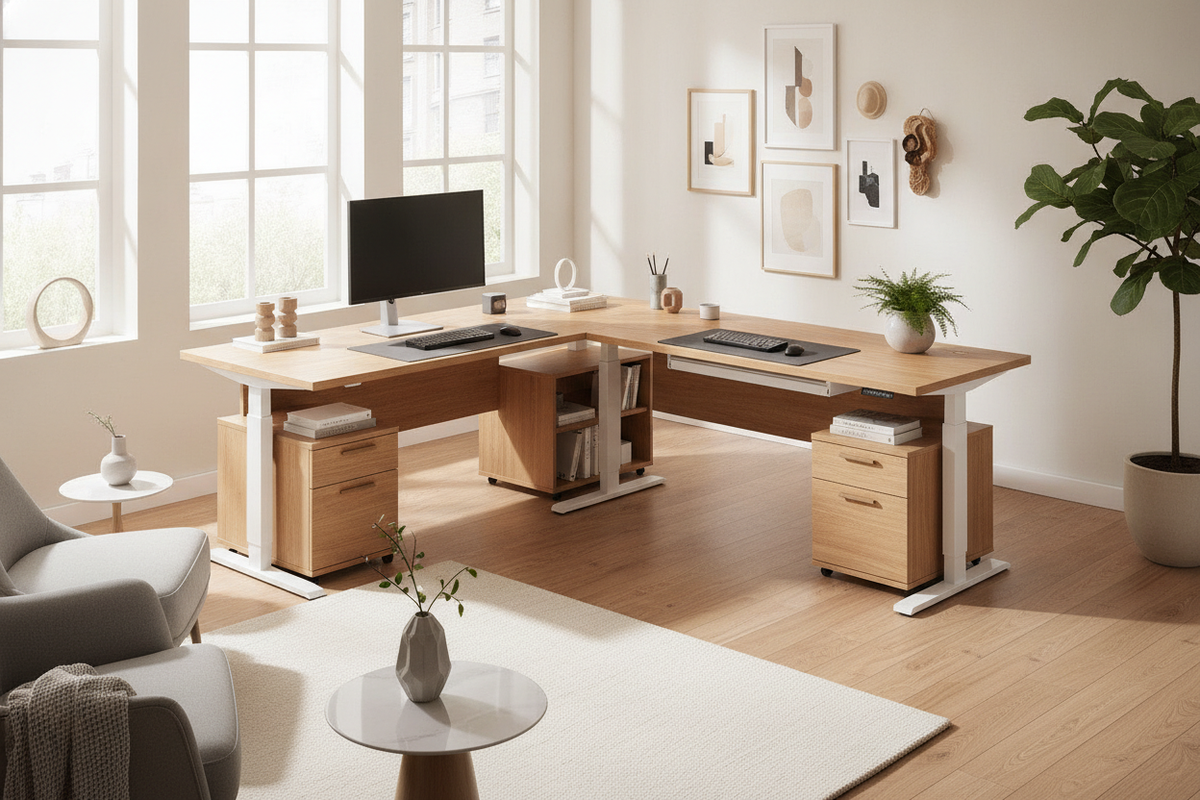
Because kinetic desktops travel vertically, they cannot rely on traditional built-in pedestal drawers without planning. To maintain an organized workspace, surround the workstation with modular perimeter storage solutions.
Consider these complementary storage pairings:
- Low-Profile Mobile Pedestals: Compact drawer units fitted with rolling casters tuck neatly beneath the desk during seated sessions while clearing the frame during elevation.
- Adjacent Credenzas and Sideboards: Positioning a low credenza adjacent to the desk creates an auxiliary landing pad for printers, archives, and bulk supplies without crowding the primary active surface.
- Wall-Mounted Shelving: Floating shelves installed above the maximum elevation line provide vertical utility for reference books and decor while preserving unrestricted table movement.
For extensive creative workflows or expansive layout needs, integrating a broad workstation like a super sized standing desk with electric lift alongside matching lateral filing cabinets establishes an orderly, high-capacity executive suite.
Maintenance, Surface Care, and Long-Term Workspace Preservation
Preserving the pristine finish of a laminated standing desk requires straightforward, consistent maintenance. For routine cleaning, wipe the laminate surface with a soft microfiber cloth lightly dampened with mild soap and water. Avoid abrasive scouring pads, bleach, or harsh solvent sprays that can dull the protective resin clearcoat over time.
Periodically inspect the underframe hardware, checking that mounting fasteners, cable trays, and motor connectors remain firmly seated. Bundle loose cables into flexible mesh sleeves or vertebrae tracks to prevent snagging during vertical motion. By combining durable laminate construction with attentive cable grooming and regular hardware checks, your standing desk setup will deliver reliable comfort and aesthetic appeal across years of productive use.

Laisser un commentaire
Ce site est protégé par hCaptcha, et la Politique de confidentialité et les Conditions de service de hCaptcha s’appliquent.