


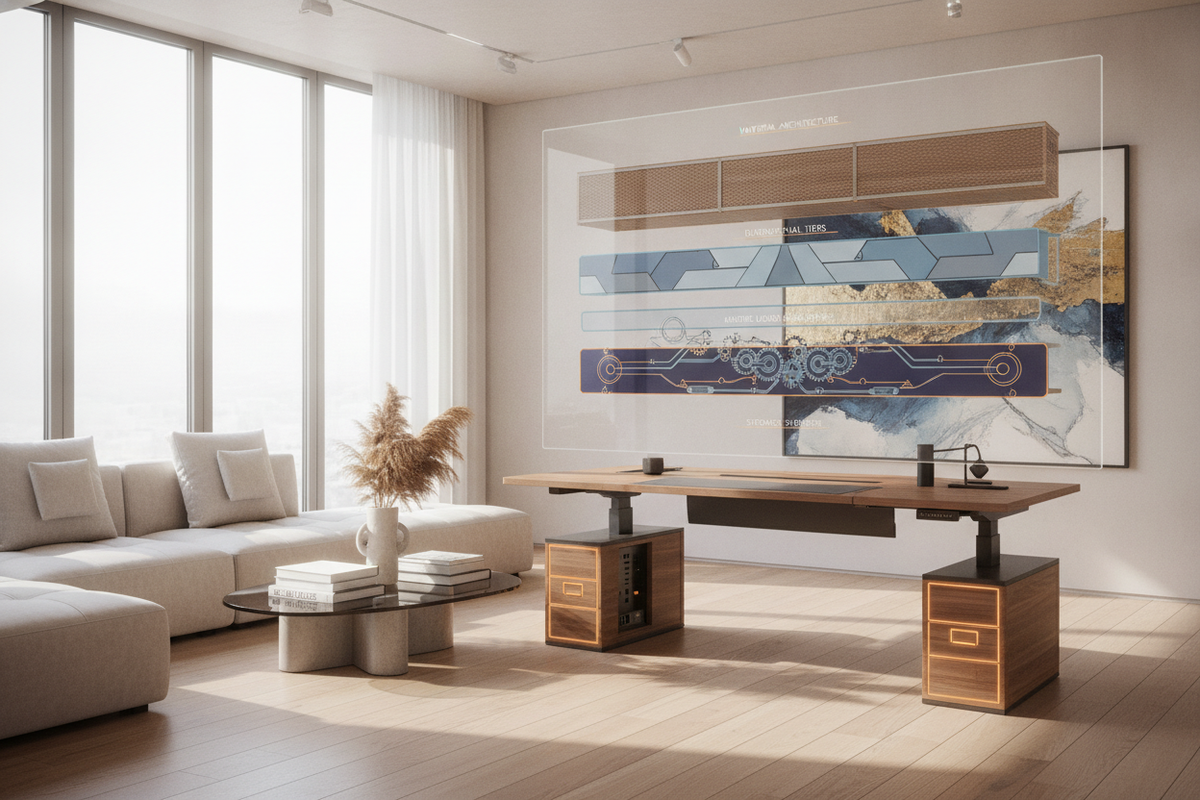
A motorized workstation relies fundamentally on its primary work surface. The sit to stand desk top serves as the immediate physical and tactile interface for daily work, bearing the mechanical load of displays, task illumination, computer hardware, and desk accessories while transitioning smoothly between seated and upright elevations. Selecting the appropriate desktop surface requires balancing visual appeal, core structural rigidity, edge geometry, kinetic weight distribution, and perimeter storage integration.
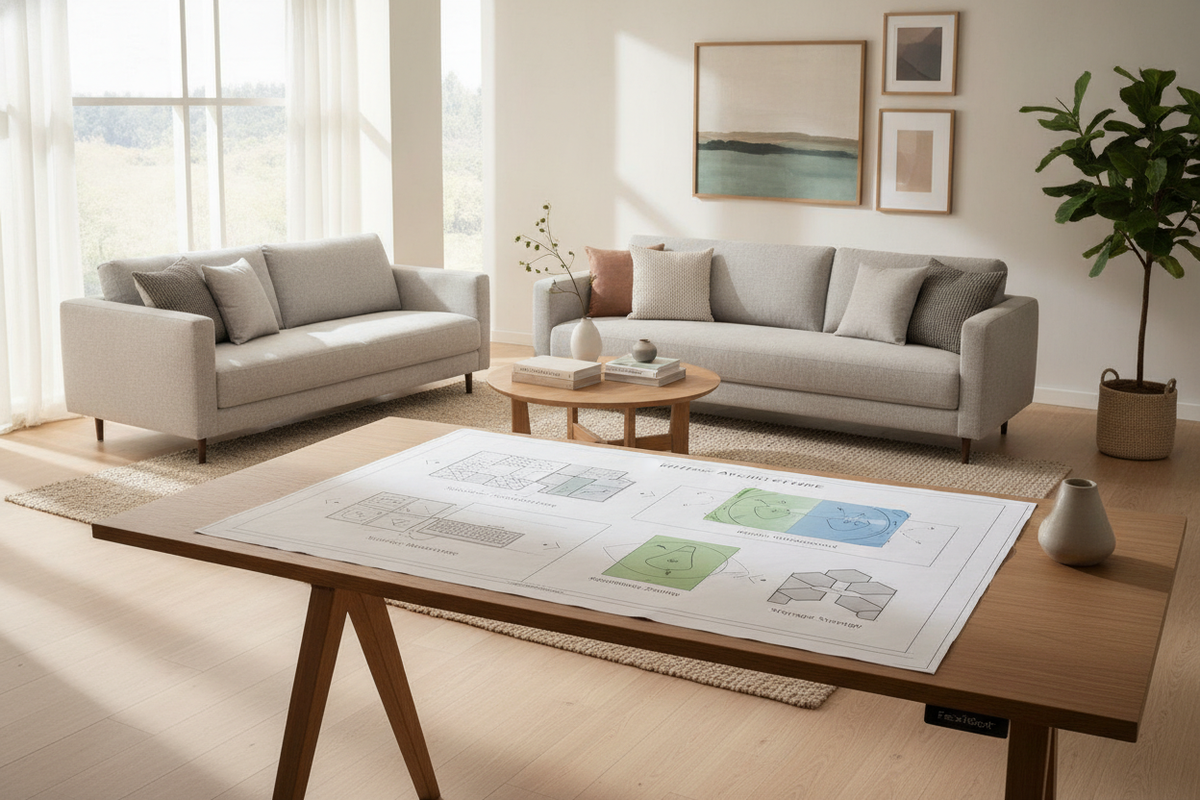
1. Dimensional Scale Tiers: Matching Desktop Footprint to Spatial Flow
Workstation surfaces must balance practical working area against room circulation pathways. Selecting an appropriate surface scale ensures sufficient space for computing hardware while preserving unhindered movement throughout the room. In dynamic home offices and open-plan studios, spatial boundaries determine whether a compact, standard, or expansive work surface provides the best balance of utility and proportion.
- Compact Alcove Formats: Designed for dedicated architectural nooks, guest rooms, or multipurpose living areas, compact surfaces accommodate single displays and laptop setups without crowding surrounding walkways. Home office planners transitioning from modular desktop risers frequently review a standing desk converter configuration guide to determine whether a dedicated standalone top fits their spatial boundaries more effectively than a mechanical riser.
- Standard Workstation Profiles: Providing balanced depth and width for dual displays, separate input peripherals, and moderate organizational accessories, standard profiles harmonize visual proportion with comfortable hand reach zones. This scale represents the core offering for most remote professionals.
- Expansive Multi-Monitor Slabs: Intended for multi-display arrays, audio production equipment, or drafting gear, larger surfaces demand substantial perimeter clearance and robust underlying framework support to ensure structural stability across the entire span.
2. Material Architecture: Laminates, Composites, and Solid Hardwoods
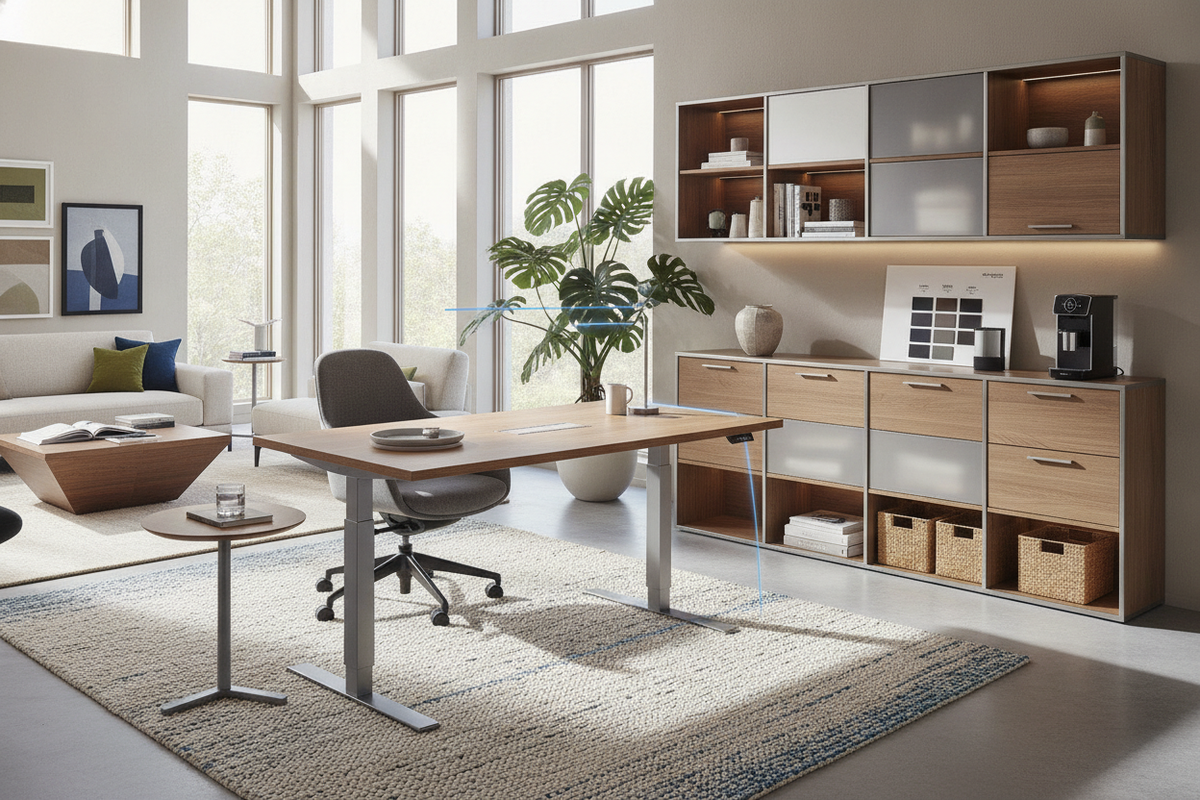
The core construction of a sit to stand desk top directly influences its long-term resistance to warping, surface scratching, fastener fatigue, and moisture penetration. Coordinating desktop materials with adjacent credenzas, low lateral files, and shelving is fundamental when designing a cohesive standing desk setup.
High-pressure laminate over engineered wood cores offers dependable scratch resistance, uniform surface finish, and low maintenance demands, making it a staple offering from modern standing desk manufacturers. High-pressure laminates resist everyday spills and contact wear, making them particularly practical for high-traffic home workspaces.
Medium-density composite boards provide a consistent density free from natural grain anomalies, facilitating precise edge profiling and reliable anchor screw retention. For those seeking natural organic texture, solid hardwoods and select wood veneers introduce distinct grain character and tactile richness. However, solid wood slabs benefit from stable indoor humidity levels to avoid natural expansion and contraction across shifting seasonal conditions.
3. Edge Profiles and Ergonomic Contours
Edge geometry influences forearm comfort and posture during extended periods of keyboard typing and mouse navigation. Modern desktop design incorporates distinct perimeter shaping to improve tactile contact and relieve localized contact pressure:
- Beveled Profiles: Chamfered or beveled front perimeters soften the transition between the horizontal desktop and the vertical edge, reducing pressure against the user's forearms during prolonged keyboard work.
- Radiused Transitions: Gently rounded bullnose edges smooth the contact point between the user and the desk edge, eliminating sharp corners that can cause discomfort over long working sessions.
- Contoured Ergonomic Cutouts: Inward curved front profiles allow users to position their task seating closer to the primary work zone while providing comfortable support along the forearms on either side of the keyboard area.
- Square Eased Profiles: Traditional square profiles with slightly eased corner radii maintain a crisp, clean architectural line suited for formal executive environments.
4. Frame Mounting Integrity and Dynamic Deflection Resistance
Unlike stationary desks that remain static, a height-adjustable work surface experiences kinetic vibration and acceleration forces during motorized transit. Securing a desktop to an ergonomic sit stand desk base requires stable core density to prevent fastener pullout, flex, and dynamic board deflection.
When mounting clamp-on monitor arms or heavy peripheral mounts, desktop core thickness and internal density prevent localized surface crushing. Insufficient core support can lead to surface indentation or structural loosening over repeated height adjustments. Distributing heavy hardware evenly across the structural frame rails reduces cantilevered torque on motorized lifting columns, promoting smooth vertical travel, balanced motor synchronization, and long-term joint stability.
5. Sourcing Criteria: Selecting a Reliable Standing Desk Supplier
Choosing a dedicated standing desk company or commercial standing desk supplier involves evaluating manufacturing standards, surface finishing quality, and hardware integration capabilities. A dependable standing desk co or specialized stand up desk company provides clear mounting hole configurations, balanced structural cores, and protective packaging designed to protect corners during transit.
- Pre-Drilled Precision: Factory pilot holes aligned with standardized lifting frame brackets simplify assembly and ensure proper frame centering and balanced load distribution.
- Edge Banding Quality: Seamless hot-melt or laser edge banding creates an impenetrable barrier against moisture ingress and prevents edge delamination over years of daily use.
- Accessory Compatibility: Underside structural clearances must accommodate under-desk keyboard mechanisms, modesty panels, storage drawers, and power distribution tracks without interfering with the frame crossbars.
- Packaging and Corner Protection: Heavy-duty reinforced corner protectors and dense foam boxing prevent edge impact damage during handling and delivery.
6. Desktop Zoning, Cable Routing, and Storage Synergy
An effective sit to stand desk top integrates smoothly with underlying storage units and structured cable management pathways. Segmenting the surface into primary reach zones for input devices, secondary zones for reference materials, and tertiary zones for task lighting establishes an organized and intuitive workflow.
Integrating desktop grommets, under-surface cable troughs, and articulating cable spines manages wire slack during elevation changes, preventing cords from catching on nearby drawer pulls or frame components. Furthermore, planning adequate vertical travel clearance above mobile pedestals, low lateral filing cabinets, and adjacent storage credenzas prevents mechanical collisions when lowering the workstation to its lowest seating height.

Laisser un commentaire
Ce site est protégé par hCaptcha, et la Politique de confidentialité et les Conditions de service de hCaptcha s’appliquent.