


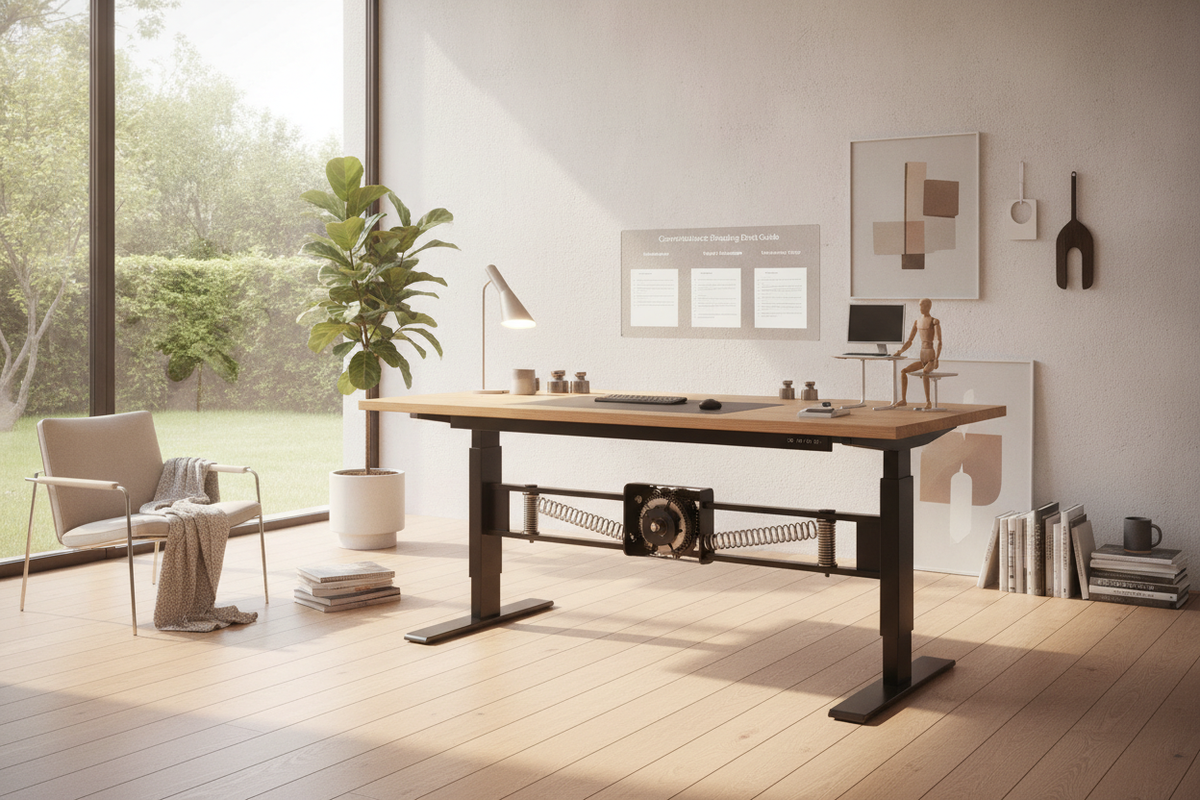
A counterbalance standing desk offers an intuitive, non-electric alternative to traditional motorized sit-stand workstations. By using mechanical physics rather than electric motors, these desks allow users to transition between sitting and standing postures rapidly and quietly. For architectural interiors, home studios, and minimalist offices, a counterbalance table removes the visual clutter of hanging power cords while offering dependable height versatility.
Understanding the Counterbalance Standing Desk Mechanism
The core operating principle of a counterbalance standing desk—sometimes referred to as a counterweight standing desk or pneumatic workstation—relies on equilibrium. Rather than using an electric actuator to drive lifting columns, the desk frame incorporates internal tension springs, gas cylinders, or mechanical counterbalance linkages. These components counteract the combined mass of the desktop surface and the hardware resting on top of it.
When the desk is balanced properly, the upward mechanical force equals the downward gravitational force of the work surface load. Activating a release handle or paddle frees the locking mechanism, allowing the user to guide the entire surface up or down with light hand pressure. Releasing the handle re-engages the brake, securing the desk firmly at the desired working elevation.
Counterbalance Table Mechanics vs. Motorized Desks
Choosing between a counterbalance table and an electric sit-stand desk involves evaluating movement speed, power access, and equipment stability across daily routines.
- Adjustment Speed: Counterbalance systems adjust almost instantly to any height within their travel range, whereas motorized models transition at a steady, fixed motor pace.
- Cordless Placement: Because a mechanical standing desk requires no wall outlet to adjust, it can be positioned in the center of an open room or away from perimeter power outlets without trailing extension cables.
- Acoustic Profile: Mechanical lift systems operate virtually silently, avoiding the low hum or gear noise typical of motorized lifting columns.
- Electronic Simplicity: Without control boxes, digital displays, or wiring harnesses, counterbalance frames eliminate electronic troubleshooting and motor burnout concerns over prolonged ownership.
For users who prefer automated height presets or who regularly swap out diverse hardware setups with widely varying weights, an electric standing desk product offers push-button consistency, whereas a counterbalance workstation prioritizes tactile responsiveness and power-free mobility.
Dimensional Tiers and Spatial Footprint Categories
Selecting the appropriate desk dimensions ensures that the lifting mechanism operates smoothly within the available floor plan while leaving adequate space for surrounding office furniture.
- Compact Nook Workstations: Narrow surfaces designed for single laptops or modest desktop profiles fit neatly into alcoves and secondary bedroom workspaces.
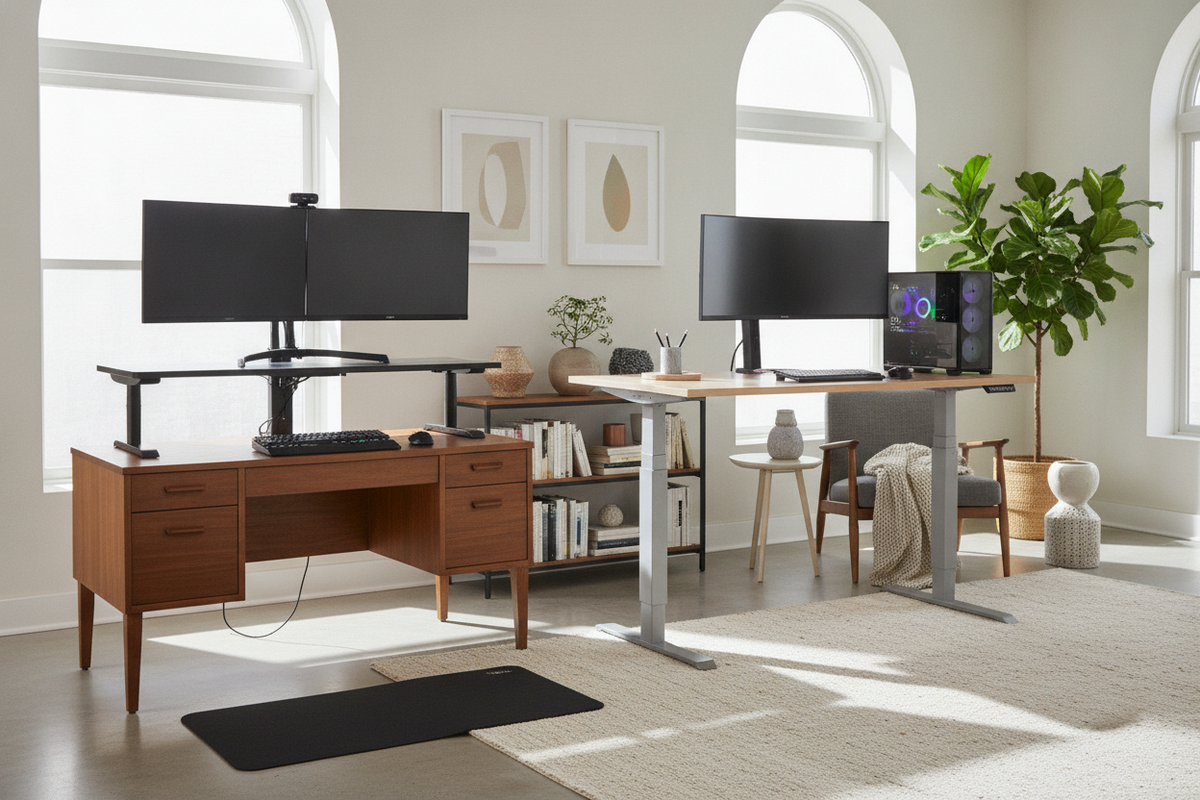
- Mid-Sized Multi-Monitor Desks: Standard rectangular surfaces accommodate two monitors, desk pads, and peripheral organization without overcrowding the frame.
- Expansive Executive Platforms: Broad work surfaces provide ample surface area for creative workflows, desktop audio gear, and drafting tasks, requiring a wider leg stance such as a substantial standing desk product or a standing desk product to maintain structural rigidity.
When planning room clearance, review an interior standing desk guide to confirm that perimeter walls, windowsills, and nearby credenzas leave sufficient vertical clearance when the desk rises to its maximum extension.
Calibrating Payload Weight and Tension Settings
The primary key to operating a counterbalance standing desk is calibrating the internal tension to match your exact desktop payload. If the tension is adjusted too tightly, the desk may rise rapidly on its own when the release lever is engaged. Conversely, if the tension is insufficient for the weight of your hardware, the desktop will feel heavy and require upward effort to lift.
- Assemble All Equipment First: Place your monitors, monitor arms, laptop dock, desk pads, and lighting fixtures in their intended daily working positions before adjusting tension screws.
- Locate the Adjustment Mechanism: Most counterbalance frames feature an adjustment hex bolt or dial located along the central beam, leg column, or under-desk pneumatic housing.
- Test the Neutral Balance: Depress the release paddle with two hands on the tabletop. Observe whether the surface glides effortlessly or drifts upward or downward.
- Incrementally Adjust Tension: Turn the calibration bolt incrementally—typically clockwise to add support for heavier loads and counterclockwise for lighter setups—until the tabletop remains stationary when released at any intermediate height.
Integrating Storage, Cable Routing, and Surrounding Office Furniture
Because a counterbalance standing desk moves vertically in a swift, fluid motion, cable routing and storage placement require intentional planning to prevent snags and maintain a balanced aesthetic.
When pairing the desk with storage pieces, choose low mobile file pedestals or lateral credenzas that slide completely beneath the desk frame during seated work or sit adjacent without interrupting the desk's vertical travel. For tips on styling clean desk lines and concealing accessories, exploring a dedicated standing desk guide helps align organizational furniture with functional ergonomics.
To keep wiring tidy, bundle monitor and power cords inside a flexible under-desk spine or expandable sleeve, leaving enough slack near the base to accommodate full vertical extension without pulling against desktop electronics.
Assembly, Surface Leveling, and Ongoing Mechanical Care
Ensuring longevity and smooth travel for a counterbalance desk starts with stable foundation alignment. During assembly, ensure that crossbeams and lifting columns are fastened squarely to avoid lateral friction along the internal sliding tracks.
Once the desk is placed on the floor, adjust the threaded leveling glides beneath each foot until the frame sits completely flat. A level base prevents uneven cylinder wear and stops hardware from sliding along the desktop during height adjustments. Periodic checks of tension settings whenever hardware is added or removed will keep the desk operating smoothly for years of sit-stand versatility.

Laisser un commentaire
Ce site est protégé par hCaptcha, et la Politique de confidentialité et les Conditions de service de hCaptcha s’appliquent.