


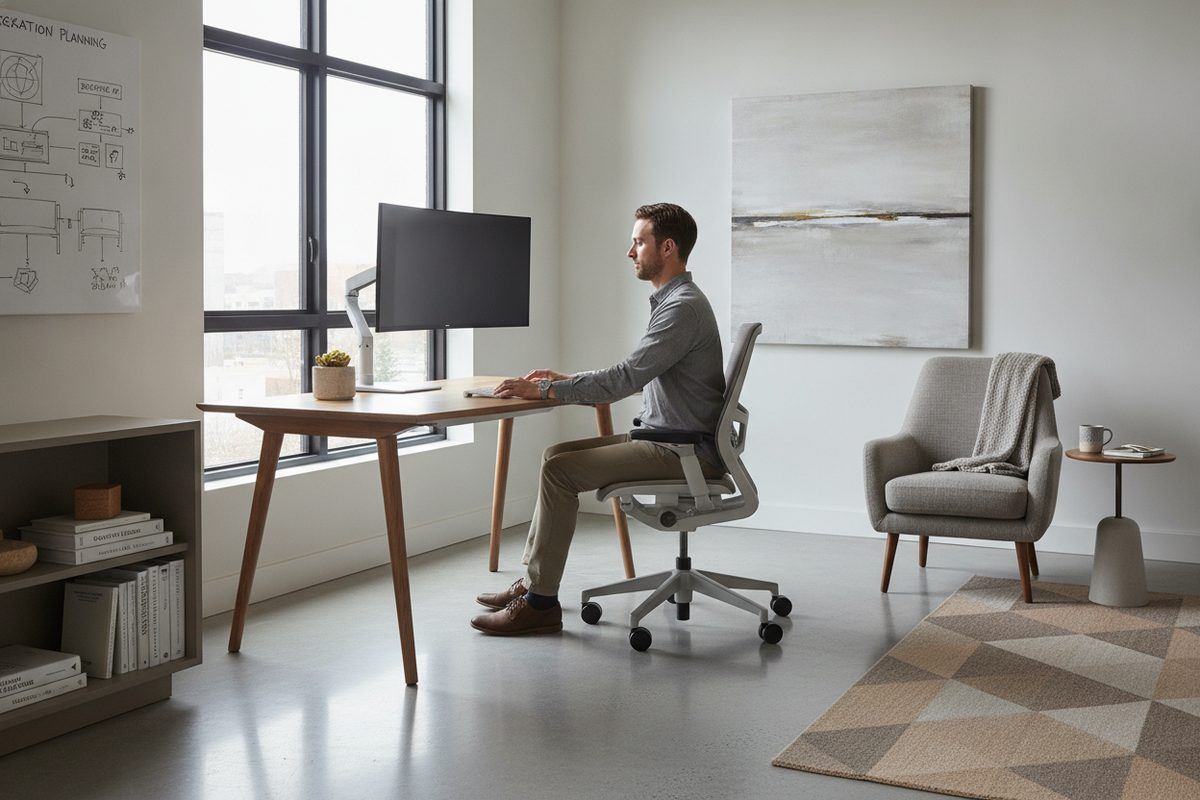
Understanding the Humanscale Float: Counterbalance Mechanics in a Modern Office
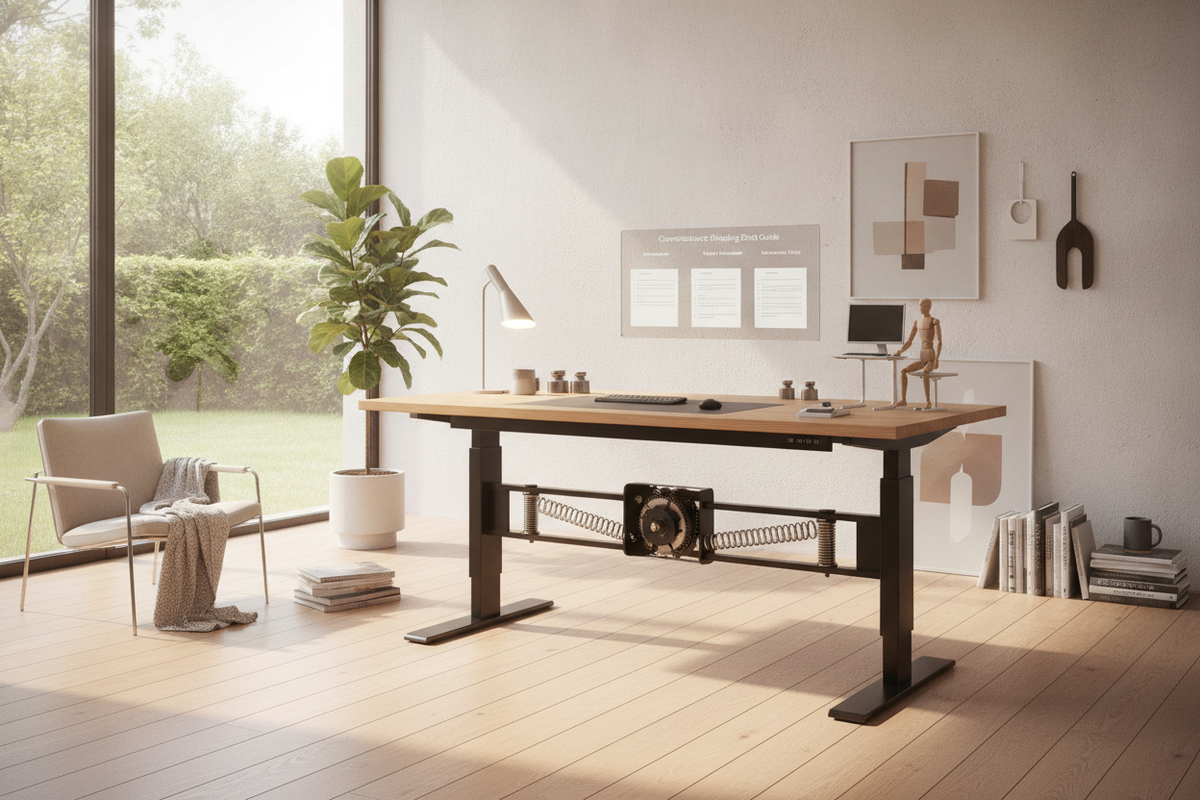
The modern sit-stand workstation market is predominantly filled with motorized actuators, yet mechanical counterbalance tables offer a distinct alternative. A detailed humanscale float desk review highlights how non-motorized engineering can transform daily ergonomic habits. Instead of relying on internal electric motors, the Humanscale Float uses a mechanical counterbalance system that relies on constant spring tension matched precisely to the weight of your desktop gear.
How the Non-Electric Counterbalance System Functions
At the center of a counterbalance desk is an internal tension mechanism linked directly to a discreet operational paddle mounted beneath the tabletop. When the user depresses the release paddle, the internal mechanism equalizes the gravitational pull of the workstation payload with an opposing spring force. This allows the desktop to glide upward or downward with minimal physical effort, floating seamlessly to the desired height without electrical power.
Instantaneous Height Transitions vs. Motorized Desks
One of the primary ergonomic advantages of a counterbalance human standing desk is transition speed. Electric desks require time for linear motors to travel through their height cycle. In contrast, a counterbalance mechanism responds immediately to hand guidance, moving from a sitting posture to full standing height in a single fluid gesture. This instantaneous responsiveness removes the slight pause associated with electric motors, encouraging frequent posture shifts throughout the workday.
Evaluating Daily Performance and Usability
Living with a counterbalance desk requires understanding how weight balancing affects real-world performance. From personal observation across various ergonomic setups, the physical connection of manually gliding a desk into place creates an active, intuitive relationship with your workspace.
Tension Adjustment and Equipment Load Management
Because the counterbalance mechanism relies on balance, adding or removing substantial hardware alters how the system behaves. The desk features a manual tension adjustment crank or dial that allows users to calibrate the lift resistance against the total equipment load. Once calibrated for a specific combination of monitor arms, laptop docks, and desk accessories, the table moves smoothly. However, if you frequently swap ultra-heavy creative hardware or bulky reference books, a high-capacity motorized standing desk may provide a more forgiving platform that handles shifting payloads without recalibration.
Release Paddle Tactility and Operational Effort
The actuation paddle is engineered for one-handed operation. Squeezing the paddle disengages the locking brake, allowing the user to guide the surface up or down. Releasing the paddle locks the surface solidly in position at any point along its travel path. The mechanical tactile feedback is direct, eliminating electronic lag, digital display readouts, or the need to reset error codes.
Frame Rigidity and Typing Stability Across Heights
Structural stability remains a critical factor when assessing any humanscale float review. The Float utilizes solid leg columns paired with robust footings to resist lateral sway and forward-backward tilt. While all two-leg standing desks experience slight natural flex at extended heights, a well-anchored counterbalance frame provides dependable rigidity for daily typing, drawing, and multi-monitor viewing.
Spatial Fit and Workstation Dimensions
Integrating a sit-stand desk into a commercial office or dedicated home workspace requires careful attention to spatial geometry, clearance corridors, and floor layout planning.
Desktop Surface Categories and Clearance Planning
Choosing the right desktop size depends on your functional workflow, visual preference, and available square footage. Coordinating proportions with adjacent architecture prevents the workspace from feeling cramped. For comprehensive guidance on arranging balance between natural light and desk footprint, review architectural standing desk layouts to establish comfortable pathways and uncluttered perimeter spacing.
Legroom, Under-Desk Architecture, and Crossbar Positioning
Under-desk architecture directly dictates user comfort during seated hours. The Float is engineered without an obstructive lower crossbar near the floor, leaving ample open space for ergonomic task seating, footrests, and natural leg extension. Ensuring clean clearance beneath the worksurface prevents knee collisions and supports healthy seated posture.
Cable Routing, Clean Aesthetics, and Storage Harmony
Without an electric motor requiring connection to a wall outlet, a counterbalance desk offers unique visual and functional placement opportunities.
Managing Peripheral Power Without Onboard Outlets
Because the desk frame itself does not require electricity, it can be positioned away from traditional wall receptacles, such as in the center of an open-plan room or near natural light sources. Managing peripheral cables requires an articulated cable chain or flexible under-desk wire tray that accommodates the vertical travel range without tensioning cords. Applying refined standing desk setup styling principles ensures that monitor connections, laptop power leads, and peripheral wiring remain visually organized and physically secure through every elevation change.
Pairing Non-Electric Frames with Mobile Credenzas and Cabinets
Sit-stand desks benefit greatly from dedicated secondary storage to keep the primary surface uncluttered. Pairing your table with low-profile mobile pedestals, credenzas, or lateral filing cabinets creates an efficient functional zone. Storage units positioned adjacent to the desk keep stationary supplies, archival files, and supplementary tech accessories within easy reach without burdening the counterbalance mechanism with unnecessary stationary weight.
Decision Matrix: Counterbalance vs. Motorized Standing Desks
Selecting the optimal sit-stand solution requires balancing operational convenience, mechanical design, and your specific daily working habits.
When a Counterbalance Manual System Excels
- Power Independence: The workstation can be situated anywhere across a floor plan without tethering the frame to wall power outlets.
- Rapid Posture Changes: Adjustments occur as quickly as you can guide the table, making transitions completely frictionless.
- Minimalist Clean Lines: Eliminates power cords, transformer bricks, and digital control panels for a clean, sculptural aesthetic.
- Silent Operation: Height transitions occur without the acoustic hum of electric gear motors.
When Motorized Presets and Heavy Payloads Make More Sense
While counterbalance systems provide elegant manual control, motorized workstations excel in shared environments or setups requiring repeatable numeric precision. Selecting a programmable electric height-adjustable desk allows multiple household or corporate users to return instantly to exact millimeter heights using automated memory presets. Furthermore, professionals who demand expansive surface area, such as wide executive standing desk options holding several large monitors and studio gear, benefit from the consistent lifting power of motorized columns.
Final Verdict: Who Should Choose the Humanscale Float?
The Humanscale Float stands out as a sophisticated, mechanically refined sit-stand workstation for design-conscious professionals who appreciate speed, quiet mechanics, and clean architectural design. By bypassing electric drive systems, it delivers instantaneous height adjustment and placement flexibility throughout the home or corporate office. When calibrated properly to your hardware and paired with thoughtful organization, it provides an intuitive foundation for active, enduring ergonomic comfort.


Laisser un commentaire
Ce site est protégé par hCaptcha, et la Politique de confidentialité et les Conditions de service de hCaptcha s’appliquent.