


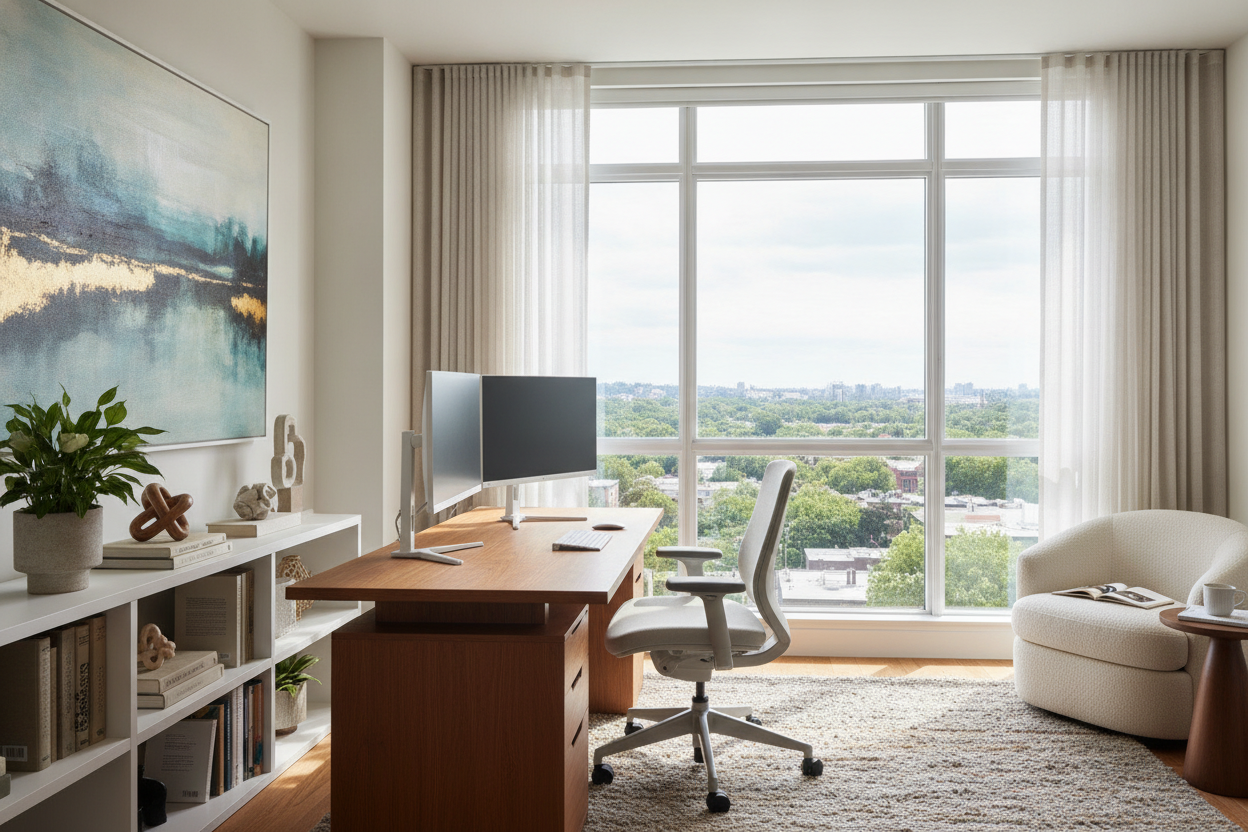
I remember my first real remote gig. I spent three days agonizing over which monitor arm to buy, only to shove my setup against the only blank wall in my spare bedroom. Within a week, I was miserable. I felt like a kid in time-out, staring at eggshell-white drywall while my back was turned to the rest of the world. Finding the right desk position is the difference between feeling like a professional and feeling like a shut-in.
Most of us treat our desks like an afterthought. We tuck them into corners or push them against walls to 'save space.' But your floor plan shouldn't dictate your mental health. If you are struggling to focus, it is probably not your chair or your keyboard—it is your perspective.
Quick Takeaways
- Stop facing the wall; it is a psychological drain that kills creativity.
- Avoid direct window light to prevent eye strain and impossible screen glare.
- Aim for the 'command position' with your back to a solid wall and a view of the door.
- Float your desk if you have the space; it makes the room feel larger and more intentional.
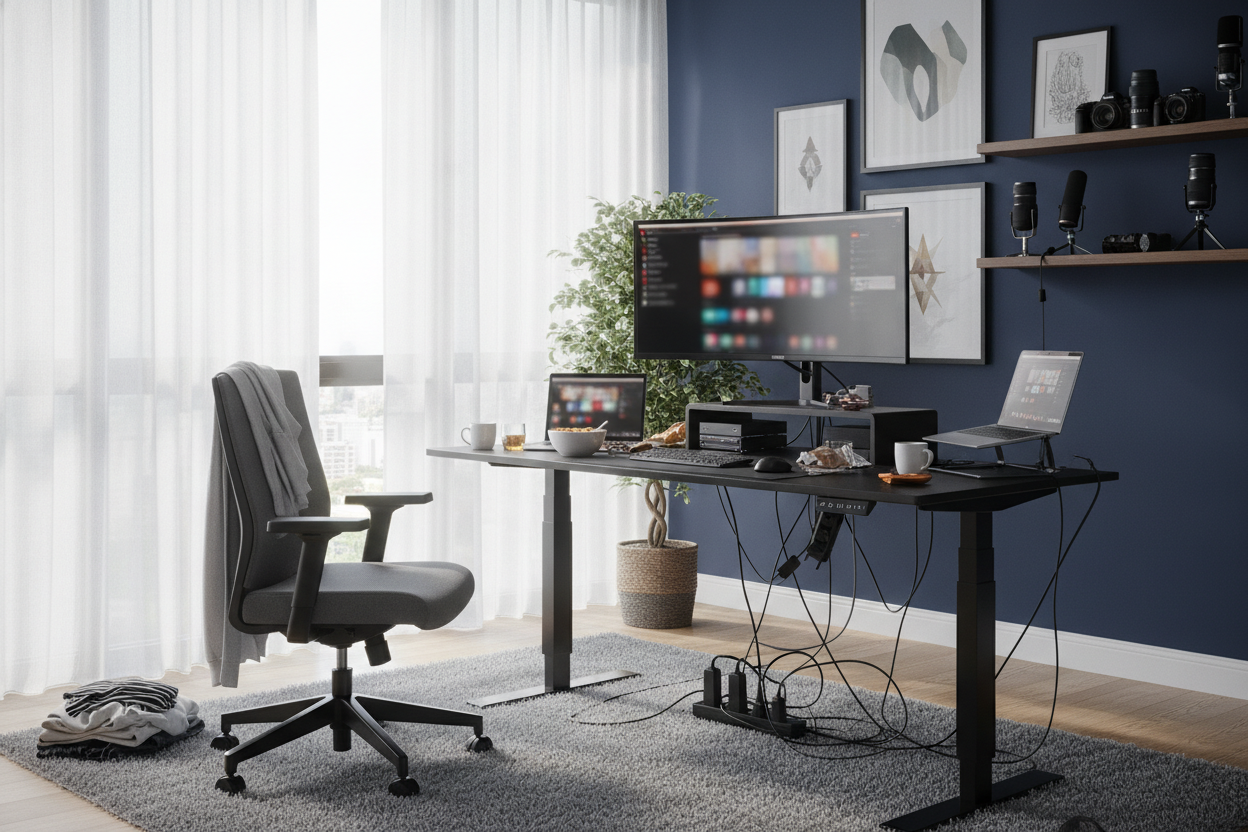
- Manage your cables with rugs or cord snakes to maintain a clean aesthetic.
The 'Wall-Facer' Mistake (And Why We All Do It)
We have been conditioned to push furniture against walls. It is the 'efficient' way to live, right? It leaves a big, empty rectangle in the middle of the room. But when it comes to your computer desk position, this is a trap. Staring at a flat, unmoving surface six inches from your nose for eight hours kills your depth perception and your focus. I have found that my best ideas happen when I can look up and see a full room, not a patch of plaster.
I call it the 'Solitary Confinement' layout. You are cut off from the room behind you, which creates a low-level subconscious anxiety. You cannot see who is walking in, and you are constantly twisting around to see what that noise was. It is the worst possible ideal desk position for anyone who needs to actually think for a living. Plus, let’s be honest: staring at drywall is just plain boring.
Why You Shouldn't Face the Window Either
The 'window desk' is the biggest lie in home office inspiration photos. We all imagine ourselves gazing thoughtfully at a bird on a branch while we craft the perfect email. In reality, you are fighting a losing battle against physics. When you face a window, the backlight is so intense that your eyes have to work double-time to see the relatively dim light of your monitor.
I tried this for a month in an apartment with south-facing windows. By 2:00 PM, I had a tension headache every single day. The glare is relentless, and unless you have high-end motorized shades, you will spend half your day adjusting the blinds. If you want the view, put the window to your side. You get the natural light without the retinal damage and the constant squinting.
Enter the 'Command Position'
If you want to feel grounded, you need the command position. This is a Feng Shui concept that actually makes total sense for modern work. You sit with a solid wall behind you and a clear view of the door. You aren't surprised by anyone walking in, and you have a sense of 'holding the room.' It is also the best way to look like a person who has their life together on video calls because your background is a real room, not a flat wall or a messy bed.
If your room is large enough, an L shaped computer desk is the perfect tool for this. It allows you to create a 'cockpit' feel. One side can be for your monitors, and the other can stay clear for notebook work or coffee. It anchors the desk so it does not feel like it is just drifting in the middle of the carpet like a lost raft. I personally use this setup to separate my 'deep work' screen from my 'admin' space.
How to Float Your Desk When You Have Zero Space
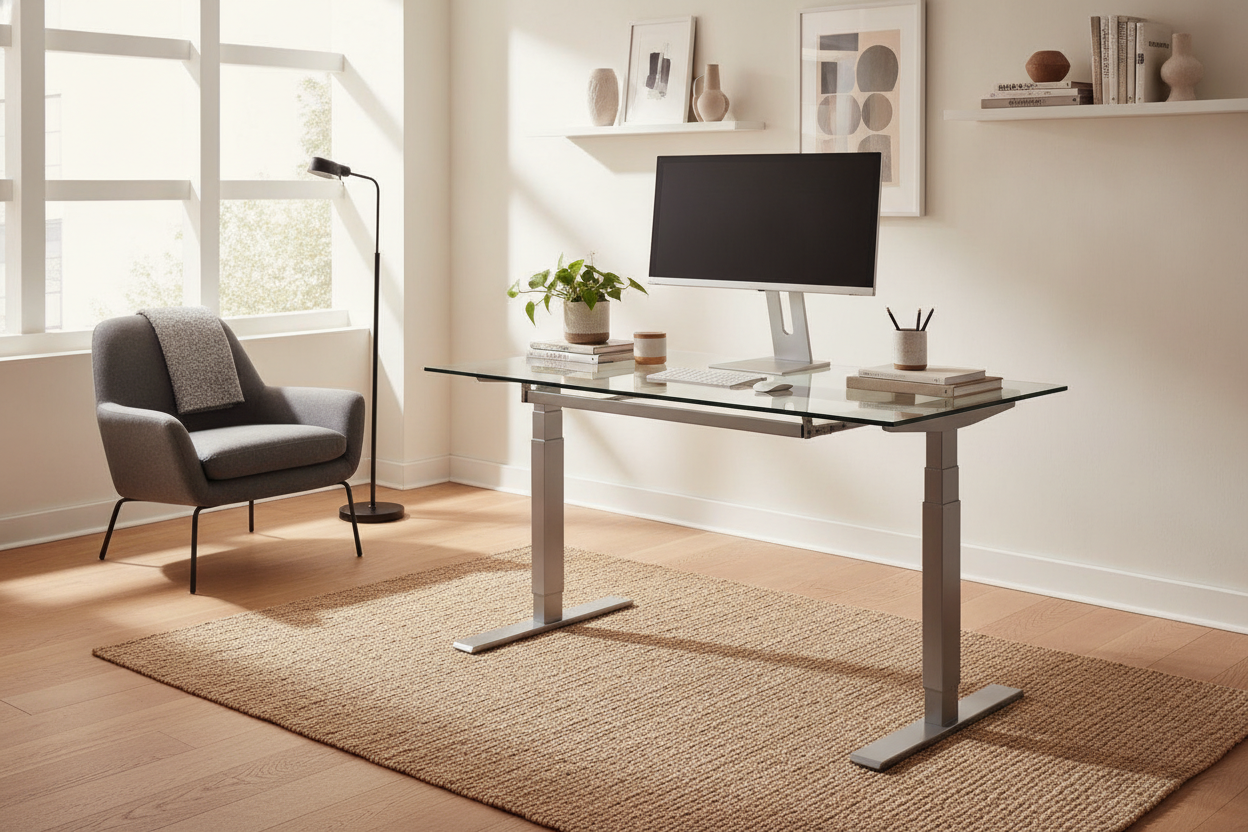
People are terrified of 'floating' a desk in the middle of a room, but it is a total pro move. Even in a 10x10 room, pulling your desk two or three feet away from the wall changes the entire energy. It makes the room feel like a dedicated office rather than a bedroom with a computer in it. The key is choosing a piece that looks good from the back—skip the ones with exposed particle board or messy wiring holes.
I usually recommend a sleeker writing computer desk for this setup. These often have finished backs and slimmer profiles that do not overwhelm a small space. For the cords, I run a single power strip down one leg and hide the main cable under a heavy area rug. It takes ten minutes of extra effort but makes the room look like it was designed by a professional, not just thrown together.
What if Your Only Option is a Closet?
Look, I get it. Not everyone has a spare 120 square feet. If you are working out of a 'cloffice' or a tiny alcove, you have to lean into the coziness. The goal is to make the space feel intentional. Paint the inside of the nook a different color, or add some peel-and-stick wallpaper. You want to define the zone so it does not feel like you are just working in a storage cupboard.
You do not need to spend a fortune to fix a bad layout. Even a computer desk under 150 can work if you focus on the lighting. In a small nook, overhead light is your enemy. Get a small, warm task lamp to create some depth. It stops the space from feeling like a cramped box and makes it a focused 'work zone' that you actually want to sit in.
FAQ
What if my back is to a window in the command position?
That is the 'Silhouette Effect.' You will look like a witness in a True Crime documentary on video calls. If you must do this, get some heavy blackout curtains or a very strong ring light to balance the exposure on your face so people can actually see you.
How much space do I need behind my desk?
Do not skimp here. You need at least 30 to 36 inches of clearance behind the desk to comfortably pull your chair out without hitting the wall. Anything less and you will feel claustrophobic every time you try to stand up.
Should my desk face the door directly?
Ideally, you want to be diagonal to the door. You want to see who is coming in, but you do not want to be staring straight down the hallway. It is about being 'in charge' of the entrance, not being a security guard for the rest of the house.

Laisser un commentaire
Ce site est protégé par hCaptcha, et la Politique de confidentialité et les Conditions de service de hCaptcha s’appliquent.