


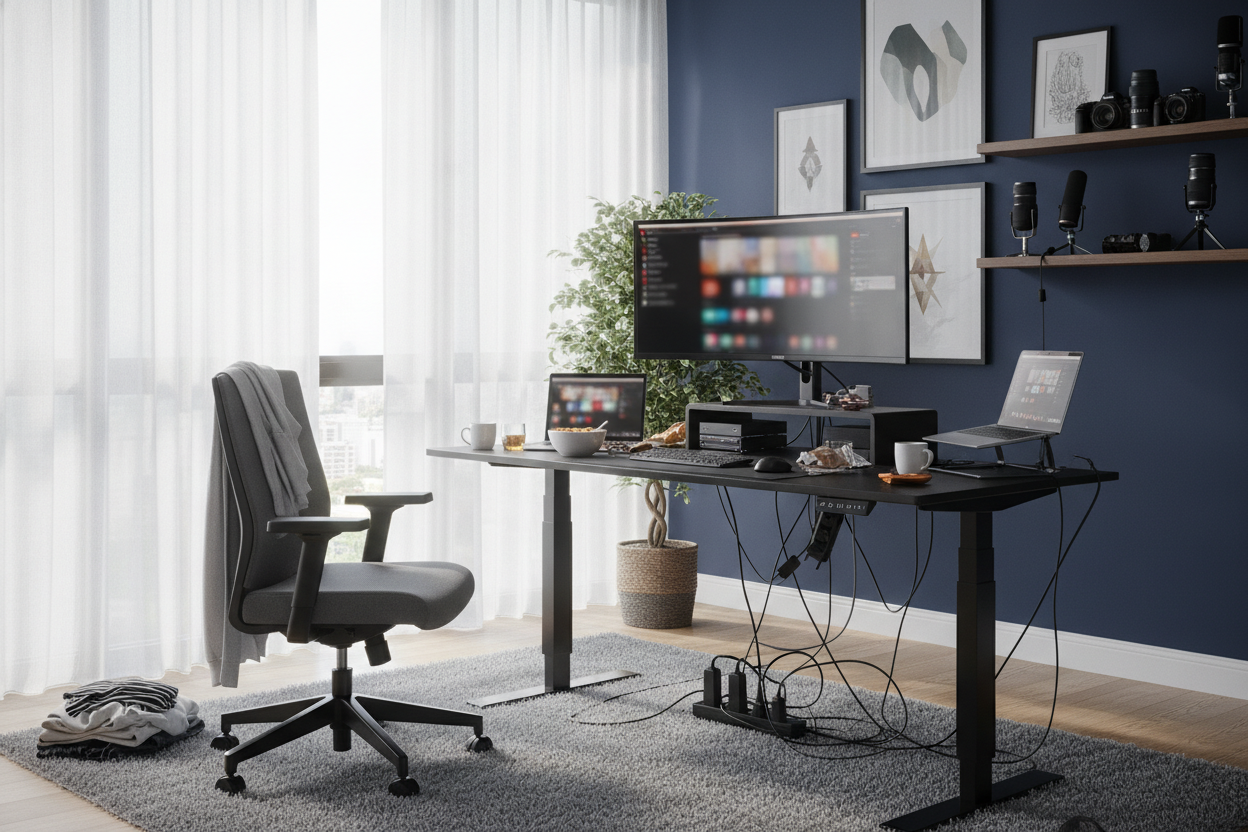
I was three hours into a deep-dive rabbit hole, staring at a 4K video of a guy in a beanie carefully placing a succulent on a pristine oak surface. His setup looked like a spaceship. Mine, at the time, looked like a graveyard for coffee mugs and tangled USB-C cables. I fell for the youtube standing desk hype hard, thinking a motorized frame would magically fix my posture and my life.
When the 110-pound box finally arrived at my third-floor apartment, the 'lifestyle' fantasy evaporated. There was no lo-fi hip-hop playing. There was just me, a hex key, and a very frustrated cat. Before you drop half a paycheck on a desk that promises to revolutionize your workflow, let's talk about the gritty details those cinematic B-roll shots conveniently leave on the cutting room floor.
- The Setup Struggle: Reviews rarely show the two hours of sweating over heavy steel legs and confusing instructions.
- The Floor Factor: Carpet is the enemy of stability; hard floors are your best friend.
- Cable Chaos: Hiding wires is a full-time job, not a one-time task.
- Preset Necessity: If it doesn't have memory buttons, you won't actually use the standing feature.
The Cinematic B-Roll vs. My Messy Reality
In every viral tech video, the desk exists in a vacuum. There are no baseboards, no dust bunnies, and certainly no awkward power outlets located three feet too far to the left. I was moving up from a basic writing computer desk that had served me since my first apartment. I expected the transition to be a seamless 'upgrade' to my aesthetic.
The reality is that these desks are heavy. We're talking industrial-grade steel and dense tabletops that require a second person to flip over unless you want to risk a trip to the chiropractor. While the influencer's desk looks like it floated into place, mine involved a frantic search for a lost washer and the realization that my 'minimalist' dream required at least six different power bricks that didn't fit into the included tray.
The Dreaded 'Wobble Test' (And Why It's Flawed)
You’ve seen the reviewers grab the edge of the desk and shake it like they’re trying to win a wrestling match. They look at the camera and say, 'It’s rock solid.' Here’s the truth: every single standing desk wobbles when it's extended to 45 inches. The laws of physics don't care about the brand name. What matters isn't the 'hand-shake test,' but the 'typing test.'
If you’re a heavy-handed typist or you’re using a 71 W height adjustable standing desk on a plush carpet, your monitor is going to dance. I learned this the hard way. A wider frame provides a more stable footprint, but if your floor isn't level, that high-end motor won't save you from a vibrating screen. You don't need a desk that survives an earthquake; you need one with leveling feet that actually work.
Where Are All the Power Cords?
This is the biggest lie on the internet. YouTubers often drill holes through their walls or use battery packs to hide cables for a thirty-second shot. In real life, you have a monitor, a laptop, a lamp, a phone charger, and maybe a set of speakers. That is a minimum of five thick black cables hanging like vines from your expensive new workstation.
Most desks come with a flimsy mesh 'hammock' or a plastic tray that fills up in five minutes. If you want that clean look, you’re going to spend another $50 on Velcro ties, J-channels, and a heavy-duty surge protector that you have to bolt to the underside of the wood. It’s a project, not a feature. Don't let the lack of wires in a video fool you into thinking the desk comes with some sort of wireless electricity—it doesn't.
How to Actually Recreate the Influencer Look
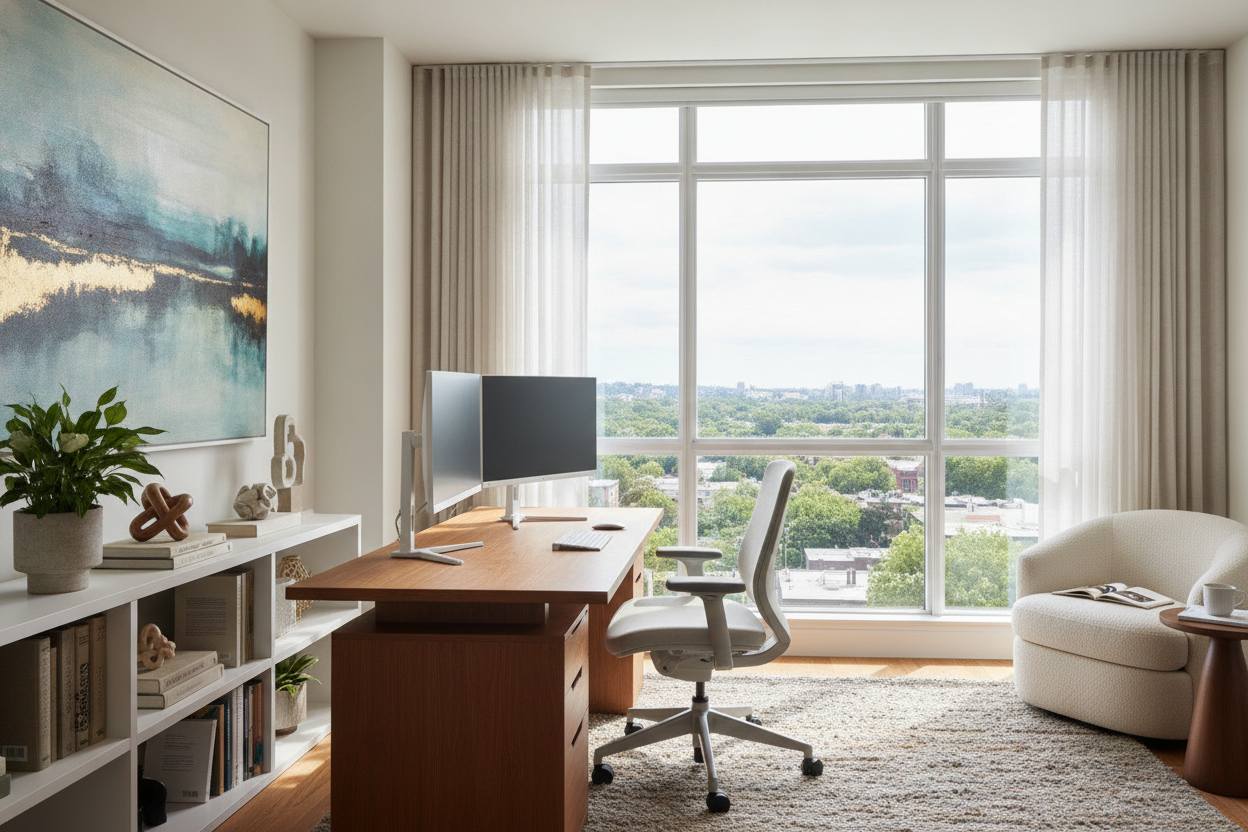
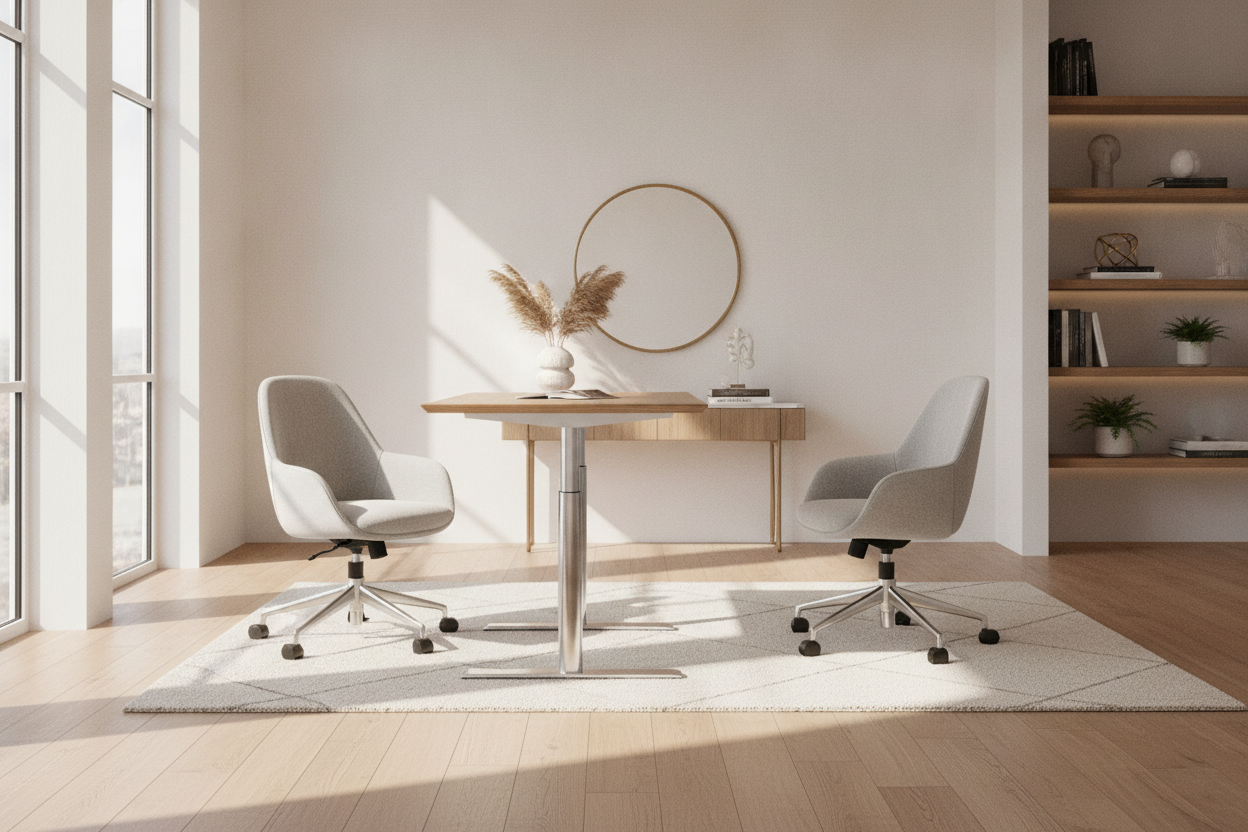
You don't need a professional lighting kit to make your office look good, but you do need to be intentional about the layout. Most people shove their desk into a corner and call it a day. If you look at designer ideas for standing desk layouts, you’ll notice they treat the desk as a piece of furniture, not just a utility. Pull it a few inches away from the wall to give the cables room to breathe.
Add a desk mat. It sounds trivial, but a large felt or leather mat anchors the space and hides the seam where your peripherals sit. Also, consider the material of your top. Laminate is durable, but it reflects overhead light in a way that looks cheap on camera. A matte finish or a solid wood top absorbs light and gives you that 'pro' vibe without the extra effort.
Why You Actually Need Memory Presets
I’ve tested desks with simple 'up' and 'down' arrows, and I’m telling you right now: skip them. You think you’ll manually find your perfect height every time, but you won't. You’ll get it 90% right, your elbows will feel slightly off, and you’ll just sit back down out of annoyance. Investing in a desk with memory presets is the only way to ensure you actually use the standing function.
Being able to hit a '2' and walk away to grab a coffee while the desk rises to your exact ergonomic standing height is the peak of WFH luxury. It removes the friction. If the desk is a hassle to move, it stays in the sitting position 99% of the time, and at 그 point, you’ve just bought a very expensive, very heavy regular desk.
FAQ
Do I really need a dual-motor desk?
If you have a heavy setup—think two monitors and a desktop PC—yes. Dual motors lift more weight evenly and usually last longer because they aren't straining as hard as a single-motor system.
Will a standing desk help my back pain?
Only if you use it correctly. Standing still for eight hours is just as bad as sitting. The goal is to switch positions every 45 to 60 minutes. A standing desk is a tool for movement, not a cure-all.
Is assembly actually as hard as it looks?
It’s mostly just tedious. The components are heavy, so having a second person to help you flip the desk over once the legs are attached is a lifesaver. Give yourself at least 90 minutes and use a real screwdriver, not just the tiny one they include in the box.

Laisser un commentaire
Ce site est protégé par hCaptcha, et la Politique de confidentialité et les Conditions de service de hCaptcha s’appliquent.