


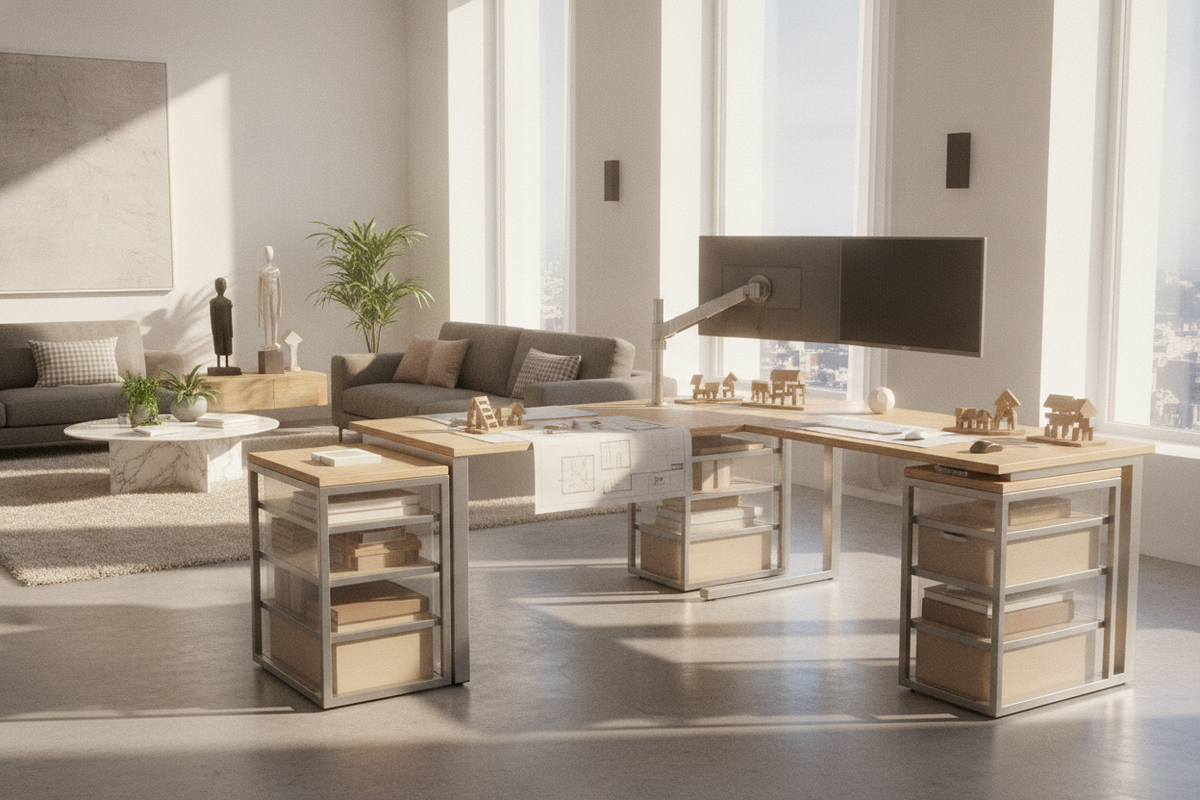
Work environments rarely remain static. As project demands shift, hardware evolves, and spatial requirements change, fixed-dimension office furniture often struggles to keep pace. Integrating a modular standing desk into your floor plan introduces architectural versatility to the home office. Rather than locking a room into a single static arrangement, a standing desk modular configuration allows work surfaces, supplementary storage, and peripheral support systems to expand, contract, and reorient alongside your everyday workflow.
Understanding the Modular Standing Desk Architecture
A true modular standing desk system moves beyond basic height adjustability. While conventional sit-stand workstations utilize a single desktop fixed across two lifting columns, modular frameworks treat every element—from the underlying crossbeams to accessory attachments—as reconfigurable building blocks.
Core Mechanics: Telescoping Frames vs. Attachment Rails
At the foundation of a modular standing desk is a structural support system engineered for adaptability. Many modern bases incorporate telescoping steel crossbars that expand or contract horizontally. This mechanical flexibility allows you to upgrade or swap your main surface plank over time without replacing motorized lifting components.
Complementing expandable frames are surface mounting rails and integrated bracket channels. These connection points let you secure auxiliary wings, side returns, or privacy panels directly to the load-bearing frame rather than relying solely on surface wood screws, preserving the structural balance of the entire workstation.
The Evolution from Fixed Ergonomics to Adaptive Workstations
Traditional ergonomic setups often address only vertical positioning: setting keyboard height, screen alignment, and seated posture. Adaptive workstations broaden this approach by incorporating horizontal reach zones and task separation. By altering surface geometry or adding specialized side modules, you can pivot smoothly between intensive typing, digital drawing, reference reading, and physical sorting without cluttering a single primary surface.
Dimensional Tiers and Footprint Planning for Modular Configurations
Choosing the right modular layout requires assessing floor clearance, travel paths, and how room usage might shift throughout the week.
Compact Single-Pod Footprints for Multi-Use Rooms
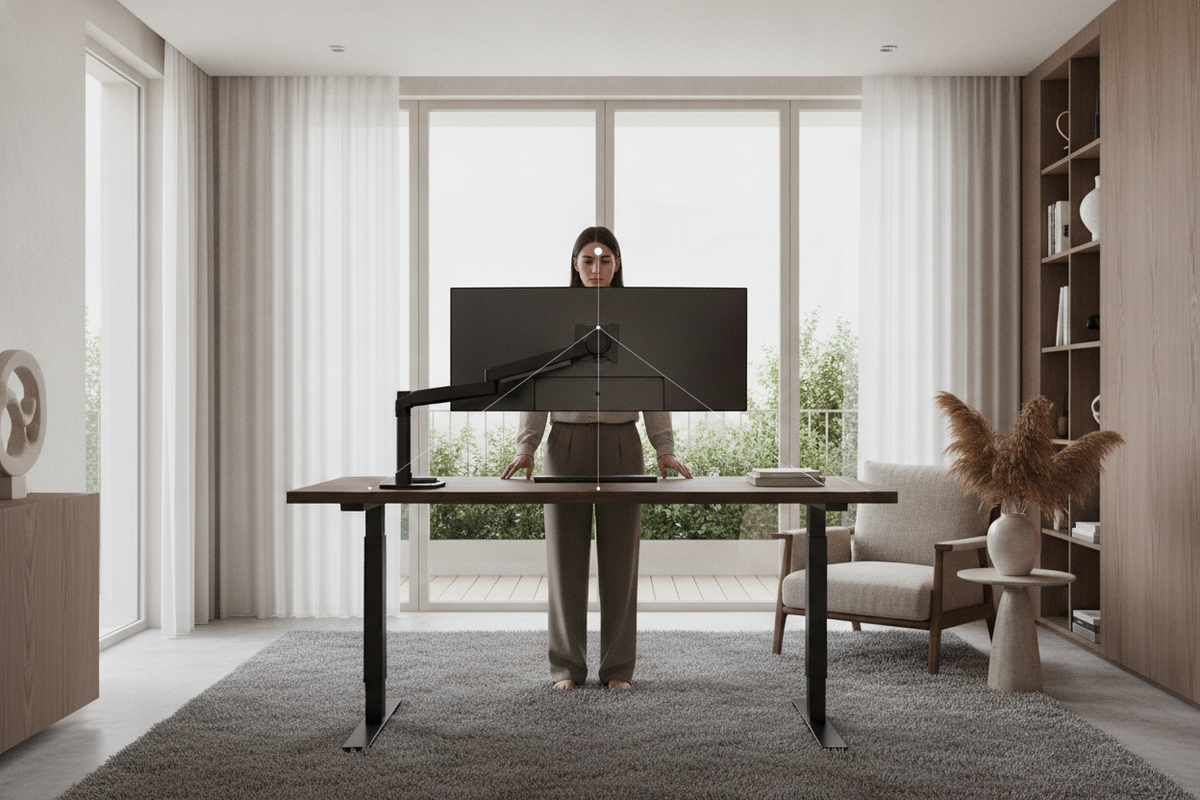
For shared living areas, studio apartments, or compact alcoves, a streamlined footprint serves as a reliable anchor. A standalone core, such as a 54-inch electric lift standing desk with memory presets, offers balanced surface real estate while maintaining the option to add vertical pegboards, suspended shelving, or slim undermount compartments when storage needs grow.
Reversible L-Shaped and Corner Expansions
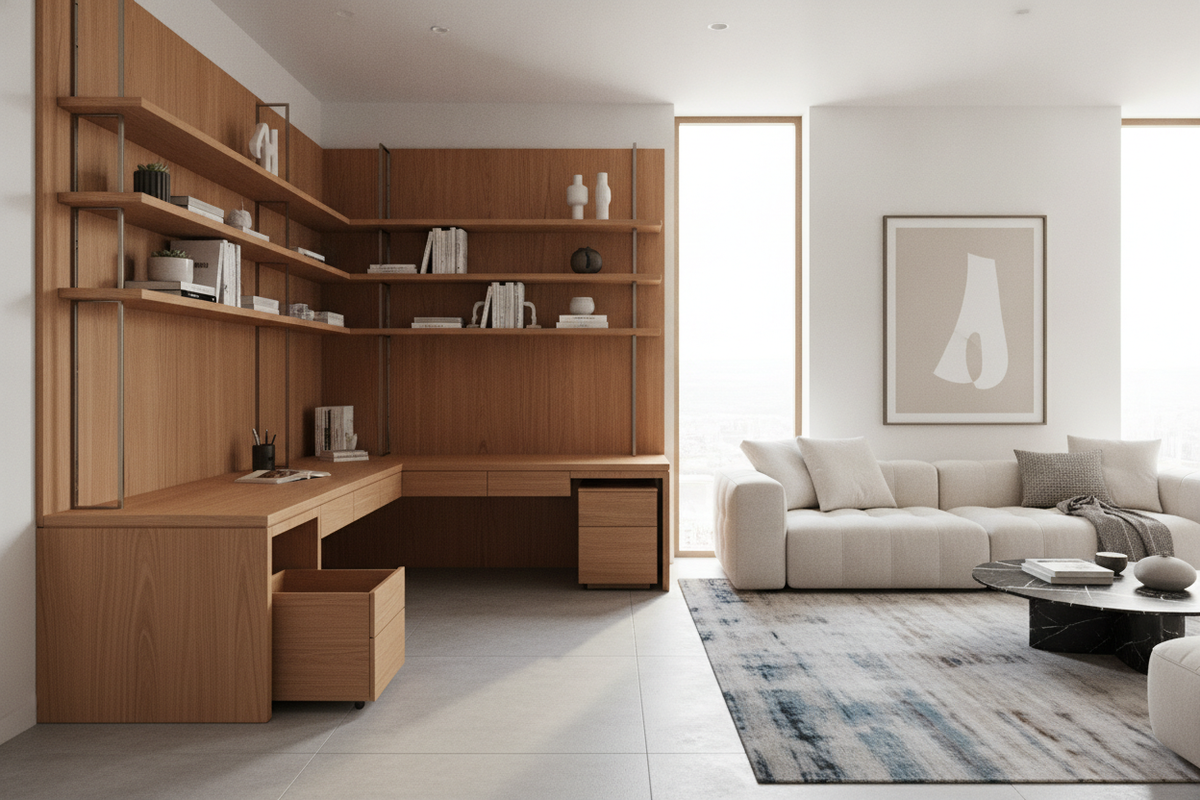
When additional surface area is required without dominating the center of a room, L-shaped expansions make efficient use of perimeter walls and corners. Modular corner configurations typically feature a primary desk segment connected to a secondary return wing via heavy-duty interlocking steel brackets. Reversible designs allow the return wing to mount on either the left or right side, ensuring seamless adaptation when rearranging furniture or moving to a new space.
Wide-Span Dual-Zone Workbenches
In dedicated home offices and studio spaces, high-density setups demand continuous horizontal space. Utilizing an expansive platform like a 71-inch height-adjustable standing desk creates clear operational zones: one side can house dual monitors and docking hubs, while the adjacent space remains clear for analog work, document review, or collaborative drafting.
Storage Synergy: Integrating Attached Pods, Pedestals, and Modular Cabinetry
One of the primary challenges of any height-adjustable workstation is maintaining easy access to storage without hindering motorized lifting functions or sacrificing essential knee clearance.
Undermount Rail Accessories and Suspended Drawers
Suspended storage attachments fasten directly beneath the desktop, traveling in unison with the sit-stand frame. When selecting undermount accessories, consider the following layout principles:
- Low-Profile Center Trays: Keep notebooks, pens, and charging cables within arm's reach while preserving leg clearance.
- Cantilevered Utility Brackets: Mount computer towers or peripheral gear securely to the desk frame, reducing cable strain during vertical transitions.
- Symmetrical Weight Distribution: Position heavier undermount accessories near structural columns to promote smooth travel and balanced frame alignment.
Freestanding Side Towers and Mobile Return Units
While suspended modules handle small daily essentials, larger reference materials, printers, and filing archives are best accommodated by complementary cabinetry. Pairing an active standing desk with options from a coordinated modular storage collection creates a cohesive office aesthetic. Low-profile mobile pedestals can roll neatly beneath the desk when raised or glide alongside as an extended auxiliary surface when the workstation is in a seated position.
Material Composition, Structural Rigidity, and Cable Management Pathways
Because modular setups involve multiple connected components, material quality and hardware engineering directly dictate the long-term stability and visual cohesion of your workspace.
Engineered Wood, Hardwoods, and Scratch-Resistant Laminates
Modular desktops must endure repeated reconfigurations, monitor arm clamping, and everyday handling. High-density engineered wood wrapped in scratch-resistant laminate provides reliable dimensional stability, resisting warping across varying humidity levels. When combining multi-piece tops, consistent edge banding and precision-machined pilot holes ensure smooth transitions across seams. For actionable ideas on pairing finishes and organizing accents, review our guide on designing an aesthetically cohesive standing desk setup.
Dynamic Articulated Cable Tracks and Modular Power Hubs
Adding wings and modular attachments naturally increases the number of connected devices, making structured wire routing essential. Effective cable organization across a modular sit-stand desk relies on two critical elements:
- Under-Desk Cable Raceways: Wide, ventilated metal trays mounted beneath the main crossbeam consolidate power strips, transformer bricks, and slack lines away from leg areas.
- Articulated Cable Spines: Segmented vertical cord managers flex smoothly as the desk elevates, preventing cords from catching on nearby storage units or pulling loose from wall outlets.
Step-by-Step Assembly, Reconfiguration, and Room Layout Frameworks
Proper planning and deliberate assembly ensure that your modular standing desk remains sturdy, balanced, and visually integrated into your room layout.
Frame Alignment and Joint Seam Optimization
When assembling multi-panel desktops or extending telescoping frames, precision alignment prevents uneven surfaces and mechanical stress:
- Dry-Fit Hardware: Loosely attach all frame bolts and connection plates before fully tightening fasteners to allow natural component alignment.
- Seam Leveling: Use joining plates with integrated levelers across multi-panel surface joints to ensure a smooth, uniform transition.
- Base Leveling: Adjust the threaded leveling glides beneath each foot pad to eliminate wobble caused by uneven floor surfaces before running motorized components.
Room Integration: Island, Perimeter, and Corner Layout Strategies
Where you position your desk impacts room flow, ambient light balance, and practical functionality. Placing a modular desk against a perimeter wall maximizes usable floor area in multi-purpose spaces, while positioning the setup as a central island creates an open, commanding focal point in dedicated private offices. For further inspiration on architectural zoning and office flow, explore these designer strategies for standing desk layouts.
By thoughtfully combining telescoping bases, scalable surface geometries, and coordinated storage, a modular standing desk evolves into a durable, flexible workstation tailored to your changing workspace demands.

Laisser un commentaire
Ce site est protégé par hCaptcha, et la Politique de confidentialité et les Conditions de service de hCaptcha s’appliquent.