


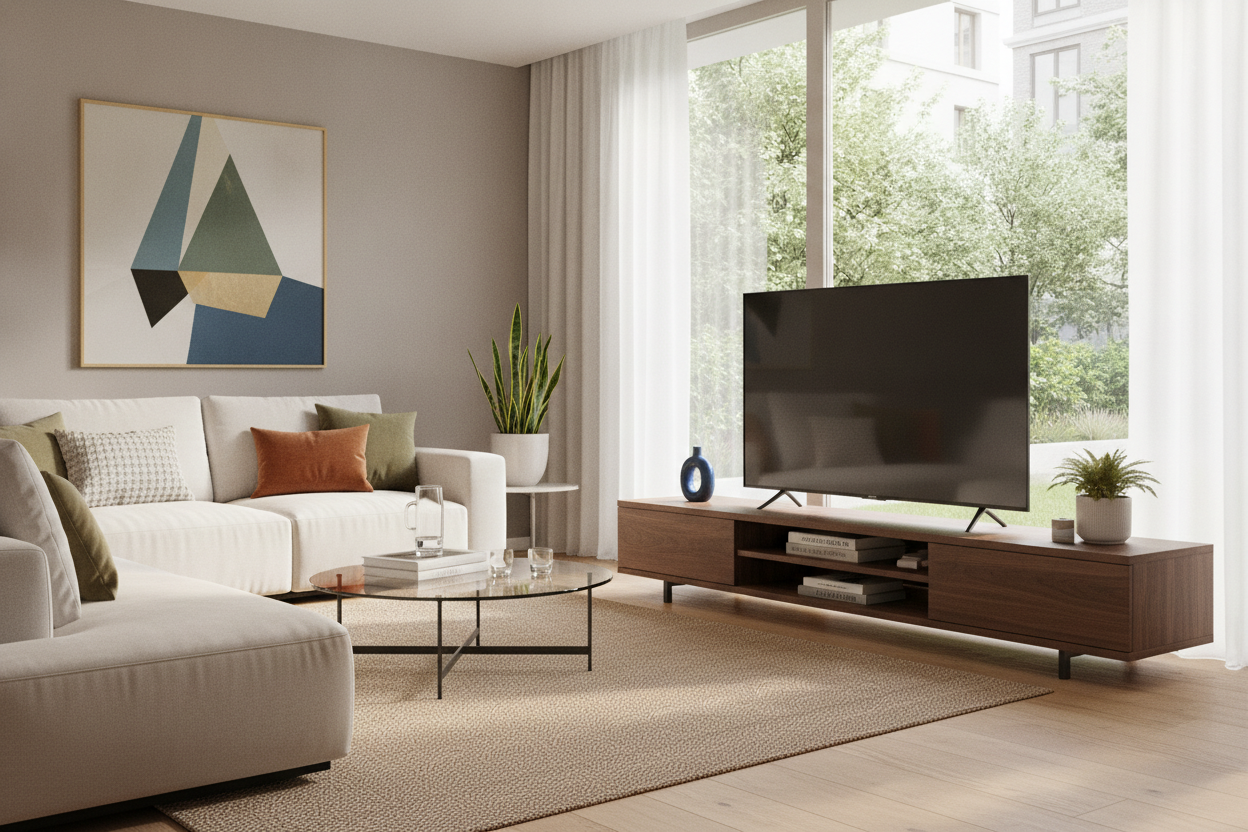
I remember the first time I upgraded to a 65-inch screen. I’d spent weeks researching refresh rates and OLED panels, but exactly zero minutes thinking about the furniture underneath it. When the delivery guys finally left, I hoisted that massive screen onto my existing mid-century credenza and immediately felt a wave of regret. It looked like a bodybuilder trying to balance on a barstool. My living room didn't look high-end; it looked like a precarious Best Buy display. Finding the right tv console 65 inch tv owners actually like living with requires more than just checking a weight limit.
- A 65-inch TV is actually about 57 inches wide; your stand should be at least 65-70 inches long.
- Avoid 'overhang' at all costs to prevent the room from feeling top-heavy and cramped.
- Closed storage is mandatory unless you enjoy dusting your tangled HDMI cables every Saturday.
- Scale the height of the console so the center of the screen stays at eye level when you're seated.
The Dreaded Overhang Effect (And Why It Looks So Bad)
The biggest mistake people make with a tv stand for 65in tv setups is forgetting basic geometry. We call them '65-inch TVs,' but that's a diagonal measurement. In reality, the physical width of the frame is usually around 57 or 58 inches. If you buy a 60-inch console, you only have an inch of clearance on either side. This creates the 'overhang effect'—a visual disaster where the screen feels like it's suffocating the furniture.
When the screen is nearly as wide as the base, the whole setup looks top-heavy. It creates a sense of physical anxiety, as if the slightest bump will send the whole thing toppling. A 65 inch tv tv stand needs to provide a visual anchor. If the screen dominates the edges of the furniture, your eyes won't have a place to rest, and your living room will feel cluttered no matter how much you clean. I've seen 65 television stand setups that actually made a large room feel tiny just because the proportions were off.
Your Screen is Suffocating the Room (Here is the Math to Fix It)
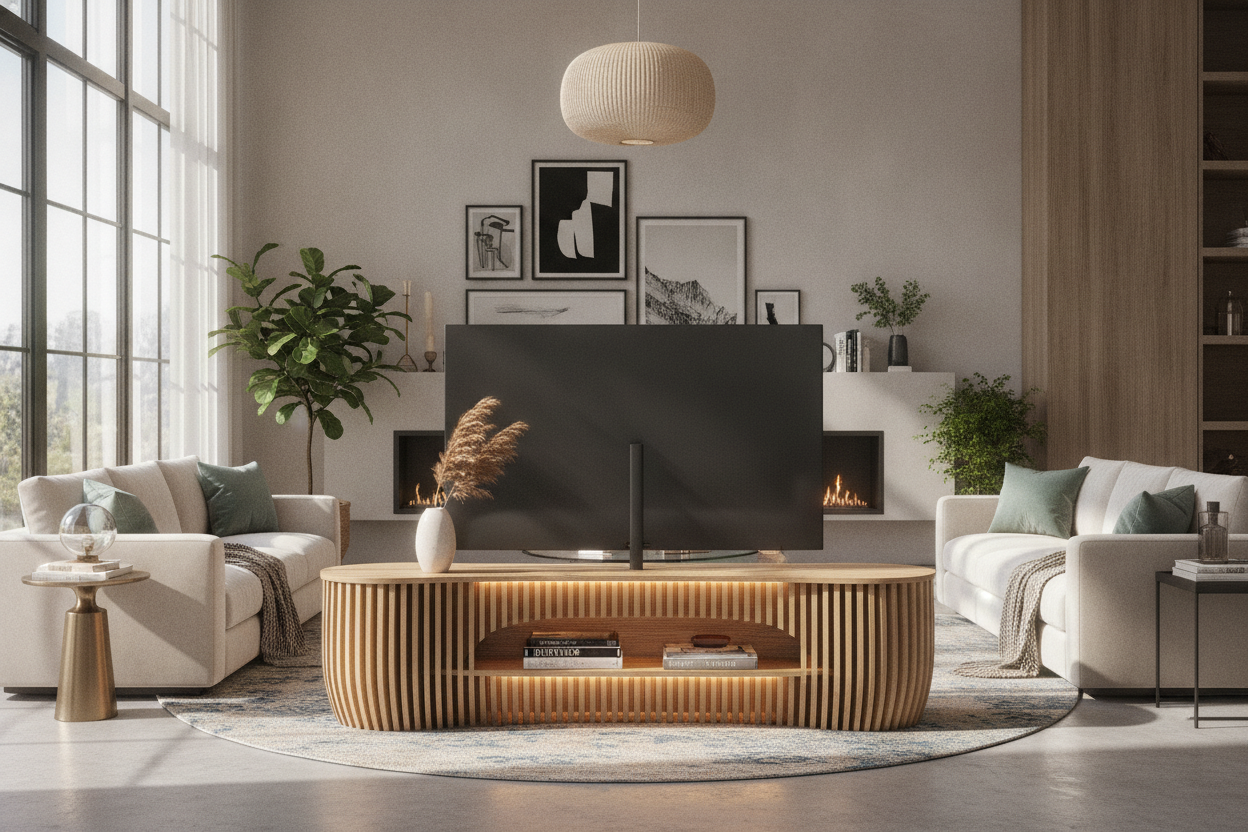
To get that 'designer' look, you need to follow the Golden Rule: add at least 8 to 12 inches to the actual width of your TV. Since your screen is roughly 57 inches wide, you should be looking for tv consoles for 65 inch tv use that are at least 65 to 70 inches long. This extra breathing room on the ends allows the furniture to 'frame' the TV rather than just holding it up. It makes the piece look like a deliberate choice rather than an afterthought.
If you have the wall space, I always suggest going even wider. A 72-inch or 80-inch unit provides enough surface area to place a lamp or a few books on the ends, which breaks up the monolithic look of the tech. You can browse modern TV stands that offer these extended lengths without looking like a massive block of wood. Remember, 65 inch tv consoles are meant to ground the room. If the math doesn't add up, the modern tv stand 65 inch aesthetic you're chasing will just look like a dorm room upgrade.
Why I Refuse to Buy Open Shelving for a Massive Screen
I’ve learned this the hard way: open shelving is a trap. A giant screen requires a giant amount of infrastructure. You’ve got the power bricks, the soundbar cables, the gaming consoles, and the router. An open-shelf entertainment center for 65 in tv setups quickly turns into a dusty, tangled nightmare that ruins the clean lines of your home. Unless you are a literal wizard with zip ties and cable channels, you will see every single wire.
I only recommend closed storage for anything over 55 inches. You want doors—preferably soft-close ones—that can hide the clutter. A high gloss entertainment center with solid cabinetry allows you to shove the mess inside and forget it exists. Plus, larger screens attract more dust due to static; closed 65 inch tv cabinets keep that dust off your expensive electronics. I once owned a 65 inch tv shelf with zero doors, and I spent more time wiping down my PlayStation than actually playing it.
The Floor Stand Alternative: When a Console Just Won't Work
Sometimes the architecture of the room just won't cooperate. If you're living in a tight apartment or dealing with a corner fireplace, a 70-inch wide credenza for 65 inch tv placement might be physically impossible. In these cases, don't try to squeeze a tiny 65 in tv stands into a space where it doesn't fit. It will look cramped and cheap.
Instead, look toward a floor stand. It’s a minimalist approach that takes up a fraction of the footprint. People often ask me if they can really trust a floor stand for 65 inch TV screens, and the answer is yes—provided you don't buy the cheapest one on the internet. A heavy-duty steel stand can safely hoist a 65-inch screen while leaving the floor clear for a plant or a small basket. It’s a much better solution than trying to force a table for tv 65 inch that is too small for the job.
How to Style Around the Giant Black Void
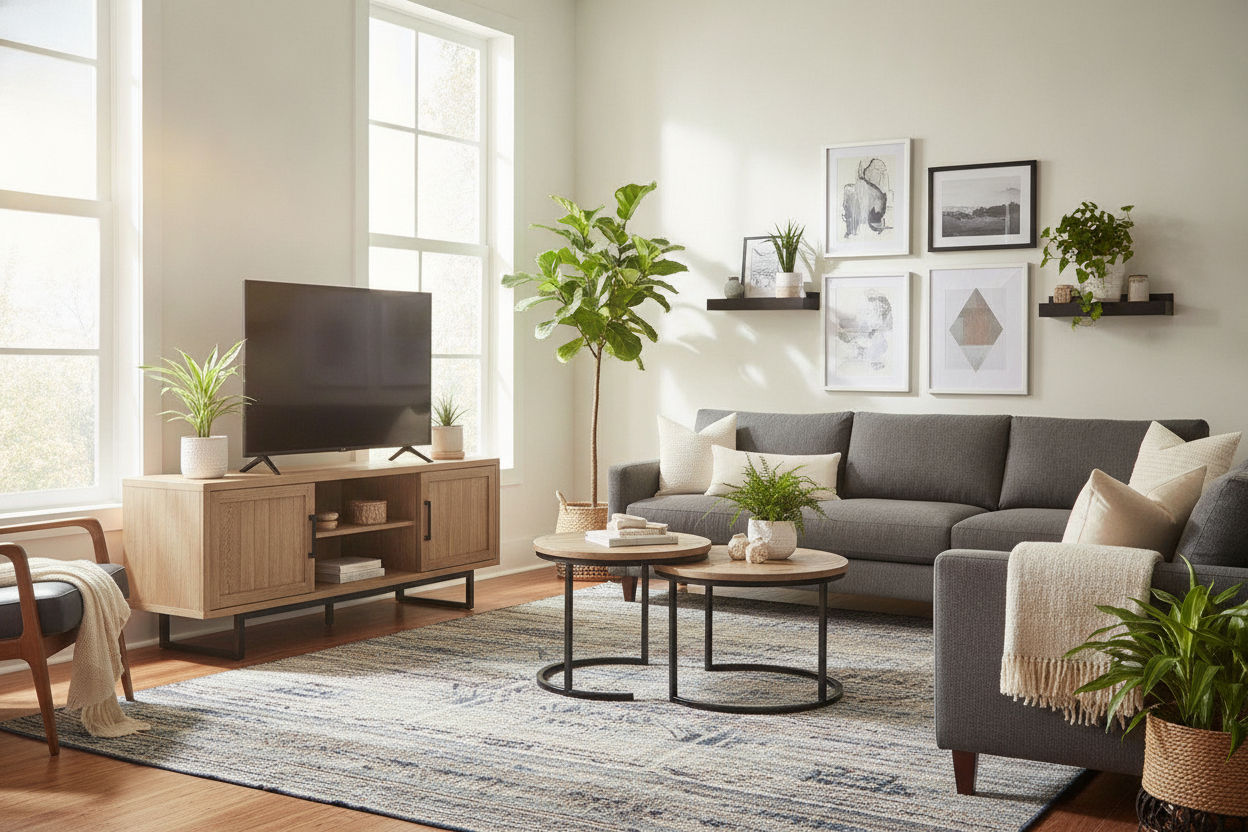
When the TV is off, a 65 inch tv and stand combo is basically a giant black hole in your living room. It sucks the light and energy out of the space. To fix this, you have to style 'away' from the screen. Don't make the TV the center of a perfectly symmetrical display. Asymmetry is your friend here. Place a tall, leafy plant on one side of the 65 inch tv console table to break up the hard rectangular lines.
On the other side, stack a few oversized art books or place a sculptural vase. This draws the eye to the decor rather than the empty screen. If you're using a 65 inch tv media console with a bit of extra length, you can even lean a piece of framed art against the wall behind the TV. This layering effect makes the 65 inch tv table stand feel like part of the home's soul rather than just a place to watch Netflix. I personally use a stack of vintage magazines and a brass lamp to soften the edge of my 65 inch entertainment stand, and it makes a world of difference.
My Biggest Console Regret
Years ago, I bought a 'cheap tv stand for 65 inch tv' that was made of thin particle board with a paper veneer. It was exactly 58 inches wide. Not only did the TV look like it was about to fall off, but within six months, the center of the stand started to sag under the weight. The doors wouldn't close right because the frame was warped. Now, I never buy anything that isn't rated for at least 100 pounds, and I always check that the center support leg is adjustable. It's worth spending the extra $100 for kiln-dried wood or heavy-duty MDF over the flimsy stuff.
FAQ
How wide should a stand be for a 65 inch TV?
At minimum, look for a stand that is 65 inches wide. Ideally, you want something 70 inches or wider to avoid the screen overhanging the edges and to keep the room's proportions balanced.
Can I put a 65 inch TV on a 55 inch stand?
Technically, if the feet of the TV fit, you 'can,' but you shouldn't. The screen will hang over the sides by several inches, making it look unstable and visually messy. It's a major design faux pas.
How high should my TV console be?
For a 65-inch screen, look for a console that is between 22 and 28 inches tall. This ensures that when you're sitting on a standard sofa, your eyes are level with the middle of the screen, preventing neck strain.

Laisser un commentaire
Ce site est protégé par hCaptcha, et la Politique de confidentialité et les Conditions de service de hCaptcha s’appliquent.