


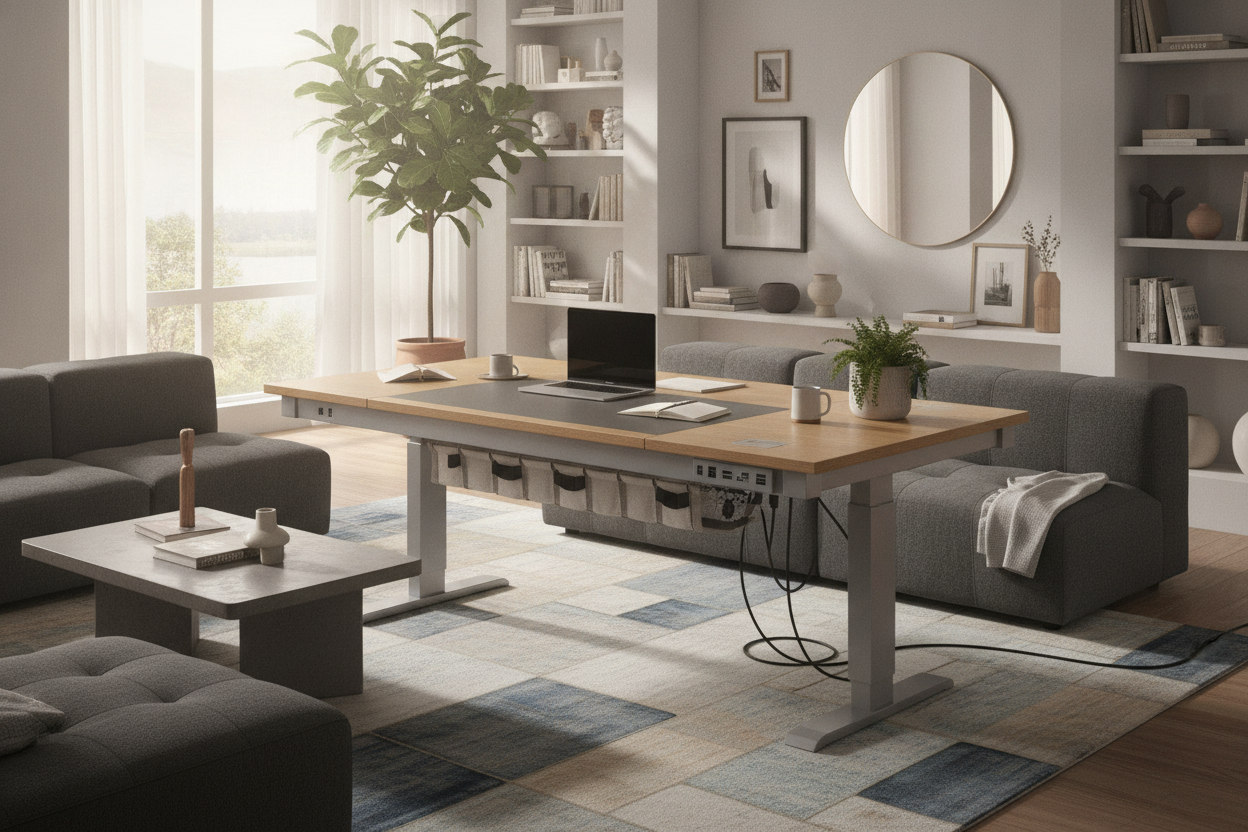
Modern home offices and commercial workstations demand flexibility, active posture changes, and seamless power access for an expanding array of digital tools. Choosing an adjustable desk with usb ports bridges the gap between dynamic ergonomics and modern charging needs. When power distribution moves with the tabletop, work routines become smoother, and messy cable drops no longer disrupt height transitions.
Why an Adjustable Desk with USB Ports Transforms Modern Workstations
Positioning charging connections directly on the active worksurface eliminates the frustration of reaching behind heavy furniture or crawling under tables to connect devices. A thoughtfully designed standing desk guide often emphasizes that visual order directly supports daily productivity and focus.
A versatile standing desk with usb access allows smartphones, wireless headphones, graphic tablets, and secondary input gear to recharge right where you work. Because the ports travel along with the desktop mechanism, charging cables remain relaxed and untangled whether the frame is set at seated tasking height or raised for standing focus.
Power Architecture: Surface Hubs vs. Under-Desk Outlets
When selecting an adjustable standing desk with power outlet features, it is helpful to evaluate how different types of power access serve distinct equipment categories.
- Top-Mounted USB Hubs: These provide quick-docking convenience for lightweight, frequently unplugged accessories such as phones, styluses, and rechargeable mice.
- Recessed AC Sockets: Embedded desktop outlets accommodate laptop chargers and desk lamps without running heavy cables off the front or side edges.
- Under-Desk Power Trays: High-draw transformers, monitor power bricks, and primary computer cables are best organized beneath the surface to preserve clean tabletop aesthetics.
An integrated electric standing desk with usb ports balances these needs by separating high-visibility quick-charge points from concealed undercarriage routing, keeping the active work area uncluttered. Exploring an adjustable standing desk product offers clear insight into how built-in controls and power distribution integrate into sleek, modern frame designs.
Zoning a Powered Workstation for Efficiency
Arranging a multi-device setup requires thoughtful surface zoning to maximize efficiency and minimize physical strain throughout the day. Dividing the desk top into distinct functional sectors keeps primary tools centered while peripheral gear remains accessible.
Consider structuring your desktop layout into three core operational zones:
- Primary Active Zone: The central area directly in front of you, reserved for keyboard, pointing device, and direct line-of-sight monitor focus.
- Secondary Reach Zone: Flanking areas on the left and right, ideal for notebooks, reference documents, or a docked secondary laptop.
- Dedicated Power & Staging Zone: The outer corner or rear perimeter where integrated USB ports, wireless charging pads, and docking cradles reside.
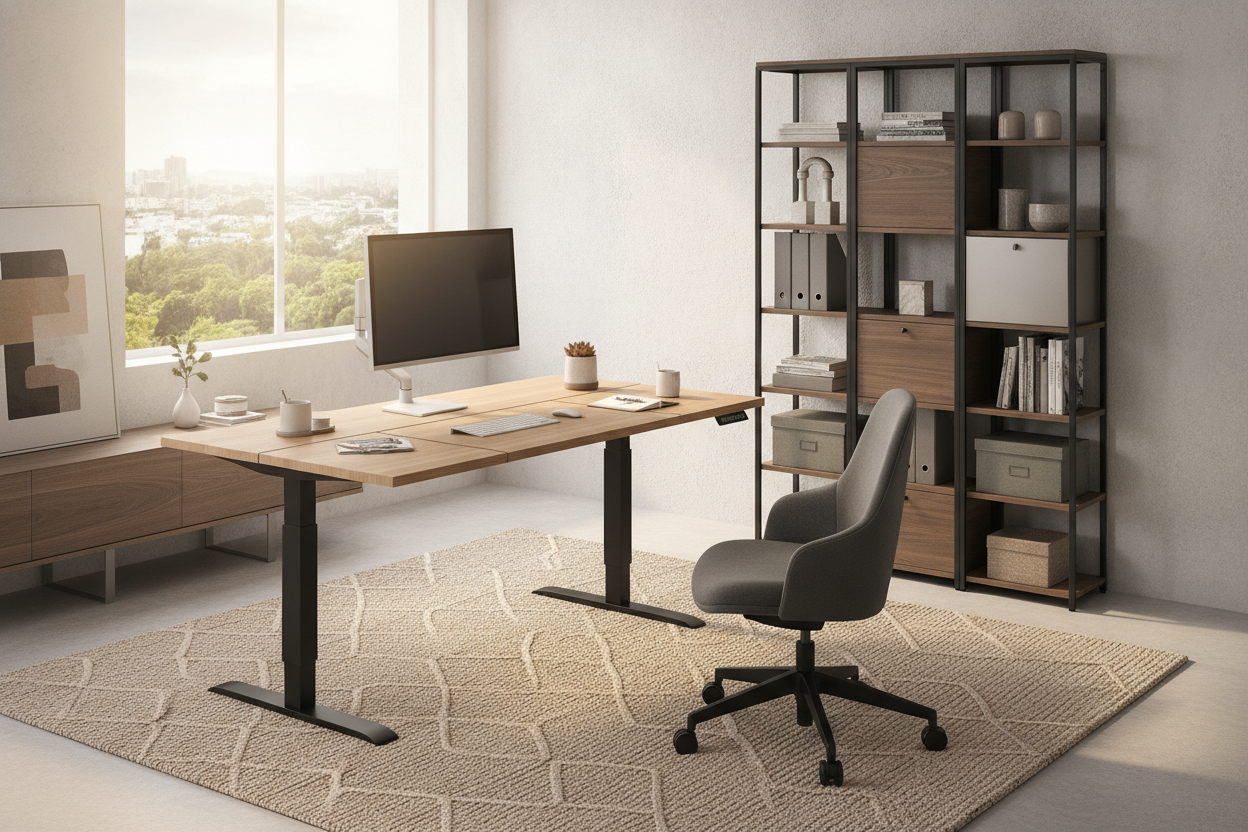
Larger surface footprints, such as those found on a spacious adjustable standing desk product, provide ample width for dual displays while leaving dedicated lateral space for mobile device charging stations without crowding core task areas.
Dynamic Cable Routing: Managing Travel Slack and Voltage Safety
The primary mechanical challenge of any motorized sit-to-stand furniture is accommodating the vertical travel path of connected wiring. When multiple power cords hang loosely from a moving frame, they risk snagging on surrounding furniture, pinching against walls, or pulling free from wall sockets during upward travel.
To maintain clean mechanics and reliable operation, consolidate all desktop electronics into a central power rail or onboard hub mounted to the frame. By powering monitors, task lights, and desktop hubs from a single localized point, only one heavy-duty main power lead needs to span the distance between the moving frame and the wall receptacle. Reviewing a comprehensive standing desk guide can provide helpful architectural tips on routing dynamic cable loops and cable spines neatly behind leg columns.
Integrating Complementary Storage and Room Layouts
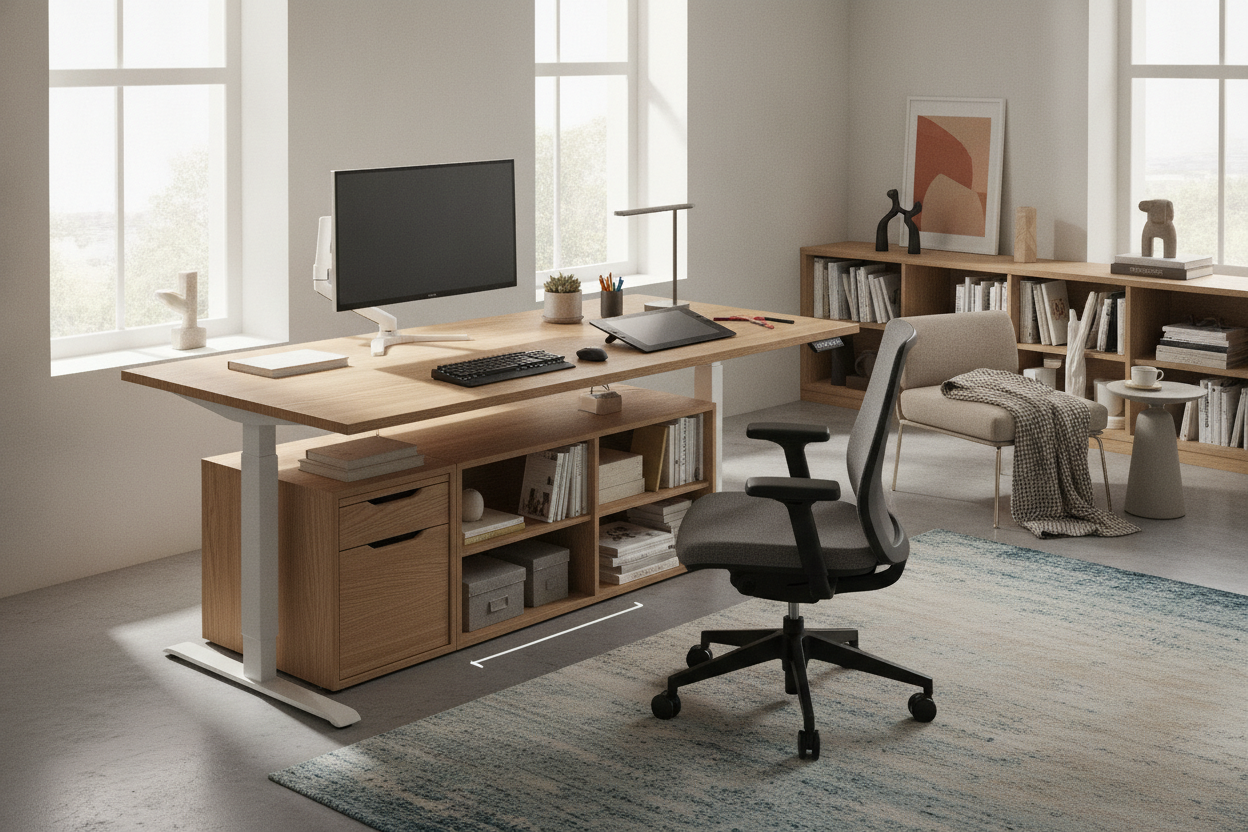
An adjustable workstation thrives when supported by modular storage elements that maintain overall room organization without impeding vertical movement. Because motorized desktops move downward as well as upward, surrounding furniture must be planned with appropriate spatial clearance.
Low-profile mobile pedestals, filing cabinets, and small credenzas should be measured carefully if positioned directly beneath the frame to avoid lower travel limits. Pairing your setup with dedicated pieces from an adjustable collection allows books, archives, and bulkier supplies to remain nearby on stable, freestanding shelving, keeping the motorized desktop light, uncluttered, and responsive.
Essential Checklist for Selecting a Powered Adjustable Desk
To choose the right powered sit-to-stand solution for your daily routine, consider the following practical decision criteria:
- Port Diversity: Look for a practical mix of standard USB ports and AC outlets tailored to your everyday personal electronics.
- Placement Ergonomics: Ensure port modules are positioned toward the rear or side perimeter so charging cables do not obstruct forearms or typing space.
- Surface Proportions: Verify that the desktop width and depth accommodate your monitor arms, laptop stands, and accessory staging areas comfortably.
- Frame Clearance: Check that the under-desk area offers sufficient open space for leg movement and clear vertical clearance above any floor-standing storage.
By pairing reliable motorized height adjustability with accessible desktop power, an adjustable desk with usb ports creates a tidy, adaptable, and highly functional hub for all your daily work activities.

Laisser un commentaire
Ce site est protégé par hCaptcha, et la Politique de confidentialité et les Conditions de service de hCaptcha s’appliquent.