


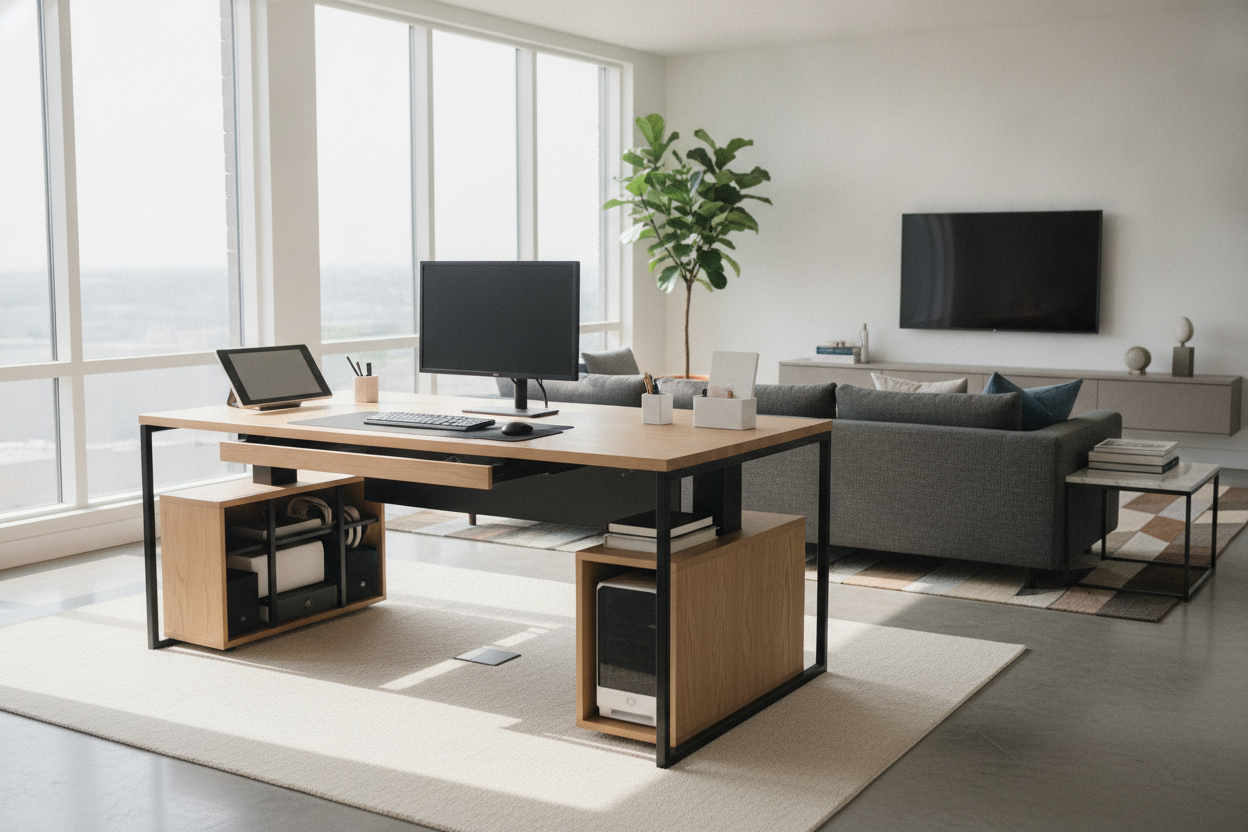
Evaluating the 70-Inch Footprint: Width, Depth Proportions, and Room Fit
Choosing a large workstation is one of the most impactful decisions you can make when designing a dedicated home office. A 70 inch standing desk delivers an expansive surface that easily bridges the gap between digital command centers and tactile desk work. Before selecting your setup, it is essential to evaluate how this substantial profile interacts with your room's overall traffic flow, natural light sources, and perimeter walls.
While standard compact desks often constrain productivity, an oversized format ensures that multiple monitors, reference books, and tabletop audio gear can coexist without clutter. Pairing an expansive width with a deep desktop profile—such as a 30 standing desk or a classic 30" standing desk depth—gives you adequate focal depth for high-resolution displays. When reviewing dimensions, exploring a wide adjustable standing desk product can provide the necessary spatial perspective to balance expansive width with comfortable room walkways.
To ensure smooth day-to-day usability, maintain sufficient clearance around the perimeter of the desk. Placing an expansive sit-stand workstation along a primary wall leaves central walkways open, while floating the desk in the center of the room establishes an executive focal point. Always verify that nearby doors, window treatments, and companion bookcases can open fully when the desk is raised to its highest standing setting.
Surface Zoning Strategies for Wide-Span 70x30 Workstations
The true advantage of a 70x30 standing desk lies in its capacity for intentional surface segmentation. Rather than scattering accessories across the entire expanse, dividing the desktop into designated task zones creates an efficient, organized workflow. A thoughtful approach includes establishing a central active computing area, flanked by secondary peripheral zones and analog surfaces.
- Central Digital Core: Reserve the central thirty to thirty-six inches for your primary display, ergonomic keyboard, and mouse mat, keeping daily posture aligned.
- Secondary Digital Wing: Use one side of the standing desk 70 x 30 platform for vertical secondary monitors, laptop docking arms, or tablet stands.
- Analog and Creative Zone: Utilize the opposite edge for physical notebooks, sketchpads, planners, and task lighting, keeping creative tasks segregated from screen clutter.
- Perimeter Utility Buffer: The extra depth of a 30-inch surface leaves ample room behind monitors for screen light bars, ambient desk lamps, and desktop organizers.
For more inspiration on balancing aesthetics with multi-screen utility, exploring a comprehensive standing desk guide will help you align technical accessories with clean, calming visual lines.
Frame Mechanics, Load Distribution, and Assembly Planning
A broad tabletop demands robust structural support. When configuring a 70 standing desk, the mechanical foundation must counteract the natural leverage created by an extended horizontal span. High-grade dual-motor lift columns and heavy-duty steel telescoping frames help distribute weight evenly across both sides, preventing motor strain and promoting quiet, smooth height adjustments.
Under-desk crossbars and wide foot plates play a vital role in stabilizing a 70 inch adjustable desk at elevated standing heights. If your layout requires a slightly smaller footprint for tighter multi-use rooms, comparing large formats against a compact adjustable standing desk product can help clarify the structural and spatial trade-offs between various frame widths.
During assembly, prepare an open floor space protected by a soft blanket or rug to assemble the frame and tabletop upside down. Ensure that crossbar fasteners and mounting plates are tightened uniformly to prevent frame flex, and plan monitor arm placement directly over the structural frame rails to ensure balanced load distribution.
Storage and Cable Integration for Large Standing Desk Layouts
Because a height-adjustable desk moves dynamically throughout the day, integrated storage requires careful planning. Heavy fixed drawers attached directly under a wide desktop can add unnecessary mechanical weight and restrict legroom. Instead, modern ergonomic offices favor modular storage companions positioned beside or behind the active workstation.
Pairing your desk with freestanding credenzas, mobile file pedestals, or tall modular shelving from an adjustable collection provides abundant capacity for office supplies, archives, and peripheral hardware without interfering with motorized vertical movement.
Dynamic cable management is equally critical on a standing desk 70 inch layout. Implement these fundamental routing techniques:
- Mount an under-desk horizontal cable management tray directly beneath the central frame crossbar.
- Route all monitor, computer, and accessory power cords into a single mounted surge protector beneath the desk surface.
- Utilize an articulated vertical cable spine or flexible cable wrap to bundle the main power feed from the desk to the wall outlet, leaving sufficient slack for full height extension.
Material Finishes and Aesthetic Harmonization
An expansive desk naturally commands attention in an office space, making the choice of desktop material and frame finish central to your room's overall aesthetic. Cohesive finishes help integrate a large surface into modern, transitional, or Scandinavian interiors without feeling overly industrial.
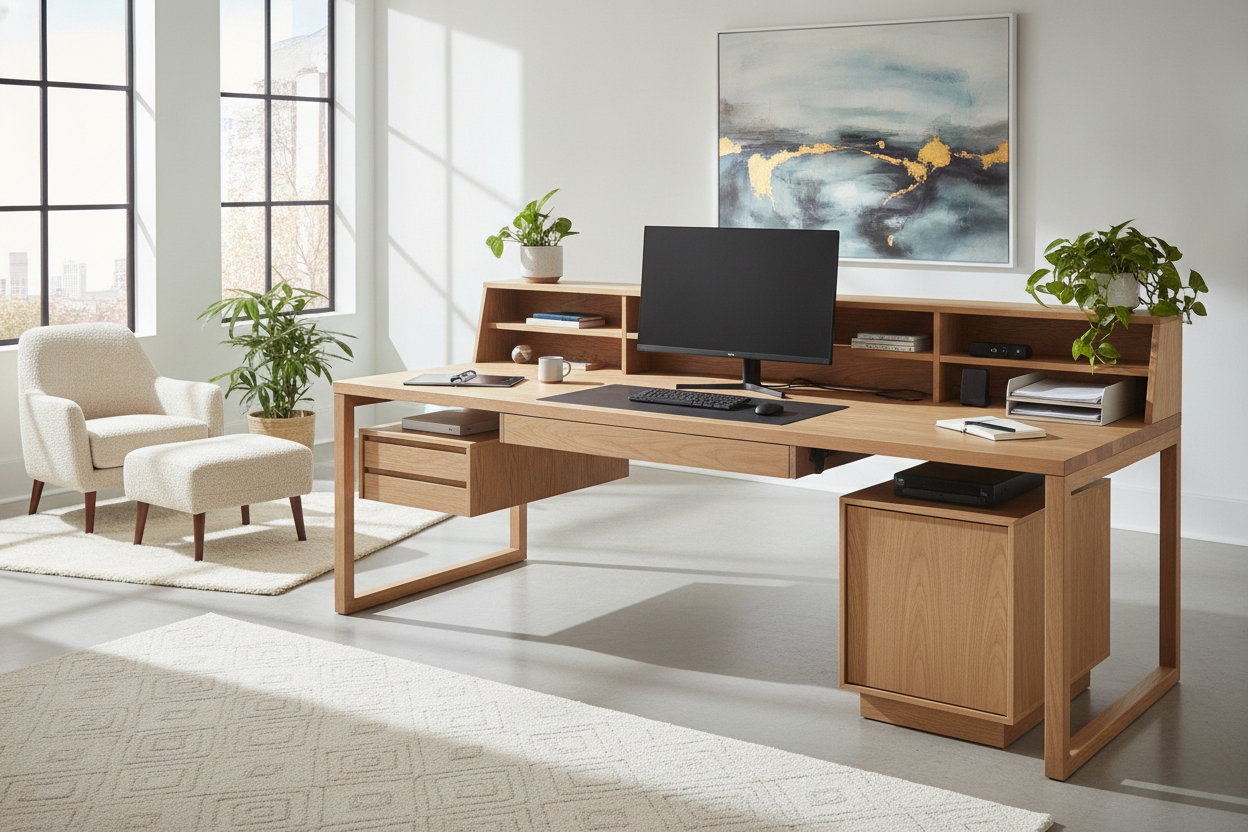
Warm desktop wood grains—such as rich walnut, warm oak, or textured ash—pair beautifully with matte black or dark bronze frames, grounding the room with an organic warmth. Conversely, clean white, light birch, or soft gray tabletops paired with powder-coated white frames foster a bright, minimalist atmosphere that enhances natural daylight.
To explore how layered textures, surrounding storage, and ergonomic lighting work together across broad workspaces, consult our designer standing desk guide for contemporary styling ideas and architectural layout concepts.
Selection Checklist: Choosing the Ideal 70-Inch Workstation Configuration
Before finalizing your purchase, review this practical decision checklist to ensure your chosen large-format adjustable desk perfectly matches your daily work habits and room layout:
- Room Footprint: Have you verified wall clearance, door swings, and window access around the full 70-inch width?
- Depth Compatibility: Does a 30-inch surface depth provide appropriate monitor viewing distance for your display sizes?
- Equipment Capacity: Will the dual-column frame accommodate your combined monitors, PC tower, mount arms, and accessories?
- Storage Clearance: Are mobile drawers and companion credenzas positioned to avoid collisions when the desktop lowers to seated heights?
- Cable Travel: Is there adequate slack in your primary power line to accommodate smooth travel between sitting and standing presets?
- Visual Balance: Does the tabletop tone and metal finish harmonize with your existing bookshelves, accent chairs, and flooring?

Laisser un commentaire
Ce site est protégé par hCaptcha, et la Politique de confidentialité et les Conditions de service de hCaptcha s’appliquent.