


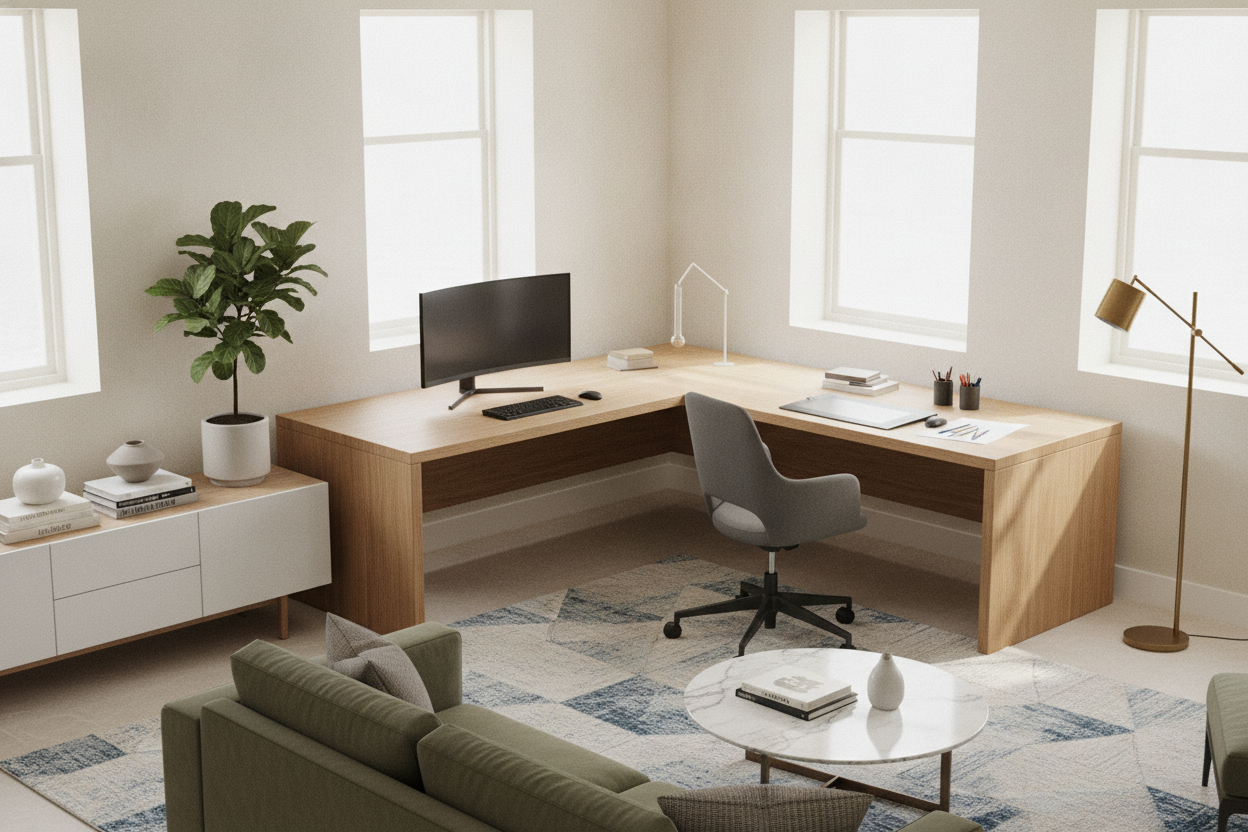
The 48 x 48 Dimension Framework: Understanding Symmetrical Corner Footprints
Choosing a corner workstation often involves balancing compact room dimensions with the need for distinct desktop surfaces. A 48 x 48 l shaped desk provides a balanced, symmetrical footprint where both perpendicular wings share identical overall lengths. Unlike asymmetrical models that feature a distinctly long main desk and a shortened return, an equal-wing layout lets you mirror equipment setups or rotate your orientation without altering room balance.
In practical room planning, an l shaped desk 48 x 48 configuration anchors tight spaces that cannot accommodate extended desks. It converts underutilized corner areas into functional workspace while leaving pathways clear. For broader layout frameworks and multi-zone room design, consult our comprehensive shaped desk guide to optimize foot traffic and natural lighting across your entire floor plan.
Ergonomic Surface Zoning: Primary Screen Focus vs. Task Return
The primary advantage of an l-shaped desk 48 x 48 structure lies in surface separation. Rather than cluttering a single straight desktop with multiple tasks, dual surfaces enable dedicated zones:
- Primary Computing Zone: Dedicated to your main monitor, keyboard tray or desktop peripherals, and task lighting.
- Secondary Work Return: Reserved for physical paperwork, reference materials, writing notebooks, drawing tablets, or secondary laptops.
- Apex Utility Hub: The deep inner corner junction serves as an ideal staging ground for speakers, desk lamps, or shared charging hubs without infringing on forearm resting areas.
Straight-Wing Placement vs. Diagonal Corner Seating
Users generally orient their seating in one of two configurations on a symmetrical desk:
Diagonal Apex Seating: Positioning your task chair directly facing the inner diagonal corner maximizes continuous arm support on both sides. This arrangement allows monitors placed deep in the corner to maintain comfortable focal viewing distances. However, it requires a frame design that avoids central support obstructions.
Straight-Wing Orientation: Seating yourself parallel to one 48-inch wing treats the adjacent wing as a true side return. This setup feels intuitive for users who spend most of their day typing on a primary display and only need to swivel periodically to review hard-copy files or attend calls on a tablet.
Cable Routing and Peripherals Management
Dual desktops generate power and data cable paths across two perpendicular planes. Effective cable management on a compact corner desk relies on routing cords along the inner frame rails toward the corner apex. Grouping peripheral wires into flexible sleeves and anchoring power distribution strips beneath the desktop ensures clean lines and prevents leg snagging when turning between zones.
Room Placement Strategies: Corner Nesting vs. Floating Peninsulas
Where you place a 48-inch corner desk dictates the visual flow of your office:
Corner Nesting: Placing both exterior edges flush against intersecting perimeter walls creates an enclosed, distraction-minimizing work area. This arrangement suits bedrooms, studio apartments, and shared study rooms where preserving open central floor space is helpful.
Peninsula Room Dividers: In larger open-concept spaces, placing one wing against a wall while allowing the second wing to extend into the room forms a functional architectural divider. This divides an open room into distinct resting and working zones while keeping the desk accessible from multiple sides.
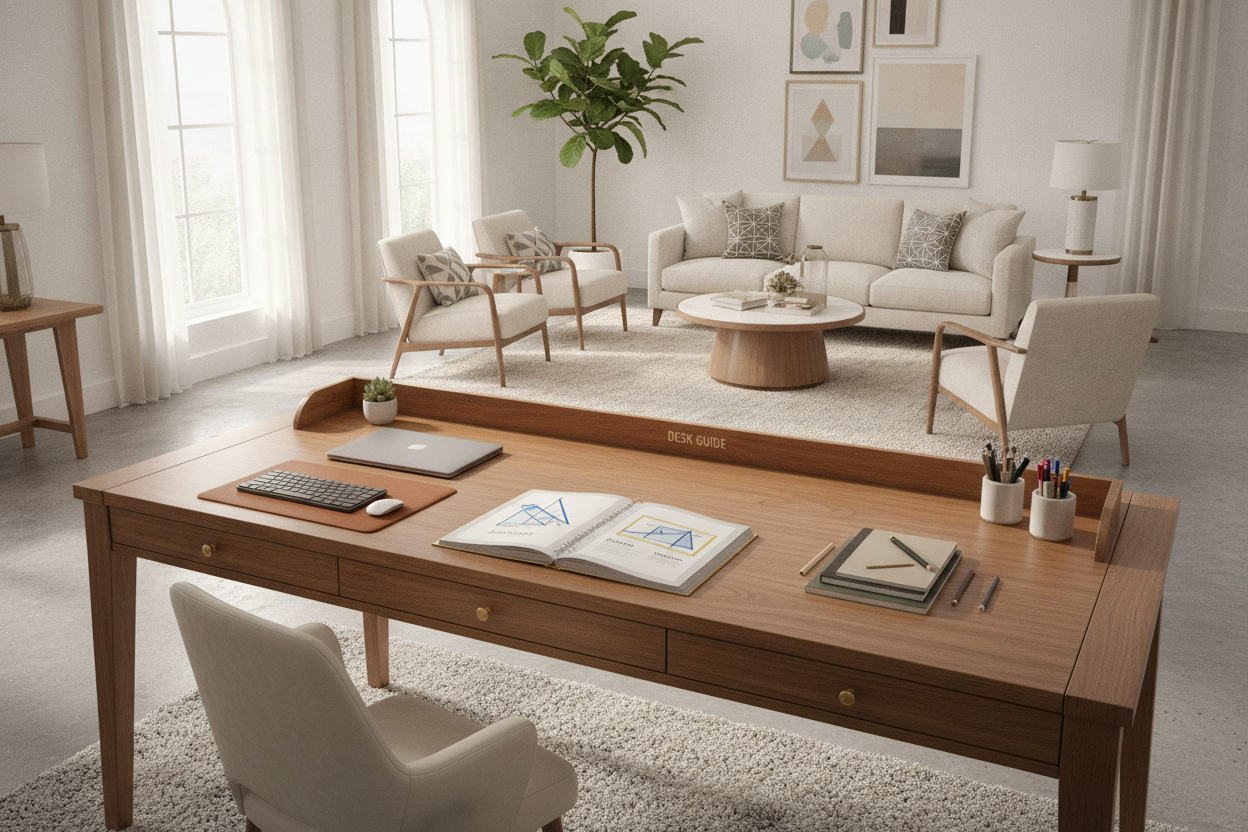
If your room geometry favors a compact linear profile over a full corner return, explore a desk shaped product with built-in utility storage to preserve open floor area.
Structural Frames, Leg Clearance, and Inner Corner Mechanics
Knee clearance and freedom of movement determine day-to-day comfort. When evaluating frame architecture, pay close attention to the inner corner transition:
- Cantilevered and Open-Corner Frames: Models designed with perimeter framing and reinforced corner brackets eliminate the middle inner leg entirely. This open span allows your office chair to swivel smoothly between wings without catching armrests or colliding with steel posts.
- Crossbar Positioning: Structural crossbars should sit tucked high beneath the worktop or remain flush against back wall panels. Lower crossbars positioned directly in the knee zone restrict natural leg extension during long work sessions.
- Adjustable Leveling Glides: Uneven flooring near wall baseboards can cause multi-panel desktop seams to misalign. Independent leveling feet on every contact point allow fine adjustments to keep both wings flush and stable.
Material Selection, Surface Durability, and Storage Pairings
A dependable workstation balances structural rigidity with resilient desktop surfaces. Engineered wood panels treated with durable melamine or laminate veneers resist daily scuffs, moisture, and pen marks, while powder-coated steel understructures provide lasting load support across both spans.
For workspaces that require additional surface depth beyond 48 inches, a 55-inch shaped desk product provides extended wing capacity for oversized multi-display setups.
Under-Desk Pedestals vs. Overhead Vertical Storage
Because a 48 x 48 footprint is compact, adding storage requires deliberate spatial planning to avoid cluttering foot space:
- Slim Mobile Pedestals: Placing a compact rolling drawer unit beneath the outer edge of the secondary wing leaves the central knee well unobstructed.
- Overhead Wall Shelving: Utilizing vertical wall space above the desk keeps reference binders, books, and decorative accents elevated off the primary work surface.
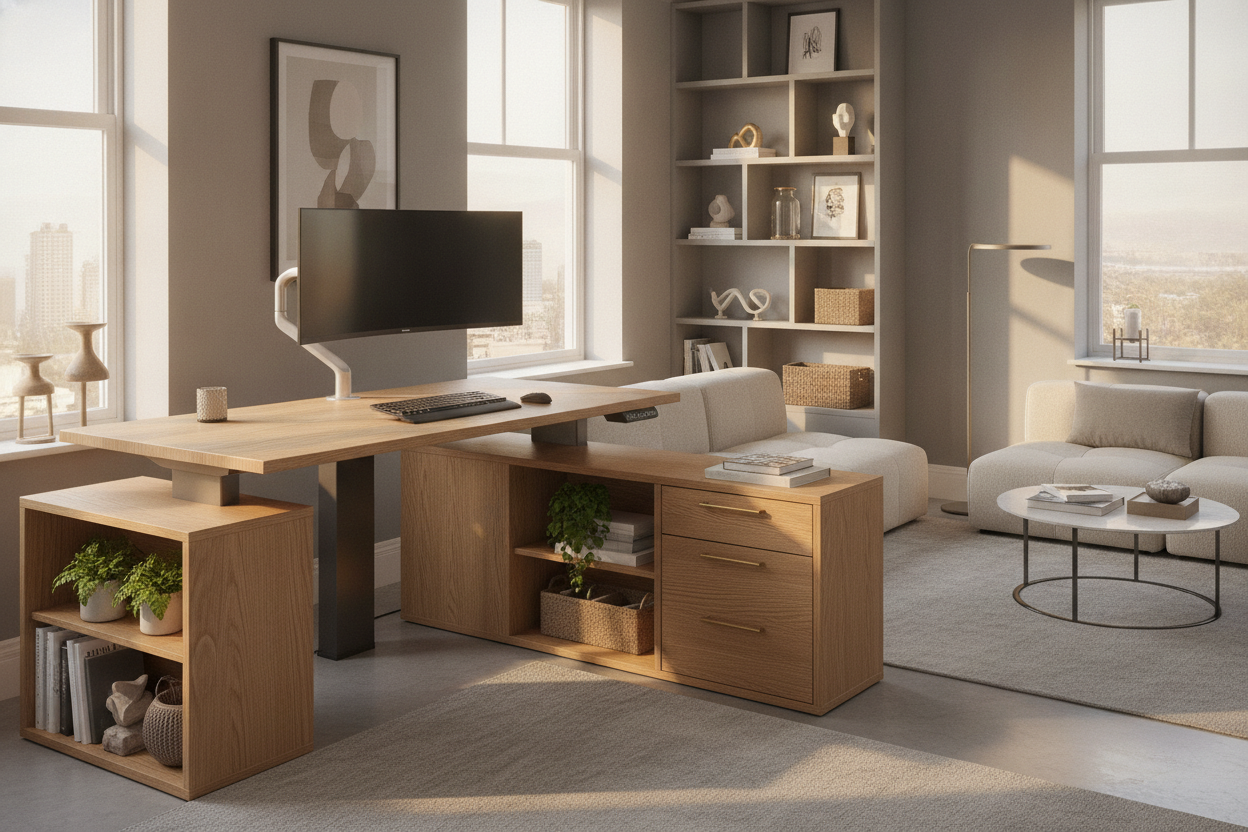
- Integrated Tiered Organization: Workflows requiring integrated shelving and drawers can benefit from an upgraded shaped desk product featuring built-in organization.
Users seeking active sit-stand ergonomics across an expanded footprint may also consider an adjustable shaped desk product with three-drawer cabinetry for flexible posture transitions throughout the workday.
Assembly Planning and Long-Term Stability Strategies
Proper assembly is essential for ensuring a level, rigid corner desk:
- Dry Fit the Frame: Loosely connect all frame rails and support posts in the intended room location before tightening fasteners, allowing natural alignment with room corners.
- Align Desktop Seams: Join the desktop panels upside-down on a soft surface or align them with joining plates before securing screws to achieve a smooth, flush seam between wings.
- Lock Fasteners Progressively: Gradually tighten frame hardware diagonally across the structure to distribute tension evenly and avoid warping.
- Fine-Tune Leveling Glides: Place a level across both wings and adjust base glides to eliminate wobble on hard floors or thick carpeting.
By selecting the right frame architecture and planning clean dual-zone workflows, a symmetrical corner workstation delivers a balanced, comfortable, and clutter-free home office setup.

Laisser un commentaire
Ce site est protégé par hCaptcha, et la Politique de confidentialité et les Conditions de service de hCaptcha s’appliquent.