


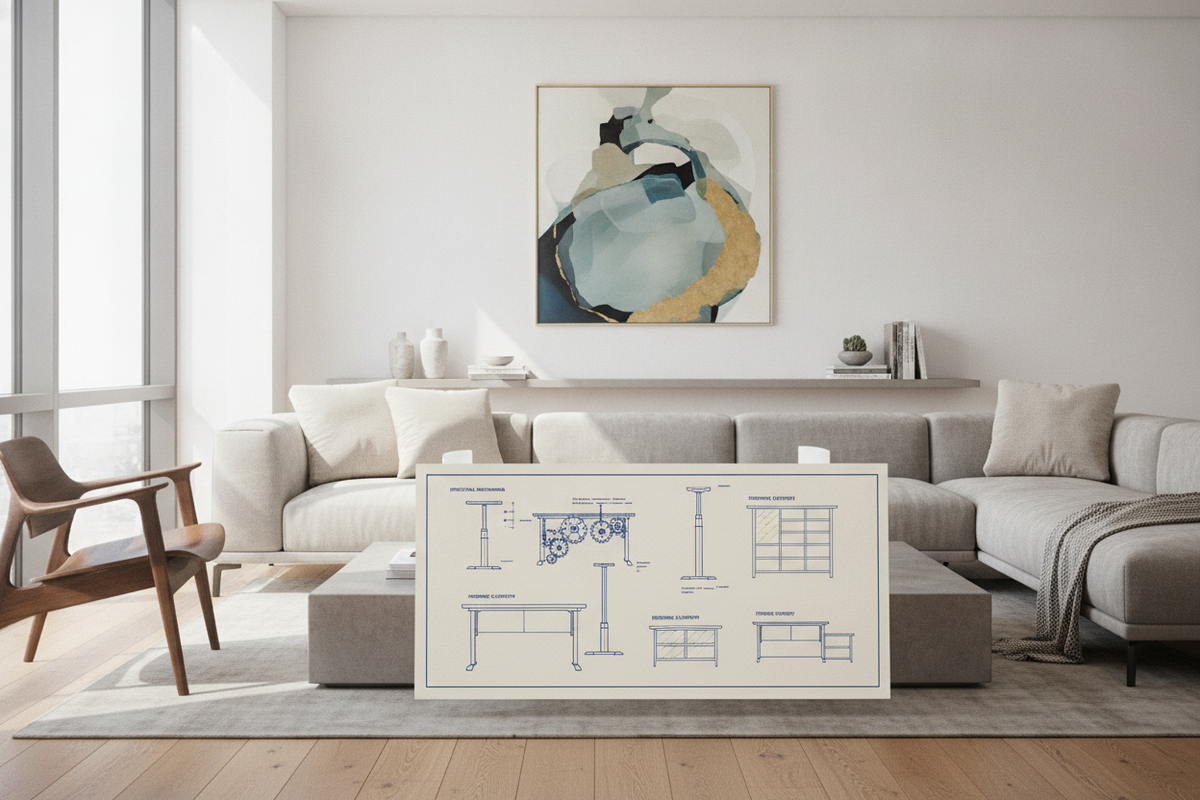
Converting a traditional, fixed-height workstation into an adaptable sit-stand station is an effective approach to modernizing a home office without discarding quality furniture. Implementing standing desk conversion kits allows professionals to preserve cherished solid wood tops, executive desks, or built-in cabinetry while introducing active vertical movement throughout the workday. Selecting and configuring a standing desk converter kit requires an understanding of mechanical elevation types, structural base capacity, visual focal distances, and surrounding storage integration.
Understanding Standing Desk Conversion Kits: Mechanisms and Architectures
Standing desk conversion kits generally fall into two structural categories: tabletop units that rest directly on an existing surface, and structural under-frame conversion systems that replace existing legs while retaining the original desktop. Tabletop conversion units are the most accessible retrofits, employing specific kinetic designs to raise monitors and input devices smoothly.
- Pneumatic Scissor and X-Frame Systems: These desktop converters utilize gas-spring assistance combined with crossing structural arms that raise the platform vertically or slightly forward. They provide smooth height changes with minimal manual effort and maintain a compact footprint when collapsed.
- Z-Lift Cantilever Platforms: Operating on a forward-arcing trajectory, Z-lift mechanisms extend out toward the user as they rise. While they offer continuous height locking, they shift the center of gravity forward, requiring a sturdy, well-anchored base desk.
- Dual-Tier Stepped Risers: These units separate the display surface from the input zone. The lower tier positions the keyboard and mouse closer to the natural resting height of the forearms, while the upper deck keeps monitors at eye level.
- Motorized Under-Frame Replacement Kits: For a comprehensive overhaul, an under-frame kit replaces the stationary legs of an existing desk with motorized telescoping columns, elevating the entire surface area rather than just a platform riser.
When selecting a mechanical architecture, review our comprehensive standing desk converter guide to assess how different lifting geometries match specific everyday desk workflows and spatial arrangements.
Base Desk Compatibility: Surface Depth, Weight Capacity, and Structural Footprint
Before placing any standing desk converter kit onto an existing workstation, evaluating the host desk's structural integrity is crucial. A conversion kit introduces both concentrated downward weight and dynamic shifting forces during height transitions.
Desktop Material Density and Structural Joinery
The core construction of the base furniture determines its load-bearing capability. Solid hardwood, thick engineered timber, and reinforced steel-frame desks handle the concentrated weight of a loaded converter with ease. Conversely, hollow-core honeycomb panels or lightweight particle board surfaces may bow under localized pressure points. Pay close attention to leg-to-top joinery; corner brackets, mortise-and-tenon joints, or steel apron supports prevent structural racking when upward or downward force is applied to the riser mechanism.
Surface Footprint and Focal Depth Geometry
A desktop converter must rest entirely within the perimeter of the base desk. Overhanging support feet can introduce severe tipping hazards. Measure both the static footprint (the area the base occupies when flat) and the dynamic clearance zone (the path the platform travels through its full vertical stroke). On shallow desks, forward-arcing converters can encroach upon the user's seating boundary, decreasing focal depth between the eyes and the screen. Deeper desks accommodate dual-tier platforms more comfortably, preserving peripheral surface area for notebooks, desk pads, and lighting.
Ergonomic Alignment: Screen Height, Keyboard Placement, and Dynamic Movement
The primary purpose of retrofitting an office with standing desk conversion kits is establishing neutral body postures in both seated and standing configurations. Improper positioning can introduce unnecessary strain to the shoulders, wrists, and neck.
When standing, your display screens should align so that the top third of the viewing area matches eye level when looking straight ahead. This prevents downward head tilt and supports relaxed cervical spine alignment. Keyboards and mice should rest at a level that permits elbows to hang naturally at roughly right angles, with forearms parallel to the floor and wrists in a neutral position.
Cable Management and Kinetic Clearance
Dynamic movement demands deliberate cable routing. Power cords, display cables, and peripheral leads must possess enough slack to travel freely across the full extension height without tension. Fasten cables using flexible channel tracks, spiral wraps, or articulated spine managers fixed beneath the converter tier to prevent cables from snagging in scissor hinges during descent.
To design a balanced workspace that integrates movement seamlessly into your interior layout, consult our standing desk guide for practical aesthetic and functional advice.
Conversion Kits vs. Dedicated Height-Adjustable Desks
Deciding between retrofitting an existing piece with a conversion kit and upgrading to a dedicated sit-stand desk involves balancing spatial requirements, budget, and design continuity.
- Surface Usability: Tabletop converters elevate only a portion of the desk surface, leaving side areas at fixed seated heights. In contrast, a standalone standing desk product elevates the entire worktop simultaneously, providing uniform space for expansive multi-monitor mounts, paperwork, and ambient desktop organizers.
- Visual Cohesion: Conversion units sit atop existing furniture and add visual complexity. A dedicated adjustable workstation offers clean lines, integrated control switches, and unified frame aesthetics that complement minimalist or modern interiors.
- Installation Simplicity: Tabletop conversion kits require virtually no complex structural assembly or furniture disposal, making them ideal for leased offices, antique furniture conservation, or compact cubicles where furniture modifications are restricted.
Workspace Storage and Perimeter Organization Synergy
Adding a standing desk converter kit changes the functional real estate of your desktop, often displacing surface storage trays, pencil cups, and desk organizers. Maintaining an efficient office environment requires reallocating storage to perimeter furniture pieces.
Complementing your dynamic workstation with a full-scale standing desk product or auxiliary mobile pedestals helps retain immediate access to files and office essentials. When working with converters, consider these spatial storage enhancements:
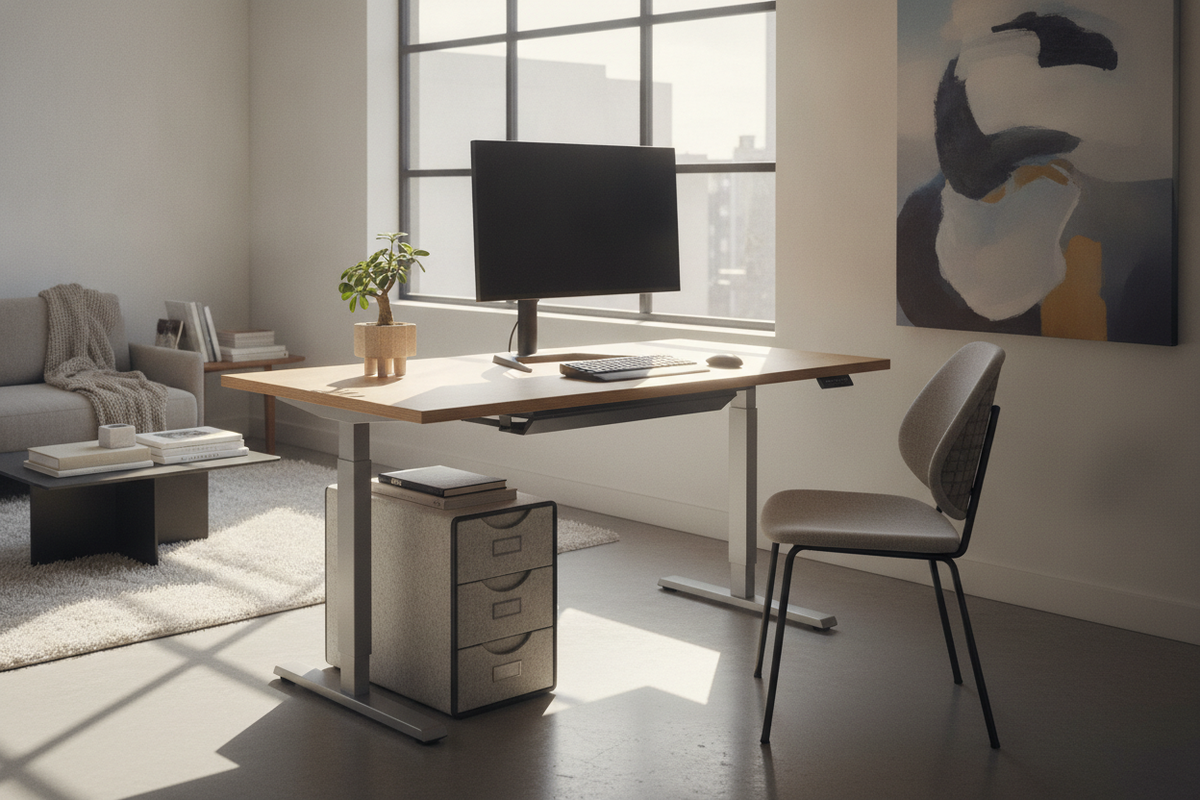
- Mobile Under-Desk Pedestals: Low-profile file cabinets on casters can glide beneath or beside the primary worktable, offering concealed drawers for paperwork, reference manuals, and stationery without blocking the converter base.
- Lateral Credenzas and Low Sideboards: Positioning a credenza behind or perpendicular to the desk creates an L-shaped reach zone. This secondary surface holds printers, external hard drives, and daily tools within arm's reach regardless of whether the primary desk is in seated or standing mode.
- Vertical Wall Shelving and Floating Hutches: Shift non-essential display items, desk lamps, and books off the dynamic work surface onto wall-mounted shelves to keep the converter platform clear and balanced.
Decision Framework: Selecting the Right Converter Kit for Your Layout
Use this structured framework to select the ideal conversion system for your room layout and workflow demands:
- Evaluate Your Computing Hardware: Count your monitors, screen sizes, and accessories. Dual-monitor setups require wide top tiers with robust counterbalance mechanisms, whereas single laptop users can opt for compact, single-surface risers.
- Measure Base Worksurface Dimensions: Confirm that the host desk provides sufficient depth and width to support the converter footprint without front or rear overhang.
- Assess Available Storage Options: Plan for peripheral storage pieces like mobile filing carts or credenzas to handle items displaced from the primary desktop.
- Check Travel Path Clearances: Verify that overhead shelving, wall art, and ambient lighting do not obstruct the vertical path of elevated displays.
By thoughtfully matching kinetic mechanisms with sturdy base furniture and complementary storage, standing desk conversion kits provide a balanced, highly functional bridge between classic office styling and modern ergonomic movement.


Laisser un commentaire
Ce site est protégé par hCaptcha, et la Politique de confidentialité et les Conditions de service de hCaptcha s’appliquent.