


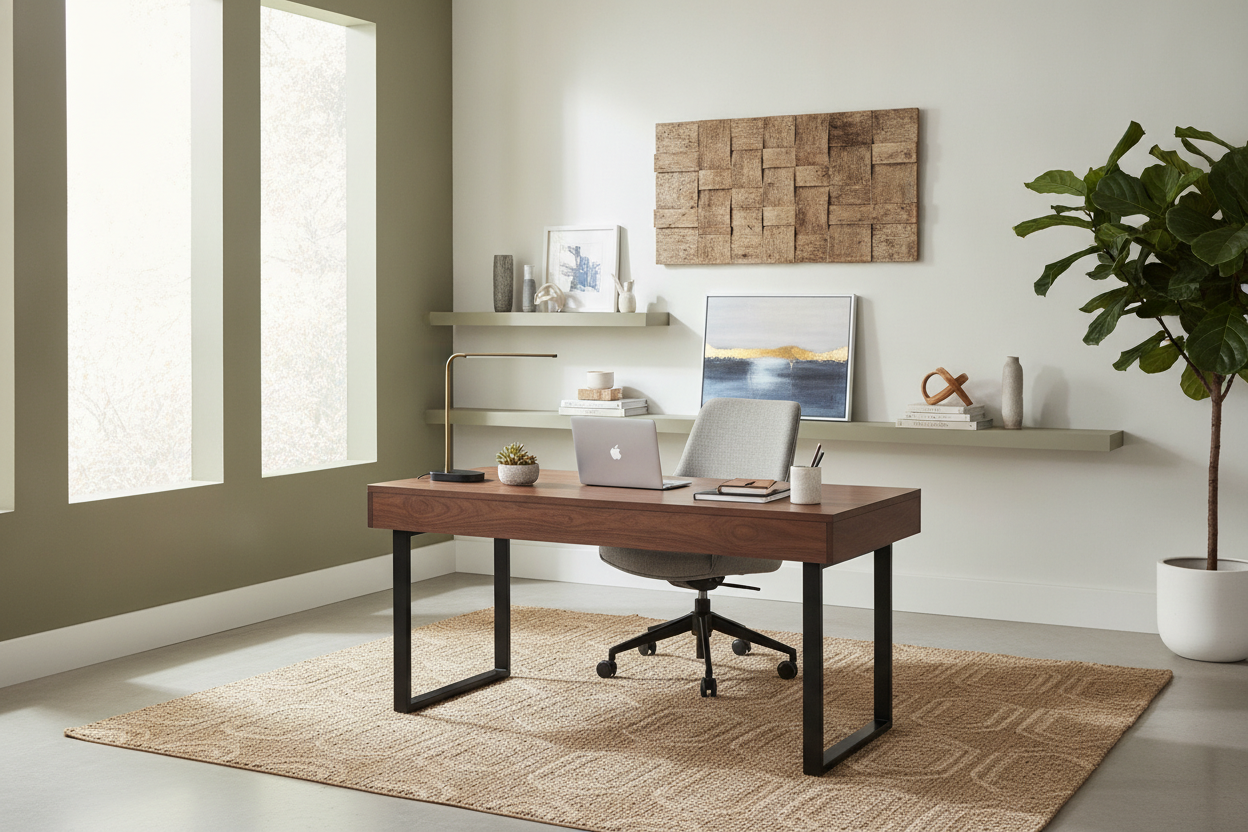
I once spent four hours assembling a desk that was so flimsy, it wobbled every time I hit the 'enter' key. It looked great in the professional studio photos, but in my actual home office, it felt like a glorified TV tray. After years of testing furniture that either arrived chipped or collapsed under the weight of a single monitor, I went on a mission to find the best desk under 300 that actually feels like it belongs to an adult.
- Look for a desktop thickness of at least 1 inch to avoid sagging.
- Prioritize steel frames over all-particleboard construction.
- Check the depth; 24 inches is the minimum for a comfortable monitor-to-eye distance.
- Avoid 'paper-thin' veneers that peel if you set a damp coffee mug down.
The Problem With Most Budget Home Office Furniture
The sub-$300 market is a minefield of wobbly metal legs and fake wood grain that looks like it was printed on a home inkjet printer. Most manufacturers assume that if you aren't spending four figures, you must be a college student living in a dorm. They cut corners on the 'bones' of the piece, leaving you with a workspace that vibrates when your phone rings.
It is incredibly difficult to find solid pieces in this price bracket. I have seen people try to make a computer desk under 150 work for a full-time career, but the lack of structural integrity usually leads to a replacement purchase within six months. When you want a grown-up workspace, you have to look past the flashy 'modern' labels and check the hardware specs.
What Actually Makes an Executive Desk Under 300 Feel Expensive?
To find a real executive desk under 300, you have to look for mass. A 'modesty panel'—that board that covers the front of the desk—isn't just for privacy; it acts as a massive structural brace that prevents side-to-side swaying. I also look for thick edge banding. If the edges feel sharp or look like thin tape, they will peel within a year.
Dimensions matter too. You aren't going to fit a massive L-shaped executive counter in a standard spare bedroom, but you can find desks with a 60-inch width that offer that same 'command center' feel. Look for a weight capacity of at least 150 lbs. If a manufacturer won't list the weight limit, it's because the desk can't handle a heavy dual-monitor mount.
The Features That Make Office Desks Under $300 Worth Buying
When shopping for office desks under $300, I stop looking at the aesthetics and start looking at the cable management. A professional desk should have grommet holes or a hidden tray for your power strips. If your wires are dangling like spaghetti, the most expensive desk in the world will still look messy.
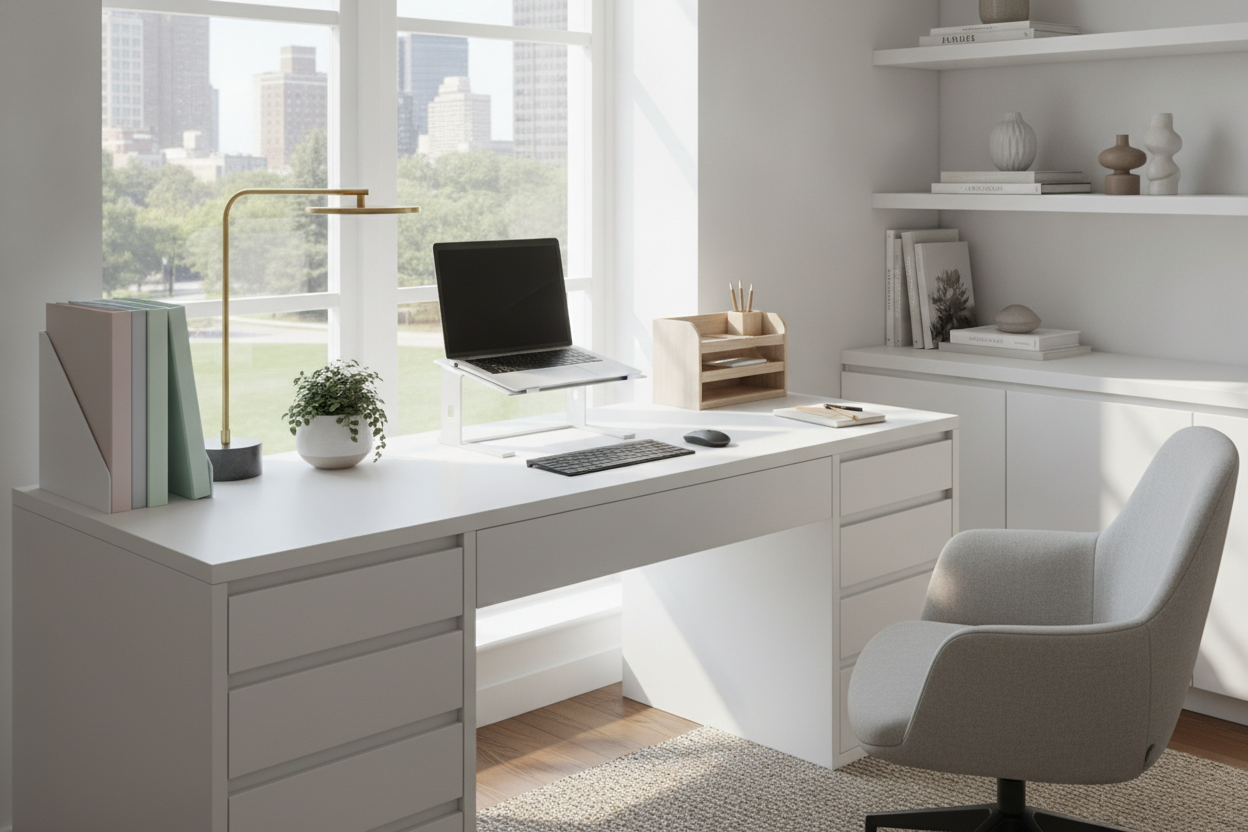
Storage is the other dealbreaker. A simple writing computer desk is fine for a laptop and a candle, but for real work, you need at least one deep drawer. I prefer desks with integrated pedestals because they add weight to the base, making the whole unit feel anchored to the floor rather than skidding across the hardwood every time you sit down.
The Best Desk Under 300 I Actually Kept (And Why)
After returning three different models that arrived with 'mystery' hardware and cracked corners, I settled on a heavy-duty laminate model with a 1.2-inch thick top. It didn't have the 'real wood' price tag, but the textured laminate is so durable I can actually use it without a giant desk mat. I’ve dropped heavy staplers on it and spilled more than one Americano, and it still looks new.
The winner had a steel H-frame base. Most cheap desks use four independent legs that eventually bow outward. An H-frame or a U-frame connects the legs at the bottom, which is the secret to zero wobble. I currently have two 27-inch monitors clamped to the back edge, and the desktop shows zero signs of bowing or stress. That is the true test of a budget workhorse.
The Two Things I Compromised On (And Why It's Fine)
You have to be realistic. At this price, you aren't getting soft-close drawers or solid oak. I had to accept standard roller glides, which are a bit clicky but functional. I also chose a fixed-height desk over a budget motor system. In my experience, a cheap sit stand up desk at this price point is often too loud and prone to mechanical failure. I’d rather have a rock-solid static desk than a shaky standing one.
How do I stop a cheap desk from wobbling?
Check the leveling feet first. Most budget desks have screw-in feet. If those are tight and it still shakes, try adding a small 'L' bracket to screw the back of the desk into a wall stud. It makes a $200 desk feel like a $1,000 built-in.
Is particleboard always bad?
Not necessarily. High-density particleboard with a high-pressure laminate (HPL) finish is actually more durable for daily use than some soft woods like pine. Just avoid anything labeled 'hollow core' or 'honeycomb'—that is basically cardboard.
How much assembly time should I expect?
For a desk with drawers, set aside 90 minutes. If it's just a top and legs, 20 minutes. Always use your own screwdriver; the little 'L' wrenches they provide will give you hand cramps and stripped screws.


Laisser un commentaire
Ce site est protégé par hCaptcha, et la Politique de confidentialité et les Conditions de service de hCaptcha s’appliquent.