


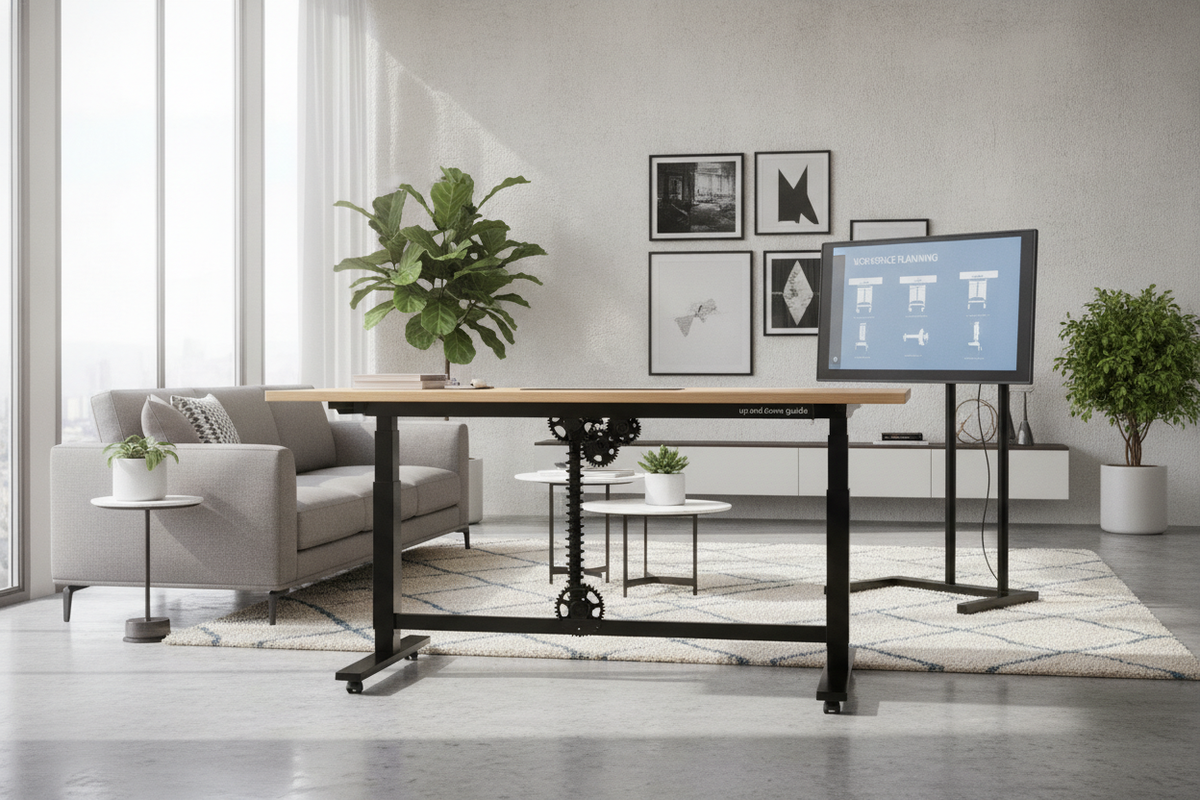
Understanding the Movable Desk Up and Down Concept
Modern home offices frequently demand flexibility that fixed workbenches cannot deliver. A movable desk up and down blends two functional dimensions into a single workstation: vertical adjustability to transition between seated and standing positions, and horizontal portability that allows the furniture to glide across a room. By accommodating different postures and spatial arrangements, a desk up and down helps users maximize floor space across living areas, bedrooms, and dedicated work alcoves.
Rather than treating sit-stand frames and rolling utility tables as separate categories, dual-movement workstations combine both functions. This combination addresses the realities of hybrid work, where a workstation may function as a focused computer station during the morning and roll against a wall or into a shared living space later in the day.
Dual-Axis Movement: Height Travel vs. Floor Mobility
Understanding dual-axis movement starts with distinguishing vertical lift from horizontal travel. A moving up and down desk relies on telescoping columns, pneumatic cylinders, or geared track systems to adjust working surface elevation. Meanwhile, floor mobility depends on wheel casters or low-friction glides positioned at the foot of each leg column.
When a desk incorporates both vertical and horizontal adjustment, structural planning becomes essential. Raising the surface shifts the center of gravity upward, which makes wheel lock security and column alignment critical for preventing unwanted shifts. For rooms requiring flexible furniture orientations and multi-angle adjustment, exploring a dedicated desk adjustable height product offers practical inspiration for adaptable layouts throughout the home.
Key Mechanical Frameworks for Up and Down Desks
Choosing the right height adjustable desk home office setup requires an evaluation of the core mechanisms that control movement. The structural architecture of an up and down computer desk determines its day-to-day convenience, maintenance needs, and quiet operation in domestic environments.
Pneumatic, Manual Crank, and Motorized Lift Mechanisms
Workstations that raise and lower utilize one of three primary elevation formats, each offering distinct advantages:
- Pneumatic Gas Springs: These units utilize pressurized cylinders activated by a lever beneath the tabletop. They offer smooth, cordless adjustment without requiring access to an electrical wall outlet, making them ideal for frequently repositioned rolling workstations.
- Manual Hand Cranks: Mechanical cranks rely on internal drive rods and bevel gears. While adjustments require physical turning, crank systems avoid reliance on electrical cords and provide dependable height positioning.
- Electric Motors: Motorized configurations rely on single or dual electric drives that move telescoping leg stages with push-button controls. They provide effortless operation and often include multi-position presets, though they require tethering to a wall outlet or battery pack.
For an adjustable office desk for home use that rolls frequently between rooms, unpowered pneumatic designs provide complete freedom from wall plugs, whereas motorized frames excel in setups anchored to a primary power source.
Base Geometries: C-Frame, T-Frame, and Rolling Caster Stability
Under-desk stability depends heavily on leg geometry. A movable desk up and down typically employs one of two base designs:
- C-Frame Geometry: The vertical uprights sit toward the back edge of the foot bracket. This orientation expands under-desk knee room and creates open space for rolling chairs or secondary storage units, though it places increased cantilever load on the base.
- T-Frame Geometry: The upright column centers directly over the foot bracket. This balanced weight distribution enhances overall stability when raised to higher standing elevations.
Adding locking casters alters the base footprint. Quality caster assemblies feature wide wheel surfaces to distribute weight across hard floors or low-pile rugs, paired with positive-locking levers that halt both wheel rotation and caster swivel when the desk is stationed for work.
Dimensional Categories and Spatial Planning
Integrating a versatile work surface requires balancing personal equipment needs against room traffic flow. Measuring clearance zones across both seated and standing configurations prevents unexpected collisions with window sills, shelving, or adjacent furniture.
Compact Versus Extended Workstation Proportions
Surface dimensions dictate how well a rolling workstation fits into a home. Compact models provide adequate room for a laptop and notepad while fitting comfortably into small bedrooms or multi-use nooks. Broader rectangular tops accommodate dual monitors, desk lamps, and writing accessories, but they require wider pathways when rolled from room to room.
Comparing specialized lift stations alongside standard surfaces in a broader computer desk collection helps establish whether a fixed or height-variable silhouette best matches room flow and floor layout needs.
Under-Desk Clearance and Knee Well Architecture
Usability extends beyond the top surface to the structural architecture beneath. Crossbars that connect the lower legs enhance torsional rigidity, yet their placement affects leg comfort. Low-mounted support bars can obstruct foot movement or prevent rolling pedestals from tucking neatly beneath the desk. Many modern height-variable frames place crossbars directly beneath the desktop or integrate stiffening gussets directly into the column brackets to preserve an unobstructed knee well.
Managing Dynamic Cables and Surface Organization
One of the most critical aspects of maintaining a moving up and down desk is cable planning. Because the surface moves vertically and rolls horizontally, cords must accommodate travel in multiple directions without snagging or pulling free from wall outlets.
To keep dynamic desktops tidy while moving between positions, review our office that desk guide to identify modular trays, ties, and discreet containers that streamline everyday work setups.
Cable Slack Loops and Articulating Spine Routing
Managing cables on an up and down computer desk requires deliberate slack management:
- Service Loops: Cords traveling from the tabletop to wall outlets require enough slack to reach maximum standing height without tension. When the desk lowers, excess cord must coil cleanly without catching in caster wheels.
- Articulating Cable Spines: Segmented plastic spines guide cords along a flexible track that folds smoothly during downward travel and extends during elevation shifts.
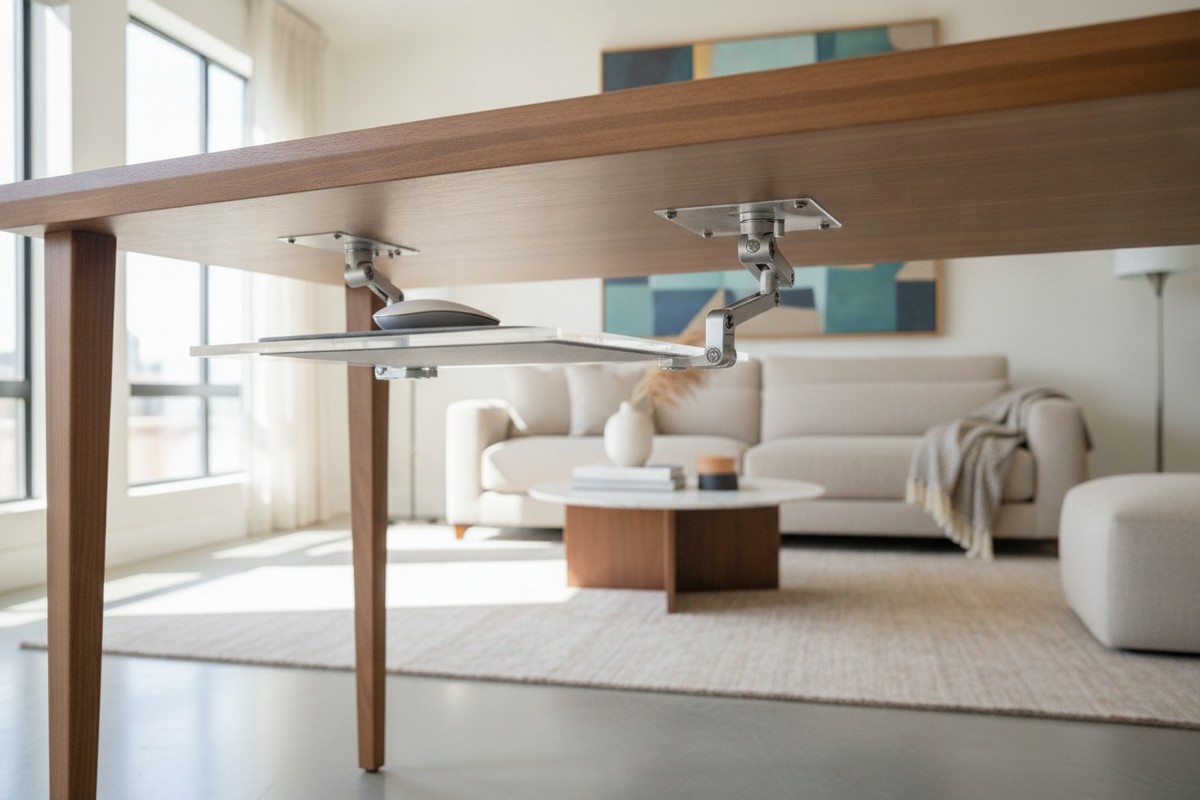
- Under-Desk Power Strips: Fastening a multi-outlet power block directly beneath the desk surface ensures monitor, laptop, and accessory plugs move along with the desk, leaving only a single main cord running to the wall.
Storage Solutions that Preserve Lifting Balance
Adding storage to a movable desk up and down requires mindful distribution of weight. Heavy storage drawers placed unevenly can stress telescoping columns and alter the desk's center of gravity.
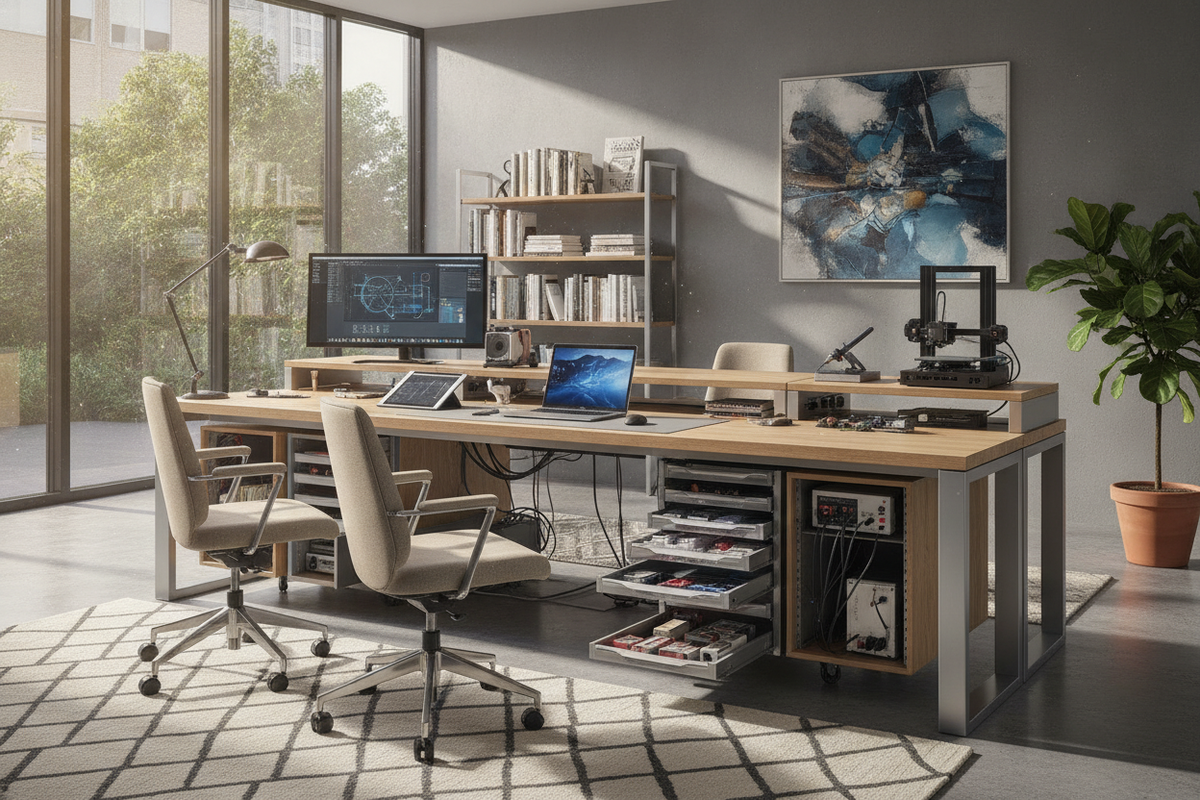
When looking for integrated storage like power outlets and hanging panels on an elevation-ready frame, selecting a specialized adjustable height desk product ensures organization stays anchored during position adjustments. Lightweight under-mount mesh drawers, rear-edge pegboards, and side utility hooks provide practical storage for stationery and peripherals without introducing imbalance.
Material Selection, Assembly, and Daily Use Scenarios
A mobile, variable-height desk must withstand the mechanical vibration of rolling over floor transitions as well as the adjustments of daily lifting. Steel column assemblies finished with powder coatings offer durable wear resistance, while engineered wood surfaces finished with high-pressure laminates resist scuffs and daily wear.
During initial assembly, checking hardware tension ensures joints remain firm under repeated movement. Fasteners should be tightened securely, and caster stems must seat fully inside leg brackets to guarantee level tracking across floor surfaces.
Multipurpose Living Rooms, Shared Spaces, and Compact Nooks
The versatility of a desk that can raise and lower while rolling across the room shines in shared living environments. In multipurpose rooms, the desk can serve as an active workstation during standard work hours, roll aside during social gatherings, or function as a temporary standing drafting table for creative projects. By pairing vertical elevation flexibility with effortless mobility, homeowners can create functional working zones without dedicating an entire room to office furniture.

Laisser un commentaire
Ce site est protégé par hCaptcha, et la Politique de confidentialité et les Conditions de service de hCaptcha s’appliquent.