


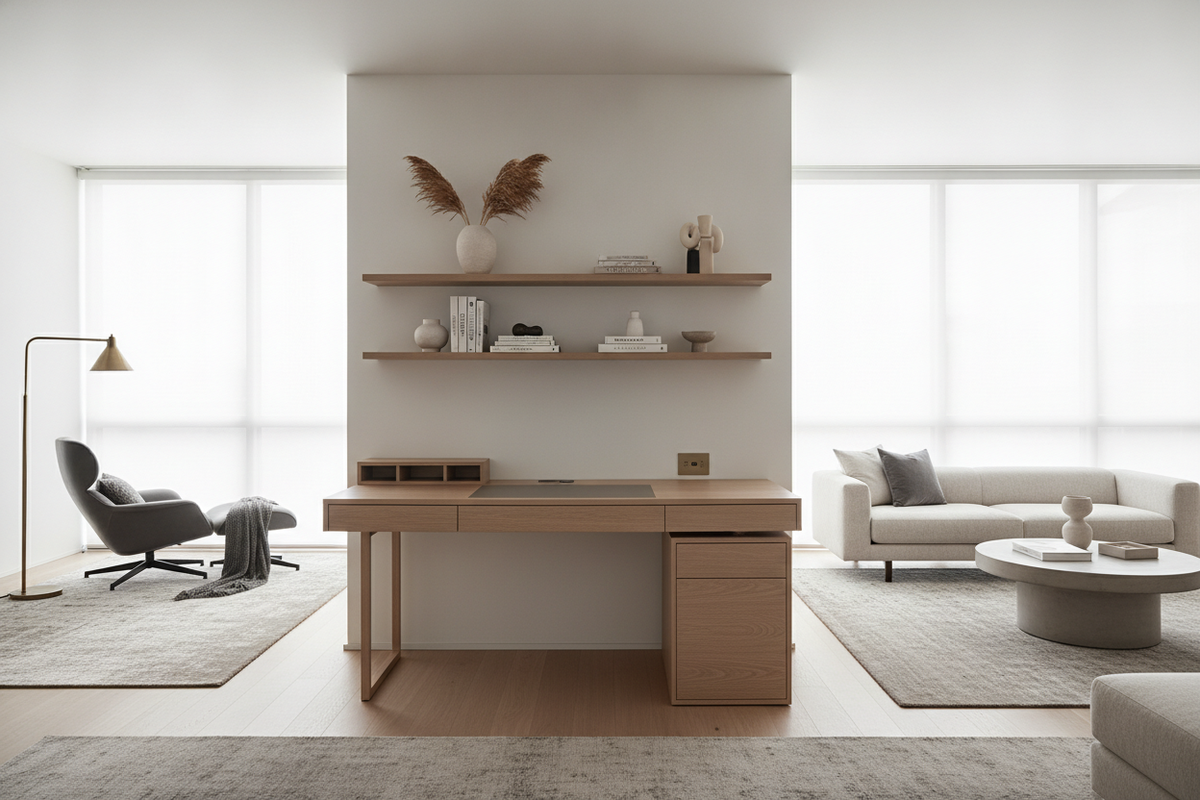
The Mid-Range Balance: Defining the Medium Size Desk
Selecting furniture for a home workspace often involves a difficult compromise between surface utility and room volume. Compact console desks conserve floor area but can leave monitors, peripherals, and notebooks crowded against one another. Conversely, broad executive workstations offer generous spans at the cost of dominating standard living rooms or guest bedrooms. The medium size desk occupies the practical middle ground, providing ample surface area for day-to-day computing tasks while maintaining a restrained architectural footprint.
In practical furniture planning, a medium desk accommodates dual displays or an ultrawide monitor setup alongside core input peripherals, personal organizers, and lighting. This balance makes it well-suited for hybrid professionals, creative hobbyists, and students who require dedicated workspace without overwhelming a room's primary layout. Exploring a comprehensive office desk guide can help clarify how these mid-range proportions contrast with commercial suites and minimalist writing surfaces.
Visual bulk plays as important a role as raw dimensions. A mid-tier workstation designed with balanced proportions ensures that open pathways remain clear and adjoining doors or closet entries operate without obstruction. By focusing on intentional spatial planning, this category supports an organized desktop without forcing an awkward room layout.
Evaluating Surface Real Estate and Reach Zones
A functional work surface relies on thoughtful zoning rather than sheer surface area. When assessing a medium computer desk, it is helpful to categorize the tabletop into primary, secondary, and peripheral reach envelopes to maintain comfort and efficiency throughout the workday.
- Primary Task Zone: The immediate central area reserved for keyboard navigation, mouse tracking, and active hand tasks. A medium size computer desk provides sufficient depth so wrists rest naturally without pressing against the front edge.
- Secondary Display Elevation Zone: The rear portion of the tabletop designated for screens, monitor arms, or elevated risers. Proper depth allows viewing distances that keep hardware stable and display panels positioned at a comfortable sightline.
- Peripheral Utility Zones: The outer lateral areas suited for task lighting, desk pads, document stands, or warm beverage coasters. These areas keep tools readily accessible without crowding core workflows.
For users who need to organize multi-screen setups, printers, or reference literature across distinct zones, choosing an office computer desk product configured with return surfaces or integrated shelving can expand functional reach zones without demanding excessive linear wall coverage.
Room Scale and Layout Integration Strategies
Placing a medium office desk requires evaluating sightlines, natural light, and primary room circulation. In open-concept living rooms or multi-purpose guest quarters, workstation placement directly shapes how relaxed or cluttered the broader space feels.
Aligning the table perpendicular to natural window light provides balanced illumination while reducing glare across digital monitors. Positioning the work surface against a secondary wall helps anchor the room, leaving main pathways open between doorways, wardrobes, and seating areas. When setting up an office space inside a bedroom or shared den, reviewing a computer office guide offers actionable ideas for blending functional technical gear with comfortable residential decor.
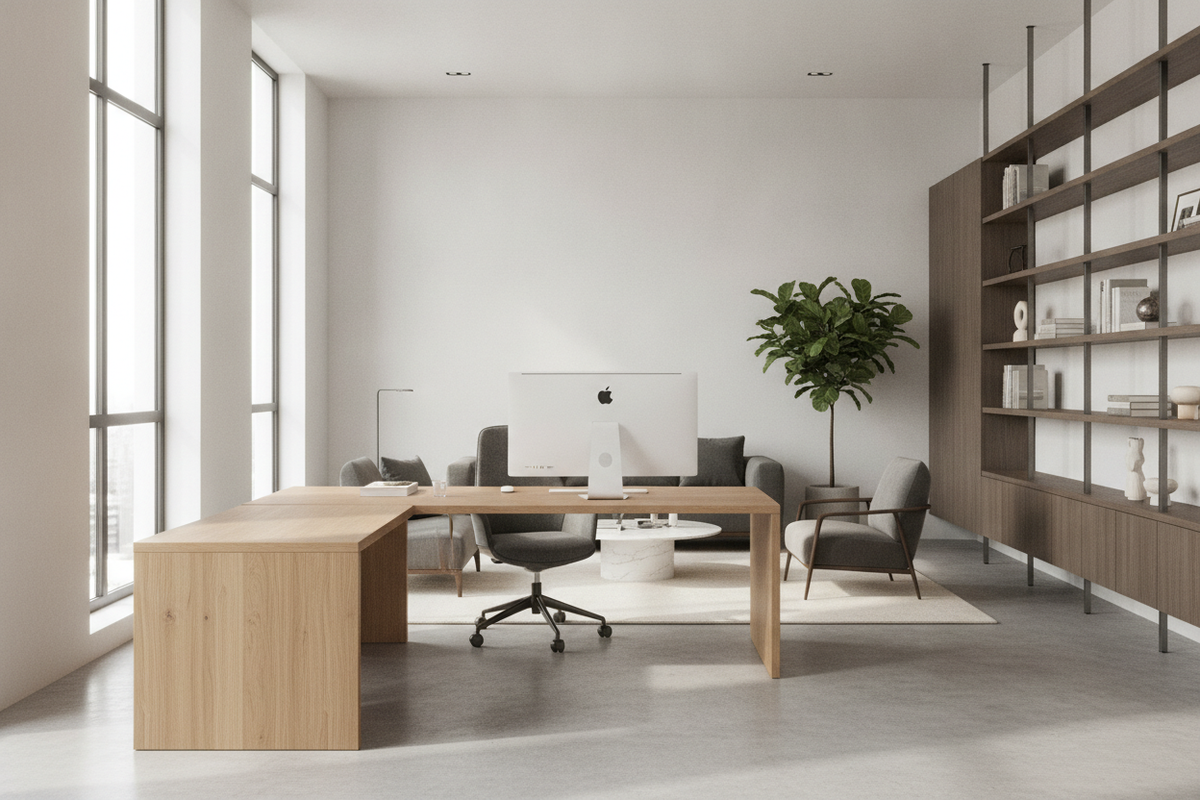
In corner arrangements, an angled or L-shaped medium size office desk captures underutilized wall corners. This approach leaves central floor space open for walking, vacuuming, and moving chairs back smoothly during transitions between tasks.
Storage Architecture: Open Legs versus Integrated Cabinets
A central design choice when selecting a medium desk is the balance between under-desk legroom and built-in organization. Storage architecture directly shapes daily ergonomics, visual lightness, and long-term surface tidiness.
Open-frame structures feature slender perimeter legs or clean trestle bases. They maximize horizontal and vertical knee clearance, allowing task chairs with adjustable armrests to slide completely beneath the tabletop when not in use. This open base makes compact rooms feel larger and brighter, though it does require external storage, such as mobile utility carts or wall-mounted shelving, to keep paper files and cables off the floor.
In contrast, units built with integrated pedestals or lower shelving eliminate the need for auxiliary cabinetry. Incorporating an office desk product featuring built-in drawers or cupboard compartments provides convenient homes for tech accessories, stationery, and confidential documents right at arm's length. The key consideration is ensuring that side cabinets leave enough central width for comfortable leg shifting, footrest placement, and unconstrained seated movement.
Selecting Materials, Finishes, and Structural Frameworks
The materials used in a desk dictate its durability, maintenance requirements, and visual harmony with surrounding furnishings. A well-built medium size office desk must endure keyboard vibration, heavy equipment loads, and accidental spills while remaining level over years of consistent use.
Engineered wood boards finished with durable melamine or laminate veneers provide resilient, non-porous surfaces that resist everyday scuffs, cup rings, and pen impressions. These surfaces wipe clean easily, making them well-suited for busy work routines. Combining dense engineered panels with reinforced steel subframes yields exceptional structural rigidity, preventing tabletop sagging under heavy monitors or audio hardware.
A versatile office computer desk product that incorporates neutral laminate finishes—such as soft white, muted oak, or deep charcoal—helps the desk blend naturally with existing dressers, bookcases, and modern room trim. Matte surface textures are particularly useful on a medium computer desk because they diffuse overhead light and reduce ambient reflections.
Assembly, Cable Routing, and Long-Term Setup Harmony
Setting up a cohesive workspace concludes with practical installation and wire management. Even a finely proportioned medium size desk can feel disorganized if power bricks, monitor cables, and charging cords hang tangled beneath the knee well.
Before assembling the desk, identify the locations of nearby wall outlets to determine the best orientation for power distribution. Securing a grounded power strip to the underside of the tabletop or within a dedicated wire channel keeps cord clutter off the floor and prevents accidental disconnections during cleaning. Fastening reusable hook-and-loop ties along framework legs routes monitor, webcam, and charging wires down cleanly out of view.
Pairing the desk with an appropriately scaled ergonomic chair ensures healthy posture, keeping forearms parallel to the desktop and thighs comfortably horizontal. By balancing functional desktop zones, smart storage elements, and intentional room integration, a medium size desk delivers an efficient, comfortable foundation for daily work and creative projects.

Laisser un commentaire
Ce site est protégé par hCaptcha, et la Politique de confidentialité et les Conditions de service de hCaptcha s’appliquent.