



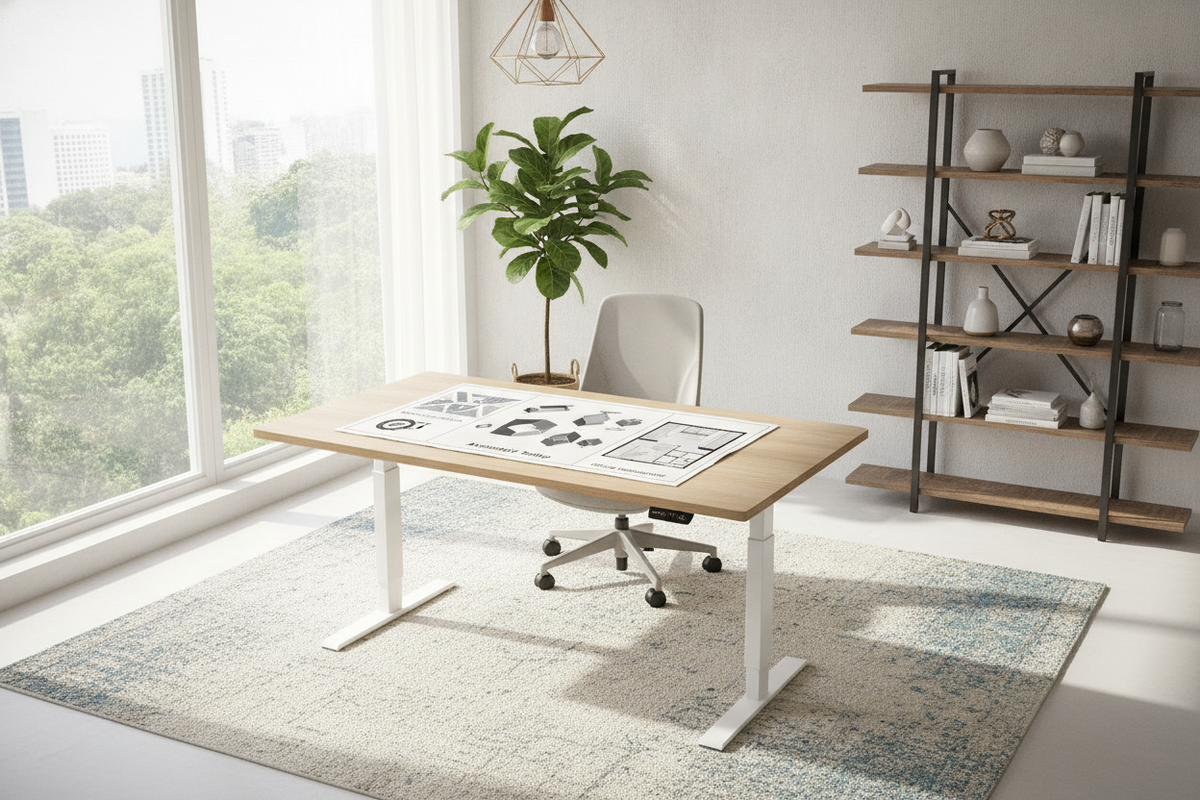
Integrating an electric height-adjustable workstation into a home office requires more than unboxing parts and plugging in a power supply. A popular footprint among compact and mid-sized offices is the 48 by 28 inch work surface, which delivers sufficient space for primary computing equipment while maintaining a trim profile in bedrooms, multi-use dens, or modest professional layouts. Exploring ergonomic standing desk options reveals how selecting the right dimensions sets the tone for daily productivity, physical posture, and interior flow.
Understanding how the Marsail electric standing desk interacts with your environment allows you to maximize ergonomics and avoid common spatial compromises. From initial framing assembly to long-term cable management and storage pairing, methodical planning ensures your motorized workstation remains stable, quiet, and comfortable through years of transitions.
Understanding the 48x28 Desktop Footprint
Spatial Proportions for Dedicated Offices vs. Multipurpose Rooms
The 48x28 inch desktop dimensions provide a versatile balance between overall utility and architectural practicality. In dedicated office spaces, this footprint easily anchors a clean perimeter layout or works neatly when placed perpendicular to a window. In multifunctional spaces—such as a living room nook or guest bedroom—the 28-inch depth prevents the desk from intruding deeply into walking pathways while still preserving comfortable viewing distances for monitors.
Because human focal lengths for desktop monitors generally benefit from adequate surface depth, a 28-inch top provides generous room for a laptop, external display, keyboard, and wrist rest. It allows users to position input devices without feeling crowded against the front edge, while leaving rear clearance for desk-mounted lamps, speaker docks, or compact microphone arms.
Perimeter Clearances and Elevation Envelopes
Unlike standard static furniture, an electric desk creates an active vertical envelope. When positioning the Marsail desk against a wall or between existing cabinetry, plan for breathing room around the desktop edge. Reviewing common standing desk layout mistakes highlights the importance of avoiding pinch points near window frames, electrical baseboards, and hanging artwork.
Allowing a modest gap between the desktop edges and surrounding walls accommodates minor frame shifts during travel and prevents wall scuffing. Furthermore, verify overhead clearance: floating shelves, wall lamps, and window sills should remain safely outside the path of your highest display height when the desk is fully elevated.
Assembly Workflow and Frame Calibration
Pre-Assembly Component Organization and Level Floor Preparation
A systematic build process prevents mechanical misalignment and makes assembly straightforward. Begin by unboxing all hardware, crossbars, lifting columns, and motor housings onto a broad, protected floor area. Lay down a blanket or the shipping cardboard to protect the desktop laminate from scratches while you work upside down.
Group fasteners according to the Marsail standing desk instructions, keeping Allen wrenches, machine screws, and wood fasteners separated. Taking inventory before beginning assembly ensures you do not inadvertently drive a long structural fastener into a shallow pre-drilled desktop pilot hole.
Connecting the Telescoping Frame and Drive Mechanism
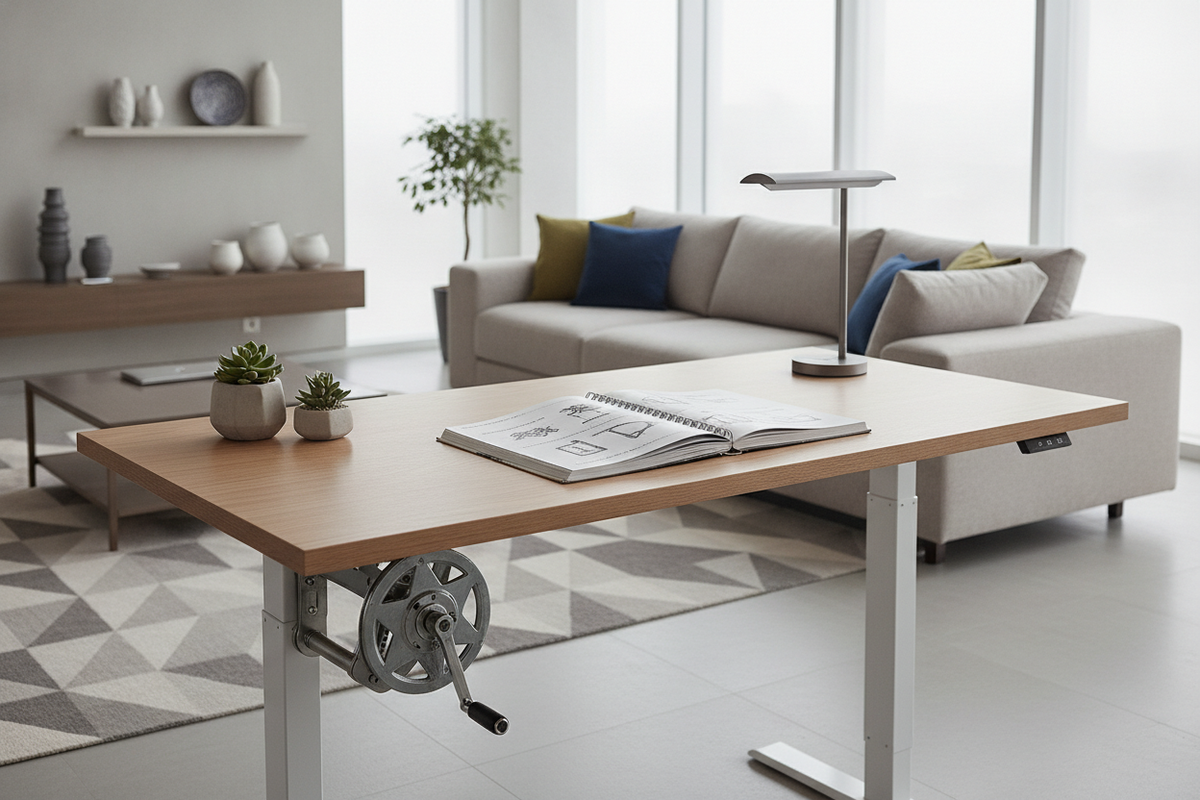
Assemble the lower metal framework first. Connect the lifting columns to the central telescoping rails, taking care to keep the frame square. If your model uses an internal or external drive rod to sync the dual lifting legs, ensure the rod seats fully into the motor coupler before tightening set screws. Uneven drive rod engagement can cause one column to climb faster than the other, resulting in a tilted surface.
Once the frame is aligned, secure it to the underside of the desktop using the designated hardware. Tighten all fasteners progressively in an alternating cross-pattern rather than securing one side completely before the other. This ensures consistent tension across the frame brackets and prevents minor warping across the wood top.
Initial Power-Up and Height Calibration Procedures
Once the workstation is carefully rotated upright onto its feet, adjust the leveling glides beneath each foot pad to eliminate any floor wobble before connecting electrical cords. The initial power-up sequence typically requires a system reset, as outlined in the Marsail standing desk manual.
Generally, a baseline calibration involves pressing and holding the down button on the digital control keypad until the lifting columns reach their absolute lowest position, pause, and make a brief sound or display a confirmation code. This calibration synchronizes the internal revolution counters, ensuring smooth, parallel movement and reliable readouts across all preset heights.
Ergonomic Positioning and Control Keypad Practices
Setting Custom Seated and Standing Baselines
To take full advantage of the Marsail standing desk adjustable height features, program your memory presets around your natural posture rather than arbitrary numerical values. When seated, adjust your office chair so your feet rest flat on the floor with thighs roughly parallel to the ground. Lower the desk until your forearms rest naturally on the surface with relaxed shoulders and an open elbow angle. Save this position as your seated preset.
For standing work, raise the frame until your elbows naturally hover slightly above the keyboard surface without hunching or elevating your shoulder blades. Your visual focal point should target the top third of your display screen. Programming these exact positions into the keypad memory reduces hesitation and encourages consistent movement throughout the workday.
Transition Routines and Motor Duty Cycling
Motorized desks function best when used with natural daily rhythm. Transitioning between sitting and standing every hour or two helps vary physical posture without inducing fatigue. As a practical furniture editor note, I find that linking height adjustments to scheduled calendar events—such as standing for quick video standups and sitting for focused document writing—creates an effortless routine.
While modern electric desk motors are built for routine residential transitions, avoid rapid, back-to-back elevation cycles. Electric motors rely on brief operational intervals and internal cool-down periods. Following standard duty cycling protects the control board and motor components over the lifespan of the desk.
Cable Organization and Desktop Weight Distribution
Dynamic Slack Routing for Power and Display Leads
Cable management requires extra attention on any height-adjustable frame because cords must travel with the desktop. The most critical step is establishing the proper cable slack loop. Connect all desktop electronics—such as monitors, docks, and task lamps—to an under-desk power strip mounted directly to the frame or underside of the work surface. From there, only a single heavy-duty power cable needs to travel down to the wall outlet.
When curating an attractive standing desk workspace, bundle this primary power lead alongside any necessary ethernet cables inside a flexible cable sleeve or spine. Run the desk to its maximum elevation before affixing any adhesive cable clips or anchor ties near the floor. This step confirms that no power cord or video line is yanked taut when the desk reaches standing height.
Balancing Single- and Dual-Monitor Clamps
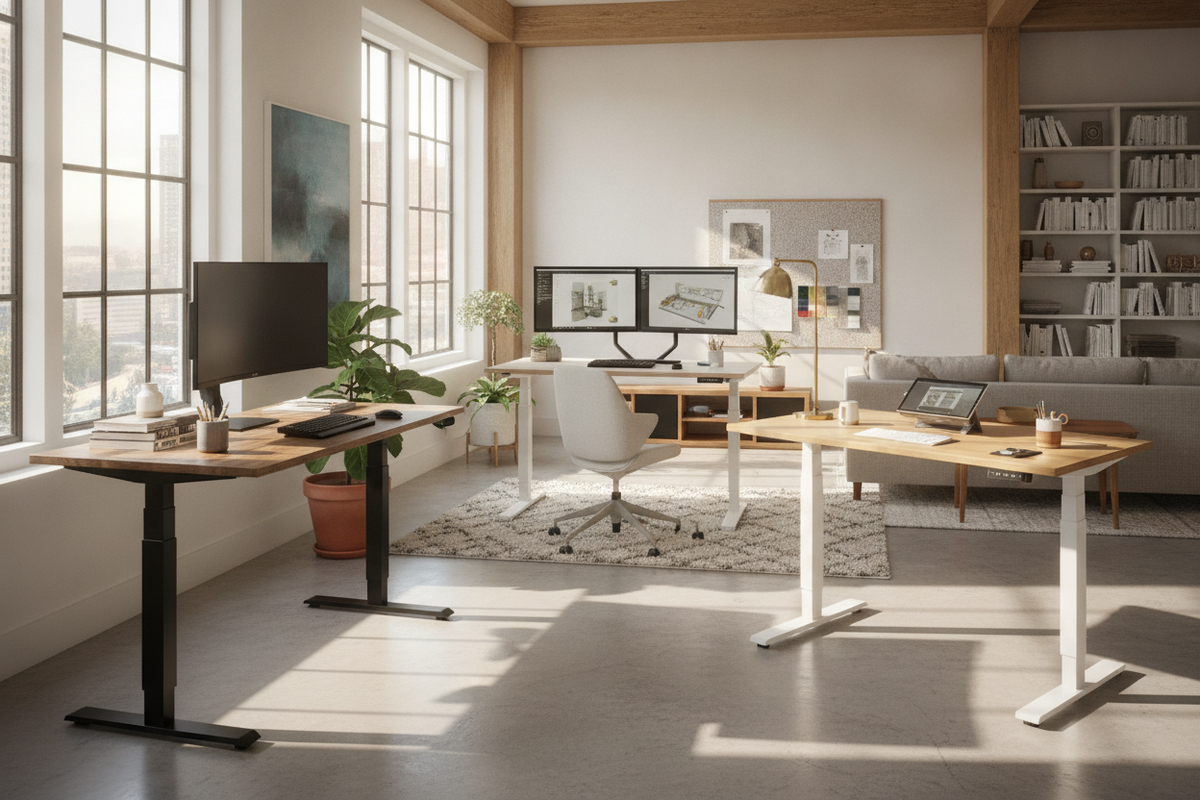
A 48-inch surface can accommodate a single large ultrawide monitor or a pair of standard displays on a dual-arm clamp. When mounting heavy monitor arms, position the clamp centrally along the rear crossbar support to balance weight evenly across the two lifting columns. Concentrating heavy monitor mounts too far toward one edge can produce uneven torque on the telescoping columns during elevation cycles.
If you prefer a dual-arm configuration, ensure the clamp plate sits flat against the underside of the desktop without pinching any internal frame rails or under-desk cable trays. Distributing peripherals across the desktop keeps the center of gravity stable, eliminating unwanted desk wobble when typing.
Pairing Storage with Compact Standing Desks
Under-Desk Mobile File Cabinets and Clearance Checks
Because the Marsail desk utilizes an open, minimalist leg structure, it lacks built-in drawers. Adding a low-profile mobile file pedestal beneath the desk provides essential organization for paperwork and supplies without cluttering the main worktop. However, vertical clearance must be calculated accurately.
Measure the lowest travel point of your desk—including any under-desk cable management trays or keyboard drawers—to ensure the desk will not collide with the top of your mobile cabinet when lowered completely. If your routine demands comprehensive native cabinetry rather than modular add-ons, evaluating an integrated storage standing desk provides an alternative layout where organization is engineered directly into the frame.
Coordinating Adjacent Wall Shelving and Credenzas
For rooms where under-desk space must stay completely clear for foot mobility, pairing your standing desk with perimeter storage keeps the room balanced. Low lateral credenzas, modular bookcases, or wall-mounted cabinets positioned adjacent to the desk provide storage capacity for printers, archives, and office accessories.
For larger floor plans or executive layouts requiring expansive desk wings, consider how an L-shaped electric standing desk with built-in storage merges broad surface area with dedicated side cabinetry. Whichever approach you select, treating the Marsail 48x28 workstation as the central mechanical hub of a coordinated storage layout ensures your office remains organized, comfortable, and tailored to your daily workflow.

Laisser un commentaire
Ce site est protégé par hCaptcha, et la Politique de confidentialité et les Conditions de service de hCaptcha s’appliquent.