


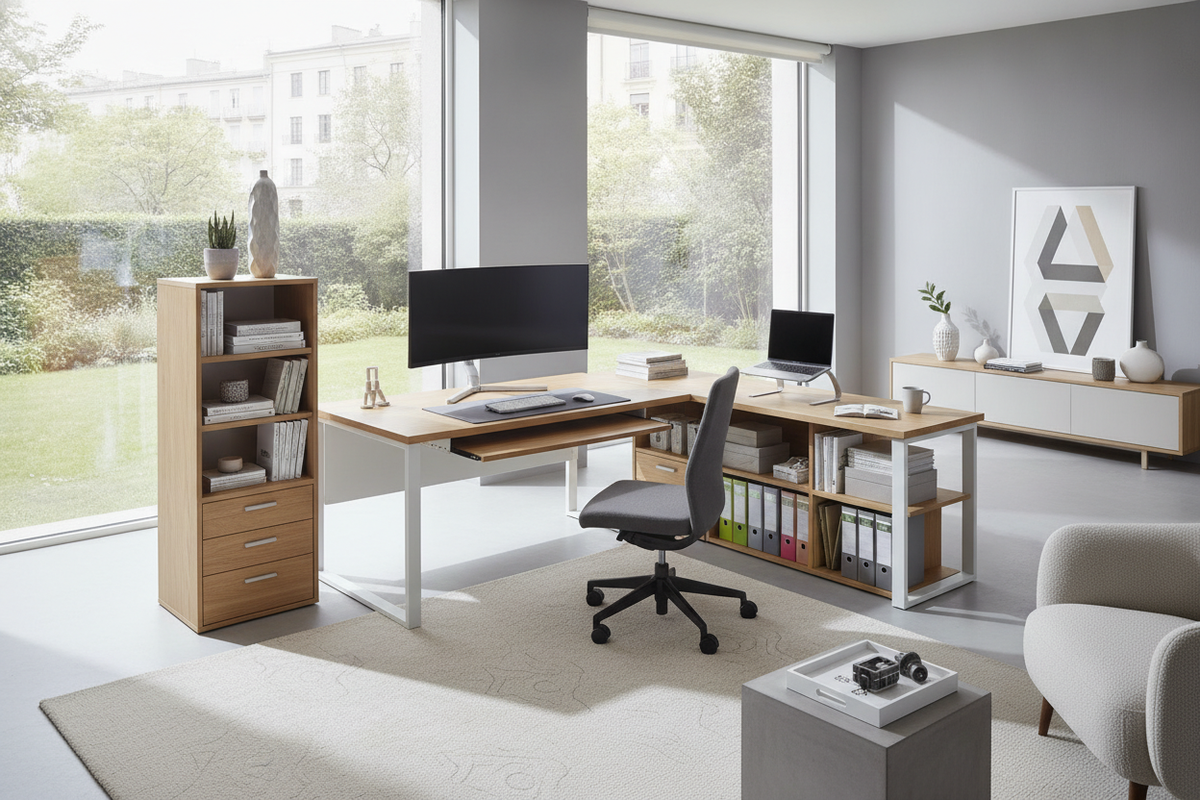
Maximizing Corner Workstation Utility and Ergonomics
Finding the right balance between functional tabletop area and open floor space is a common challenge when setting up a productive workspace. An l-shaped computer desk with keyboard tray and storage addresses this by dividing tasks across two perpendicular surfaces while maintaining an open main tabletop. By relocating input peripherals beneath the desktop surface, an integrated slider helps maintain a neutral typing posture, relieving strain across the shoulders and forearms during long sessions.
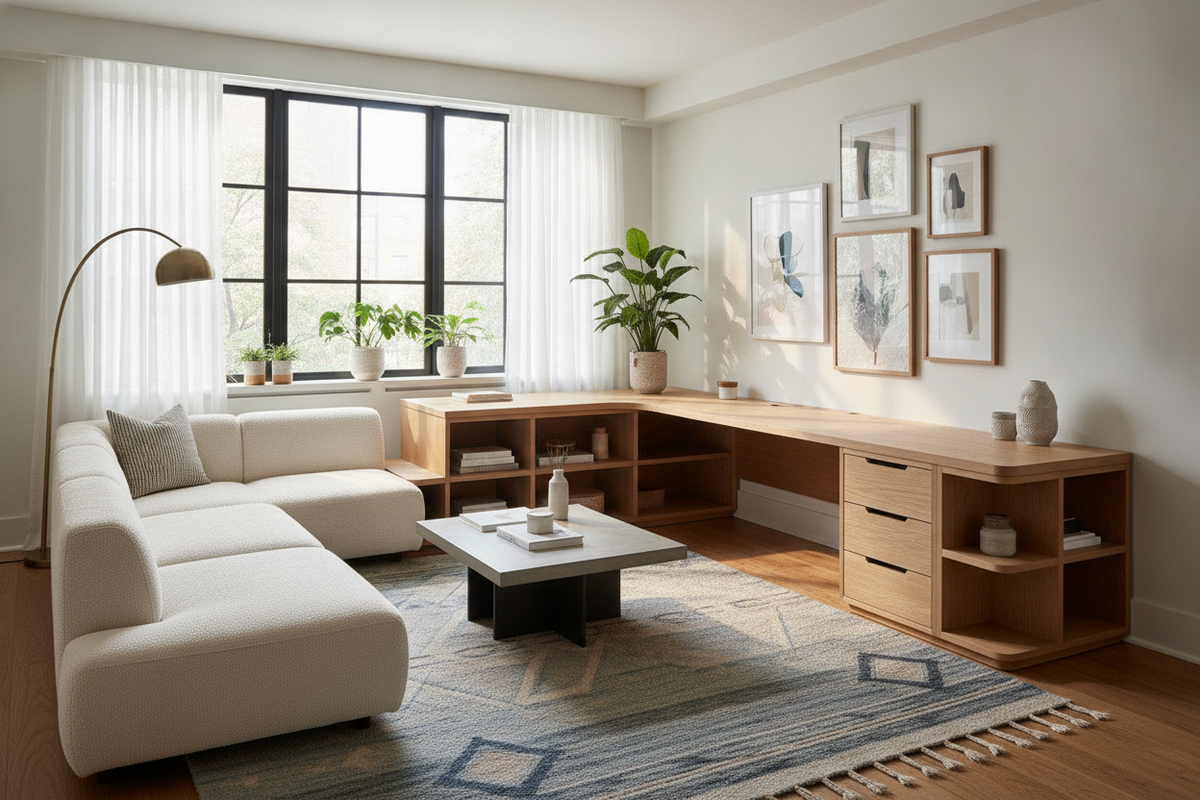
Unlike standard linear tables, an l shaped home office desk with keyboard tray creates distinct functional zones. One wing can support primary monitor arrangements and intensive typing tasks, while the adjacent return wing provides open clearance for physical notebooks, reference materials, secondary devices, or desktop creative work. Built-in storage components keep vital tools organized within arm's reach without cluttering the active work surface.
Keyboard Tray Positioning: Corner Junction vs. Straight Return Wings
Choosing the correct keyboard slider location determines the overall ergonomics and screen alignment of your workstation setup.
- Corner Desk with Keyboard Tray in Middle: Positioning the slider directly in the diagonal corner junction allows you to face the center intersection of the room. This corner desk with keyboard tray in middle configuration provides symmetrical reach to both desk wings, making it ideal for centered multi-monitor arrays or curved displays.
- Straight Wing Placement: An l desk keyboard tray installed along the primary or secondary rectangular wing creates a dedicated computing cockpit on one side, leaving the entire corner and adjacent return surface open for writing, drawing, or paperwork.
- Dedicated Corner Assemblies: An l desk with corner keyboard tray specifically engineered with a diagonal bridge ensures proper knee clearance beneath the corner juncture, preventing awkward seated angles.
- Dual Tray Configurations: In specialized setups or shared offices, an l shaped desk with two keyboard trays accommodates dual independent computer towers, separating editing and gaming stations or providing two distinct seated typing positions on a single workstation frame.
Integrated Storage Architectures: Drawers, Shelves, and Tower Bays
Effective storage architecture keeps daily supplies organized while preserving unrestricted legroom beneath the desktop wings. When selecting an office computer desk product with built-in cabinetry, consider how drawer configurations and lower shelves affect your seated mobility.
Workstations with integrated storage typically feature vertical pedestal drawers on one wing and open shelving or a dedicated CPU bay on the other. Open compartments facilitate airflow around desktop computers, whereas enclosed utility drawers protect sensitive paperwork and smaller peripherals from dust. In compact footprints, balancing built-in drawers with an external storage plan is essential; consulting a comprehensive desk office storage guide helps identify when standalone lateral files or side credenzas provide better utility than overcrowded under-desk pedestals.
For rooms with limited floor space, pairing your desk with vertical hutch units or overhead wall shelves offers additional storage volume without infringing upon leg swing clearance. Exploring a tailored desk storage office guide can assist in styling high-level shelving to match your corner workstation architecture.
Sizing Categories, Reversible Layouts, and Room Traffic Planning
Corner workstations range from compact space-savers designed for bedrooms and small apartments to expansive executive suites. Choosing the best configuration depends heavily on room geometry and spatial flow:
- Compact Profiles: Fit neatly into tighter nooks while still providing the essential benefits of an l shaped desk with keyboard slider and lower CPU storage.
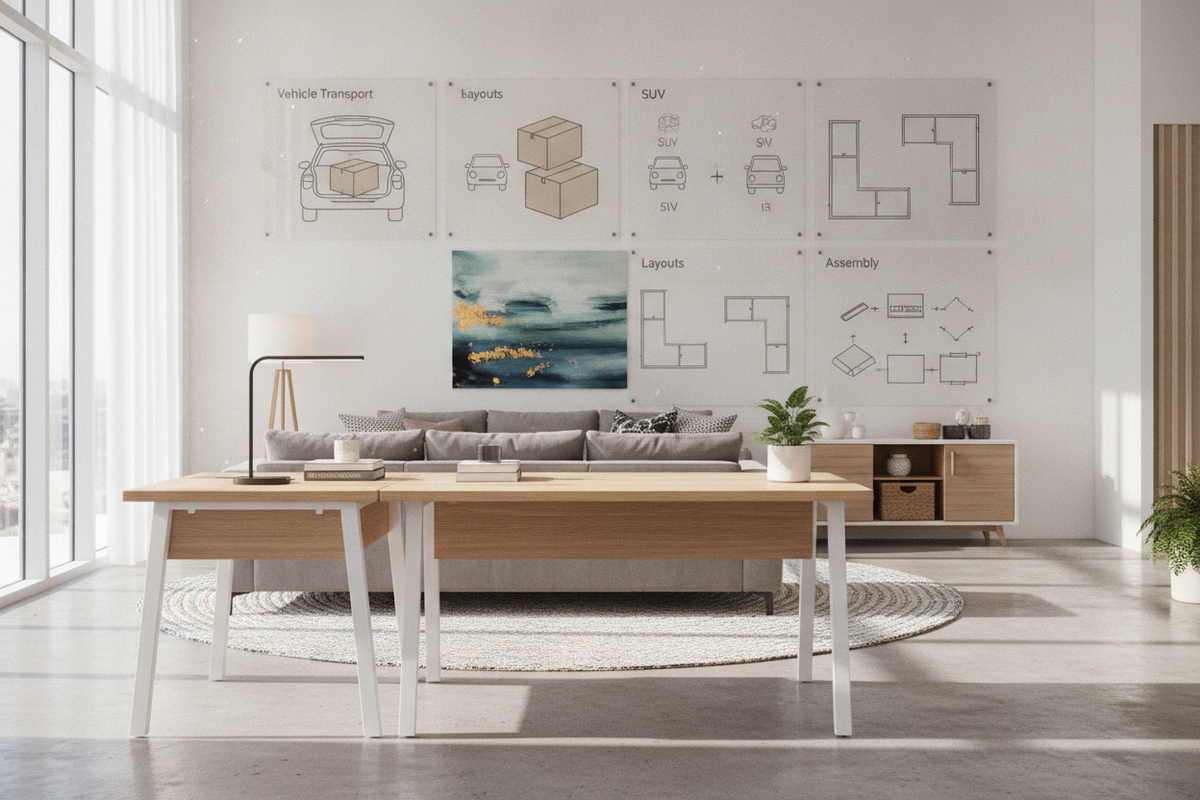
- Reversible L-Shaped Desk with Keyboard Tray: Features adaptable mounting hardware allowing the storage pedestal and keyboard slider to install on either the left or right wing. This flexibility ensures your reversible l-shaped desk with keyboard tray adapts seamlessly to corner window orientations, power outlet locations, and room doorways.
- Clearance and Chair Radii: Ensure sufficient space behind the seated area for chair caster movement, and verify that the keyboard tray slider fully extends without colliding with nearby door swings or adjacent furniture pieces. For regional buyers searching for an l shaped desk with keyboard tray canada or across broader regions, reviewing total dimensional spans before purchase prevents tight walkway bottlenecks.
Material Formats and Aesthetic Variations
The visual presence and structural durability of an L-shaped workstation depend on the materials used in the tabletop, frame, and slide mechanisms.
Clean finishes like a white office computer product brighten home offices and complement minimalist interiors by reflecting natural daylight. A white l-shaped computer desk with keyboard tray creates an open, uncluttered ambiance, especially when paired with modern wood tones or brass accents.
For industrial or executive decor, a black l-shaped desk with keyboard tray provides a grounded, contemporary look. Powder-coated steel frames paired with dark wood laminates offer high rigidity for heavy monitor mount clamps. Coordinating dark furniture with complementary pieces from a black glass collection establishes visual cohesion throughout the room.
Alternatively, a glass l shaped computer desk with keyboard tray or an l shaped glass desk with keyboard tray creates visual lightness, making smaller rooms feel larger. When selecting glass models, look for reinforced metal subframes and securely bolted glider brackets to ensure steady, wobble-free keyboard support.
Cable Routing, Structural Assembly, and Long-Term Maintenance
Proper assembly and wire management preserve the functionality and appearance of your workstation over time:
- Glider Track Alignment: During assembly of any best l shaped desk with keyboard tray, verify that ball-bearing slide brackets are parallel and level. Misaligned rails cause uneven friction, premature wear, and sticking drawers.
- Dynamic Cable Slack: Keyboard and mouse cables must accommodate the continuous movement of the sliding tray. Use flexible cable sleeves or adhesive guide clips beneath the desk to prevent cords from pinching in the glider tracks.
- Fastener Tightness and Leveling: Corner desks feature multiple connection joints. Leveling the adjustable feet on uneven floors prevents frame racking, stabilizes the diagonal junction, and keeps drawers sliding smoothly.
- Surface Care: Wipe laminate and engineered wood surfaces with a microfiber cloth and mild furniture cleaner. For glass tops, use non-abrasive glass cleaner to maintain optical clarity without degrading adjacent metal glider lubricants.
Choosing the Ideal Corner Desk Configuration
Selecting the right l-shaped computer desk with keyboard tray and storage comes down to aligning your equipment requirements with your available room dimensions. By carefully weighing corner keyboard placement against straight-wing typing setups, choosing reversible structures for room adaptability, and integrating appropriate under-desk storage, you can establish an ergonomic, clutter-free workstation tailored to your daily workflow.

Laisser un commentaire
Ce site est protégé par hCaptcha, et la Politique de confidentialité et les Conditions de service de hCaptcha s’appliquent.