


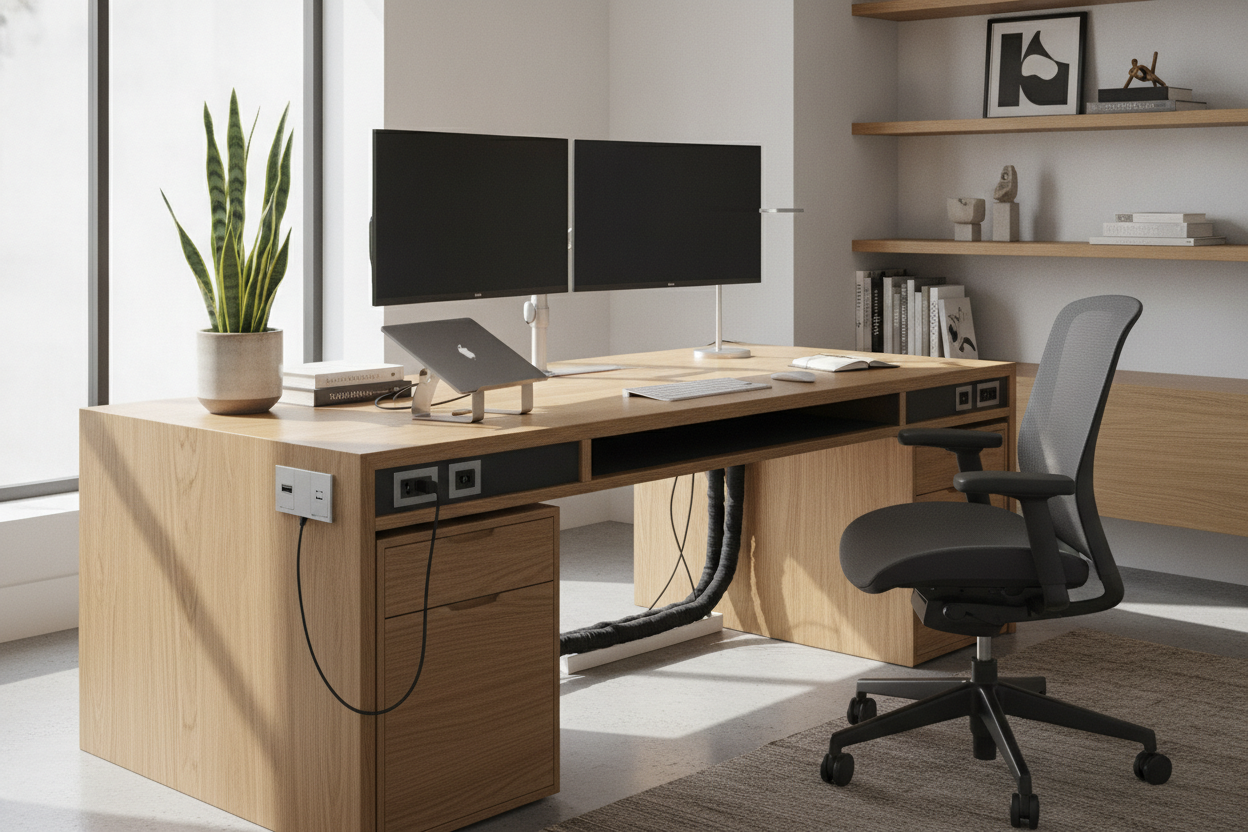
I spent three hours last Saturday on my hands and knees with a bag of zip ties and a dream. I wanted that minimalist, cord-free setup you see on tech YouTube, but by Tuesday morning, the adhesive on my 'heavy-duty' cable tray gave up. My power strip was dangling like a sad pendulum against my shins.
That was the moment I realized that trying to retrofit a tech-heavy setup onto a basic table is a fool's errand. I finally bit the bullet and invested in a workstation with in desk power outlets built directly into the surface. It was more expensive, but it solved a problem that no amount of Velcro straps ever could.
- Integrated power eliminates 'cable sag' that ruins the look of your room.
- Built-in surge protection is a must-have for protecting $2,000 laptops.
- USB-C ports on the desktop surface are way more convenient than reaching under the furniture.
- A single main power cord running to the wall is much easier to hide than a spiderweb of six.
The Zip-Tie Delusion (Why Aftermarket Cable Management Fails)
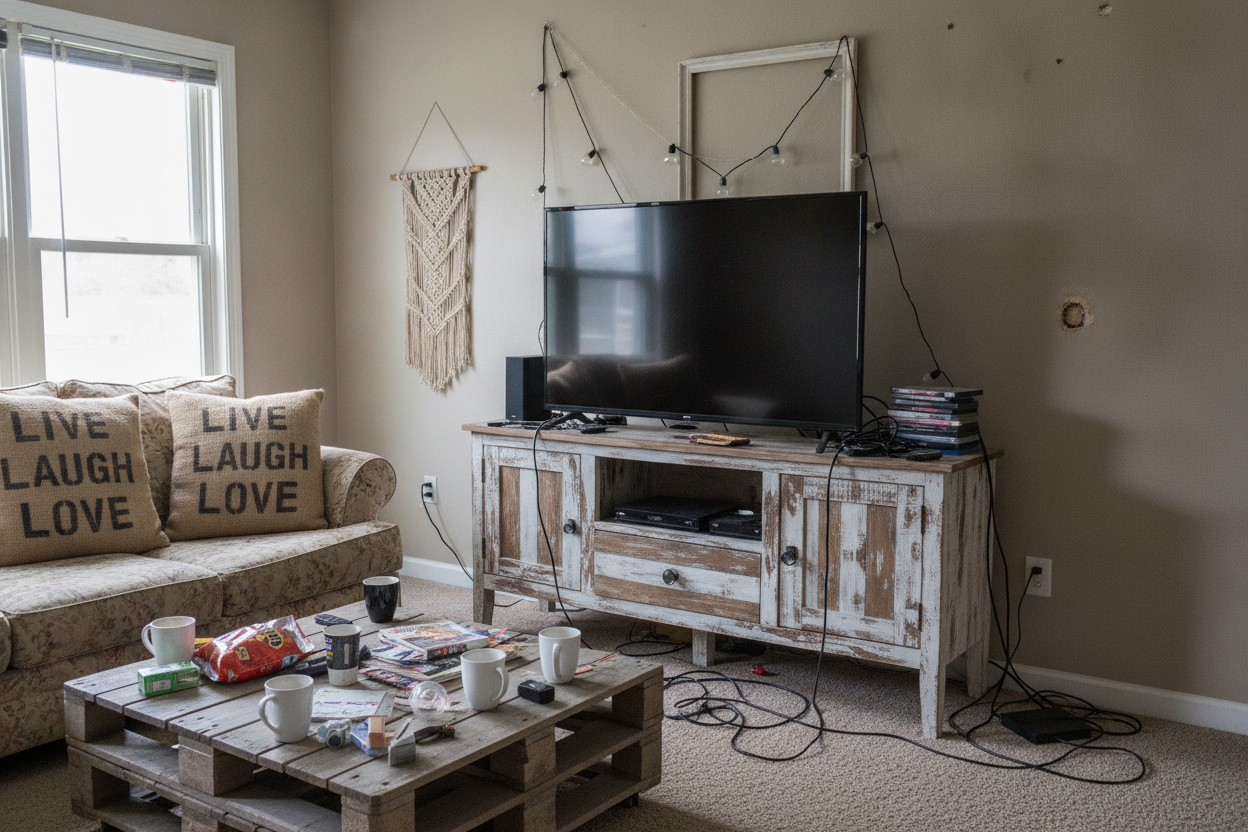
We have all been there. You buy a pack of adhesive clips and some mesh sleeves, thinking you can tame the chaos. It works for about a week. Then the heat from the power bricks softens the glue, or you realize you need to move your charger and have to snip every single tie you just painstakingly tightened.
The reality is that it is almost impossible to style a desk in home office environments when you are fighting physics. A massive black power strip zip-tied to a desk leg is never going to look 'luxury.' It looks like a server room in a basement. When the outlets are built into the frame, the clutter stays hidden inside the furniture's skeleton, not taped to the outside of it.
What Actually Makes Good In Desk Power Features?
Not all integrated tech is created equal. I have seen cheap desks where the 'power' is just an extension cord shoved through a plastic hole. That is a fire hazard waiting to happen. You want flush-mounted grommets that feel sturdy, not wiggly. Look for modules that offer at least two AC outlets and a high-wattage USB-C port so you can fast-charge your phone without a brick.
This integration is especially vital if you use a sit stand up desk with memory preset controller. When your desk is constantly moving from 28 to 45 inches, loose cables are a liability. I once saw a monitor get yanked off a stand because the power cord caught on a chair arm during the ascent. With integrated power, the only cord that moves is the main heavy-duty line, which is designed for that kind of tension.
Does Integrated Power Limit Where You Can Put Your Workspace?
The biggest pushback I hear is that a tech-enabled desk has to be 'anchored' to a wall outlet. But think about it: your computer needs power regardless. A standard writing computer desk usually leaves you with five different cords trailing across the floor to a power strip. It looks messy and creates a trip hazard in the middle of the room.
Modern desks with built-in plugs use a single, thick braided cord that exits through one leg. This actually gives you more freedom to float the desk in the center of the room. You can run one cord under a rug or through a floor grommet and suddenly your office looks like a professional studio instead of a temporary dorm room setup.
Beyond Cords: Other Built-In Features That Actually Save Space
The 'built-in' philosophy is addictive. Once you stop cluttering your desktop with power strips, you start noticing other ways to save real estate. I have started looking for furniture that hides its utility until the exact moment you need it. It is all about maintaining a clean visual line when the workday is over.
Take a flip top mirror and comfortable bench for example. It is the same principle of brilliant built-in functionality. By hiding the mirror and the storage inside the unit, you eliminate the visual noise of bottles and accessories. In a small home office or bedroom, that ability to 'close' the workspace or the vanity is the only way to keep your sanity.
Is integrated power hard to replace if it breaks?
Most high-quality desks use standard-sized power modules. If a port stops working after a few years, you can usually unscrew the unit and pop in a new one for about $30. It is a lot easier than replacing the whole desk.
Do these outlets support fast charging?
It depends on the wattage. Look for desks that specify 'PD' (Power Delivery) for their USB-C ports. If it just says USB, it is probably a slow 5W charger meant for a mouse, not your phone or laptop.
My desk didn't come with power. Can I add it myself?
You can buy 'clamp-on' power strips, but they never look as clean. If you are handy, you can use a hole saw to install a recessed grommet, but be careful—if you have a hollow-core desk (like the cheap honeycomb cardboard ones), you might compromise the structural integrity.


Laisser un commentaire
Ce site est protégé par hCaptcha, et la Politique de confidentialité et les Conditions de service de hCaptcha s’appliquent.