


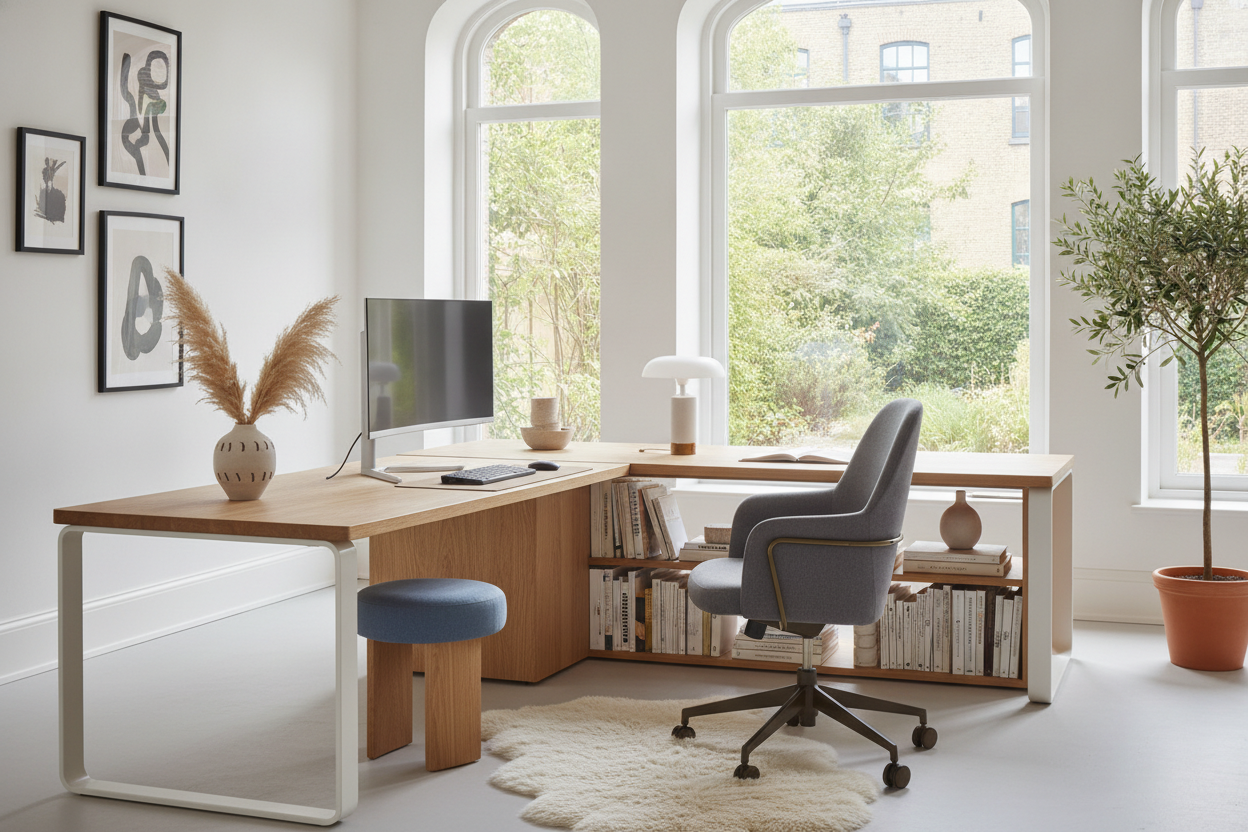
I spent three hours last night trying to fit a massive textbook, a 27-inch monitor, and a lukewarm coffee onto a surface that felt about the size of a postage stamp. My back hurt, my eyes were twitching, and my bedroom looked like a 1998 corporate bullpen. Finding a study and computer desk that doesn't make you feel like a cog in a machine is surprisingly hard.
We have been sold this lie that any flat surface works for both digital and analog tasks. It doesn't. You end up with your keyboard shoved awkwardly under a monitor stand just so you can scribble a single note. It is a mess, it is ugly, and it makes me want to quit my job and my degree simultaneously.
- Depth is more important than width; aim for at least 28-30 inches.
- Verticality is your best friend—get those screens off the main desk surface.
- Shallow drawers are superior for stationery; deep drawers are just black holes for pens.
- If your monitor is larger than 32 inches, you probably need two separate zones.
The Awkward Reality of the Dual-Purpose Workspace
Most furniture marketed as a computer table with study table functionality is just a flat piece of cheap MDF with metal legs that scream 'temporary dorm housing.' It is either too deep for a laptop, leaving you reaching across a void, or so shallow that once you park a monitor on it, there is zero room for a notebook. You are constantly playing a game of Tetris with your gear.
I have lived through the 'cluttered desk, cluttered mind' phase, and I can tell you that a 47-inch wide desk is a trap. It sounds big until you realize a standard monitor base takes up 10 inches of depth alone. Then you add a keyboard, a mousepad, and suddenly your 'study' area is a sliver of space the size of a chocolate bar. It is a productivity killer that makes your home feel like a call center.
Stop Trying to Do Everything on One Flat Surface
The secret to a functional hybrid setup is not more width; it is better zoning. You have to stop treating your desk like a single flat plane. I realized this after months of neck pain. By lifting my monitors off the surface, I finally reclaimed enough real estate to actually open a textbook without hitting my knuckles on the screen.
When you are looking for a computer table with study table features, think about the Z-axis. Use monitor arms or built-in hutches. This creates a 'digital shelf' and an 'analog deck.' My digital life stays on the upper level, and my physical books and notebooks stay on the main surface. This physical separation helps my brain switch from 'scrolling mode' to 'focus mode' without the visual noise of a keyboard in my way.
Steal Storage Tricks from Bedroom Furniture
Traditional office drawers are the absolute worst for students. They are usually 12 inches deep—great for hanging files that no one uses anymore, but terrible for highlighters, rulers, and calculators. I actually started looking at a vanity desk with mirror 5 drawers for organization inspiration. Why? Because vanity drawers are shallow and compartmentalized.
A study table and computer table hybrid needs that kind of granular storage. You want your tools within arm's reach, not buried at the bottom of a cavernous pit. I swapped my bulky filing cabinet for a slim, shallow-drawer unit, and it changed everything. Now, my 'study' supplies don't bleed into my 'work' space, and I can actually find a pen when I need one.
When to Give Up and Split the Room
Sometimes, the dream of the perfect hybrid desk is just that—a dream. If you are running a dual-monitor setup with a gaming PC, you are likely using 60 inches of desk just for tech. Trying to squeeze a study session into the remaining three inches is a recipe for burnout. I tried to force it for two years before I realized my brain couldn't relax if I was staring at my Slack notifications while trying to read.
If you have the space, stop forcing the hybrid. I have seen people find more success with a desk and dining table combo where the dining table becomes the 'deep focus' zone and the desk is strictly for screen time. It sounds counterintuitive to have two tables, but the mental clarity of walking away from your computer to a clean, screen-free study space is worth the extra furniture.
FAQ
How deep should a dual-purpose desk be?
Aim for 30 inches. Most 'standard' desks are 24 inches, which is fine for a laptop but cramped if you have a monitor and a textbook open at the same time.
Can I use a laptop on a study table comfortably?
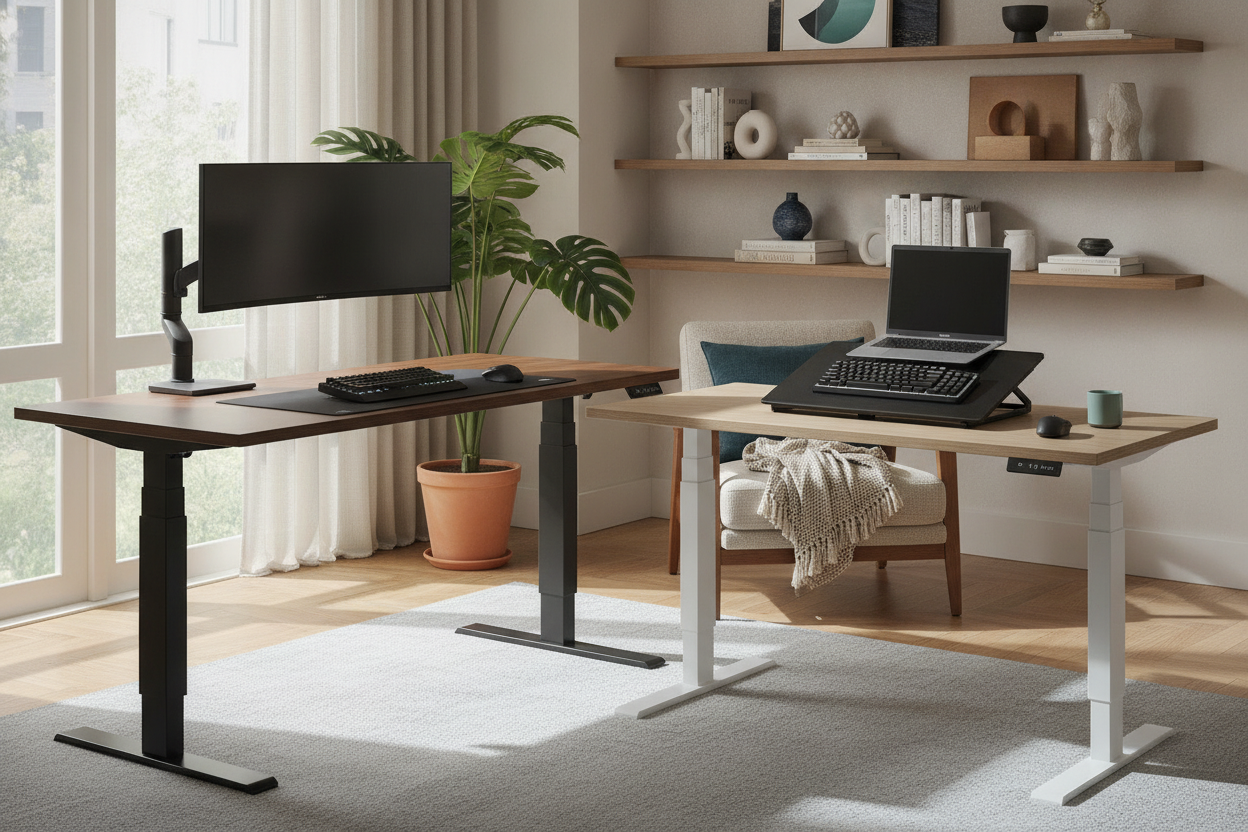
Only if you use a laptop riser and an external keyboard. Looking down at a laptop screen for hours while taking notes is a fast track to a physical therapist's office.
What is the best material for a heavy computer setup?
Avoid 1/2-inch particle board. It will bow in the middle under the weight of a monitor mount within six months. Look for solid wood or at least 1-inch thick high-pressure laminate.

Laisser un commentaire
Ce site est protégé par hCaptcha, et la Politique de confidentialité et les Conditions de service de hCaptcha s’appliquent.