


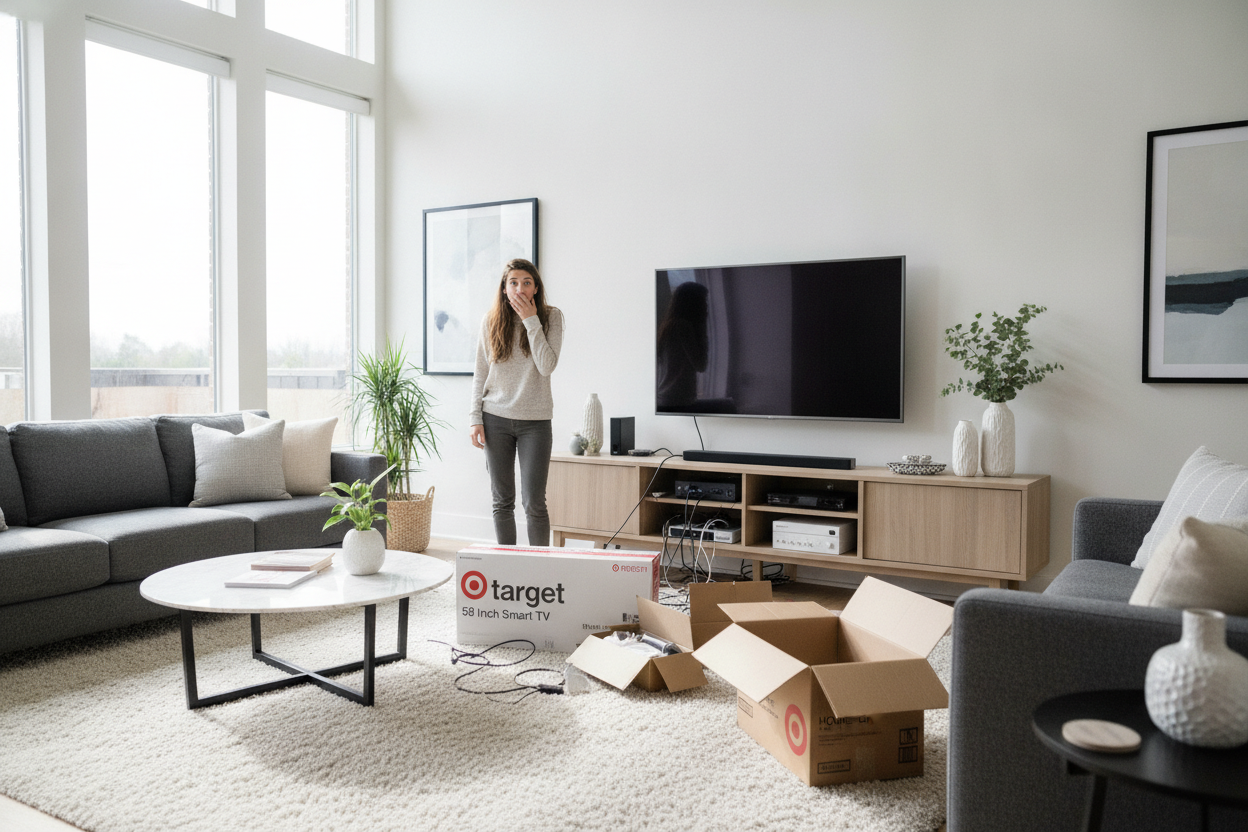
I was only there for Up & Up paper towels and maybe a bag of those peanut butter pretzels. Then I saw it—the 58 inch tv target had sitting right there by the electronics desk with a red 'Special Purchase' tag that practically screamed at me. I didn't even check my measurements. I just scanned the barcode, paid the man, and felt like a winner for exactly twenty minutes.
- A 58-inch screen actually measures about 51 inches wide, meaning your old 48-inch console is officially useless.
- Proportions matter more than the tech; a top-heavy TV setup makes your whole living room look cluttered and cheap.
- Avoid the 'overhang' at all costs—if the TV is wider than the stand, it is a tipping hazard and a visual nightmare.
- Corner setups for screens this size require a massive footprint that most small apartments can't actually handle.
The Paper Towel Run That Ended in a Tech Crisis
The panic set in the second I tried to shove the box into my sedan. It didn't fit. I had to call my brother with the truck, and by the time we hauled it into my living room, the 'deal of the century' started looking like a logistical disaster. I cleared off my existing media console, which had served my 42-inch TV faithfully for years, and realized I had a major problem.
My old stand was 45 inches wide. The new screen? Roughly 51 inches wide. Setting it down felt like trying to balance a dinner plate on a coffee mug. It wasn't just that it looked ridiculous; it felt precarious. One accidental bump from the dog and my 'Special Purchase' was going to be a pile of cracked glass and regret.
Why Is 58 Inches Such an Awkward Size to Style?
The target 58 inch smart tv is the 'middle child' of the electronics world. It is significantly larger than the standard 50-inch models that fit on almost any IKEA hack, but it lacks the massive presence of a 65 or 75-inch screen that justifies buying a custom-built wall unit. It sits in this weird limbo where standard furniture feels either too dinky or way too aggressive.
I spent three hours scrolling through listings, realizing that most 'large' TV stands are actually built for 55-inch screens. When you jump to the next size up, the furniture suddenly balloons to 70 inches long, which swallowed my entire accent wall. You have to find that 'just right' piece that offers enough surface area without turning your living room into a Best Buy showroom.
The Golden Rule of TV-to-Console Proportions
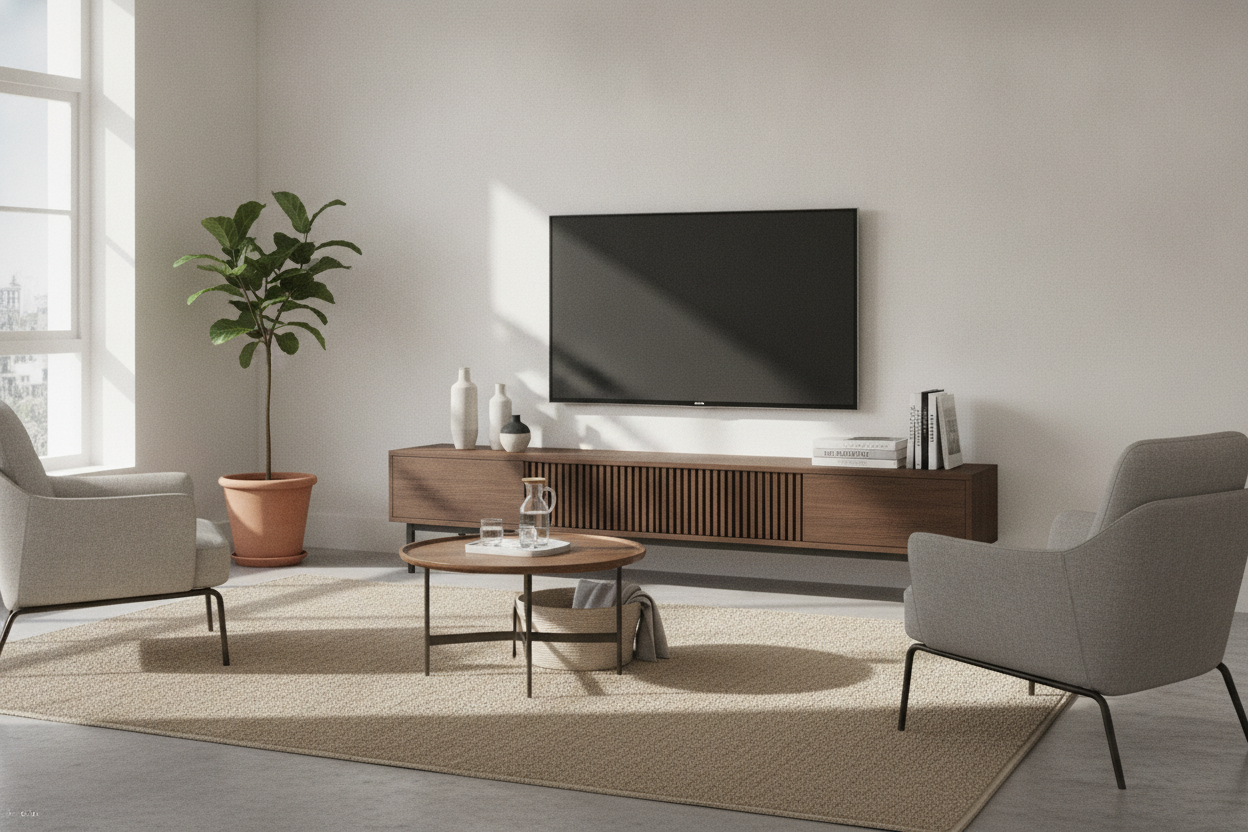
If there is one thing I’ve learned from assembling and returning half a dozen media units, it is the rule of the two-inch buffer. You want at least two to three inches of furniture visible on either side of your screen. This creates a visual 'base' that grounds the room. Without it, the TV looks like it’s floating or, worse, about to fall off.
I eventually realized why a 58 inch TV stand is the sweet spot for most normal-sized rooms. It’s wide enough to support the screen's legs—which are usually placed at the far edges of the panel these days—while still leaving room for a small plant or a soundbar. If the console is the exact same width as the TV, the whole setup looks like a giant black monolith.
My Desperate Attempt at a Corner Setup
Because my wall space was limited, I thought I’d be clever and tuck the whole thing into the corner. I figured a corner unit would hide the bulk. I was wrong. To get a 51-inch wide screen to sit flush in a corner, the stand has to sit nearly three feet out from the wall. It ate my floor space like a hungry hippopotamus.
I quickly learned how huge a 58 inch corner TV stand actually is once it was sitting in my living room. It cut off the flow of the room and made the corner feel like a dark, wasted cave. If you are working with a screen this size, stay on a flat wall if you can. Your square footage will thank you.
How to Make Your Big-Box TV Look Custom
To keep the TV from being the only thing people see, I had to get creative with styling. I ditched the 'tech' look and went for a console made of solid mango wood with some actual texture. It cost more than the TV did, but it made the whole setup look like an intentional design choice rather than an impulse buy.
Add some height next to the screen—a tall floor lamp or a large fiddle leaf fig helps break up the horizontal line of the big black rectangle. Also, hide those wires. Nothing ruins the 'chic' vibe faster than a spaghetti mess of HDMI cables dangling from a beautiful piece of wood. I used adhesive clips and a cable box, and suddenly, my Target find looked like a high-end installation.
Does a 58-inch TV fit on a 50-inch stand?
Technically, the legs might fit if they are centered, but the screen will overhang the edges. This is a safety hazard and looks visually unbalanced. Stick to a stand that is at least 55-60 inches wide.
How wide is the 58-inch TV from Target?
The 58-inch measurement is diagonal. The actual physical width is usually around 50.8 to 51.5 inches depending on the bezel thickness. Measure your actual wall space before you buy the box.
Is it better to wall mount a 58-inch TV?
Wall mounting solves the 'overhang' problem, but you still need a console underneath for your tech and to ground the visual weight. Just make sure you are drilling into studs, as these units weigh enough to rip through plain drywall.

Laisser un commentaire
Ce site est protégé par hCaptcha, et la Politique de confidentialité et les Conditions de service de hCaptcha s’appliquent.