


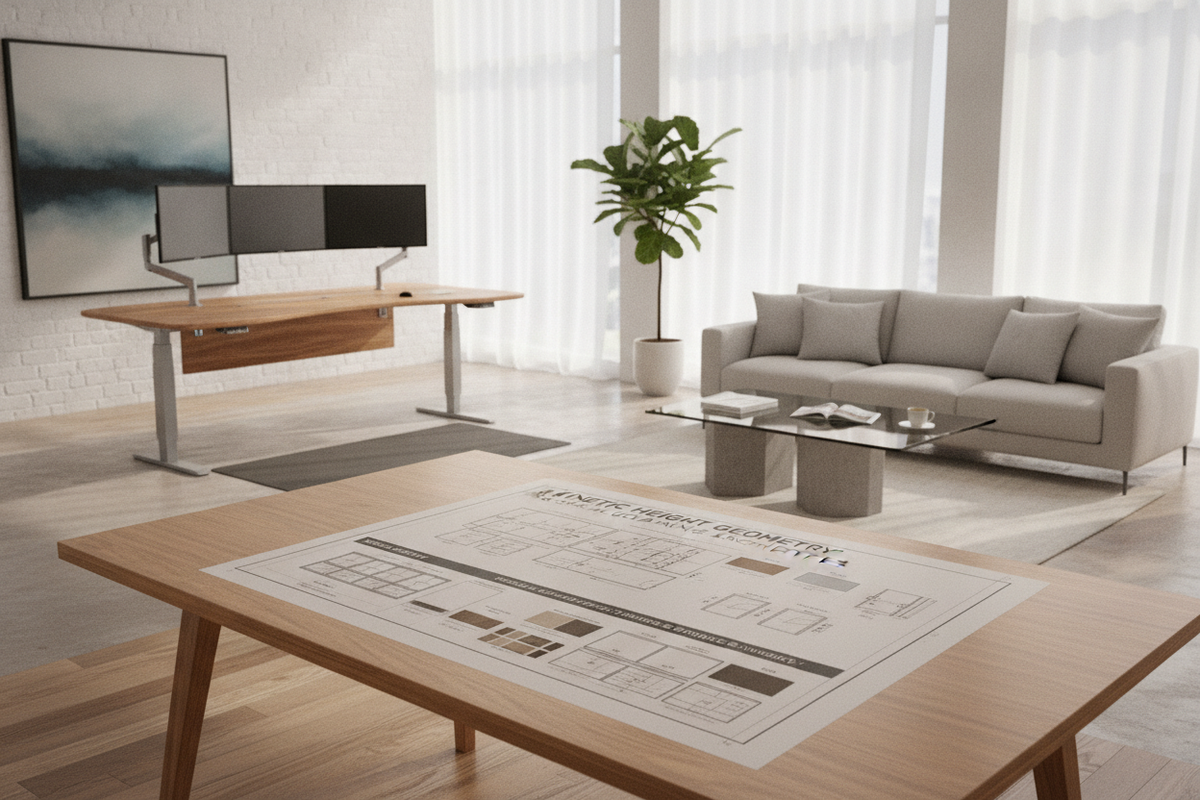
Designing a high-performing modern office begins with understanding the physical relationship between the human body, work tools, and room architecture. An ergonomic standing workstation transforms a static office corner into a responsive, dynamic environment. Rather than locking you into a single posture for hours, a well-planned workspace supports continuous, fluid transitions between sitting and standing, keeping daily workflows engaging and comfortable.
Architectural Fundamentals of an Ergonomic Standing Workstation
Modern workspace planning views the desk not merely as a stationary tabletop, but as an active kinetic platform. By integrating height versatility, you create a customizable setup that respects individual comfort, task diversity, and natural sightlines.
The Dynamic Ecosystem: Beyond Static Desking
An effective ergonomic sit and stand desk replaces the rigidity of conventional furniture. Alternating between seated focus and standing tasks encourages subtle postural shifts, active leg movement, and varied upper-body alignment throughout the day. Selecting an ergonomic standing desk allows you to align monitor screens directly with your natural eye level while positioning keyboards at resting elbow height. This dual-plane adaptability forms the cornerstone of an ergonomic sit-stand desk setup, creating a workspace tailored to varied daily activities.
Kinetic Lift Mechanisms and Frame Stability
Contemporary sit-stand furniture relies on precise motorized columns or counterbalance systems to provide smooth height transitions. An ergonomic electric standing desk utilizes synchronized dual-motor or single-motor telescoping steel legs that rise and lower smoothly. Smooth transition speeds and quiet motor operation ensure that adjusting an ergonomics adjustable desk never disrupts focused creative work, remote calls, or concentrated reading.
Dimensional Categories and Spatial Footprint Planning
Selecting the right desk scale requires balancing personal equipment needs against available floor area. A properly proportioned surface prevents visual clutter while leaving adequate clearance for peripheral movement.
Desktop Surface Scales and Reach Envelopes
Desktop spatial efficiency relies on primary, secondary, and reference zones. The primary reach zone accommodates the keyboard and mouse directly within relaxed forearm reach, while secondary zones hold monitor mounts, speakers, and desktop task lamps. Selecting an electric adjustable standing desk provides ample surface width for dual screens while preserving open space for analog note-taking and daily planning.
Vertical Travel Clearances and Knee-to-Torso Boundaries
When measuring your room footprint for an ergonomic sitting desk transitioning to upright heights, consider the full kinetic envelope. Ensure the rising tabletop clears window sills, wall-hung shelving, and electrical wall faceplates. When lowered, an ergonomic sit stand desk should provide generous knee and leg clearance beneath the frame, accommodating comfortable task chairs without bottoming out against the desk frame.
Room Fit Archetypes and Layout Geometries
A well-integrated ergo desk stand layout respects both natural traffic flow and ambient lighting, ensuring the workspace feels like an organic part of the home.
Perimeter Wall Layouts vs. Floating Centerpiece Islands
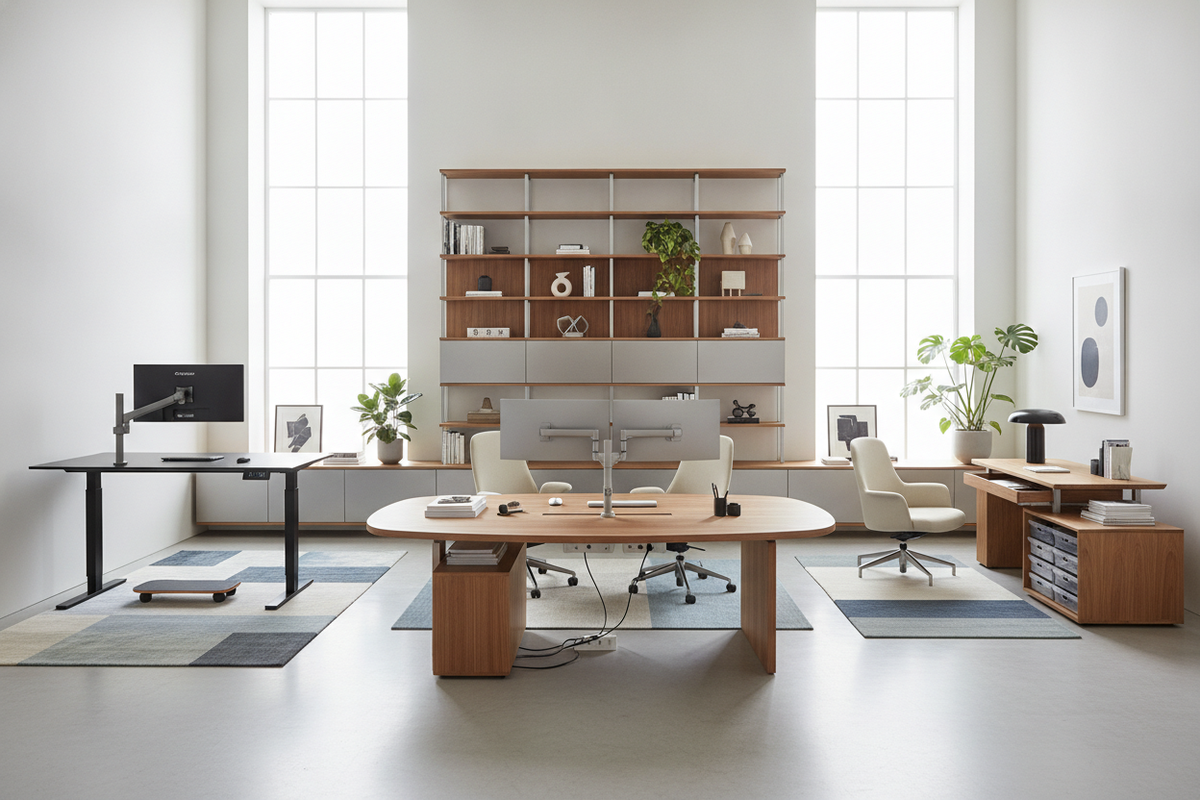
Perimeter wall layouts offer straightforward cord concealment and efficient footprint usage in standard bedrooms or dedicated study rooms. Conversely, positioning an ergonomic stand up desk as a floating centerpiece commands executive presence and provides open sightlines across the room. When exploring layout aesthetics, curating an aesthetic standing desk setup helps balance open walking aisles with discreet peripheral cord routing.
Corner Alcove and Architectural Nook Configurations
Architectural alcoves, bay window recesses, and corner nooks are ideal locations for compact sit-stand desks. Utilizing an L-shaped layout or a compact adjustable desk ergonomic surface turns underutilized room corners into dedicated productivity hubs without crowding shared living areas.
Material Craft, Structural Rigidity, and Finish Selection
The everyday feel and longevity of an ergonomic stand desk depend largely on high-density materials, durable finishes, and rigid frame engineering.
Engineered Wood, Laminates, and Solid Timber Textures
Modern desk surfaces balance tactile warmth with everyday resilience. High-pressure laminates and engineered wood with scratch-resistant melamine veneers resist moisture rings, writing indentations, and daily wear. Choosing an ultra-matte or textured woodgrain top for your ergonomic stand up desks reduces harsh overhead glare while complementing surrounding interior millwork and cabinetry.
Under-Frame Crossbars, Column Gauges, and Anti-Wobble Design
Structural stability is critical when a desk is extended to its highest upright position. Heavy-gauge steel columns, broad base feet, and reinforced sub-frame crossbars eliminate distracting lateral wobble while typing. Investing in an ergonomic sit-stand home office desk with solid steel telescoping legs ensures rock-solid stability across every programmed height setting.
Integrated Storage Synergy and Workspace Organization
Because an ergonomic sit stand surface shifts vertically, dynamic desks require smart, coordinated storage systems to keep everyday supplies accessible without cluttering the moving top.
Mobile Filing Carts and Low-Profile Under-Desk Clearance
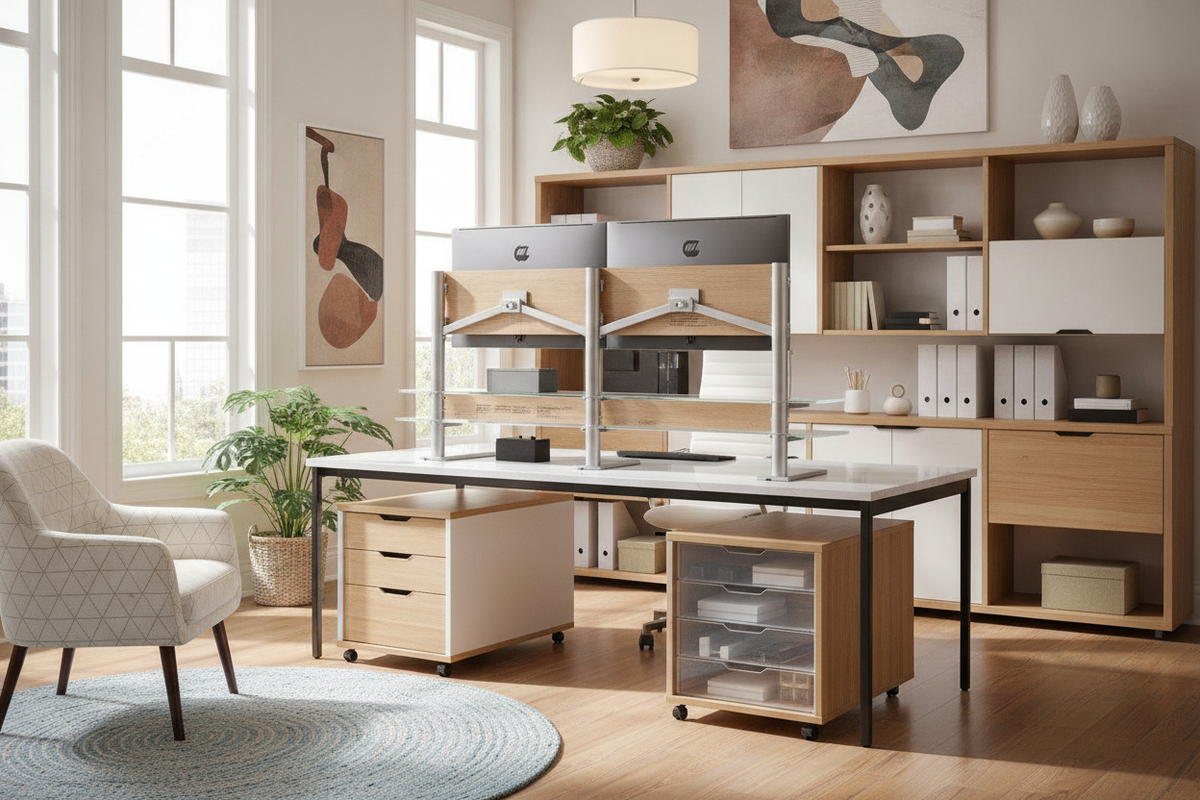
Pairing your workstation with a rolling storage pedestal keeps office supplies and files neatly organized. When using an ergo desks sit stand arrangement, verify that mobile file carts fit cleanly beneath the desk frame at sitting height, or roll alongside the desk when working in an ergonomic standing posture. Pairing your setup with modular adjustable shelf storage allows you to customize internal shelf heights to accommodate tech towers, binders, and peripheral hardware effortlessly.
Perimeter Credenzas and Overhead Modular Shelving
To preserve clean desktop surfaces, position credenzas, sideboards, and tall vertical bookcases along adjacent perimeter walls. Understanding how balancing desk ergonomics with interior design connects functional furniture with decorative wall units ensures your home office remains cohesive, functional, and uncluttered.
Kinetic Cable Routing and Power Distribution Strategies
A dynamic sit-stand surface requires thoughtful cable management so power cords, display cables, and charging leads move smoothly through every height adjustment.
Under-Desk Cable Trays and Flexible Articulated Spines
Under-mounted metal wire baskets and horizontal raceways hold bulky power strips, docking hubs, and heavy transformer bricks securely beneath the tabletop. Articulated cable spines or flexible fabric sleeves guide essential power leads down to the wall outlet, preventing snagging or disconnected plugs during lift cycles.
Grommet Route Management and Surface Power Hubs
Desktop grommets route mouse, monitor, and keyboard cords cleanly through the surface. Inset surface power modules and wireless charging pads provide direct power access for phones and laptops, eliminating loose hanging wires and maintaining a clean visual plane.
Assembly Workflows, Calibration, and Maintenance Routines
Proper assembly and routine care ensure smooth motor operation and lasting frame stability for years to come.
Two-Person Assembly Protocols and Motor Synchronization
Assembling a height-adjustable desk is easiest with two people, especially when aligning heavy steel lifting columns and flipping the completed frame upright. Once assembled, complete an initial baseline reset on the control handset to calibrate the motor sensors and ensure perfectly level horizontal travel.
Routine Hardware Tightening and Surface Preservation
Periodic maintenance keeps your workstation performing at its best. Check and tighten frame bolts annually to preserve rigidity, use leveling glides to compensate for uneven flooring, and clean the desktop surface with mild, non-abrasive cleaners to maintain its original finish.

Laisser un commentaire
Ce site est protégé par hCaptcha, et la Politique de confidentialité et les Conditions de service de hCaptcha s’appliquent.