


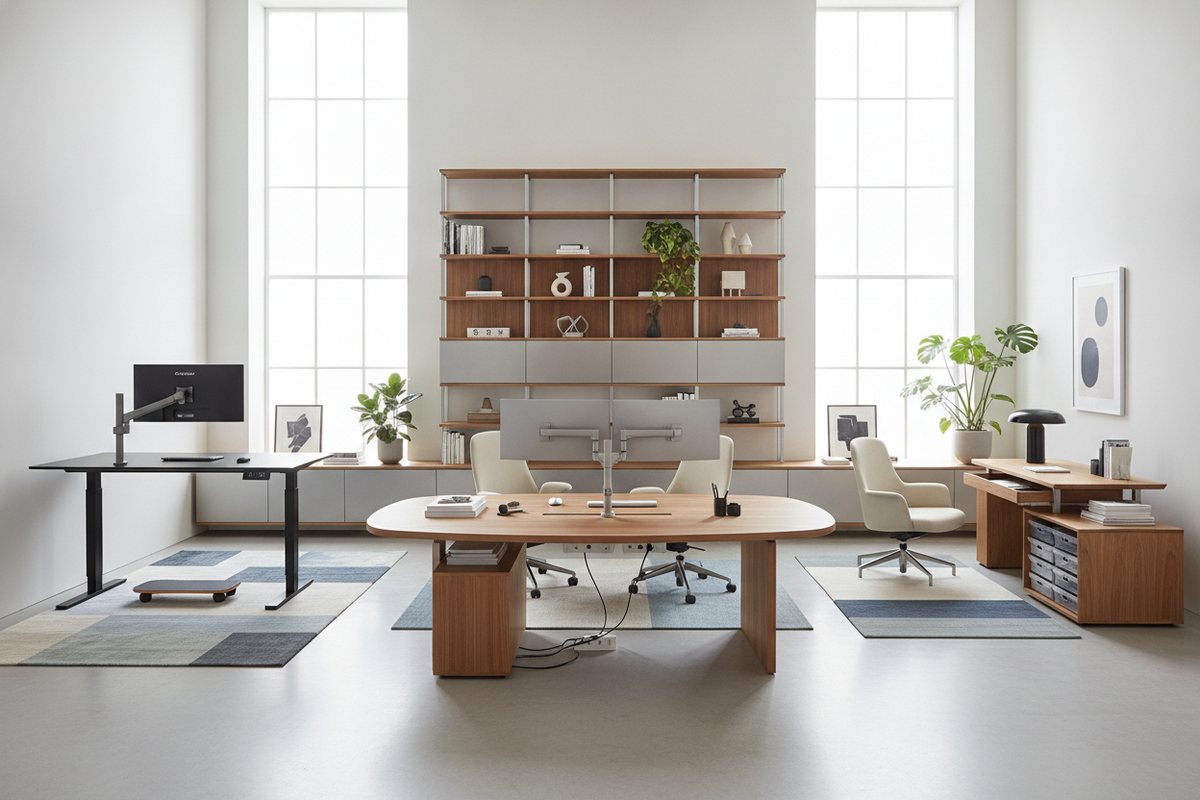
Ergonomic Desk Architecture: Defining Dynamic Workstation Archetypes
Modern workspaces demand furniture that accommodates both focused productivity and continuous movement. When evaluating desks ergonomic designs, spatial planners and remote professionals typically distinguish between three primary structural archetypes: fixed contoured desks, manual crank frames, and motorized height-adjustable systems. Each archetype addresses posture and workflow through distinct mechanical configurations and structural footprints.
Fixed contoured workstations prioritize stability and refined surface geometry. These units feature curved front cutouts that bring monitors, keyboards, and notebooks closer to the seated torso without forcing awkward shoulder extensions. While fixed desks lack vertical mobility, their solid leg assemblies provide uncompromising rigidity for high-load equipment arrays and heavy tabletop accessories.
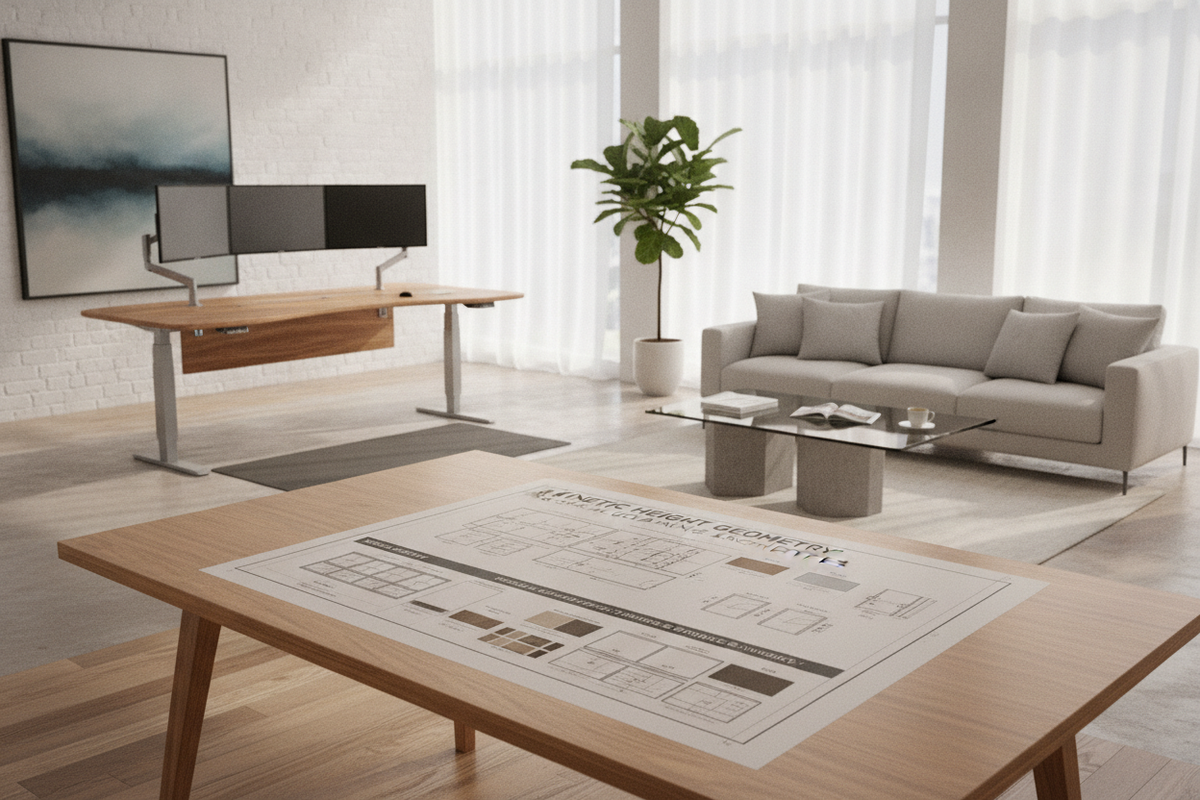
For workspaces where dynamic postures are prioritized, motorized sit-stand workstations provide seamless transitions between sitting and standing routines. Selecting a dedicated ergonomic office product with programmable elevation settings allows users to establish standardized working heights tailored to their specific posture requirements throughout the day. Investing in flexible ergonomic desks for office layouts supports both individual physical comfort and long-term workspace adaptability.
Dimensional Planning and Surface Reach Envelopes
An effective workstation surface is organized around natural reach envelopes rather than arbitrary aesthetic choices. Interior designers divide tabletop space into three distinct zones:
- Primary Reach Zone: The close semicircular zone swept by the forearms with elbows resting comfortably at the sides. This area should host high-frequency input tools such as mice, compact keyboards, and primary input pads.
- Secondary Reach Zone: The area reachable with fully extended arms without leaning forward at the waist. Ideal for reference documents, telephone consoles, stationery trays, and secondary input hardware.
- Tertiary/Reference Zone: The outer periphery of the desk, suited for monitor risers, display arms, ambient lighting, and decorative desk organizers.
Surface depth plays a critical role in visual ergonomics and screen placement. Narrow surfaces can crowd display hardware too close to the user's line of sight, while excessively deep tops force uncomfortable forward reaching. When curating a functional workspace, consult a detailed desks office guide to evaluate dimensional scale and coordinate tabletop area with multi-screen setups and peripheral hardware.
Under-Desk Clearance Geometry and Seating Coordination
True ergonomic performance depends as much on the negative space beneath the desk as the surface above it. Legroom geometry requires generous, unobstructed volume to allow unrestricted knee movement, leg extension, and footrest placement. Inadequate under-desk clearance forces awkward seated postures, causing users to twist sideways or sit with compressed leg angles.
When assessing ergonomic office desks, consider the alignment between the desk frame and your office task chair:
- Ensure the lower horizontal crossbar or stabilizing crossbeam is positioned far enough back to prevent knee contact.
- Allow sufficient lateral width between the desk legs so armrests can glide cleanly under the desktop surface during storage.
- Verify that keyboard trays or under-mount power boxes do not intrude downward into the thigh clearance zone.
Pairing thoughtful under-desk spatial geometry with ergonomic task seating creates a cohesive workstation foundation. Exploring broader design principles via an office ergonomic guide ensures your seating and desk dimensions function in seamless physical harmony.
Material Selection and Structural Durability
The materials chosen for desk construction dictate not only aesthetic warmth but also structural rigidity and long-term performance under dynamic loads. Workstation surfaces must withstand continuous arm friction, hardware weight, and occasional liquid exposure while maintaining structural stability.
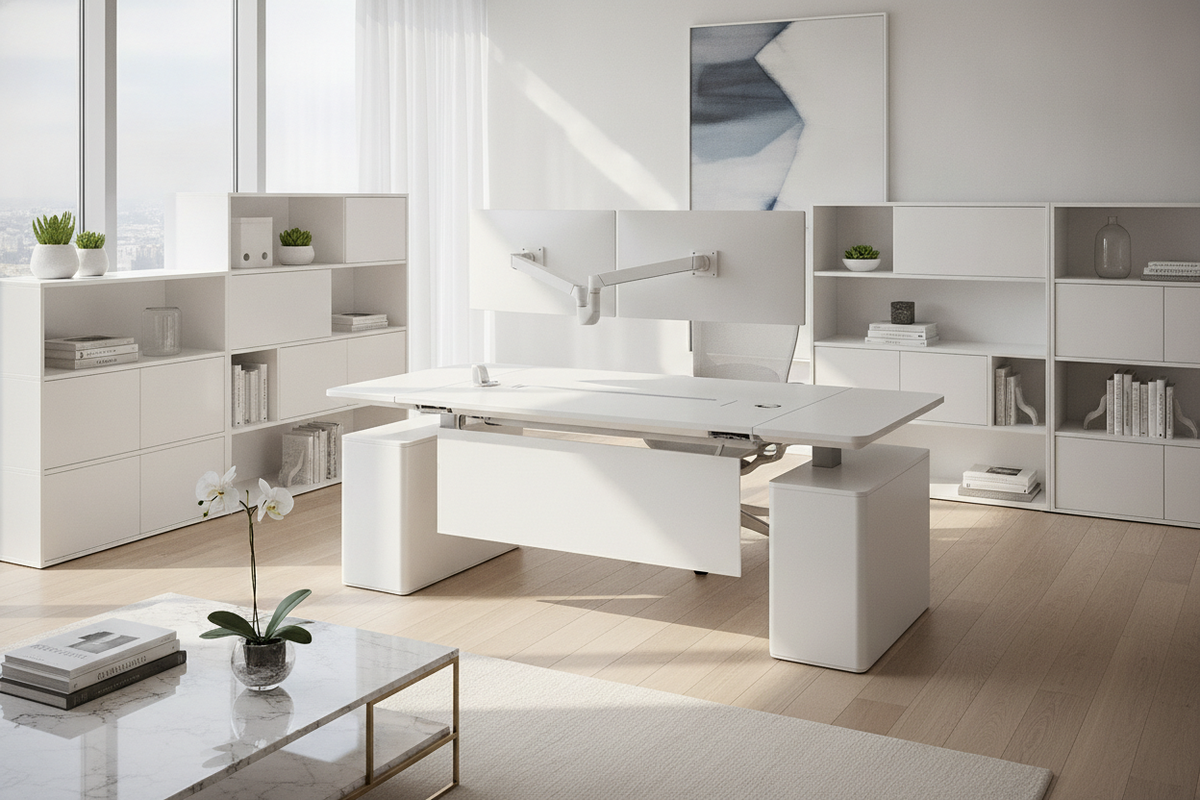
Engineered wood cores, such as high-density fiberboard finished with durable laminates, offer balanced resistance against warping, scratches, and daily wear. These engineered tops pair effectively with heavy-gauge steel leg columns, which absorb the lateral forces generated during typing or motorized height adjustments. For heightened tactile refinement, choosing a versatile ergonomic office product featuring beveled edging, resilient laminate coatings, and dual-stage leg columns provides a quiet, durable foundation suitable for active work environments.
Storage Synergy and Room Layout Planning
A high-performance desk functions best when supported by an organized perimeter storage system. Cramming all documents, accessories, and technology onto a single tabletop compromises the clean layout required for ergonomic reach envelopes. To preserve desktop breathing room, incorporate decentralized storage solutions such as mobile drawer pedestals, low lateral filing credenzas, and floating wall-mounted shelving.
Mobile storage pedestals positioned beneath or adjacent to the desk frame keep essential files and office supplies within easy reach without encroaching on primary legroom. When integrating motorized height-adjustable desks, place stationary storage pieces slightly away from moving frame components to prevent mechanical interference during elevation cycles. Reviewing a practical office desks guide helps establish spatial sequencing, lighting angles, and storage placement before locking down final furniture arrangements.
Assembly Workflow, Cable Management, and Daily Maintenance
Proper assembly and wire organization are critical for maintaining structural stability and safety across both fixed and dynamic workstations. Follow these essential setup practices:
- Frame Leveling: Adjust the threaded leveling feet under each leg base to eliminate frame wobble on uneven flooring or area rugs before placing heavy technology components.
- Cable Slack Management: Group power cords, display cables, and charging lines inside flexible cable spines or under-desk wire trays. Ensure adequate cable slack so sit-stand desks can transition to full standing height without pulling or snagging connections.
- Surface Maintenance: Clean engineered laminate and natural wood veneers using soft microfiber cloths and mild, non-abrasive cleaners. Avoid harsh chemical solvents that can degrade protective topcoats or edge banding.
By coordinating structural frame selection, thoughtful dimensional reach zones, unobstructed legroom, and modular storage, you create an enduring workspace that supports sustained daily focus and physical wellbeing.

Laisser un commentaire
Ce site est protégé par hCaptcha, et la Politique de confidentialité et les Conditions de service de hCaptcha s’appliquent.