


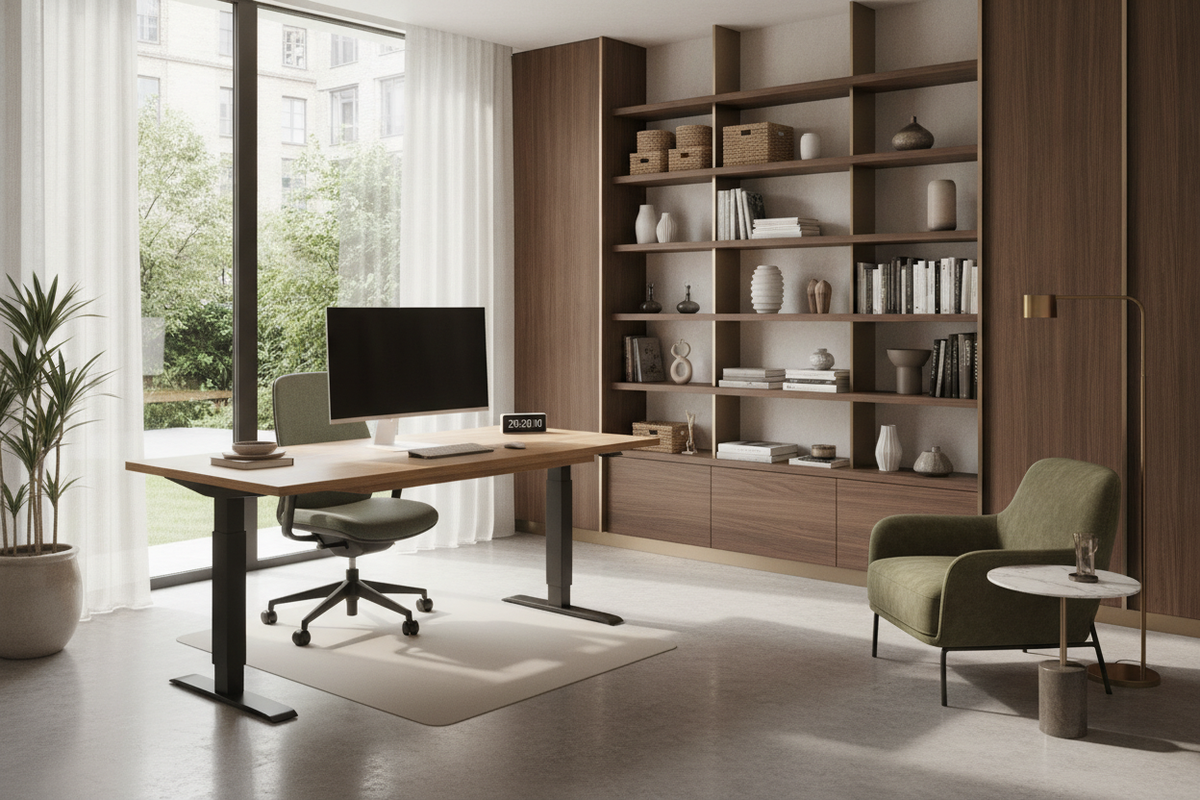
Rethinking Daily Standing Routines: Beyond Fixed Time Targets
When setting up an active workstation, home office workers and professionals frequently ask about the ideal average standing hours per day. Rather than fixating on a rigid daily quota or treating standing as an endurance competition, a balanced approach focuses on consistent posture rotation, functional comfort, and dynamic movement. Remaining stationary in any single posture for extended durations, whether seated in an office chair or upright on your feet, can lead to muscle tightness, lower back stiffness, and overall physical fatigue.
Understanding your personal rhythm is far more effective than attempting to match a uniform standard for the average time spent standing per day. Workflows naturally shift between deep analytical focus tasks, collaborative phone calls, virtual presentations, and routine administrative duties. By treating standing as one component of an active work pattern, you can establish sustainable habits that maintain energy and focus throughout the day without forcing awkward postures or exhausting your leg muscles.
A well-balanced workday recognizes that movement variety provides the greatest benefit. Instead of dividing your day into massive multi-hour blocks of sitting followed by equal blocks of standing, introducing gentle transitions keeps your body responsive. The primary objective is to avoid static immobility by encouraging frequent adjustments in your working posture.
Structuring Daily Sit-Stand Intervals: Practical Routine Frameworks
Instead of wondering strictly how many hours should a person stand a day, consider organizing your schedule into manageable rotational intervals. Alternating between sitting, standing, and brief movement breaks creates a continuous cadence that supports natural physical alignment throughout standard work hours.
- Gradual Morning Warm-Up: Begin the morning standing during active, short-duration tasks such as sorting daily priorities, reviewing your calendar, or checking quick communications. Starting the day on your feet helps stimulate alertness without demanding deep physical stamina.
- Seated Focus Blocks: Reserve seated intervals for tasks requiring intense keyboard concentration, intricate design editing, spreadsheet analysis, or prolonged reading where stable forearm and elbow support remains essential for precision.
- Midday Posture Resets: Shift back to an upright position during afternoon status meetings, voice calls, or administrative file organization when your energy might naturally dip and a change of stance provides refreshing variety.
- Active Mobility Pauses: Pair posture shifts with brief walks around your room, light shoulder rolls, gentle calf stretches, or stepping away to retrieve reference materials from nearby office cabinets.
Listening to your physical cues provides the most dependable pacing metric. If your lower back feels strained, your hips tighten, or your feet feel fatigued, smoothly transition back to seated work rather than pushing through discomfort. Building physical stamina takes patience, and gradual progression ensures long-term comfort.
Workstation Ergonomics for Comfortable Standing Sessions
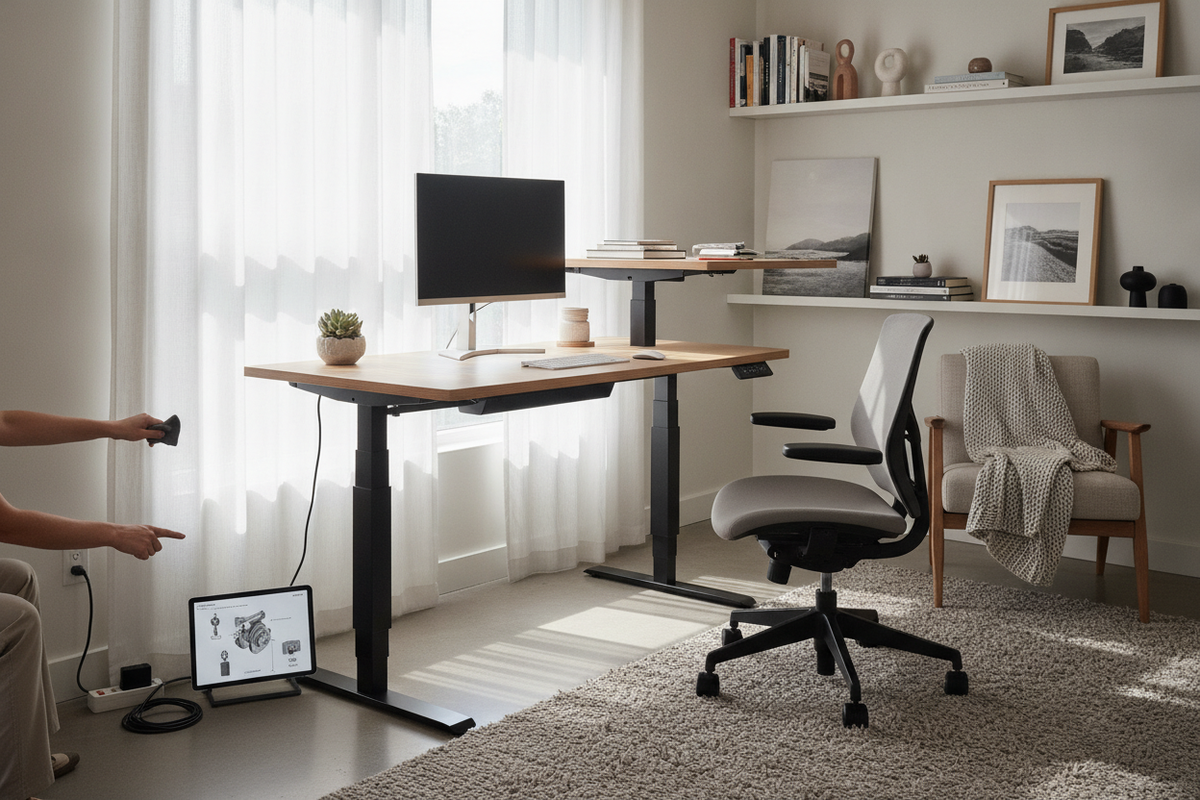
Achieving a comfortable standing routine requires proper alignment between your body, desk surface, and peripheral equipment. Introducing a smooth height-adjustable standing desk allows you to tailor your desktop height to your exact physical proportions for both upright and seated configurations without interrupting your focus.
When standing at your desk, keep your elbows resting at an open angle near ninety degrees, allowing your forearms to rest parallel to the floor while your wrists hover comfortably above the keyboard surface. Position the upper edge of your computer monitor slightly below eye level, approximately an arm's length away, to prevent excessive neck flexion or downward tilting. Keep your shoulders relaxed and pulled gently back rather than hunched forward over your peripherals.
Floor conditions also play a critical role during upright work sessions. Standing on hard, unyielding surfaces like tile or hardwood can accelerate foot fatigue. Adding supportive footwear with good arch cushioning or placing a dedicated anti-fatigue mat beneath your desk distributes body weight more evenly, cushions foot impact, and encourages micro-movements that promote comfort during longer standing sessions.
Surrounding Furniture and Vertical Storage Integration
A dynamic workspace extends beyond the primary desktop surface. When alternating between sitting and standing, keeping reference folders, stationery, notebooks, and hardware accessories within intuitive reach ensures uninterrupted productivity across both postures.
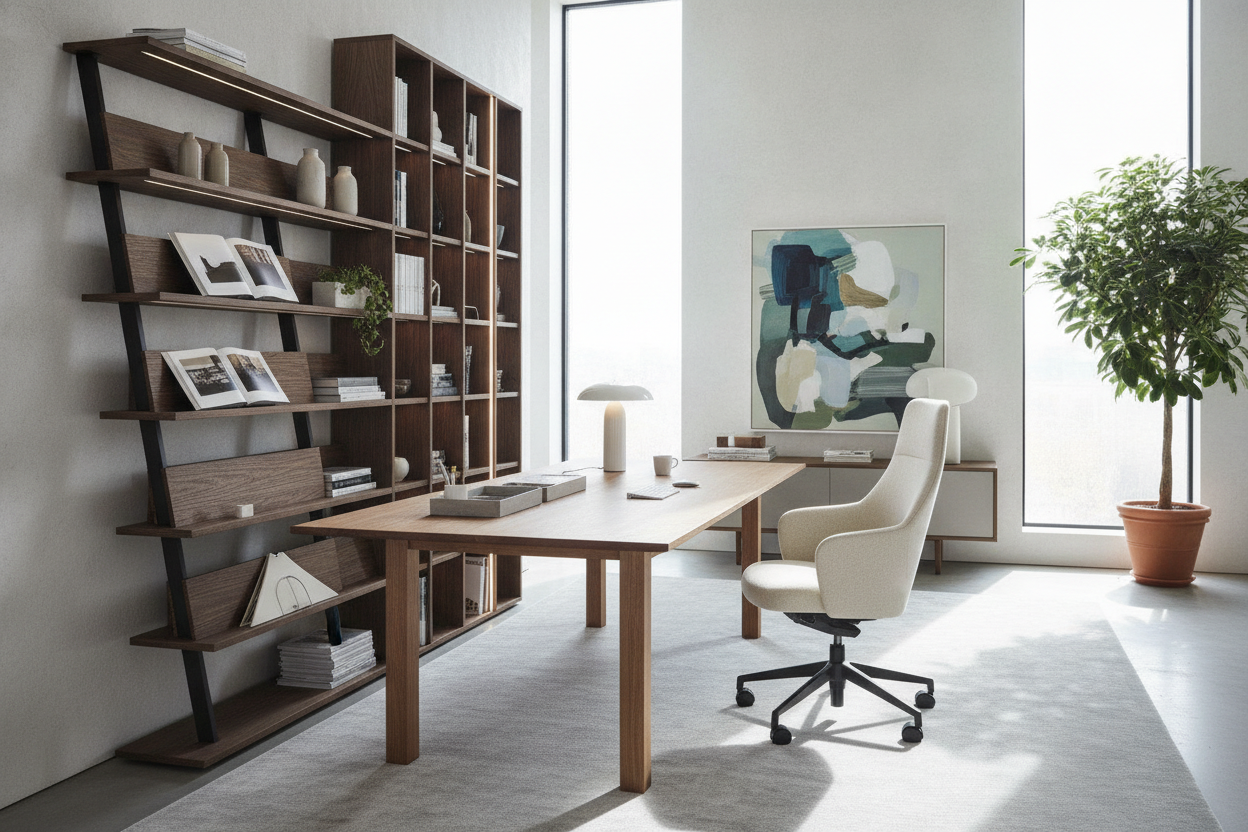
Pairing your desk with an open shelf free standing bookcase positions active files and decorative office items across diverse vertical levels. This open architectural layout lets you access items easily whether you are standing or seated, minimizing unnecessary bending or overreaching. Placing frequently referenced binders and project boxes on mid-tier shelves creates a fluid transition zone that complements active standing workflow stations.
Consider arranging your surrounding storage to encourage deliberate movement. Placing secondary reference materials, printing supplies, and archived documents on nearby credenzas or accent cabinets prompts you to take brief, natural steps away from your desk, reinforcing active circulation throughout the workday.
Common Posture Pitfalls and How to Avoid Standing Fatigue
Transitioning into regular standing intervals often introduces subtle alignment mistakes that can create unnecessary fatigue and joint tension. Recognizing these habits early helps maintain an effortless, natural stance throughout your daily routines.
- Locking Knees into Hyperextension: Avoid locking your joints into rigid, straight extension. Maintain a soft, relaxed micro-bend in your knees to distribute body weight evenly across your feet and reduce pressure on the lower spine.
- Leaning to One Side: Shifting all body weight onto a single hip strains pelvic and spinal balance. Try distributing your weight evenly across both feet or resting one foot on a low footrest or supportive rail to vary your stance naturally throughout the session.
- Over-Extending Standing Durations: Standing past the point of physical comfort often leads to slouching, hip dropping, and leaning against the desktop edge. Set gentle reminders to rotate back down to your chair before overt fatigue sets in.
- Reaching Forward for Mouse and Keyboard: Ensure your input peripherals remain close to your body so your elbows remain tucked near your ribs, preventing upper back strain and neck tightness.
By pairing thoughtful ergonomic adjustments with dynamic posture rotation and functional vertical storage, you can create a balanced, supportive workspace that adapts seamlessly to your daily work requirements.

Laisser un commentaire
Ce site est protégé par hCaptcha, et la Politique de confidentialité et les Conditions de service de hCaptcha s’appliquent.