


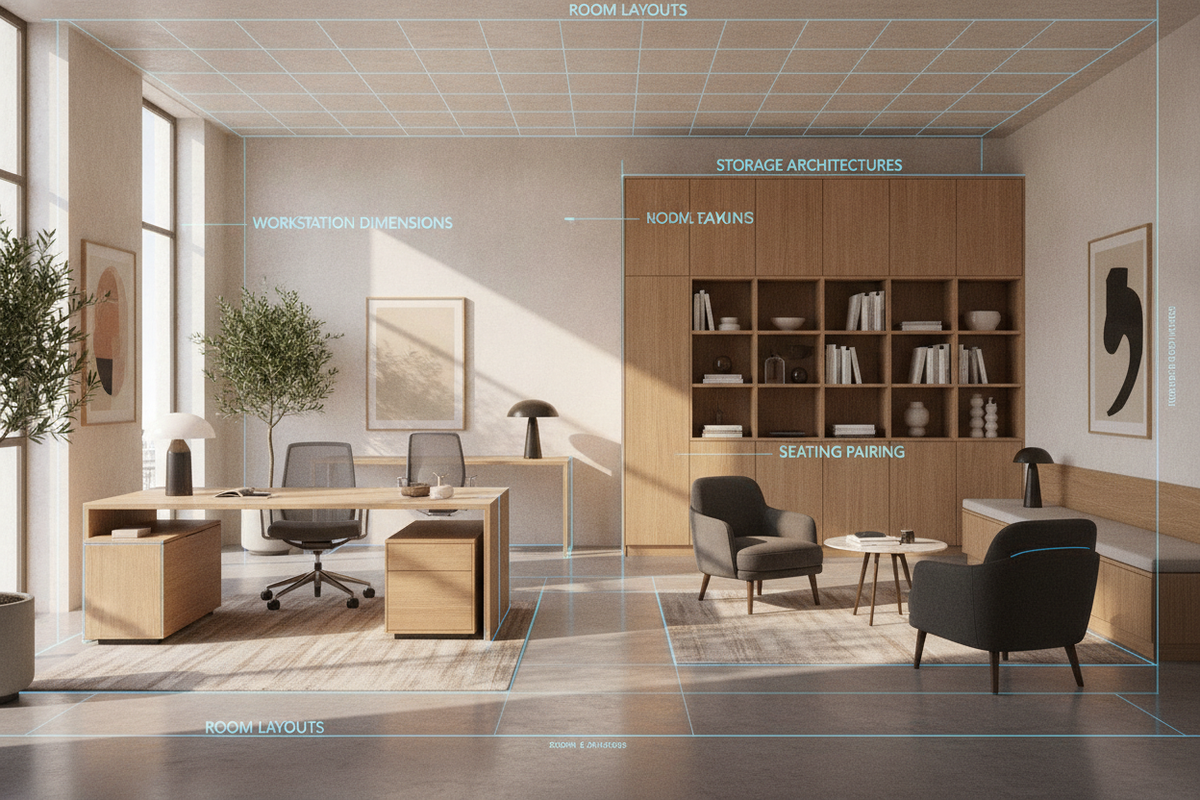
The Workstation Ecosystem: Why Pairing Chairs and Desks Requires Integrated Planning
Designing a productive workspace requires looking at chairs and desks as an integrated unit rather than separate furniture purchases. When you coordinate a desk and chair office arrangement, every physical dimension interacts directly with your daily comfort, workflow efficiency, and spatial organization. Selecting a mismatched desk chair and desk often leads to physical friction, such as armrests colliding with drawer edges or seating that sits too low relative to the primary writing surface.
A balanced home office desk chair set accounts for movement corridors, reach zones, and equipment housing. By treating the workspace as a cohesive system, you ensure that your work desk and chair support focused activity while keeping essential office supplies, technology, and reference materials readily accessible.
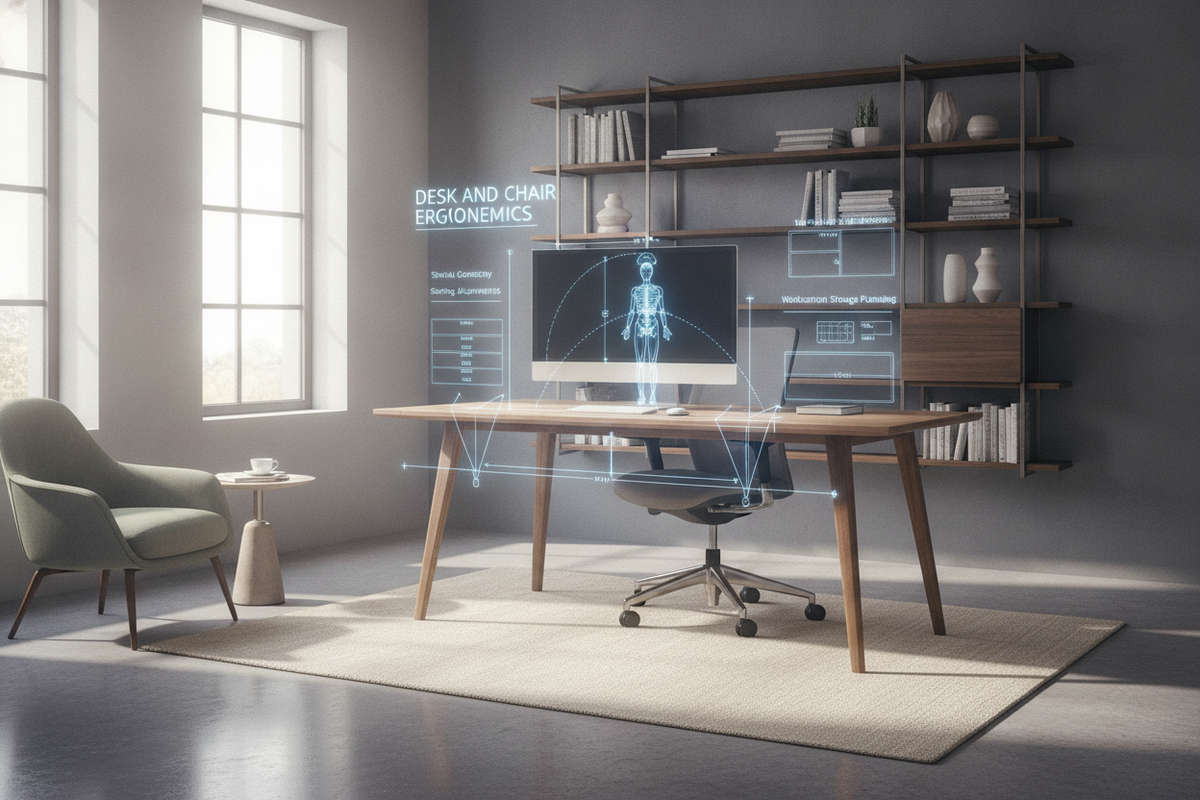
Dimensional Compatibility: Height Proportions, Armrest Clearances, and Knee Wells
Dimensional harmony forms the foundation of any comfortable office desk with chair setup. Evaluating clearance envelopes before buying prevents common pairing errors and ensures effortless movement throughout the workday.
Vertical Clearances: Balancing Seat Height and Apron Depth
Vertical alignment dictates your daily posture and comfort. When pairing a chair with computer table designs, verify that the seat pan adjusts smoothly to match the underside of the desk tabletop. Desks equipped with thick structural aprons, under-top pull-out trays, or central pencil drawers reduce available vertical thigh clearance. Ensure your chair armrests can either slide beneath the desk edge or adjust downward so you can pull close to your primary workspace without bumping into framework edges.
Horizontal Proportions: Knee-Well Width and Caster Swivel Radii
Horizontal clearance, commonly known as the knee-well, must accommodate both forward leg extension and side-to-side movement. An effective desk and chair for office layout provides sufficient width between side pedestals or supporting legs. This allows a rolling desk with office chair to rotate completely on its caster base without scraping against interior cabinet walls or support struts.
Desk Architectures and Seating Pairings: Sizing and Functional Categories
Different work tasks require specific desk silhouettes and companion seating. Matching desk geometry with the appropriate chair style creates an efficient working environment tailored to your room scale.
Compact Writing and Computer Desks with Task Seating
For secondary bedrooms, study alcoves, or studio apartments, compact surfaces offer clean lines without overwhelming the floor plan. Pairing a streamlined table from a computer desk collection with a low-profile task chair provides an agile footprint. Compact computer desk and chairs combinations work best with armless or flip-arm seating that tucks entirely out of walkways when the workday concludes, preserving open floor area in multi-purpose rooms.
Corner and L-Shaped Workstations with Swivel Seating
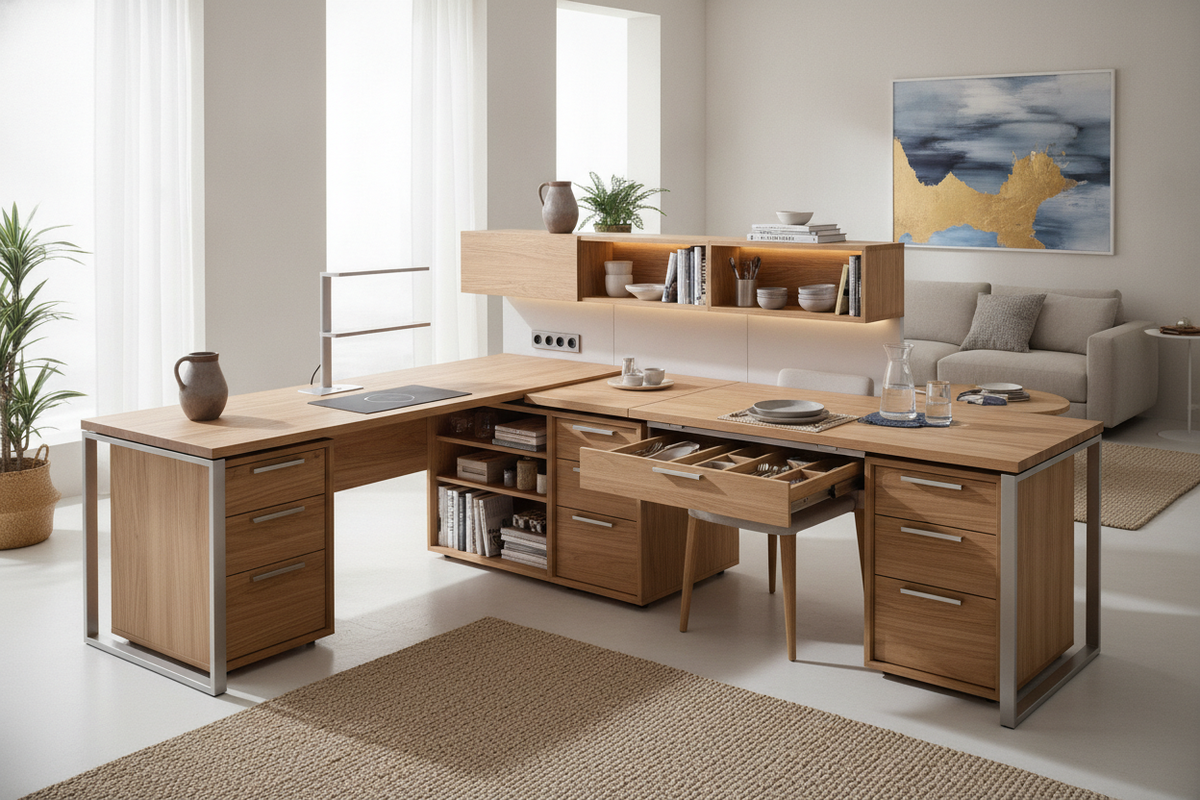
Multi-display setups and document-heavy workflows benefit from expansive corner architecture. An office computer desk product configured in an L-shape creates distinct zones for computing, writing, and peripheral storage. To navigate the extended perimeter of an L-shaped layout, choose a computer desk with chair setup featuring high-mobility casters and full swivel capability, allowing fluid transitions between distinct work zones without awkward torso twisting.
Storage Architectures: Integrating Drawers, Pedestals, and Overhead Zoning
Storage integration determines how clean and orderly your workspace remains over time. Incorporating storage solutions directly into your office desks and chairs configuration prevents tabletop clutter while preserving essential legroom.
Under-Desk Pedestals vs. Freestanding Storage Towers
Balancing built-in storage against usable knee room is crucial when choosing a home office desk with chair. Desks with built-in storage columns streamline organization by keeping active files within arm's reach. Selecting a unit such as a dedicated computer desk drawers product ensures that stationery, charging hubs, and computing accessories remain neatly contained. If legroom is your top priority, consider decoupling your storage by placing mobile lateral filing cabinets or vertical shelving towers beside the desk rather than underneath it.
Cable Routing and Periphery Storage Coordination
A functional pc desk and chair arrangement requires deliberate cable routing. Power bricks, extension cords, and peripheral cables hanging below the desk surface can easily become tangled in rolling chair wheels. Utilize rear modesty panels, integrated cable raceways, and desktop grommets to route wiring securely away from the active caster radius, preventing equipment snags and mobility interruptions.
Material Selection and Durability: Coordinating Surfaces, Frames, and Upholstery
Selecting compatible materials ensures structural longevity and creates visual coherence across your workspace. Combining metal framing, engineered wood surfaces, and durable upholstery produces a refined atmosphere. For design inspiration on pairing materials and textures, review our office desk chair guide to achieve a coordinated interior aesthetic.
When selecting your desk chair drawers and workspace finishes, evaluate durability across high-contact zones:
- Worktop Surfaces: High-pressure laminates and engineered wood with protective veneers resist daily pen impressions, moisture rings, and surface scratching.
- Frame Construction: Powder-coated steel bases and reinforced wood joinery offer rigidity against lateral wobbling during active typing.
- Seating Upholstery: Breathable mesh promotes continuous airflow for extended working hours, while reinforced woven textiles and supple synthetic leathers offer resilient tactile comfort and straightforward cleaning.
Room Layouts and Spatial Flow: Placement Strategies for Home Offices
Positioning your desk and chair for home office layouts requires balancing room lighting, electrical outlet access, and open transit paths. Consider these spatial arrangements:
- Perimeter Wall Placement: Positioning the desk flat against an interior wall maximizes open floor area in narrow rooms and keeps cable management discreetly hidden along baseboards.
- Floating Command Position: Placing the desk facing outward into the room with the chair backed toward a solid wall provides a professional backdrop for video calls and creates a commanding focal point.
- Window-Adjacent Layouts: Angling the desk perpendicular to exterior windows brings in natural daylight while preventing direct monitor glare and eye strain.
Assembly, Maintenance, and Long-Term Stability
Long-term performance relies on proper initial assembly and routine hardware upkeep. When putting together your workstation, hand-tighten all structural fasteners before performing a final diagonal torque pass to ensure square alignment. Adjust leveling glides on desk footings to eliminate rocking on uneven floor surfaces. Periodically inspect and tighten caster fittings and armrest bolts on your chair to preserve smooth, squeak-free motion across years of use.

Laisser un commentaire
Ce site est protégé par hCaptcha, et la Politique de confidentialité et les Conditions de service de hCaptcha s’appliquent.