


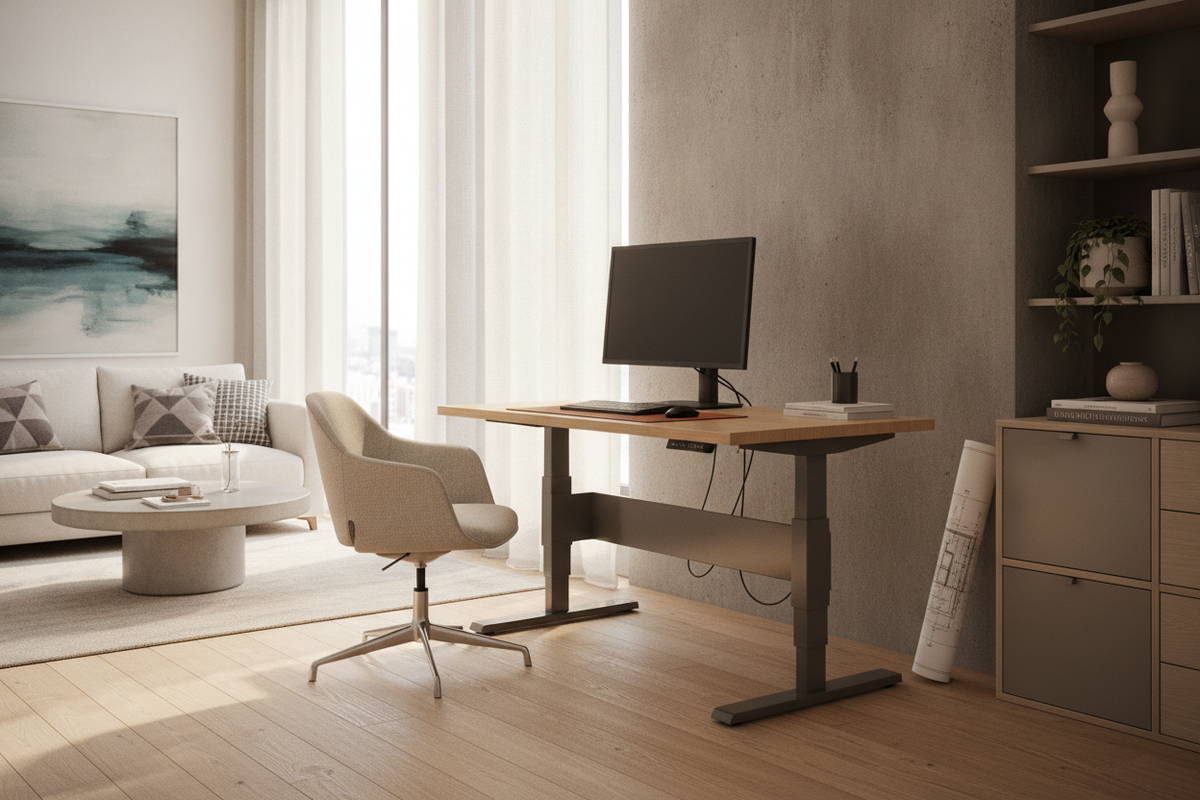
Understanding the Adjustable Lift Desk: Core Mechanics and Motion Dynamics
Modern office environments benefit greatly from dynamic work surfaces that transition smoothly between different user postures. An adjustable lift desk provides the foundation for such setups by integrating telescoping support columns with electronic motion control. Rather than relying on manual levers or counterbalance springs, a height adjustable desk automatic system allows users to alter working heights with consistent, predictable movement.
When evaluating a motorized rising desk, the mechanical structure of the lifting columns serves as the primary determinant of travel range and rigidity. Telescoping leg columns house internal drive spindles paired with synchronized motor drives. A desk with electric height adjustment often features digital control pads capable of storing preferred elevation settings. These presets simplify the daily transition between seated tasks, collaborative discussions, and focused standing work, allowing users to return to precise ergonomic heights without trial and error.
Selecting an adjustable height standing product involves assessing how the frame handles lateral forces during upward and downward travel. Reinforced crossbeams, broader footplates, and precision-fitted column collars help minimize top-surface wobble, ensuring that monitors and desktop equipment remain secure during height transitions.
Dimensional Footprints and Surface Sizing Frameworks
Selecting the correct desktop dimensions ensures adequate room for peripheral gear without crowding the surrounding room layout. Work surface footprints typically range from compact single-monitor stations to expansive executive platforms designed for multi-display workflows.
- Compact Stations: Suitable for narrow alcoves, single laptop arrangements, and secondary workstations where floor area is at a premium.
- Mid-Range Surfaces: Balanced footprints that support dual monitors, document stands, and task lamps while fitting neatly into dedicated home offices.
- Expansive Layouts: Generous surface options, such as a 70 x 30 standing desk, cater to multi-screen configurations, desktop speakers, analog writing zones, and desktop organizational trays.
- Modular Surfaces: Workstations featuring an extendable desk top or auxiliary return offer adaptable surface areas for shifting project requirements.
An expansive office lift desk provides the spatial freedom to segregate equipment zones from clear writing areas. When planning surface dimensions, account for the depth required by display stands and monitor arms. Ensuring appropriate viewing distances prevents visual fatigue and keeps the primary work zone organized during long working sessions.
Room Placement and Dynamic Height Clearance Planning
Unlike static tables, an automatic standing table demands thoughtful spatial planning across both horizontal and vertical planes. Because the desktop travels through a continuous vertical envelope, surrounding architectural elements must be carefully assessed prior to installation.
Reviewing our office standing desk guide highlights the importance of maintaining generous perimeter margins. When setting up a workstation with electric table height adjustment, verify that wall art, shelving units, window sills, and thermostat panels do not obstruct the top surface at its maximum height. Leaving adequate clearance between the desk edge and adjacent walls prevents accidental scuffs and equipment pinching during upward motion.
Cable management represents another essential consideration in dynamic room planning. Power leads, video feeds, and peripheral cords must possess sufficient slack to accommodate full upward travel without pulling on wall outlets or desktop equipment. Articulated cable spines, under-desk raceways, and coiled wire wraps keep cables bundled securely, preventing snagging hazards against under-desk structures.
Integrating Storage Around Dynamic Workstations
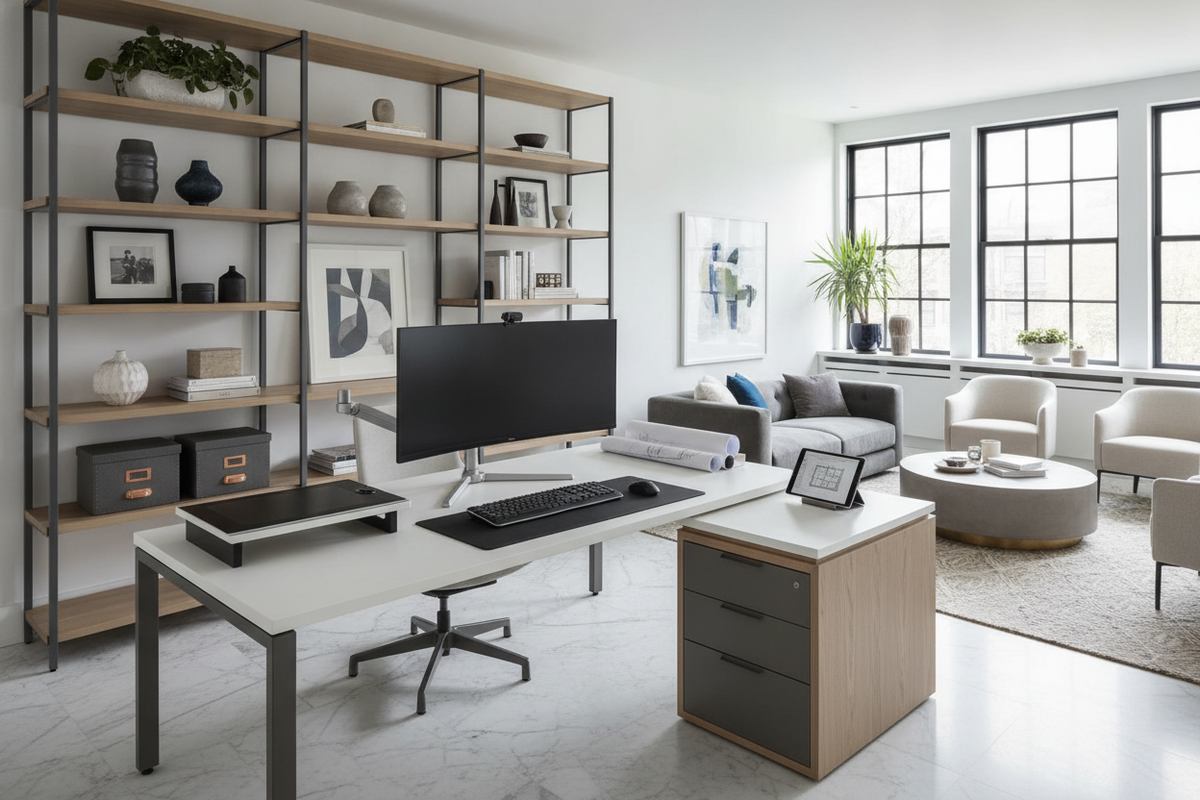
One structural challenge associated with a dynamic workstation is maintaining adequate storage capacity without overburdening the lifting frame. While an electric lift top desk or automatic adjustable standing desk may incorporate slim pencil drawers, heavy filing systems are best accommodated through surrounding modular cabinetry.
Coordinating your workstation with units from an adjustable collection creates a cohesive layout where reference binders, tech accessories, and office supplies remain within reach. Practical storage strategies for dynamic workspaces include:
- Mobile Pedestals: Rolling file cabinets positioned beneath the desk at seated height or rolled alongside during standing sessions.
- Perimeter Bookshelves: Freestanding shelving aligned with adjacent walls to keep heavier hardware, printers, and document archives organized away from the moving desk frame.
- Mounted Power Trays: Lightweight wire baskets affixed directly to the underside of the work surface to house surge protectors and power bricks off the floor.
By delegating heavy storage to independent organizational furniture, the motorized lift system operates under lighter mechanical loads, supporting steady motion over years of daily adjustments.
Desktop Materials, Surface Care, and Assembly Essentials
The durability and visual appeal of an office lift desk depend largely on the construction materials used for the tabletop and steel frame. High-density engineered wood tops finished with durable laminate veneers provide excellent resistance against daily wear, pen pressure, and minor surface spills. Solid wood and butcher-block surfaces offer rich natural grain patterns but may require periodic surface conditioning to maintain their appearance.
Before finalizing your setup, consulting a comprehensive standing desk guide can provide additional insights into accessorizing and maintaining height-adjustable systems. During initial assembly, ensure all frame fasteners and mounting brackets are tightened evenly to prevent mechanical binding during lift cycles. Leveling glides located beneath the desk feet should be adjusted carefully to eliminate uneven floor contact.
Periodic maintenance for a desk with electric height adjustment involves inspecting cable routing, checking that mounting hardware remains snug, and wiping the desktop with a soft, damp cloth. Establishing a balanced workspace with quality materials, deliberate room clearances, and structured storage creates an efficient, adaptable office environment built for lasting productivity.


Laisser un commentaire
Ce site est protégé par hCaptcha, et la Politique de confidentialité et les Conditions de service de hCaptcha s’appliquent.