


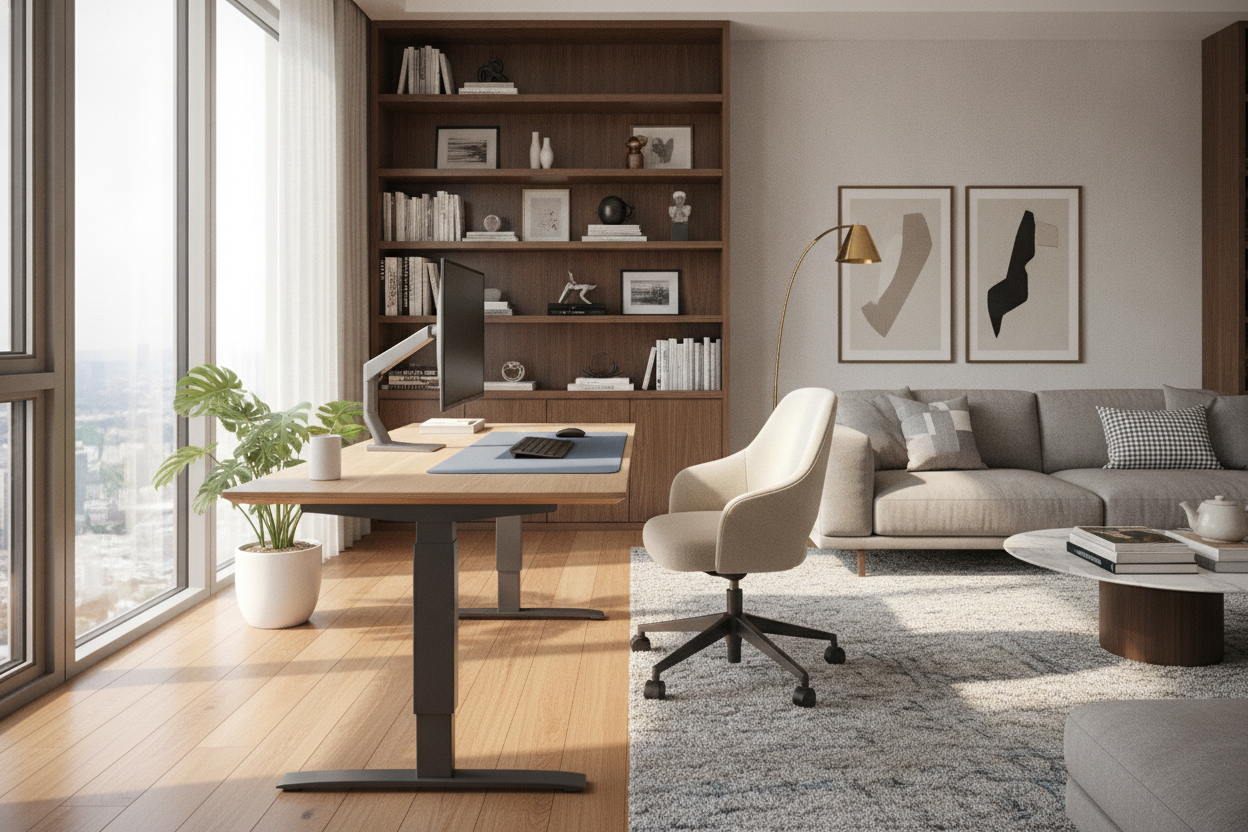
The modern home office has undergone a significant transformation. No longer confined to static four-legged tables, the contemporary workspace now prioritizes movement, flexibility, and long-term physical well-being. The rise of the standing desk is a testament to this shift, offering a dynamic way to break the cycle of sedentary work. However, choosing the right desk goes far beyond simple aesthetics; it requires a deep dive into mechanics, spatial planning, and ergonomic science.
Selecting a desk that fails to meet your specific physical needs or room constraints can lead to more frustration than benefit. This guide provides a practical, 10-point checklist to ensure your investment supports your productivity and health for years to come.
1. Understand the Ideal Dimensions and Height Range
The most critical decision when purchasing a standing desk involves dimensions. Ergonomics dictate that when standing, your elbows should be at a 90-degree angle while your wrists remain neutral on the desktop. This means the desk must be able to adjust to your specific height. A desk that doesn't go low enough for comfortable sitting or high enough for proper standing is essentially a fixed-height desk with extra parts.
Furthermore, consider the width of the surface. If you are managing multiple monitors, a standard small desk will feel cramped. For those with extensive hardware setups, a 71 w height adjustable standing desk provides the necessary surface area to accommodate dual screens, a keyboard, and peripheral devices without sacrificing elbow room.
2. Measure for Room Fit and Footprint
Before clicking purchase, you must accurately measure your home office space. A standing desk often has a larger visual and physical footprint than a traditional writing desk. You need to account for more than just the desk itself; you must consider chair clearance and the ability to move around the unit when it is fully extended.
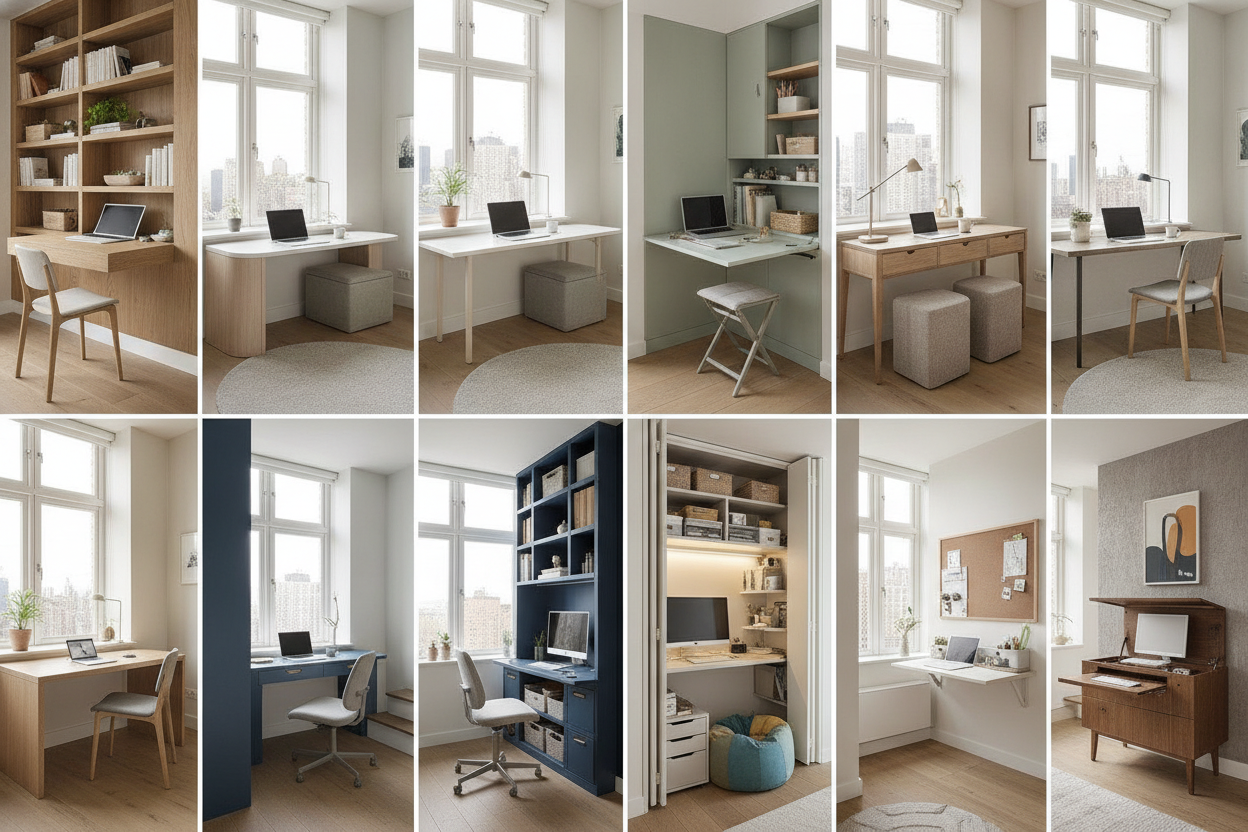
Fitting a standing desk into a small or awkward space requires careful planning. If you are working with limited square footage, it is helpful to consult a buying an ikea desk small read this designer guide first for spatial insights, as many principles of small-space design apply to height-adjustable furniture. Ensure there is enough clearance from walls to avoid scuffing as the desk moves up and down.
3. Choose the Right Lift Mechanism
Standing desks generally utilize one of three lift mechanisms: electric, manual (crank), or pneumatic. Electric systems are the most popular for home offices due to their ease of use. Within the electric category, dual-motor systems are often preferred over single-motor versions because they typically offer smoother height transitions and a higher weight capacity.
Manual crank desks are a budget-friendly alternative but require physical effort to adjust, which often discourages users from changing positions frequently. Pneumatic desks use gas cylinders for quick, quiet adjustments but may have lower weight limits. Consider the noise level of the motor as well, especially if you share your workspace with others.
4. Look for Memory Presets and Smart Controls
A basic up/down switch is functional, but programmable memory presets are a significant quality-of-life upgrade. These allow you to save your ideal sitting and standing heights, returning to them with a single touch. This is particularly useful in shared workspaces where multiple people use the same desk.
I personally find that a desk with at least two memory presets is the bare minimum for a shared household, as it eliminates the guesswork of finding that perfect ergonomic spot every morning. High-quality control panels, like those found on an adjustable height standing desk with electric lift system 54 desk with memory presets, offer a digital display that shows the exact height in inches or centimeters, ensuring consistency in your setup.
5. Assess Your Storage Needs and Cable Management
One common complaint regarding standing desks is the lack of built-in storage. Traditional desks often feature pedestals or drawers, whereas standing desks prioritize the lift mechanism. To solve this, look for models that offer under-desk drawers or pair your desk with a mobile filing cabinet.
Cable management is another vital consideration. As the desk moves, cables for your computer, monitors, and lamps must have enough slack to reach the highest setting without pulling or disconnecting. Integrated cable trays or spine-like cable managers are essential for keeping your workspace tidy and safe. For more on integrating storage, see our contemporary desk with drawers the ultimate buying guide for 2024.
6. Evaluate Weight Capacity and Stability
Stability is the hallmark of a well-engineered standing desk. Many desks feel solid at sitting height but begin to wobble when extended to their maximum standing height. This wobble is often caused by thin leg columns or a lack of a crossbar. A solid steel frame is usually the best indicator of a stable desk.
You should also calculate the total weight of your equipment, including monitor arms, PC towers, and heavy books. Ensure the desk’s motor is rated to lift your specific setup comfortably. A motor that is constantly pushed to its limit will likely have a shorter lifespan.
7. Select Durable Desktop Materials
The desktop material affects both the longevity and the aesthetic of your office. Solid wood is beautiful and durable but can be heavy and expensive. Engineered wood (MDF) with a high-quality laminate is a common choice for standing desks because it is lighter, resistant to scratches, and easier for the motors to lift. Glass tops offer a modern look but can be prone to fingerprints and may not be compatible with certain clamp-on monitor arms.
8. Consider the Assembly Process
Standing desks are heavy. They often arrive in multiple boxes—one for the frame and another for the desktop. Before buying, check if the desktop comes with pre-drilled holes. Mounting a desktop to a frame without pre-drilled holes requires a drill and careful measurement to ensure the desk is balanced.
Expect to spend at least an hour on assembly. Most standard desks require basic tools like hex keys (usually included) and a screwdriver. If you are not comfortable with DIY assembly, look for brands that offer white-glove delivery or pre-assembled components.
9. Match the Desk to Your Specific Use Cases
Your daily routine should dictate the features you prioritize. A graphic designer or architect might need a larger surface for drafting, while a gamer might prioritize a desk that can support heavy CPU towers and RGB lighting setups. If your work involves a lot of writing, stability is paramount to prevent the surface from shaking with every pen stroke.
Adding accessories like monitor arms can free up desk space, while an anti-fatigue mat is highly recommended for anyone planning to stand for more than an hour at a time. For a broader look at office configurations, consult our guide on the best desk for home office the ultimate buying guide for 2024.
10. Factor in Budget and Warranty
Standing desks are a long-term investment in your health. While it may be tempting to choose the cheapest option, the warranty on the motor and electronics is just as important as the frame itself. Most reputable manufacturers offer multi-year warranties on the electronic components, which are the most likely parts to fail over time.
Determine your budget by weighing the frequency of use against the desired features. If you work from home full-time, spending more on a dual-motor system with a high-quality desktop and a robust warranty is generally more cost-effective than replacing a budget desk every two years.
Conclusion
Buying a standing desk is a significant step toward a healthier, more active professional life. By focusing on the 10 factors outlined above—from ergonomic height ranges and lift mechanisms to storage and stability—you can avoid the common pitfalls of office furniture shopping. Remember to measure your space twice and consider how your equipment will grow over time. Explore the full collection of FUFU&GAGA standing desks to find the perfect balance of form and function for your home office.


Laisser un commentaire
Ce site est protégé par hCaptcha, et la Politique de confidentialité et les Conditions de service de hCaptcha s’appliquent.