


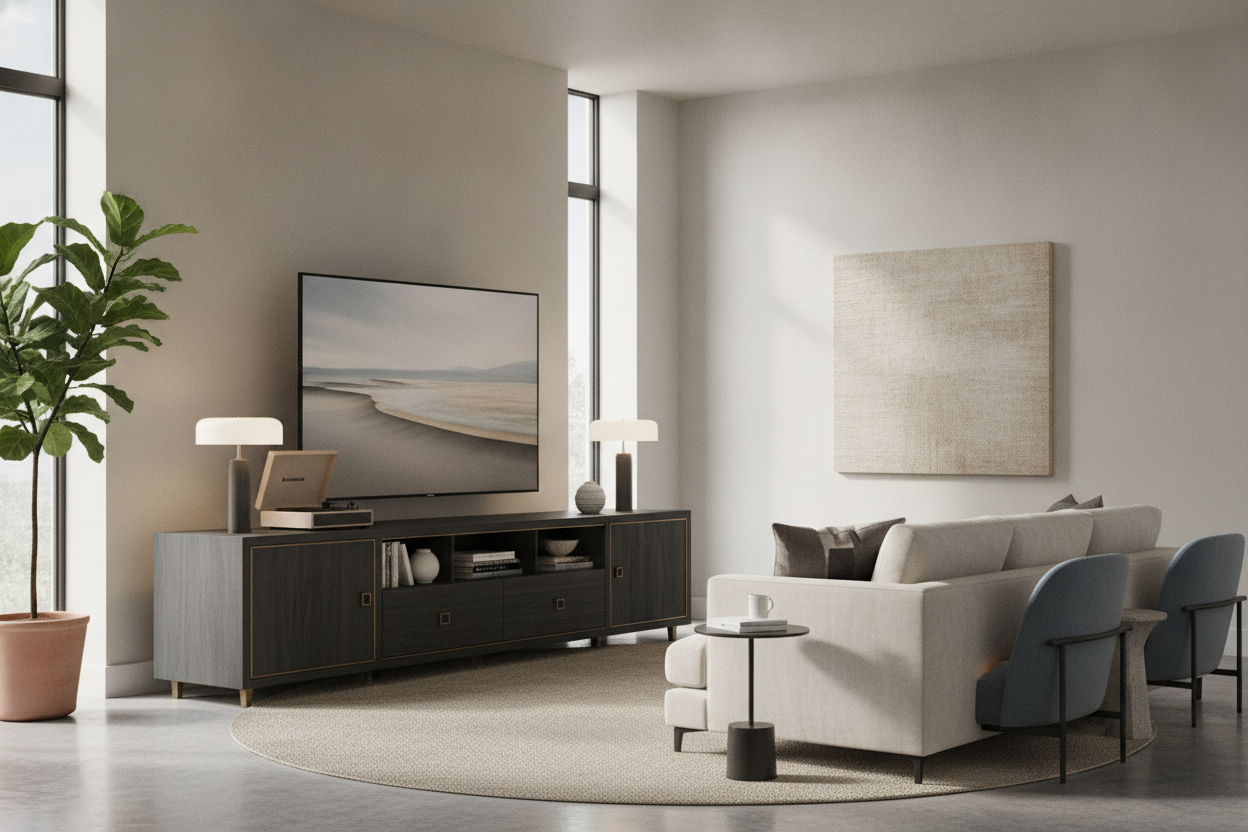
I remember unboxing my first 75-inch screen like it was yesterday. I was so hyped until I set it on my old 55-inch dresser and realized it looked like a giant head on a tiny, fragile body. It was embarrassing. If you have spent the money on a massive panel, you cannot skimp on the base. You need a tv stand 80 inch wide, or your living room is going to feel like a temporary waiting room at a tech repair shop.
- The Golden Rule: Your console should be at least 6-10 inches wider than your TV on both sides to avoid visual 'tipping.'
- Low and long beats tall and skinny every single time for modern, large-format panels.
- A media console 80 inches wide prevents that 'top-heavy' anxiety that ruins a room's flow.
- Don't fear the footprint; a long unit actually makes a room feel larger by drawing the eye horizontally rather than vertically.
The Epidemic of the 'Floating Black Hole'
People spend $2,000 on a stunning 4K screen and then try to save $200 by keeping their old, cramped console. It is a massive design mistake. When you are shopping for tv stands, you have to look at the ratio, not just the weight capacity. A 75-inch TV is roughly 65 inches wide. If your 80 tv stand is the same width as the TV, it looks like it is about to tip over at any moment.
This creates what I call the 'floating black hole' effect. The screen is so dominant that it swallows the furniture beneath it, making the whole wall look chaotic. An 80 inch tv console provides the necessary visual weight to anchor that massive black rectangle. Without the extra width, your expensive tech just looks like an afterthought tacked onto the wall.
Why I Always Specify a TV Stand 80 Inch or Wider
As a stylist, I treat the 80 inch media console as a pedestal, not just a shelf. It is about grounding the room. When the console extends significantly past the edges of the screen, it creates a sense of permanence and intentionality. You want that 'breathing room' on the ends. It stops the TV from feeling like a hulking monster and turns it into a curated element of your home.
An 80 in tv console or an 80 inch tv entertainment center creates a horizontal line that leads the eye across the room. This makes your ceilings feel higher and your walls feel wider. If you go with a 60-inch unit under an 85-inch TV, you are essentially creating a 'V' shape that makes the room feel cramped and top-heavy. Trust me, the 80 inch console cabinet is the minimum for anything over 65 inches.
But Won't an 80 Inch Entertainment Center Swallow My Room?
I hear this from clients all the time. They worry that large tv stands for 80 inch tv setups will make their living room feel like a warehouse. In reality, one long, continuous piece of furniture is much less 'cluttered' than two or three smaller pieces chopped up along a wall. An 80 inch long tv console simplifies the visual noise.
Go Modern and Low-Profile
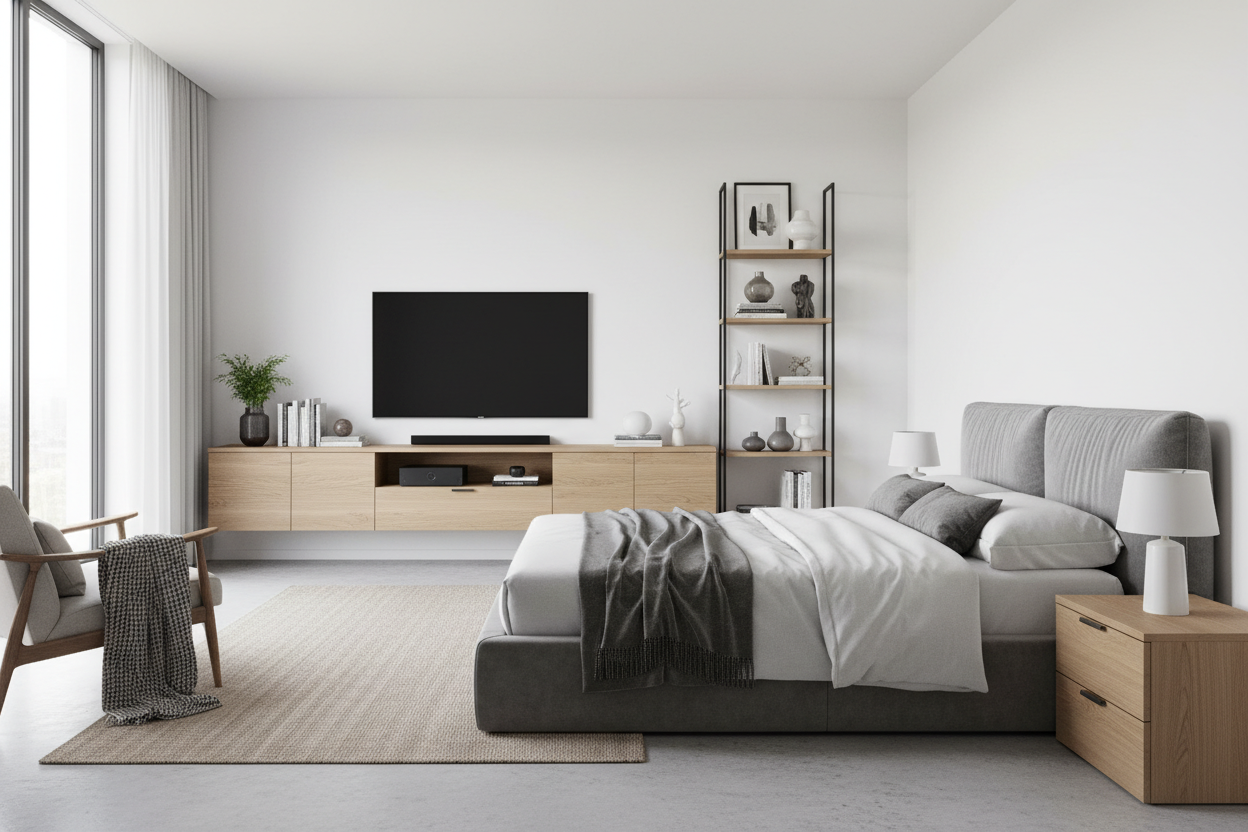
If you are worried about the bulk, look for an 80 inch tv stand modern in its silhouette. Keep it low to the ground—somewhere between 18 and 22 inches high. By keeping the height down, the 80 inch media cabinet doesn't block your sightlines. It keeps the wall feeling open while providing all that glorious hidden storage for your messy cables and gaming consoles. A 80 inch modern tv stand with slim legs or a floating mount can actually feel quite airy.
Warm It Up With Natural Textures
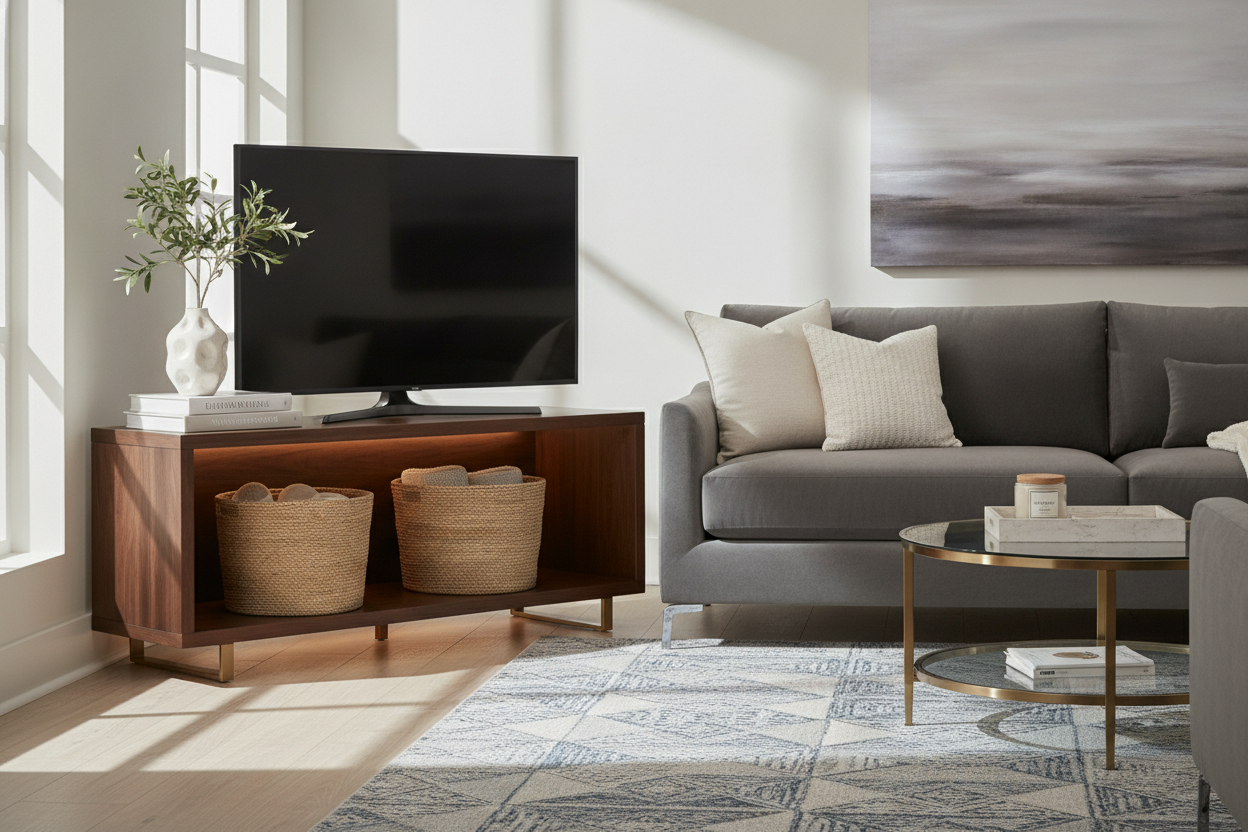
Skip the high-gloss white finishes if you want to avoid the Best Buy showroom vibe. I always lean toward a solid wood tv stand. The natural grain of an 80 inch tv stand wood build breaks up the massive surface area. It makes the 80 inch media console table feel like a piece of high-end architecture rather than just a place to put your remote. A wood tv stand 80 inch wide adds warmth to what is essentially a wall of glass and plastic.
How to Actually Style the Margins
The best part about an 80 wide tv stand is the 'leftover' surface area. This is where you turn a tech setup into a living room. You finally have room for a table lamp that isn't touching the edge of the screen. I love mastering a mid-century layout by placing a stack of oversized art books on one end and a sculptural ceramic vase on the other.
Use that 80 inch tv console table to display items that have nothing to do with television. Lean a piece of framed art behind the screen or place a small tray for candles. This blurs the line between your entertainment center for 80 inch tv and your actual decor. It makes the 80 television stand feel like a cohesive part of your home's personality rather than just a utility shelf.
FAQs
Can I use an 80 inch tv stand for a 65 inch TV?
Absolutely. In fact, that is the 'designer' ratio. It gives you plenty of room on the sides for lamps and styling, making the TV look like part of a gallery rather than a screen just stuck on a wall.
What is the best height for an 80 inch media cabinet?
Aim for 18 to 24 inches. Since the screen is likely huge, you want the center of the TV at eye level when you are sitting on your sofa. Anything higher than 24 inches will have you craning your neck like you're in the front row of a movie theater.
Does an 80 inch console need center support legs?
Yes. If you are buying an 80 inch tv table, make sure it has at least one (and preferably two) center support legs. Solid wood or MDF will eventually sag under the weight of a large TV without that middle reinforcement.

Laisser un commentaire
Ce site est protégé par hCaptcha, et la Politique de confidentialité et les Conditions de service de hCaptcha s’appliquent.