


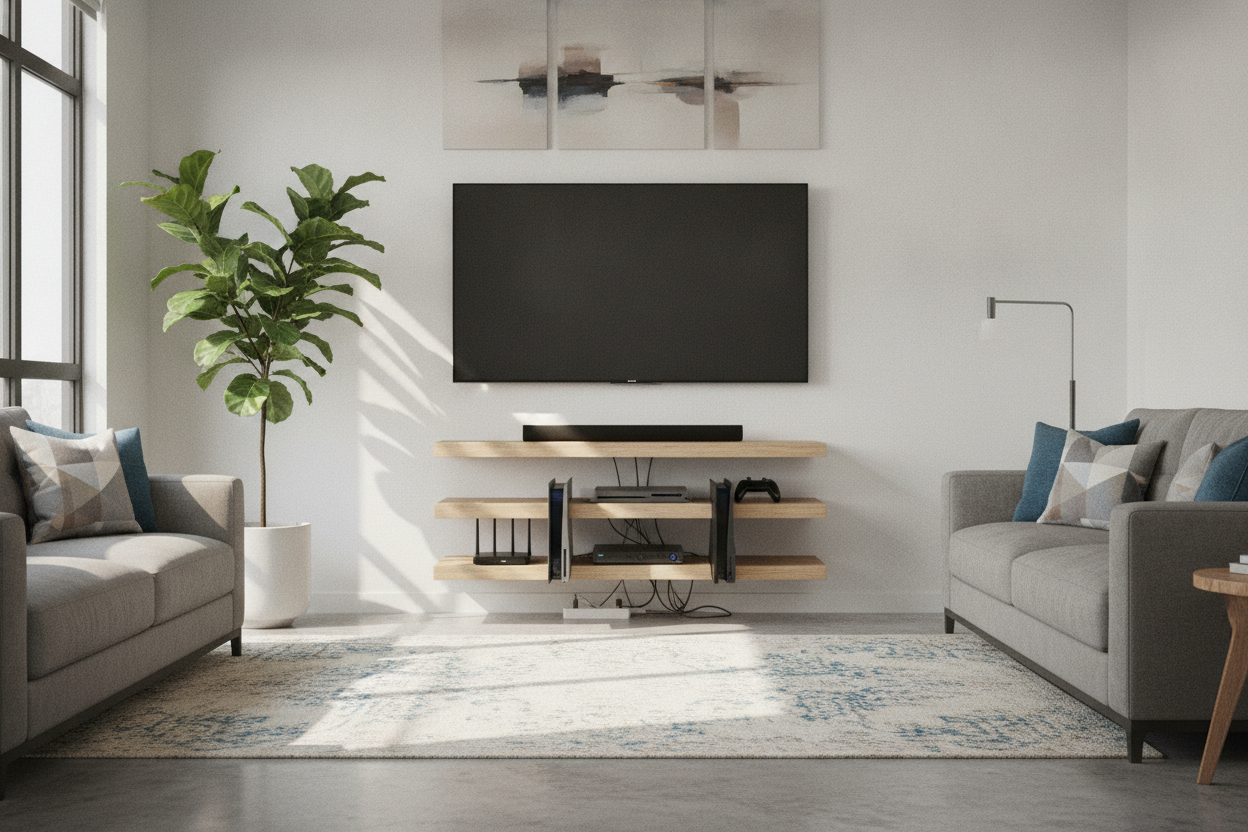
I remember staring at my living room wall after a long Sunday afternoon spent with a level and a drill, feeling like a total idiot. I had bought these gorgeous, slim walnut ledges that looked like they belonged in a high-end gallery. Then I tried to put my AV receiver on one, and it looked like a fat cat trying to balance on a tightrope. It was halfway off the edge, mocking me.
We have all fallen for the Pinterest trap. You see a photo of floating media shelves with nothing on them but a single ceramic vase and maybe a tiny streaming stick. But in reality, your living room is probably home to a PS5 that’s the size of a small skyscraper or a receiver that weighs as much as a bowling ball. If you don't do the math before you drill, you are just making a very expensive mistake.
- Standard 10-inch shelves will not fit a modern gaming console or receiver.
- You need at least 2-3 inches of clearance behind devices for cable management.
- Airflow is non-negotiable; heat-trapping designs will kill your electronics.
- Always mount into studs—drywall anchors are a recipe for a shattered TV.
The Minimalist Fantasy vs. The Chunky Receiver Reality
The dream is a clean, hovering look where your tech seems to vanish. But the reality is that a floating multimedia shelf has to deal with the physical footprint of your gear. Most people buy shelves based on the width of their TV, completely forgetting about depth. When you realize your $500 receiver has its front feet dangling off the edge, the minimalist fantasy dies a quick, painful death.
Choosing the wrong media floating shelves leads to more than just an eyesore. It creates a mess of visible wires because you’re forced to pull the unit away from the wall just to make it sit flat. If you want that sleek look, you have to plan for the bulk of the actual hardware you own, not the hardware you see in staged catalog photos.
Why You Need at Least 15 Inches of Depth
Let’s talk numbers. A PS5 is about 10.2 inches deep. An Xbox Series X is roughly 6 inches, but it needs massive clearance for its top exhaust. A standard mid-range Denon or Yamaha receiver? You are looking at 13 to 15 inches of depth before you even plug a single wire into the back. If you buy a standard 10-inch deep floating shelf, you are already defeated.
I’ve found that 15 inches is the 'goldilocks' zone. It gives you enough room to actually set the device down without the front faceplate hanging over the abyss. If you are someone who cycles through gear or wants to future-proof your setup, looking into Adjustable Shelf Storage is a smart move. It allows you to shift heights as consoles get bigger (and they always get bigger) while maintaining the depth required for heavy-duty components.
Don't Forget the HDMI Cord Crush
This is the mistake that kills ports. You measure your receiver, see it's 14 inches deep, buy a 15-inch shelf, and think you're golden. Then you try to plug in your high-quality HDMI cables. Those connectors are stiff. They don't just bend 90 degrees immediately. You need a 2-to-3-inch 'buffer zone' behind your equipment to allow those cables to curve naturally. If you crush them against the wall, you’ll end up with flickering signals or, worse, a snapped HDMI port on your console.
The Overheating Trap: Open Ledges vs. Enclosed Boxes
Modern consoles are basically space heaters. If you shove a PS5 into a tight, enclosed floating box with no ventilation, you are effectively slow-cooking your motherboard. I learned this the hard way when my fan started sounding like a jet engine taking off during a session of Elden Ring. Air needs to move.
When debating Is A Box Display Shelf Actually Better Than Floating Shelves, consider the thermal dynamics. An open ledge is great for airflow but shows every wire. A box looks cleaner but requires active cooling or a slotted design. If you go with an enclosed floating multimedia shelf, make sure it has a vented back or at least an inch of clearance on all sides of the device. Otherwise, that sleek box becomes an oven.
Drywall Anchors Won't Save Your 30-Pound Amplifier
I’ve seen too many 'shelf fail' videos to trust those little plastic butterfly anchors. A high-end amp can easily weigh 30 pounds. Add the weight of the shelf itself, the tension of the cables, and the occasional cat jumping on it, and you’re asking for a disaster. You must find the studs. If the studs don't line up with where you want the shelf, use a mounting cleat or a backboard. Never, ever hang heavy tech on a floating ledge using just drywall anchors. It’s not a matter of if it will pull out, but when.
Tech-Friendly Setups That Actually Look Good
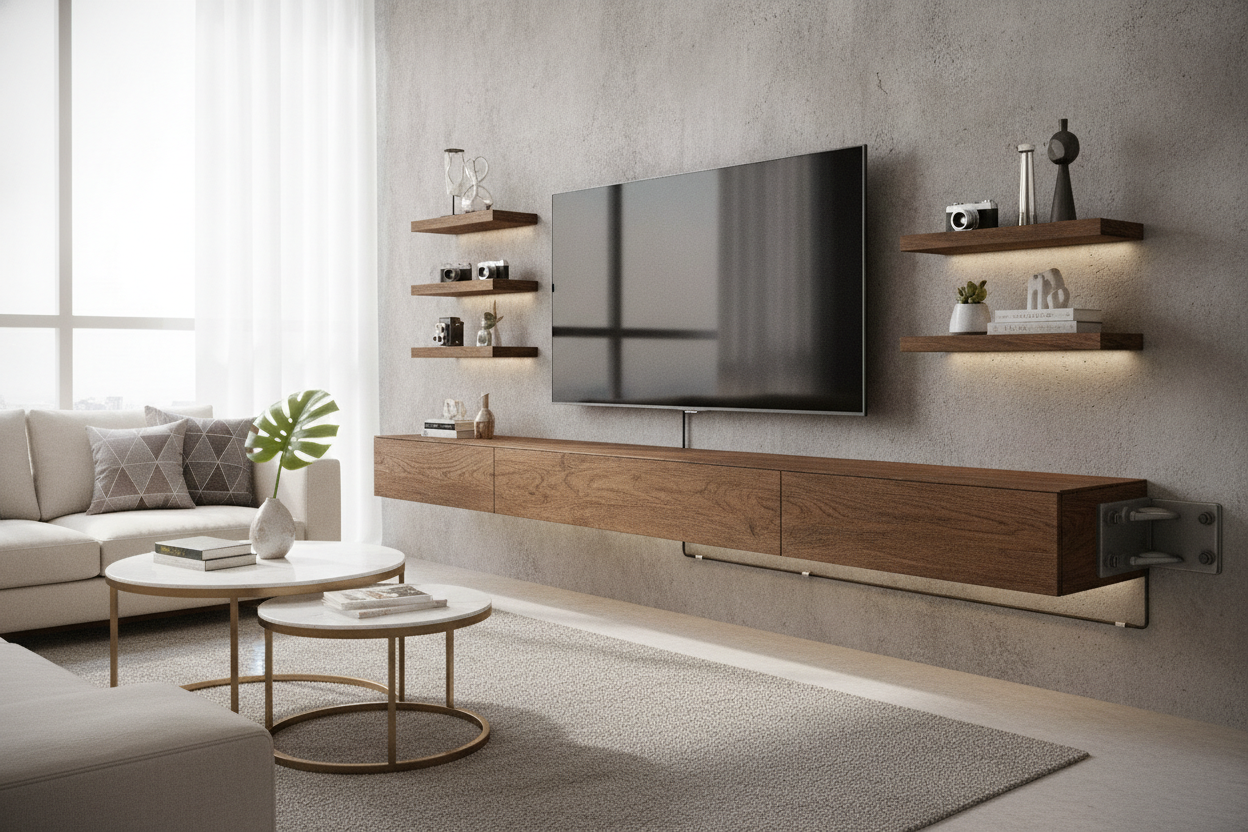
Finding the balance between 'tech-capable' and 'actually pretty' is the ultimate goal. You want something that hides the cable gore but respects the dimensions of your gear. I usually point people toward a Floating Tv Stand Wall Mounted Media Console Entertainment Center because these units are actually designed with cable cutouts and the structural integrity to hold more than just a picture frame. They offer the depth that simple decorative ledges lack.
At the end of the day, your furniture should serve your life, not the other way around. Don't buy a shallow shelf and hope for the best. Measure your deepest piece of gear, add three inches for cables, and buy the shelf that actually fits your reality.
FAQ
Can I put a PS5 on a 10-inch shelf?
Technically yes, but it will overhang, and the cables will be severely bent against the wall. It’s a bad idea for both aesthetics and the health of your ports. Aim for 12-15 inches.
How do I hide the wires on an open floating shelf?
Use paintable cable raceways that run vertically down to your baseboards, or better yet, install an in-wall cable management kit to route the wires behind the drywall.
Are floating shelves sturdy enough for a turntable?
Only if they are mounted directly into studs. Turntables are sensitive to vibrations, so a rock-solid connection to the wall is actually better than a wobbly, cheap floor stand.

Laisser un commentaire
Ce site est protégé par hCaptcha, et la Politique de confidentialité et les Conditions de service de hCaptcha s’appliquent.