


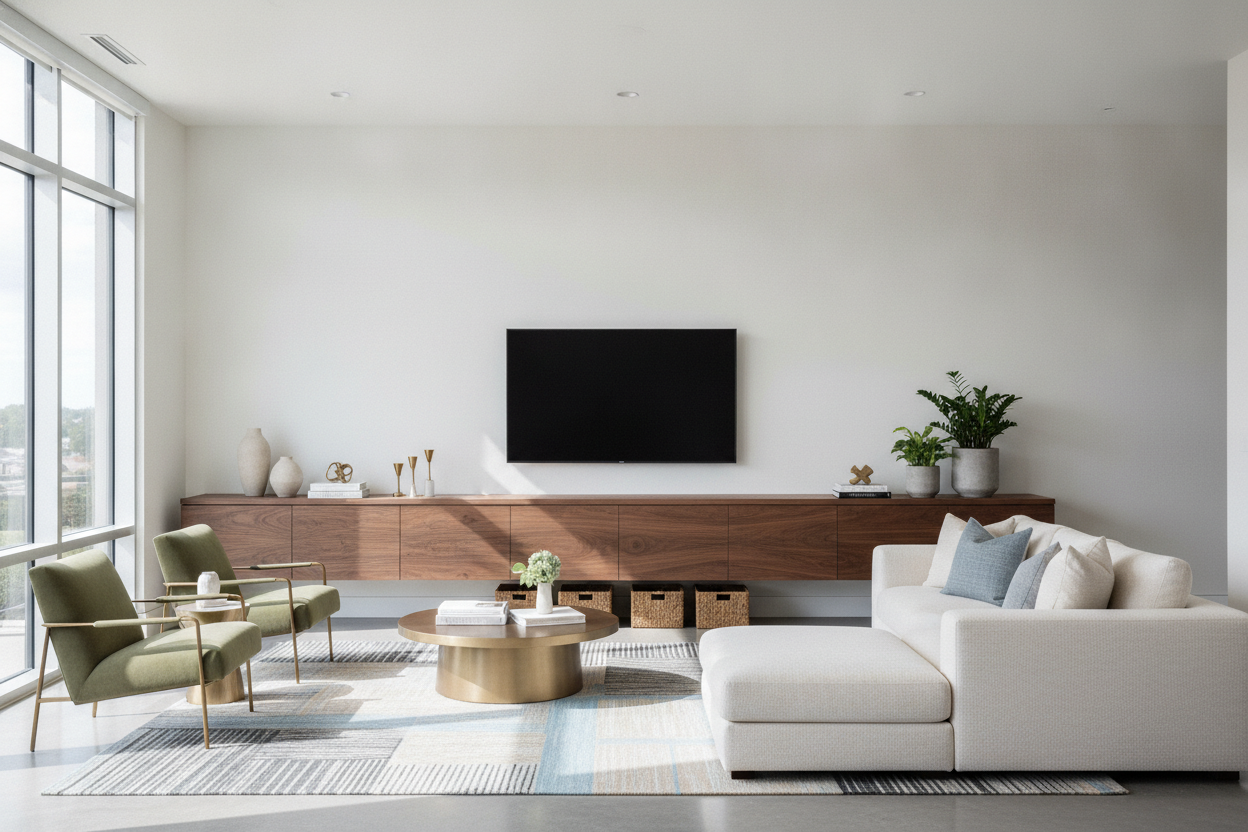
I’ve spent too many Tuesday nights staring at a 15-foot drywall expanse, wondering why my living room feels like a waiting room at a mid-tier dental office. You buy the 65-inch TV, you hang it up, and suddenly it looks like a postage stamp lost in a desert. My first instinct was a gallery wall, but after hammering 14 holes into the wall and realizing I didn't actually like half the prints, I realized the problem wasn't the art. It was the scale of the furniture underneath.
A long tv console isn't just a place to put your remote; it’s the structural anchor that stops your room from feeling like it’s floating away. If your furniture is too small for the wall it sits against, everything feels temporary. You need something with weight, length, and enough presence to command the space.
- Aim for a console at least 20% wider than your TV screen to maintain balance.
- Closed storage is non-negotiable if you own more than one remote or a gaming console.
- Avoid the 'floating TV' look by keeping the gap between the unit and the screen under 6 inches.
- Asymmetrical styling on the ends prevents the setup from looking like a retail display.
The 'Big Wall, Tiny Stand' Epidemic
I see it everywhere: a massive, soaring wall with a puny 50-inch stand sitting lonely in the middle. It’s the interior design equivalent of wearing a tuxedo with flip-flops. While you can browse standard tv stands for a cramped studio, an expansive living room demands a large tv console table to ground the visual weight of the room.
When the furniture is too short, your eye focuses on the empty gaps on either side, making the room feel unfinished. An entertainment center long enough to fill the space stretches the horizontal line of the room, which actually makes the ceiling feel higher and the space more intentional. It turns a 'wall with a TV' into a 'designed media zone.'
How to Measure Without Guessing
Proportions are where most people trip up. I’ve lived through the mistake of buying a unit that was the exact same width as my TV. It looked top-heavy and precarious, like a bodybuilder standing on a toothpick. Your long media consoles should extend at least 6 to 8 inches past the edges of your screen on both sides. This creates a visual 'buffer' that lets the TV sit comfortably within the frame of the wall.
Before you hit 'buy,' check your depth too. I once bought a gorgeous long entertainment cabinet that was so shallow my receiver stuck out the back by two inches. It’s one of those common proportion mistakes to avoid that will haunt your cable management forever. If you’re a renter and worried about the next apartment, look into adjustable length media consoles that can expand or contract based on your next floor plan.
Hiding the Clutter: Why Closed Storage Wins
Open shelving is a trap. Unless you are a minimalist monk who only owns one white ceramic bowl, those open cubbies will eventually be filled with tangled HDMI cords, dusty controllers, and random coasters. A long tv cabinet with storage or a solid long tv credenza hides the chaos of modern life behind wood or lacquer doors.
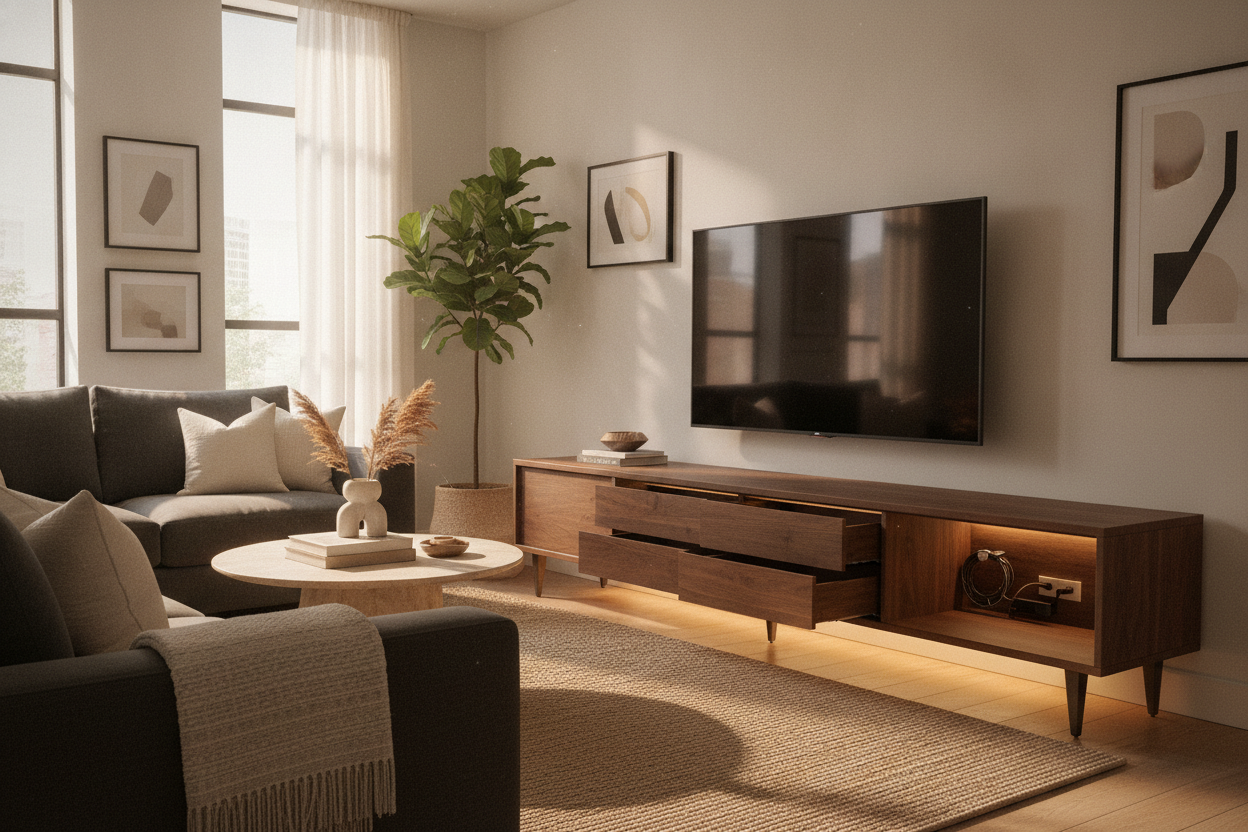
The trick is making sure the piece doesn't feel like a heavy wooden block. I prefer units with integrated cord management and ventilated back panels. To keep the vibe right, you need to focus on avoiding the sterile showroom look by mixing in textures like a wool rug or some linen pillows nearby. A massive long entertainment console should feel like part of your home, not a piece of office equipment.
What Do You Even Put on the Ends?
Once you have a long media center enough to actually fill your wall, you’re left with about two feet of empty surface on either side of the TV. Don't mirror it. Symmetry is for hotels. Go for a 'high-low' split: put a tall, structural plant (like a Dracaena) on one side to add some height, and a stack of oversized art books or a low ceramic tray on the other.
If your room is a bit dark, high-gloss entertainment centers can help bounce light around those empty ends, making the decor pop without needing a dedicated lamp. The goal is to make the unit look lived-in, not staged. I usually throw a small marble bowl on one end for my keys and miscellaneous junk—it’s practical and looks like I tried.
My $800 Mistake
A few years ago, I bought a vintage mid-century sideboard to use as a media stand. It was beautiful, but it was only 58 inches long. I put it against a 14-foot wall under a 65-inch TV. It looked ridiculous. I tried to 'fix' it by putting floor lamps on both sides, which just made the whole thing look like a weird shrine. I eventually sold it and bought an 84-inch unit. The second I put the longer piece in, the room finally felt 'done.' Don't try to supplement a short stand with accessories; just buy the right length the first time.
FAQ
How high should a long console be?
Ideally, the center of your TV should be at eye level when you're sitting. For most sofas, that means your console should be between 18 and 24 inches high. If it's 30 inches or more, you're going to have neck strain.
Can a console be longer than the wall?
No. It should have at least 6-12 inches of breathing room on either side of the wall edges. If it’s wall-to-wall, it’s a 'built-in,' which is a different look entirely.
Should I wall-mount the TV or stand it on the console?
Wall-mounting is cleaner, but if you do, hang it only 4-6 inches above the console. Any higher and the TV looks like it’s trying to escape the furniture.

Laisser un commentaire
Ce site est protégé par hCaptcha, et la Politique de confidentialité et les Conditions de service de hCaptcha s’appliquent.