


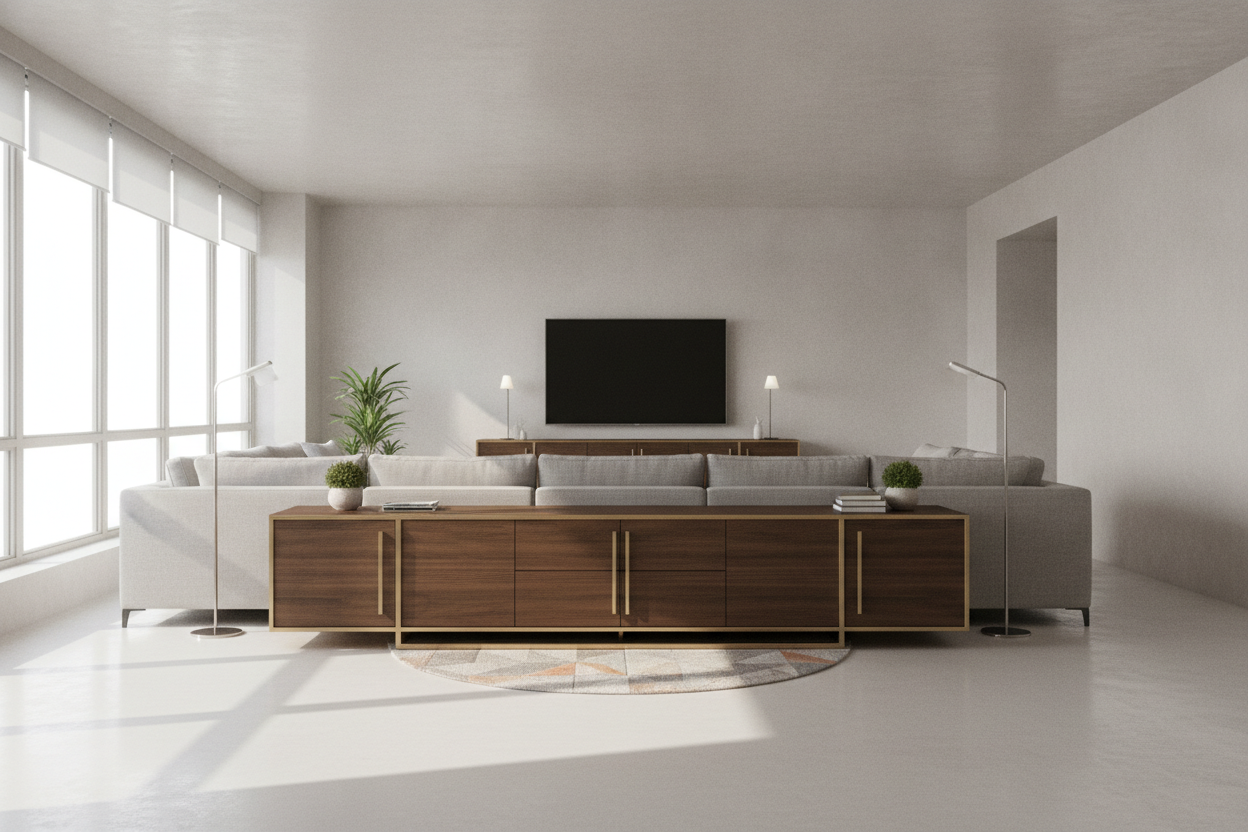
I remember unboxing my first 'adult' furniture purchase—a sleek, mid-century piece that I thought would finally make my living room look like a magazine spread. I spent two hours tightening cam bolts and leveling the legs, only to set my TV on top and feel an immediate wave of disappointment. It looked like a toddler wearing their dad's suit. If you've just set up a 60 inch media console and it feels weirdly empty or 'off,' you aren't crazy. You've just run into the proportions trap.
- The 20% Rule: Your console should ideally be 20% wider than your TV to avoid the 'top-heavy' look.
- Asymmetry is Your Friend: Sliding your TV to one side can solve the dead-zone problem instantly.
- Visual Weight Matters: Darker woods and heavier decor pieces ground the ends of a long stand.
- Cable Management: Nothing ruins a 60-inch span faster than a 'spaghetti' mess of black wires visible underneath.
The 'Dead Zone' Problem on Standard Stands
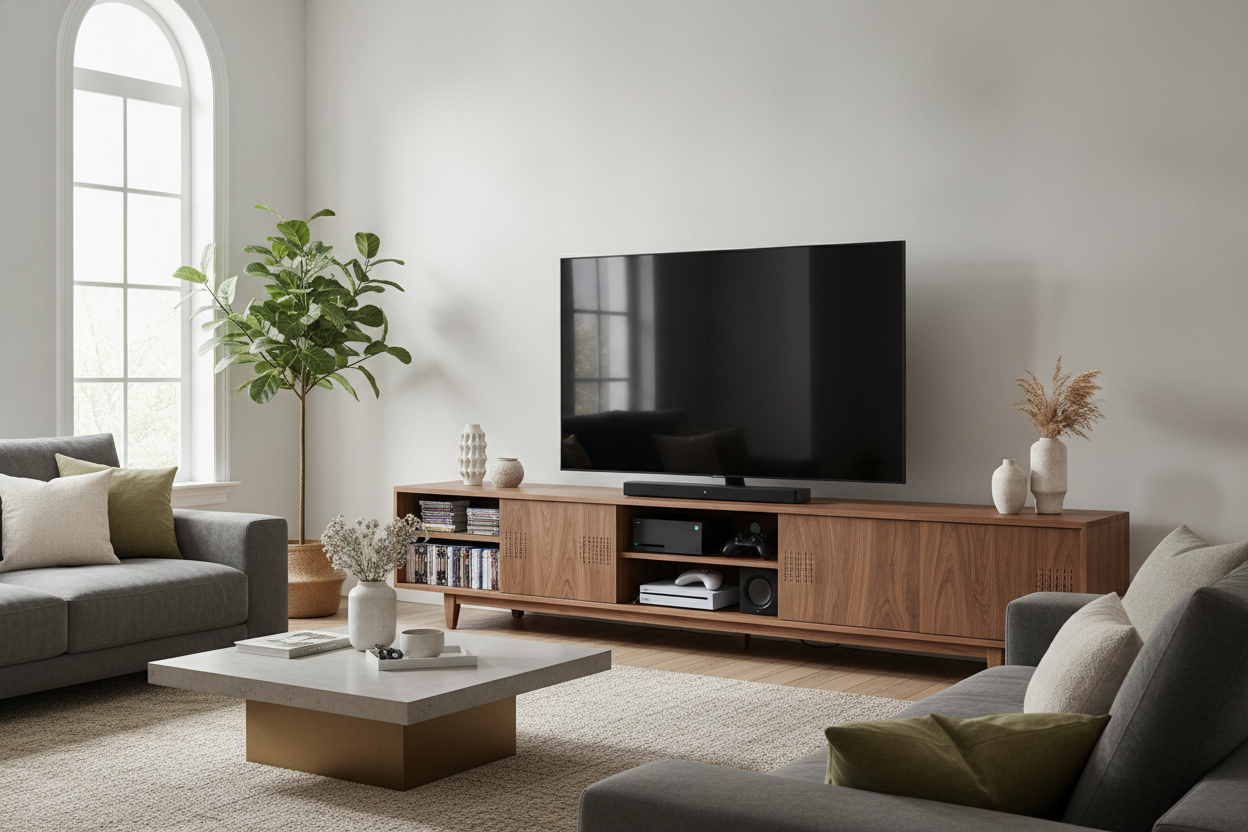
Most people buy a 55-inch TV (which, confusingly, is usually only about 48 inches wide) to pair with their 60 in media console. On paper, it fits. In reality, it leaves about five or six inches of 'nothing' on either side of the screen. These gaps act like visual magnets for the eye, making the TV look stranded in a desert of wood or MDF.
It’s the furniture equivalent of missing teeth. When you have that much negative space on a 60 media console, the eye doesn't know where to rest. If you leave those gaps empty, the whole setup looks unfinished. If you fill them with tiny, random objects like a single candle or a remote, it just looks cluttered. You have to be intentional about how you bridge that gap between the edge of the screen and the edge of the wood.
Stop Centering Everything (The Asymmetry Trick)
The biggest mistake I see is the 'Target Aisle' approach: TV in the dead center, one small plant on the left, one small picture frame on the right. It’s boring and highlights the exact gaps we’re trying to hide. Instead, try sliding your TV to the left, leaving about three inches from the edge. This opens up a larger, more usable 'stage' on the right side of the console.
By creating a single, larger area for decor, you can actually use items that have some personality. This kind of styling for a high-end look relies on balance rather than perfect symmetry. A tall, structural lamp or a stack of oversized art books on the open side balances the visual weight of the offset TV. It looks like a curated vignette rather than a storage unit for a screen.
Getting the TV-to-Console Ratio Right
We need to talk about the math because the marketing labels are lying to you. A '65-inch TV' is a diagonal measurement; the actual width is usually around 57 inches. Putting a 57-inch-wide screen on a 60" tv console is a recipe for disaster. The overhang—or even just being flush with the edges—makes the whole room feel cramped and unstable.
Before you start shopping for tv stands, take a physical tape measure to your TV. You want at least 3 to 5 inches of 'breathing room' on each side of the screen's actual width. If your TV is wider than 54 inches, a 60-inch stand is going to look cramped. You want the furniture to feel like a sturdy foundation, not a balancing act.
Grounding a Long Table With Heavy Decor
If you have a tv console table 60 inches long, you need to think about 'visual weight.' Light-colored woods or thin, spindly metal legs can make a long console feel flimsy. I often make the case for a brown 60 inch tv stand because darker, richer tones like walnut or espresso naturally feel more anchored to the floor.
Once the piece is in place, ground the ends with objects that have some 'thump' to them. I’m talking about a heavy ceramic vase, a thick stone bowl, or a stack of three massive coffee table books. Avoid 'little' things. One large, 12-inch tall object is always better than five 3-inch objects. You want to fill that vertical and horizontal space so the 'dead zone' becomes a focal point of its own.
Personal Experience: My Succulent Disaster
I once tried to style a 60-inch stand using a collection of about fifteen tiny succulents I'd been nursing. I thought it would look like a lush indoor garden. Instead, it looked like a messy plant nursery. The scale was all wrong. I eventually gave the plants away to friends and replaced them with one single, massive piece of driftwood I found on a trip. That one 'heavy' object did more for the room's energy than all fifteen plants combined. Sometimes, less really is more—as long as the 'less' is big enough.
FAQ
Can I put a TV larger than 60 inches on a 60-inch stand?
Technically, if the legs fit, you can. Visually? Please don't. It creates a 'top-heavy' look that makes the room feel unstable and small. Always aim for a stand that is at least 6-10 inches wider than the TV itself.
What is the best height for a 60-inch media console?
Aim for 'eye level' when seated. For most sofas, that means a console height of 22 to 28 inches. If you go higher, you'll be crane-necking like you're in the front row of a movie theater.
Should I choose a console with legs or a solid base?
Legs make a room feel airier and are great for small apartments. A solid base (to the floor) looks more built-in and expensive, but it can make a 60-inch piece feel like a heavy block in a tight space.

Laisser un commentaire
Ce site est protégé par hCaptcha, et la Politique de confidentialité et les Conditions de service de hCaptcha s’appliquent.