


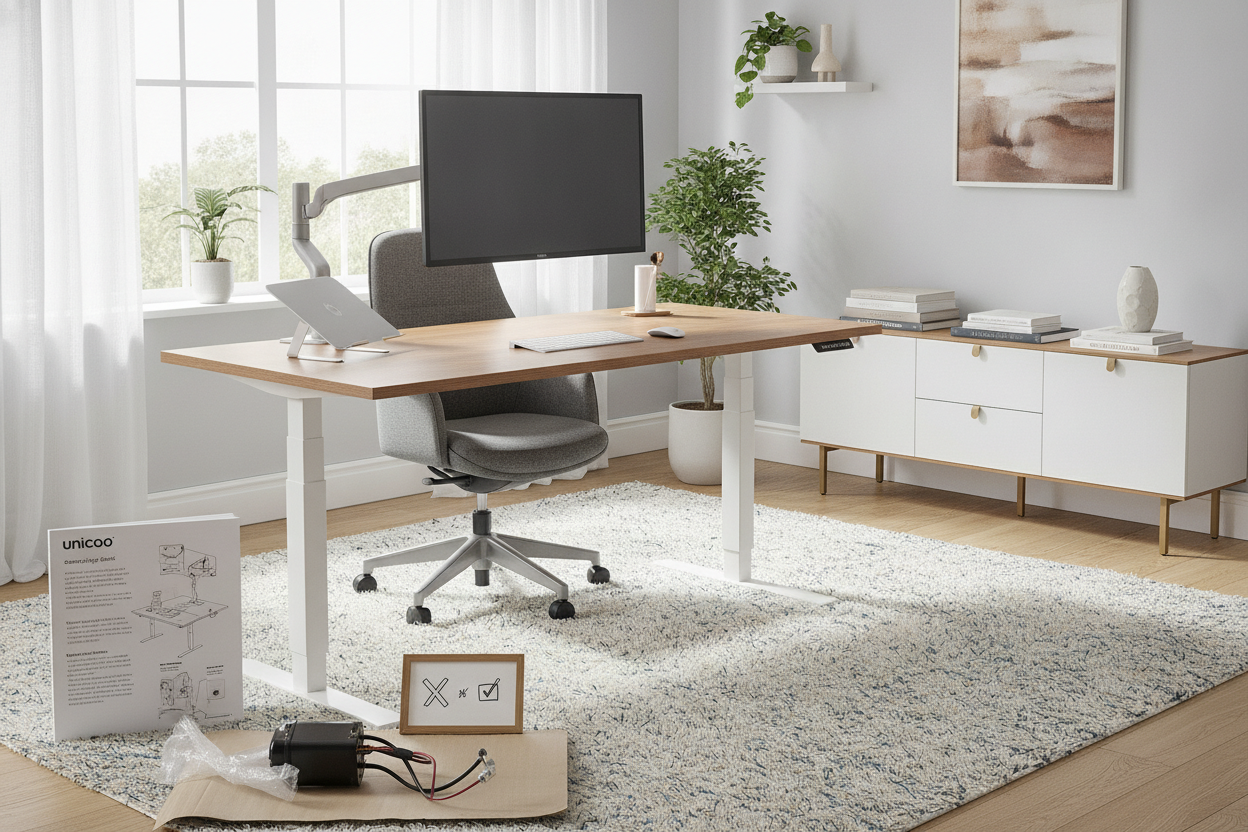
I was halfway through a budget presentation when my electric desk gave up the ghost. It didn't just stop moving; it decided to die at a 15-degree tilt. I spent the next hour propping up my monitor with a stack of old magazines just to finish the day. That was the moment I realized my fancy motorized setup was just a ticking time bomb of planned obsolescence.
I didn't need more tech in my office. I needed a unicoo standing desk that relied on gears instead of circuit boards. If you've ever been stuck staring at an error code on a desk handset, you know exactly why I went looking for a manual solution.
Quick Takeaways
- Assembly takes about 45 minutes if you’re handy, an hour if you’re not.
- The crank is smooth but requires some elbow grease (about 30-40 turns).
- Zero risk of motor failure or fried electronics.
- Surprisingly stable at full height for a budget-friendly option.
The Day My Desk Motor Died (And Refused to Move)
There is a specific kind of panic that sets in when your desk makes a 'pop' sound and then refuses to budge. My old motorized desk was barely two years old, but the motor had simply burned out. Because it was a dual-motor system, one side stayed up while the other sagged, leaving me with a slanted surface that was useless for anything other than a slide.
I started researching replacements and realized the heavy truth about buying an adjustable wooden standing desk: weight is the enemy of electronics. When you pair a heavy desktop with a cheap motor, you're asking for trouble. I wanted something mechanical. No plugs, no resets, no frustration.
Why I Decided to Go Old School With a Unicoo Desk
The pivot to a unicoo desk was born out of a desire for simplicity. I’m tired of everything in my house needing a firmware update or a power outlet. I just wanted a reliable writing computer desk that could occasionally let me stand up so my lower back didn't feel like a bag of dry pasta.
The Unicoo brand kept popping up in my searches as a sturdy, no-nonsense alternative. It’s not a luxury piece, and it doesn't pretend to be. It’s a steel frame with a solid crank mechanism. Knowing that the only thing that could break is a physical gear gave me immediate peace of mind. Plus, it’s significantly cheaper than the high-end electric models that often use the same cheap Chinese motors anyway.
Navigating the Unicoo Standing Desk Manual
Let’s talk about the unicoo standing desk manual. It’s not exactly a page-turner, and the diagrams are a little small, but it gets the job done. I’ve put together enough flat-pack furniture to know that the secret is laying everything out on the floor first. If you try to wing it, you will end up with the crank handle hitting your knee.
The biggest hurdle for a solo builder is the drive rod that connects the two legs. You have to make sure both legs are at the exact same height before you lock it in, or your desk will be crooked from day one. It took me two tries to get it perfectly level, but once it’s locked, it’s rock solid. It’s a one-person job, but having a second person to hold the legs steady while you tighten the bolts wouldn't hurt.
Living with a Unicoo Crank Adjustable Height Standing Desk
The reality of a unicoo crank adjustable height standing desk is that you actually have to work for your ergonomics. It takes about 35 rotations to go from my sitting height (29 inches) to my standing height (42 inches). It’s not instantaneous. It’s a bit of a mini-workout for your right arm, which I’ve actually grown to enjoy as a way to snap out of a mid-afternoon slump.
Is it annoying? Occasionally. If I’m in a rush to jump on a call and I realize I’m sitting when I want to stand, those 30 seconds feel like an eternity. For people who switch positions every twenty minutes, a high-end electric lift system with memory presets is probably the better move. But for me, the trade-off is worth it. I never have to worry about a power outage or a fried control box.
The unicoo crank standing desk is surprisingly quiet, too. There’s a soft whirring of gears, but it’s much less intrusive than the high-pitched whine of a cheap electric motor. The crank handle also folds away neatly under the desk so you don't catch your hip on it every time you walk by.
The Verdict: Is a Unicoo Crank Standing Desk Worth It?
If you are looking for a 'set it and forget it' experience where you press a button and walk away, this isn't for you. But if you value longevity and hate the idea of throwing away a whole piece of furniture because a $5 capacitor blew out, the unicoo standing desk is a fantastic value. It’s sturdy, it’s honest, and it does exactly what it says on the tin without any digital drama.
FAQ
Is the Unicoo desk wobbly at full height?
Surprisingly, no. Like any two-leg desk, there is a tiny bit of front-to-back movement if you really lean into it, but it's much more stable than most electric desks in the sub-$300 price bracket.
Can I put the crank on either side?
Yes, the design allows you to install the crank on the left or right side during assembly, which is great for lefties or specific room layouts.
Does it come with a cable management tray?
The basic model doesn't, so you'll want to grab some adhesive clips or a mesh tray. Since the desk moves up and down, you need to make sure your wires have enough slack so they don't get yanked out when you crank it up.

Laisser un commentaire
Ce site est protégé par hCaptcha, et la Politique de confidentialité et les Conditions de service de hCaptcha s’appliquent.