


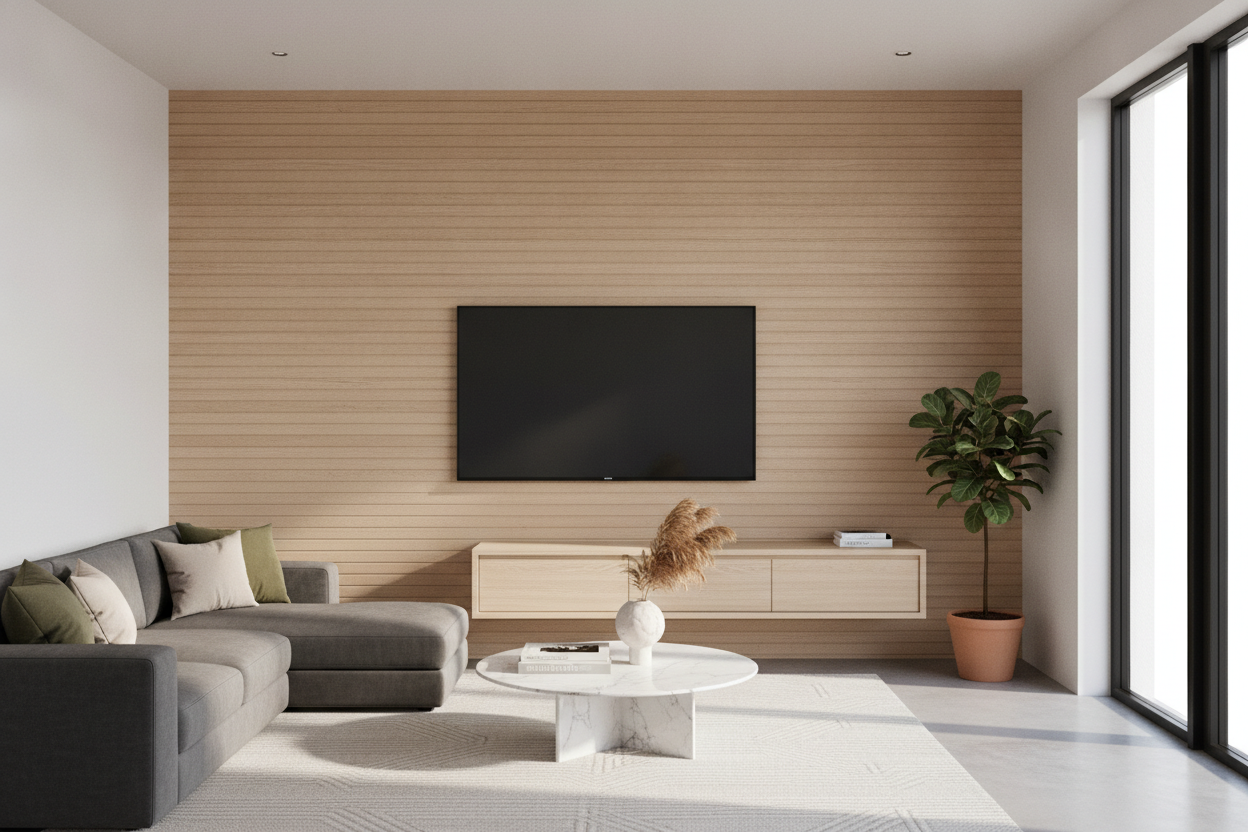
I spent three years nudging my heavy oak media console an inch to the left, then an inch to the right, trying to figure out why my living room felt like a claustrophobic basement despite the floor-to-ceiling windows. It wasn't the paint or the rug; it was the fact that every single piece of furniture I owned was anchored to the floor like a lead weight. Switching to a wall mounted tv unit design was the 'aha' moment I didn't see coming.
Quick Takeaways
- Floating units create an optical illusion of more square footage by showing off the baseboards.
- Scale is everything: your console should always be wider than your TV.
- Cable management is not optional—plan your routing before you drill.
- Cleaning becomes a five-second breeze without heavy furniture to move.
The 'Bottom-Heavy' Living Room Problem
When you have a chunky sofa, a solid wood coffee table, and one of those standard floor-resting tv stands, your eyes naturally drop. It creates this visual gravity where the bottom third of your room is packed tight while the top two-thirds feel empty and cold. It's a common trap in standard apartment layouts where we try to fix 'empty wall syndrome' by shoving more heavy stuff against the baseboards.
It's even worse if you've already wall-mounted the television. Suddenly, that mounted screen looks awkward floating alone above a heavy block of wood, leaving a weird dead zone of 'wall-gap' in between. You end up with a room that feels like it’s sinking into the floor. I realized my 60-inch media cabinet was effectively a 4-foot-long dust magnet that did nothing but make my 12x15 living room look half its actual size.
How a Wall Mounted TV Unit Design Changes the Math
The math is simple: the more floor you can see, the bigger the room feels. By clearing that footprint, you let the baseboards run uninterrupted, which tricks the brain into thinking the room is wider. I actually traded my vintage credenza for a wall mount and the difference was immediate. It bridges the gap between the screen and the floor without eating up physical territory.
A wall mount tv unit design acts as a visual anchor. It connects the television to the rest of the room without the bulk. When you see light passing underneath a console, the whole vibe of the room shifts from 'stuffy' to 'architectural.' I went from tripping over the corner of a heavy cabinet to feeling like I had a custom-built gallery space.
My Honest Thoughts on Hiding the Cords
Let’s talk about the wires. It’s the first thing everyone asks about, and it's the number one reason people chicken out. If you don't have a plan, a floating unit can look like a tech-octopus is attacking your wall. I’ve found that a wall mounted tv stand with led lighting can actually help. The glow draws the eye to the unit itself and away from any tiny gaps where a cord might peek through.
Cable Management That Doesn't Require an Electrician
You don't need to be an electrician to get this right. I used paintable plastic raceways that cost fifteen bucks at the hardware store. I painted them the exact shade of my 'Swiss Coffee' walls, and they practically vanished. If you’re feeling brave, you can use a recessed media box to hide the surge protector inside the wall itself, but honestly, a well-placed stack of coffee table books or a trailing Pothos plant on the console can hide a lot of sins.
Picking a Wall Mount TV Unit Design That Actually Fits
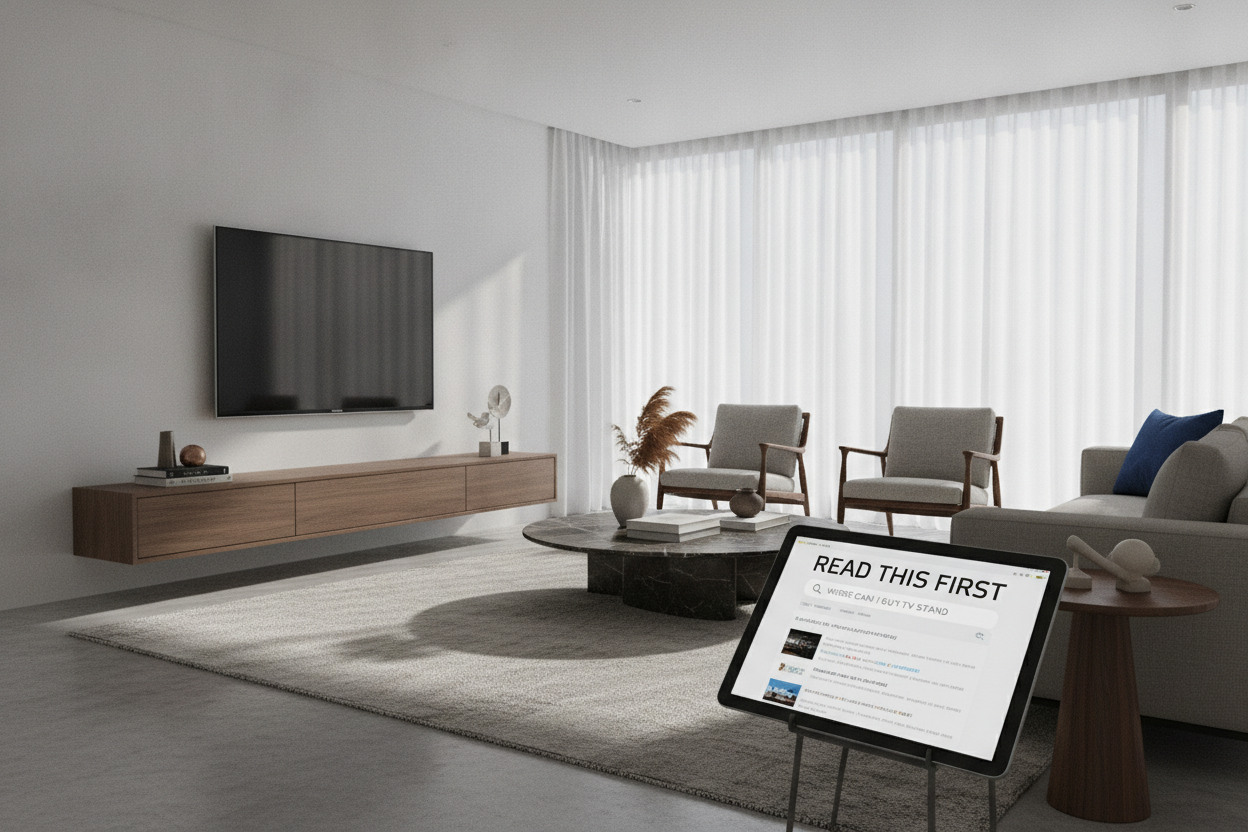
The biggest mistake people make is buying a unit that is the same width as the TV. That's a recipe for a top-heavy disaster. You want a floating wall mounted media console that is at least 20% wider than the screen. This anchors the setup and gives you room for a ceramic vase or a small plant to soften the tech-heavy look.
I recommend looking for units with a slim profile—around 10 to 12 inches deep. Anything deeper starts to feel like a shelf that's about to fall off the wall. Make sure you're mounting into studs. I once tried using heavy-duty drywall anchors for a smaller unit, and three weeks later, I woke up to the sound of my router hitting the floor. Hit the studs, or don't do it at all.
The Unexpected Joy of Clear Baseboards
The best part? My Roomba doesn't get stuck anymore. There’s no 'dust bunny graveyard' growing behind the cabinet where the vacuum can't reach. My cat lost her favorite felt ball under the old console in 2021, and I didn't find it until I moved the furniture out. Now, everything stays clear. It sounds small, but not having to move a 100-pound piece of furniture just to clean for guests is a lifestyle win I didn't know I needed.
FAQ
Can a floating unit hold a heavy gaming console?
Absolutely, provided you mount it into wooden studs. Most high-quality units can support 50-70 lbs easily, which is more than enough for a PS5, a soundbar, and your decor.
How high should I mount the unit?
Aim for the bottom of the console to sit about 12 to 18 inches off the floor. You want it high enough to see the floor underneath, but low enough that the TV remains at a comfortable eye level when you're sitting on the sofa.
What if I have plaster walls?
Plaster is trickier than drywall. You'll definitely want to use a stud finder or consult a pro. If you can't find studs, a wall-mounted unit might not be the best move for your specific home.

Laisser un commentaire
Ce site est protégé par hCaptcha, et la Politique de confidentialité et les Conditions de service de hCaptcha s’appliquent.