


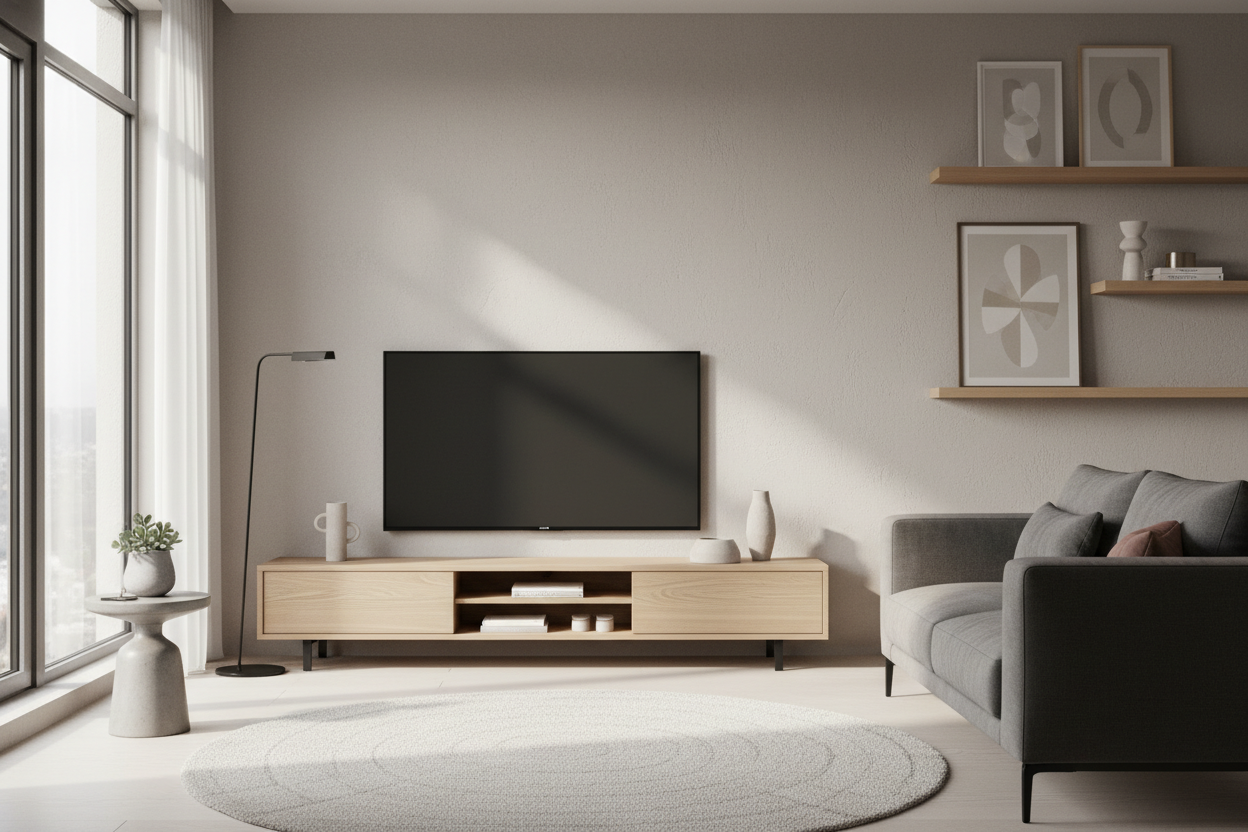
I spent three years performing a literal side-shuffle every time I wanted to get a glass of water from my kitchen. My living room in my 1920s rowhouse is exactly eleven feet wide. By the time I put a standard sofa on one wall and a 'normal' media console on the other, the walkway was less than two feet wide. I was constantly bruising my shins on the sharp corners of a piece of furniture that was mostly housing empty air and outdated cable boxes.
- Standard TV stands are 18-20 inches deep, which is overkill for modern screens.
- A 12-inch depth saves nearly half a foot of floor space.
- Most streaming hardware and routers are less than 8 inches deep.
- Wall-mounting your TV above a shallow stand creates the best visual flow.
The breaking point came when I realized my 65-inch OLED was only about an inch thick. Why was I supporting it with a massive, hulking cabinet that stuck out nearly two feet from the wall? That is when I discovered the magic of shallow tv stands. It is the single most effective layout hack for anyone living in a city apartment or a narrow home.
The 'Depth Delusion' Wasting Your Floor Space
We are currently suffering from a massive 'depth delusion' in the furniture industry. Most manufacturers are still building media centers based on the dimensions of the heavy, boxy CRT televisions we all ditched in 2005. Back then, you needed a 20-inch deep shelf just to keep the TV from falling off. Today, those extra eight to ten inches are just a dead zone where dust bunnies go to die.
When you opt for a 12-inch depth tv stand, you are finally aligning your furniture with your technology. Modern TVs have a footprint that is practically non-existent. Even if you aren't wall-mounting, the legs on a massive 75-inch screen rarely span more than 11 or 12 inches. Buying a 20-inch deep console is like wearing shoes three sizes too big—it's clunky, it's unnecessary, and you're going to trip over it.
I have tested high-end kiln-dried oak units and cheap MDF flat-packs. Regardless of the material, the 12-inch proportion just looks right. It feels intentional and architectural rather than a bulky afterthought. It turns the TV wall into a sleek gallery space rather than a cluttered tech graveyard.
Reclaiming the High-Traffic Walkway
The math of a narrow room is unforgiving. If your room is 120 inches wide, and your sofa takes up 40 inches, you are left with 80 inches. Subtract a 20-inch traditional console, and you're down to 60. Now, try to fit a coffee table in that 5-foot gap. It doesn't work. You end up with a cramped, claustrophobic mess where you're constantly dodging furniture.
The moment I swapped my old media chest for a 12 depth tv stand, the room breathed for the first time. I gained a whole foot of walkway, which sounds small on paper but feels like a mile in practice. I stopped hitting my knees on the corners. My vacuum could actually reach the baseboards without a struggle. The visual weight of the room shifted, making the ceiling feel higher and the walls feel wider.
I once lived in a studio where the front door would actually hit the TV stand if I didn't push it completely against the wall. Moving to a slim profile meant I could actually open my door all the way. If you have a 'path of travel' that goes between your TV and your seating, every inch of depth you shave off is a victory for your sanity.
But What Actually Fits Inside a Slim Cabinet?
The most common pushback I hear is: 'But where do I put my stuff?' People assume that tv stands 12 inches deep are useless for storage. I am here to tell you that is nonsense. I currently have a mesh router, an Apple TV, a Nintendo Switch dock, and a collection of physical 4K discs all tucked away in a unit that is exactly 11.8 inches deep. They fit with room to spare.
If you are a hardcore gamer, a PS5 or Xbox Series X is your biggest hurdle. A PS5 is about 10.2 inches deep without its base. It will fit in a 12' deep media console, but you have to be smart about cable management. I recommend a unit with an open back or using a 90-degree HDMI adapter so the cables don't push the console out past the edge of the shelf. For those who really want to go minimalist, a tv stand 10 inches deep is perfect for a 'streaming-only' setup where you just have a small soundbar and a tiny hidden hub.
My advice? Use vertical space inside the cabinet. Use small acrylic dividers to stand your controllers up rather than laying them flat. If you have a chunky AV receiver from 1998, it is time to upgrade to a compact digital amp or just accept that the receiver needs its own dedicated spot. Don't let one legacy device dictate the floor plan of your entire living room.
The Floating Trick for Even More Breathing Room
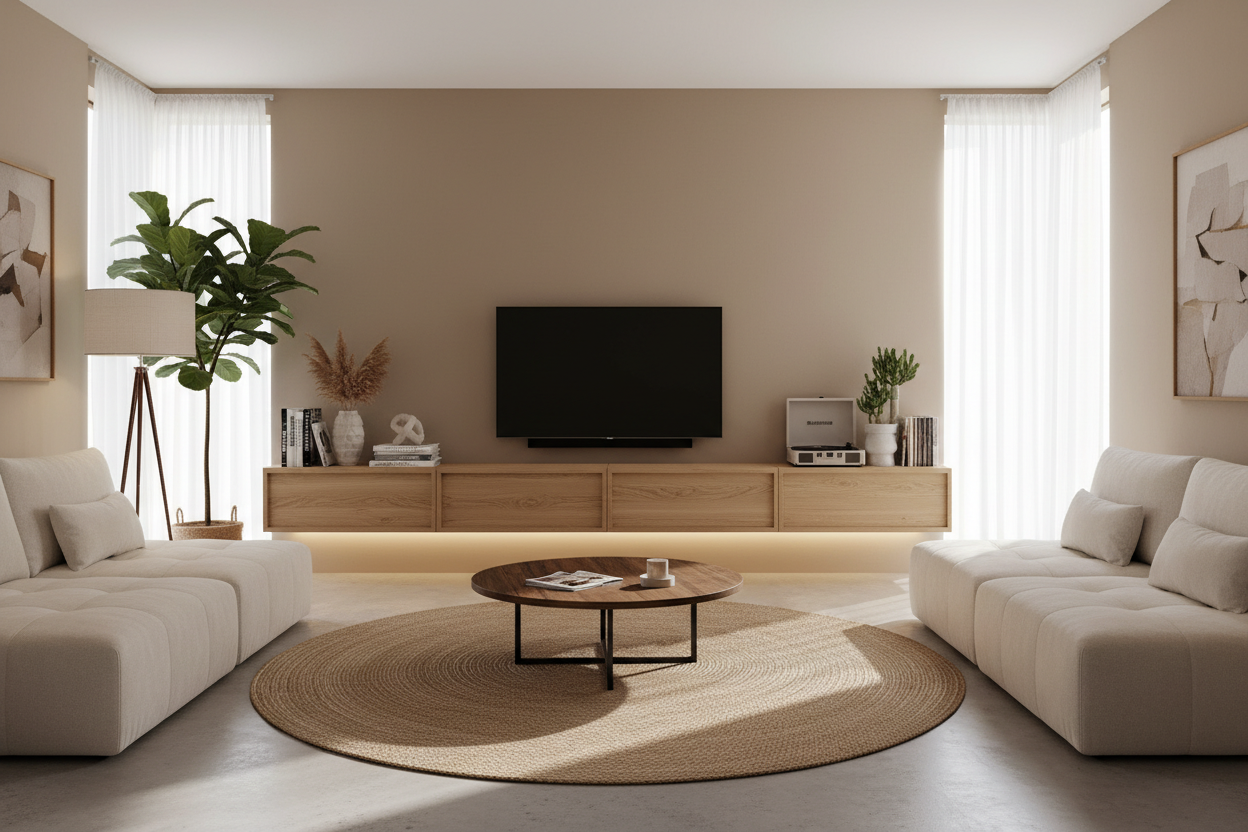
If you want to go full 'pro' on the small-space hack, don't just go shallow—go floating. Pairing a slim depth with a floating wall mounted media console is the ultimate cheat code for interior design. When your eyes can see the floor extend all the way to the baseboard, the brain registers the room as being significantly larger than it actually is.
I installed a floating unit in my last apartment and it was a revelation. Not only did it look incredibly modern, but it also eliminated the 'legs' that usually clutter up the floor. It makes cleaning a breeze—no more moving furniture to get the dust out from underneath. Just make sure you are hitting studs when you mount it. A shallow unit has a lot of leverage, and you don't want your expensive gear sagging off the drywall because you got lazy with the toggle bolts.
Three Measurements You Must Check Before Going Ultra-Slim
Before you hit 'order' on that sleek new console, you need to do three things. First, measure the actual footprint of your TV's stand. Some 'arc' style legs on 75-inch TVs flare out quite wide. If your legs need 12.5 inches and you buy a 12-inch stand, you're going to have a very bad Tuesday. In those cases, look for a tv stand 13 inch depth to give yourself that safety margin.
Second, check your baseboards. If you have thick, decorative baseboards, your stand won't sit flush against the wall, which eats up some of that 'shallow' benefit. You might need to notch the back of the furniture or account for a 1-inch gap. Third, measure your cable heads. A standard HDMI cable needs about 2-3 inches of clearance behind the device unless you use right-angle adapters.
Once you've cleared those hurdles, you are ready to browse modern tv stands and find a piece that actually fits your life. Don't let the furniture industry convince you that you need a massive sideboard to hold a device that is thinner than a deck of cards.
FAQ
Can I put a 65-inch TV on a 12-inch deep stand?
Yes, but check your TV's stand width first. If the TV is wall-mounted, the stand depth doesn't matter for support—it's just for aesthetics and storage. If the TV sits on the stand, ensure the legs are fully supported with at least an inch of clearance.
Will a PlayStation 5 fit in a shallow console?
It's tight. A PS5 is about 10.2 inches deep. In a 12-inch stand, you have less than 2 inches for cables. I highly suggest using 90-degree HDMI and power cables to keep the console from sticking out.
Is a 10-inch deep stand too small?
For a soundbar and a remote, it's perfect. For a collection of gaming consoles, it's likely too shallow. A 10-inch depth is best for 'floating' shelves used purely for aesthetics or very small streaming devices.


Laisser un commentaire
Ce site est protégé par hCaptcha, et la Politique de confidentialité et les Conditions de service de hCaptcha s’appliquent.