


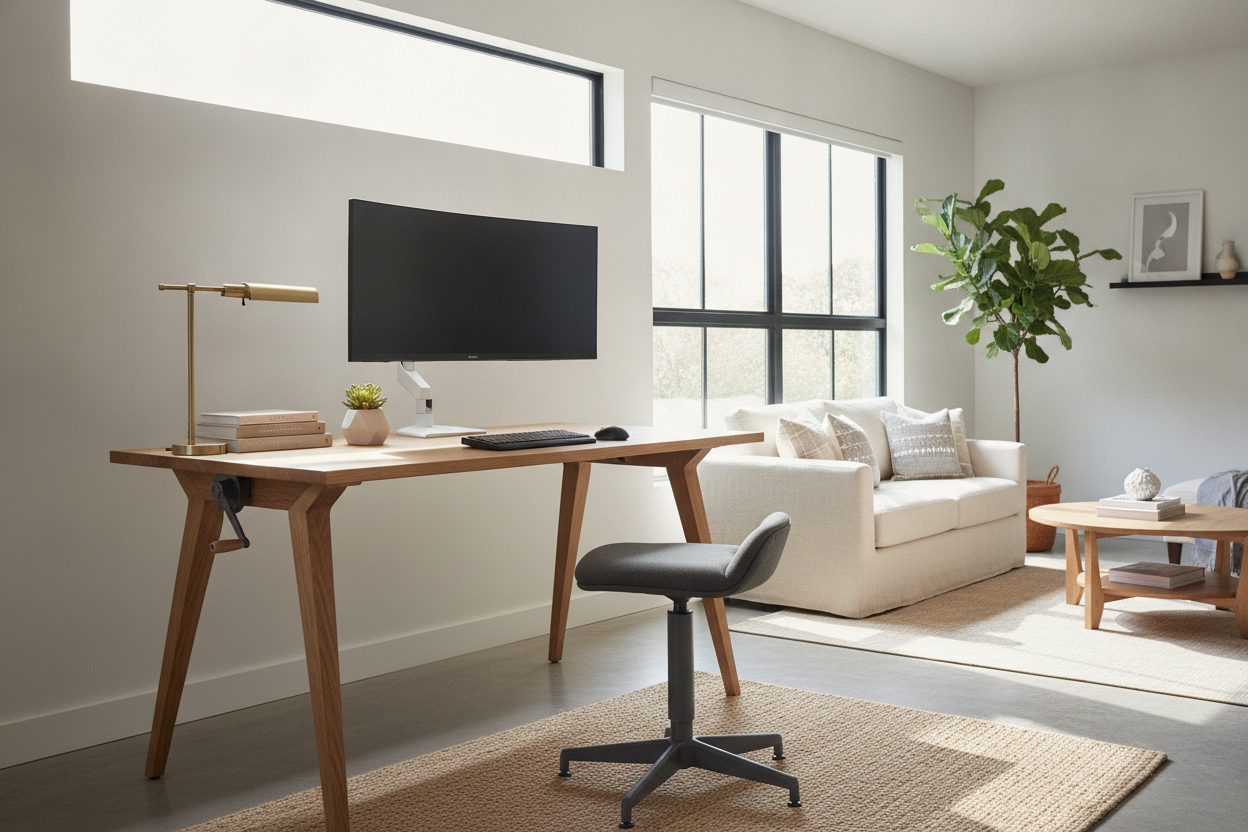
I spent three hours under my desk last Sunday with a handful of zip ties and a prayer. I was trying to hide the massive power brick and the five different black cables snaking down from my motorized frame, but it still looked like a tech startup's server room exploded in my guest suite. That was the moment I realized my obsession with motorized height presets was ruining my room's vibe.
We have been told that a non electric standing desk is a downgrade, but after testing dozens of setups, I am convinced it is the secret to a grown-up home office. It is about reclaiming your floor plan from the tyranny of the wall outlet.
- Zero cable management required for the desk itself.
- Total freedom to place your desk anywhere, even in the middle of a room.
- Lighter frames make it easier to move when you want to rearrange your furniture.
- No motor noise or mechanical failures to worry about years down the line.
The Ugly Truth About Motorized Desk Setups
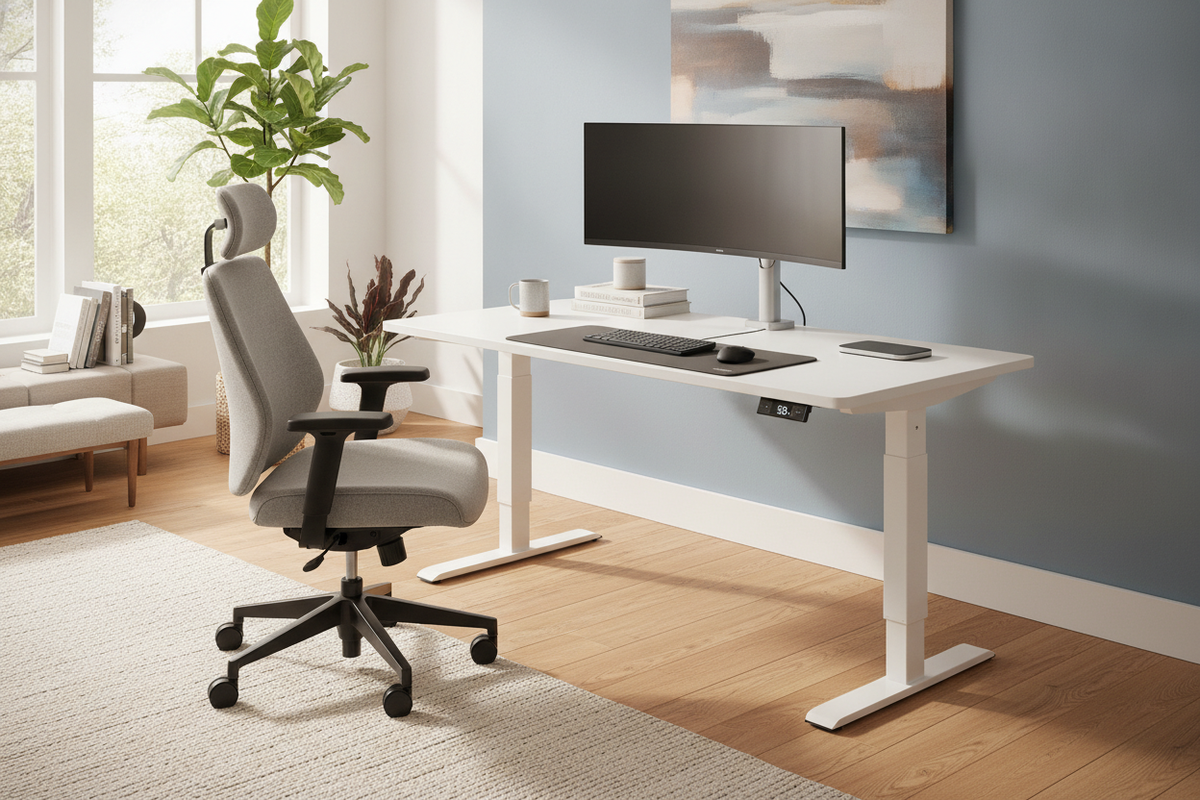
Electric desks are heavy. We are talking 80 to 100 pounds of steel and motors before you even add the desktop. Because they need constant power, you are forever tethered to a wall outlet. I have seen people spend $100 on cable trays and sleeves just for hiding cords on an electric desk, and even then, you still have that one thick umbilical cord running to the baseboard.
It is a visual anchor that screams office cubicle rather than home sanctuary. Most motorized frames also come with those chunky T-style legs that look like they belong in a corporate HR department. When you ditch the motor, the frame can be much slimmer and more architectural. You stop looking at a piece of machinery and start looking at a piece of furniture.
Why a Non Electric Adjustable Desk Solves the Placement Problem
When you choose a standing desk non electric, the floor plan finally opens up. Most of us push our desks against a wall because we have to reach the plug. With a manual frame, I can float my desk in the center of my rugs or face it toward the window without worrying about someone tripping over an extension cord.
A non electric adjustable desk has the slim, airy profile of a traditional writing computer desk but keeps the ergonomic benefits. I have mine positioned diagonally in a corner now, something that was impossible with my old electric model unless I wanted a 10-foot orange extension cord trailing across the hardwood. It makes the room feel twice as large.
Gas Spring vs. Crank: Picking Your Manual Poison
You have two main paths for a non electric sit stand desk. Pneumatic (gas spring) desks work like your office chair. You pull a lever, and the desk glides up. They are incredibly fast—usually moving from sitting to standing in about two seconds. The downside? They have weight limits. If you have three monitors and a heavy PC tower, the gas spring might struggle to lift it without some manual help.
Cranks are the old-school alternative. They take more effort—about 30 to 50 turns to go full height—but they can usually handle more weight. Plus, a brass or steel crank handle adds a nice industrial touch that feels intentional. I personally prefer the pneumatic glide for its speed, but if you have a heavy studio setup, the crank is your best friend.
But Won't I Miss the Memory Buttons?
I thought I would. I was used to hitting a button and walking away to grab coffee while the desk rose. But in reality, adjusting a manual desk becomes a tactile habit. You learn exactly where your elbows should be through feel rather than a digital readout. You are trading electric setups with memory presets for a cleaner aesthetic and a desk that will never have a motor burnout or a weird error code on a glowing LED screen.
There is also something satisfying about the silence. No whirring motor sound every time you want to stretch your legs. It is just you and a smooth, silent transition. For a design-obsessed renter, that silence and the lack of wires is worth the five seconds of manual effort.
Are manual desks harder to assemble?
Usually, they are easier. You aren't messing with control boxes, syncing dual motors, or routing internal power cables. It is mostly just bolting the legs to the top.
Can they hold a heavy monitor arm?
Yes, but check the tension. Pneumatic desks use a counterbalance system, so if your monitor is too heavy, the desk might not want to stay in the up position without a lock. Crank desks don't have this issue.
Is a crank desk annoying to use every day?
If you change heights ten times a day, you might get tired of it. But if you switch twice—once in the morning and once after lunch—it takes about 20 seconds of your life. It's basically a tiny arm workout.


Laisser un commentaire
Ce site est protégé par hCaptcha, et la Politique de confidentialité et les Conditions de service de hCaptcha s’appliquent.