


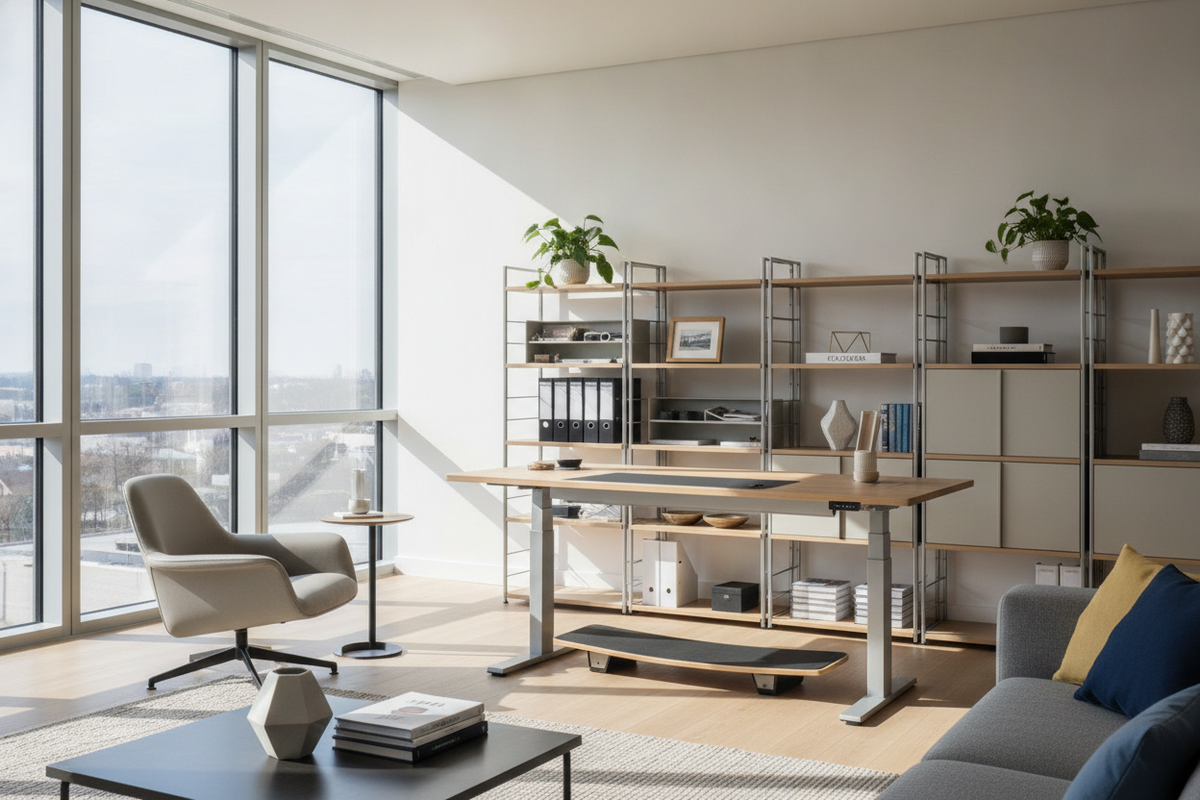
Modern work environments increasingly emphasize standing desks, active workstations, and multi-functional open spaces. While reducing sedentary habits remains a worthy objective, shifting entirely to prolonged standing introduces its own set of postural and spatial challenges. Remaining upright on hard flooring for excessive stretches without planned movement can lead to noticeable fatigue in the feet, knees, and lower lumbar region.
Addressing the demands of standing for long hours requires more than simply raising a desktop. It calls for an integrated ergonomic blueprint that blends dimensional workstation planning, dynamic posture scheduling, supportive underfoot materials, and intuitive perimeter storage. In my view, achieving genuine workday comfort relies less on rigid endurance and far more on rhythmic movement.
Understanding Prolonged Standing: Definition, Spatial Dynamics, and Workstation Strain
In occupational and residential design, prolonged standing generally describes maintaining an upright, relatively static posture for substantial portions of the working day. Whether operating a drafting table, conducting virtual presentations, or processing orders in a studio, staying locked in one location restricts dynamic joint engagement.
When you stand in one place for too long, continuous muscular tension builds across the calves, hamstrings, and spinal stabilizers. Static load differs significantly from dynamic activity like walking because it concentrates pressure on identical pressure points on the soles of your feet. Designing an ergonomic footprint must therefore prioritize spatial freedom, allowing individuals to shift weight, step back, and transition between seated and standing positions with ease.
The Dynamic Posture-Rotation Framework: Balancing Sitting and Standing
The solution to workstation fatigue is neither complete sitting nor continuous standing. Instead, implementing a structured posture-rotation framework allows the body to reset naturally throughout the day.
- Seated Precision Blocks: Reserve dedicated sitting periods for tasks requiring intensive keyboard focus, fine drafting, or detailed document review. Pair this with supportive, high-back ergonomic seating that stabilizes the pelvis and lumbar spine.
- Upright Active Blocks: Elevate the workstation during collaborative calls, conceptual brainstorming, routine email correspondence, or active sorting tasks.
- Micro-Mobility Intervals: Incorporate brief standing walks, light stretches, or pacing breaks between focused work blocks to reactivate circulation and release spinal compression.
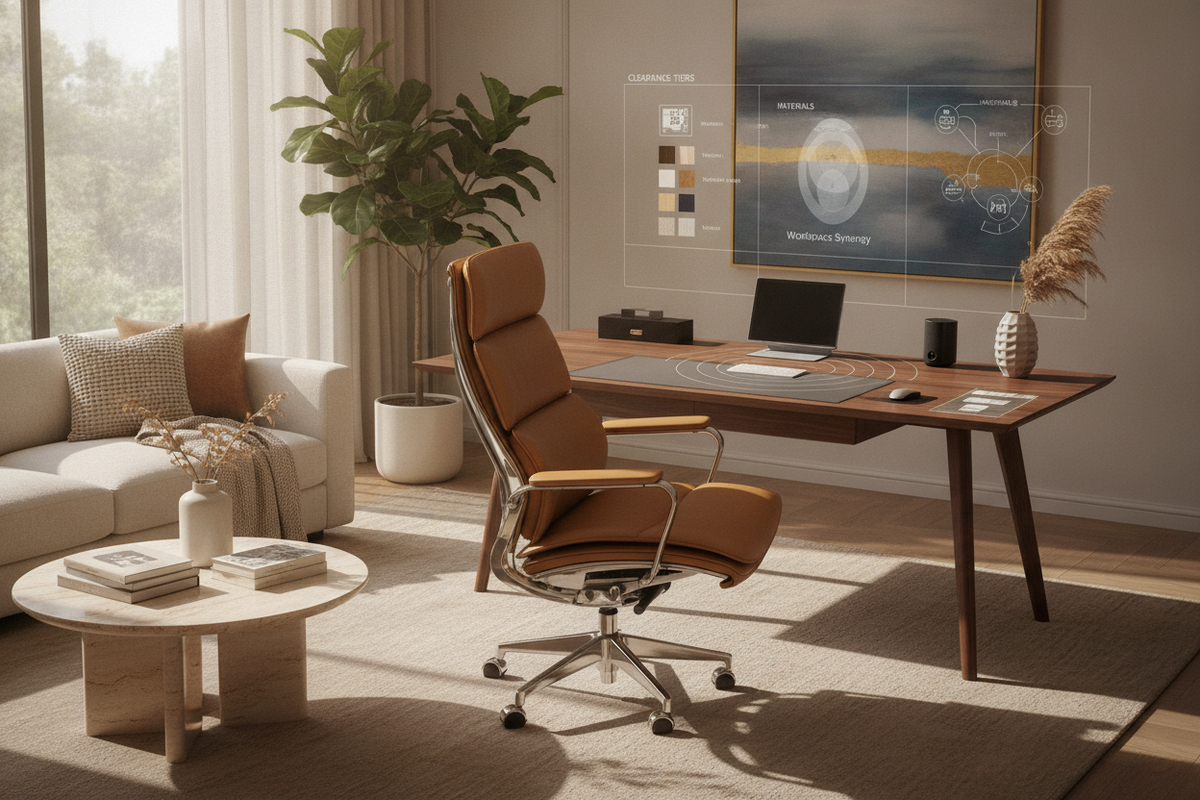
For transitional zones and break spaces, incorporating versatile auxiliary seating such as an all back product offers a firm, upright retreat for quick respites away from the primary desk zone.
Workstation Dimensional Tiers: Aligning Desktop Heights and Clearance Envelopes
A frequent error when configuring a standing workstation is improper desktop elevation. Working on a surface that sits too high forces the shoulders into an elevated shrug, while a surface placed too low induces hunching across the thoracic spine.
1. Elbow and Forearm Alignment
When standing at the workstation, relax the shoulders and bend the elbows at a natural ninety-degree angle. The primary work surface, keyboard, and mouse should sit directly beneath the palms, allowing the forearms to rest parallel to the floor without upward or downward wrist angling.
2. Visual Sightlines and Monitor Placement
Position the top third of the display monitor at or slightly below eye level. This arrangement preserves a neutral neck posture and eliminates the unconscious forward head tilt that often exacerbates upper back strain during long upright sessions.
3. Foot and Knee Clearance
Ensure that under-desk clearance remains completely free of clutter, waste bins, or haphazard cables. Having ample clearance allows your feet to adopt a wider stance or take a step forward into a staggered posture, which naturally relieves tension from the lower back.
Floor Support and Footwear Strategy: Anti-Fatigue Mechanics
The ground interface plays a defining role in how comfortably your body handles prolonged standing. Hard surfaces like polished concrete, ceramic tile, or unpadded hardwood reflect impact energy directly back into the joints.
- High-Density Anti-Fatigue Mats: Place a resilient, supportive foam or gel mat within the central standing footprint to disperse downward pressure and encourage subtle muscular contractions that reduce stiffness.
- Dynamic Footrests and Step Bars: Incorporate a low-profile angled footrest beneath the desk. Elevating one foot periodically shifts the pelvic tilt and offloads static weight from the lumbar spine.
- Supportive Footwear: Avoid flat, unsupportive shoes or bare feet on hard surfaces during work hours. Opt for footwear with structured arch support, adequate heel cushioning, and a wide toe box.
Storage Synergy and Accessibility: Streamlining Reach
Ergonomic workstation efficiency depends heavily on how easily you can reach your essential tools. Frequent overreaching or deep bending while balancing in a standing posture introduces destabilizing torque to the spine.
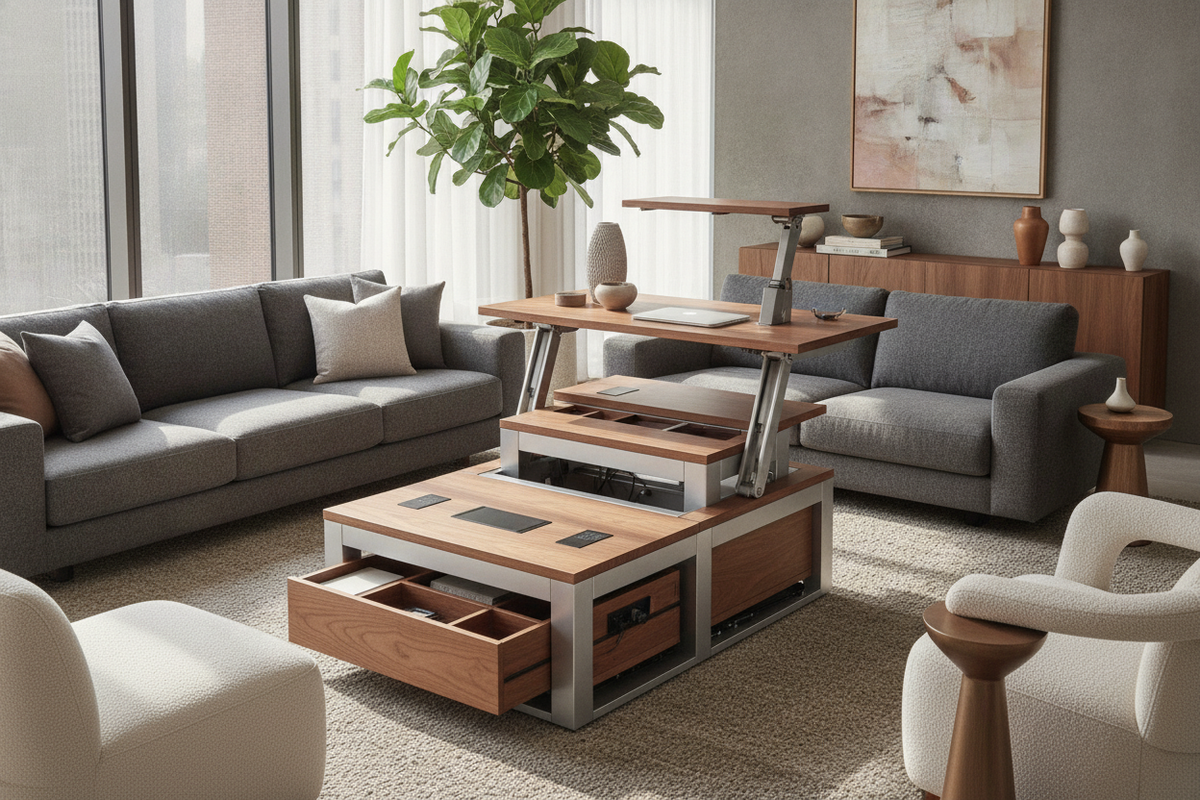
Establish clear visual and functional zones across your workspace. Position daily stationery, reference materials, and digital devices within primary and secondary reach envelopes. For broader storage demands, utilizing wide credenzas, modular sideboards, or a dedicated long stand product along the room perimeter keeps bulky items accessible while maintaining an open, uncluttered central path.
To maintain architectural balance in multi-purpose home offices, review design principles on our long stand without guide and explore complementary decor tips in our stand without too guide for harmonizing functional consoles with balanced desktop setups.
Practical Workday Protocols for Long-Term Ergonomic Balance
Creating a sustainable standing routine is a gradual process. If you are accustomed to seated work, transition gradually over several weeks to allow your core stabilizers, feet, and postural muscles to adapt naturally.
- Start with Modest Standing Blocks: Begin with shorter upright intervals throughout the morning and afternoon rather than attempting entire half-day standing marathons immediately.
- Adopt the Staggered Stance: Regularly alternate your lead foot forward by a few inches while standing to distribute body weight smoothly across both hips.
- Establish Visual Reset Prompts: Use calendar alerts, recurring meeting transitions, or natural project milestones as reminders to adjust desk heights and shift postures.
- Maintain an Organized Spatial Flow: Keep the floor zone clear, position storage symmetrically around your primary movement radius, and ensure seamless movement between seating, standing, and active zones.
By combining balanced dimensional clearances, intentional posture rotation, resilient floor support, and organized furniture placement, you can effectively manage the challenges of prolonged standing and cultivate a comfortable, productive workspace environment.

Laisser un commentaire
Ce site est protégé par hCaptcha, et la Politique de confidentialité et les Conditions de service de hCaptcha s’appliquent.