


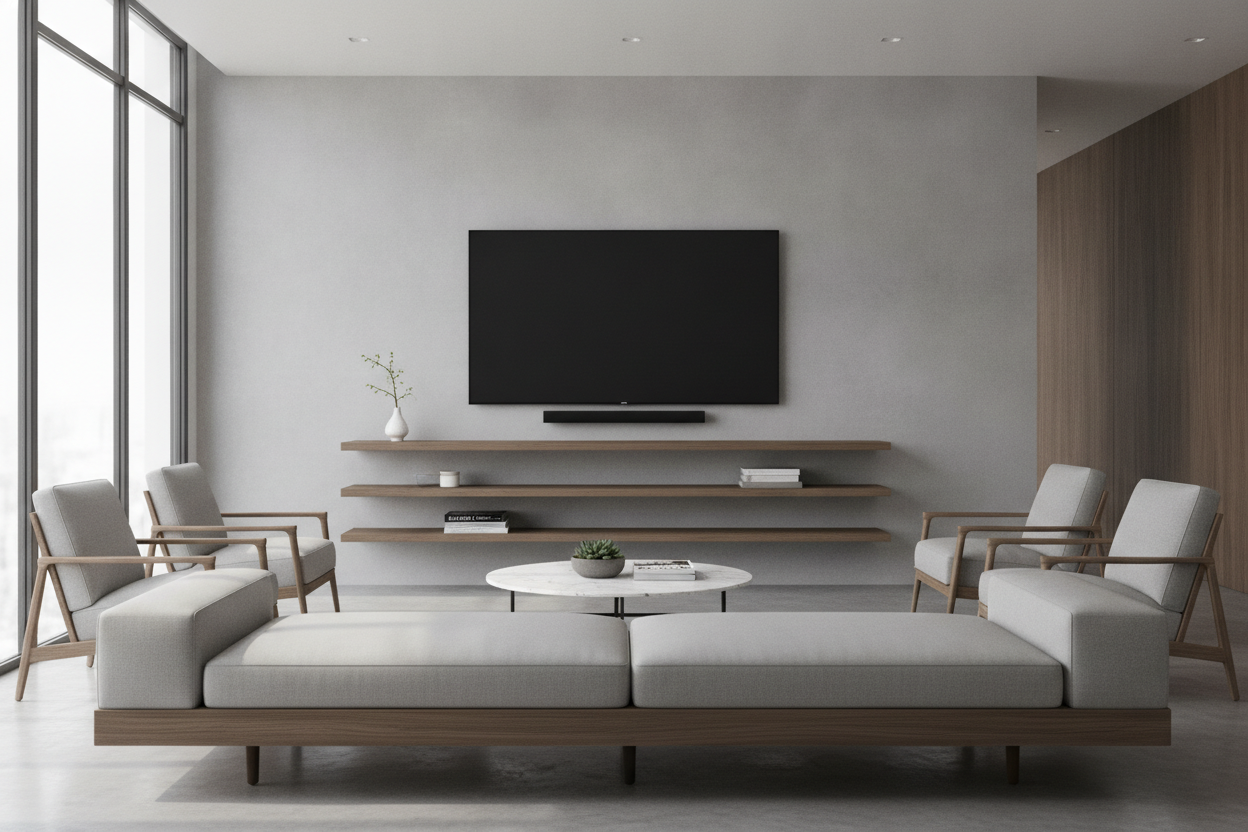
I remember the first time I tried to DIY a media wall. I spent three hours measuring, drilled six unnecessary holes in my drywall, and still ended up with a screen that looked like it was trying to escape toward the ceiling. If you are currently eyeing a tv wall mount with floating shelves, you are likely chasing that clean, architectural look. But there is a very thin line between a sleek gallery vibe and a setup that looks like a chaotic tech graveyard.
The problem usually starts with the 'more is more' mentality. We want the storage, we want the screen, and we want it all to look effortless. In reality, making separate components look like a cohesive unit takes more than just a level and a prayer. It takes a strict adherence to visual weight and vertical spacing.
Quick Takeaways
- Mount your TV at seated eye level, not standing height.
- Keep the gap between the screen and the top shelf between 4 and 6 inches.
- Hide cables inside the wall or use paintable cord covers for a seamless look.
- Use asymmetrical styling on shelves to avoid a stiff, retail-store appearance.
- If DIY feels overwhelming, an integrated unit is a much safer bet.
The 'Floating Island' Effect (And Why It Happens)
The biggest mistake I see—and I have been guilty of this myself—is the 'Floating Island' effect. This happens when the TV is mounted way too high (the classic 'TV over the fireplace' syndrome) and the floating shelf is mounted way too low. You end up with a massive, awkward expanse of empty drywall in the middle. It makes the room feel disjointed and unfinished.
When you have a wall mounted tv with floating shelf, the goal is to create a single visual anchor. If the gap is too wide, your eyes don't know where to land. I used to wonder does a tv shelf floating on the wall actually save space or just make the room feel like a jigsaw puzzle with missing pieces? The truth is, it only saves space if the elements are tight enough to act as one piece of furniture.
How to Nail the Gap Between Screen and Shelf
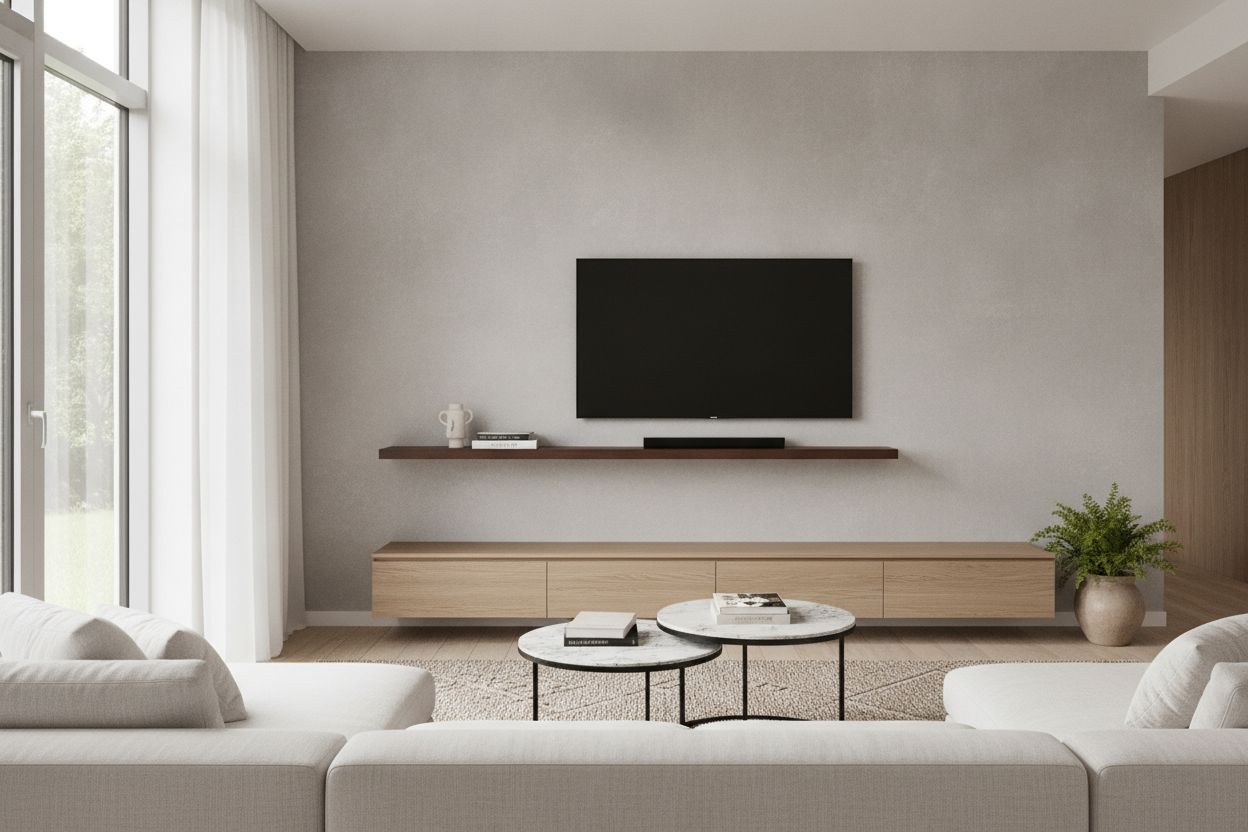
To make separate pieces look like a built-in custom unit, you have to be obsessive about the vertical gap. I learned this the hard way after I replaced my bulky console with a floating wooden tv shelf and realized my 10-inch gap made the TV look like it was hovering in another zip code.
You want the shelf to ground the TV. Think of the shelf as the foundation. Even though it isn't touching the floor, it provides the 'weight' that keeps the screen from looking floaty. If you have multiple shelves, the spacing between them should usually match the spacing between the top shelf and the TV to keep the rhythm consistent.
The 4-to-6 Inch Rule for a Wall Mounted TV With Floating Shelf
This is the golden ratio of media mounting. A 4-to-6 inch gap between the bottom of your TV and the top of the shelf is the sweet spot. It is just enough room to tuck in a slim soundbar or a few low-profile decorative objects without crowding the bottom bezel of the screen. If you go wider than 6 inches, the connection breaks. If you go narrower than 4, the area looks cramped and makes it a nightmare to reach the buttons or sensors on the bottom of the frame.
Cable Management When You Have Nowhere to Hide
Let’s be real: nothing kills the 'floating' magic faster than a black spaghetti mess of HDMI cables dangling against a white wall. When you have a wall mount tv with floating shelves, you don't have a big wooden cabinet to hide the clutter. You have to be proactive.
If you own your home, an in-wall power kit is the only way to go. It lets you run the wires behind the drywall safely. If you’re renting, grab some plastic cord covers and paint them the exact color of your wall. It isn't perfect, but it’s 100% better than the alternative. I once tried to 'hide' cables behind a trailing ivy plant; it looked like a jungle-themed fire hazard. Don't be me.
Styling the Ledges Without Crowding the Screen
The temptation is to fill those shelves with every cool book and souvenir you own. Resist it. When shelves are right next to a screen, they shouldn't compete for your attention. I prefer a 'weighted' approach: put the heavier, darker items on one side and leave some breathing room on the other.
Avoid tall vases or spindly candlesticks that overlap the edges of the TV. It creates a visual 'stutter' that is incredibly distracting when you're trying to watch a movie. Stick to horizontal stacks of books, low bowls, or small succulents. You want the shelves to frame the experience, not interrupt it.
When an All-In-One Unit Actually Makes More Sense
Look, I love a good DIY project, but sometimes piecing together a mount and three separate shelves is a recipe for a mental breakdown. If your walls are crumbly plaster or you just can't seem to get things level, a pre-designed wall mounted media console entertainment center is a total sanity-saver. It gives you that hovering look with zero guesswork on spacing.
If you've spent three weekends staring at drill bits and still aren't happy, it might be time to pivot. You can always browse our full tv stands to find something that offers the same minimalist aesthetic without the structural engineering degree. There is no shame in a floor-based unit if it means your TV actually stays on the wall.
FAQ
How high should I mount my TV?
The center of the screen should be at eye level when you are sitting on your sofa. For most people, that means the bottom of the TV is only about 25 to 30 inches off the floor.
Can I mount floating shelves on drywall?
Yes, but use heavy-duty toggle bolts if you can't hit a stud. Never trust those cheap plastic anchors that come in the box; they will sag the moment you put a book on them.
What is the best material for a TV shelf?
Solid wood or high-quality MDF. Avoid thin particle board, as the heat from your electronics can cause it to warp over time, especially if the shelf is directly under the TV vents.

Laisser un commentaire
Ce site est protégé par hCaptcha, et la Politique de confidentialité et les Conditions de service de hCaptcha s’appliquent.