


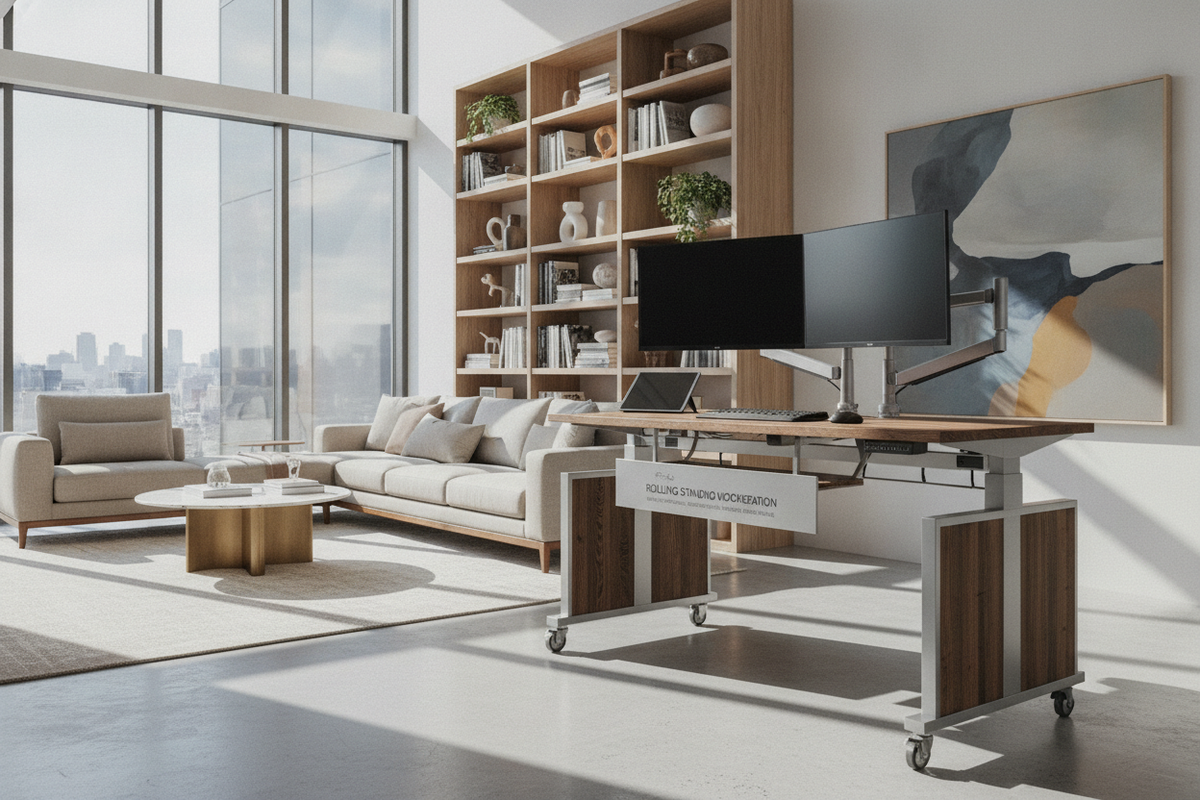
The Evolution of Dynamic Workspaces: Defining the Rolling Standing Workstation
Modern residential architecture increasingly prioritizes multi-functional layouts over single-purpose private offices. As living rooms, bedrooms, and open floor plans double as task environments, furniture must adapt quickly to shifting daily requirements. A rolling standing workstation represents a dynamic evolution in work surface design, merging the physical versatility of height elevation with frictionless floor mobility.
Unlike traditional anchored writing desks found in a broad computer desk collection, a rolling standing surface is engineered around active spatial transitions. Whether you need to catch natural daylight near a south-facing window in the morning or transition your setup to a quieter alcove for afternoon video conferences, a mobile frame allows your entire setup to travel with you without disrupting ongoing tasks.
Base Geometry and Caster Dynamics: Ensuring Stability in Motion and at Rest
The primary engineering challenge of an adjustable rolling desk is maintaining balance while elevated on wheels. Stationary desks rely on broad, static footpads with wide surface contact, whereas mobile desks depend on caster wheel assemblies that must both roll smoothly and lock firmly.
- Caster Tread Composition: Hard nylon wheels roll effortlessly across dense pile rugs but can slip or mark delicate wood floors. In contrast, soft polyurethane-coated treads provide quiet rolling and reliable floor grip across hardwood, laminate, and tile surfaces.
- Locking Mechanisms: High-quality mobile frames feature dual-locking or directional-locking casters. Locking both wheel rotation and swivel rotation keeps a height adjustable rolling table entirely motionless when you lean or type.
- Low-Profile Foot Clearance: To allow the desk base to tuck neatly beneath low-clearance sofas, lounge chairs, or bed frames, look for slim C-shaped or offset H-shaped foot structures.
A lower center of mass in the base legs offsets the top-heavy distribution created by monitors, laptops, and tabletop accessories when the desk is extended to standing heights.
Elevation Mechanics for Mobile Frames: Pneumatic, Gas-Spring, and Motorized Lifts
Choosing the right lift mechanism directly influences how freely a rolling height adjustable desk moves throughout your home.
Pneumatic and Gas-Spring Cylinders
Pneumatic lifts utilize counterbalance air pressure or gas springs activated by an under-desk lever. Because they require no electrical cords or wall outlets, pneumatic mobile desks offer true cordless freedom. They transition between sitting and standing heights smoothly, making an adjustable height rolling computer desk ideal for users who frequently relocate between rooms.
Motorized Elevation Systems
Electric motorized lift frames provide push-button convenience and precise height recall presets, similar to a dedicated adjustable height standing product. However, motorized mobile desks remain tethered to electrical outlets during height adjustments unless paired with a mobile battery pack or positioned near reachable wall plugs.
Spatial Sizing and Multi-Room Traffic Clearances
When selecting an adjustable rolling computer desk, spatial footprint and doorway clearance take precedence over expansive surface area. While wide-format executive models like a height adjustable standing product excel in dedicated private offices, a rolling standing computer desk thrives in compact, agile dimensions.
Key spatial considerations include:
- Doorway Thresholds: Ensure the total width and depth of the frame allow clean navigation through standard interior door frames and hallway corners without scraping walls.
- Visual Proportions: A minimalist top with rounded corners helps avoid snagging clothes or wall trim during rapid room reconfiguration.
- Secondary Zone Tucking: A compact frame allows the desk to park cleanly against an unused wall, inside a closet nook, or beside stationary cabinetry when the workday concludes.
Dynamic Wire Management and Power Strategies for Moving Desks
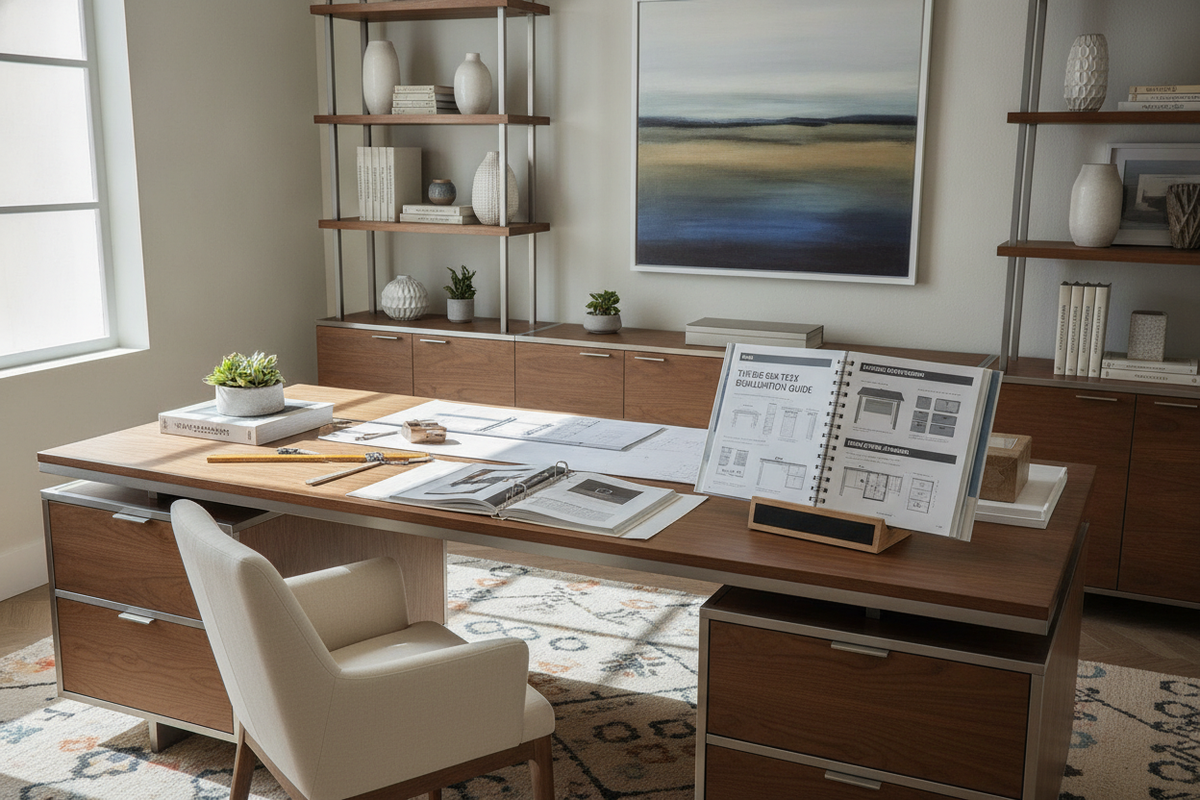
Mobile desks face unique cord management challenges. When a desk moves across rooms, traditional stationary cable ties can pull, bind, or trip passersby. Consulting a comprehensive computer desk guide helps you identify and avoid common cable-routing oversights before configuring your layout.
To maintain seamless mobility:
- Under-Desk Power Banks: Mounting a rechargeable power bank or a single master power strip beneath the work surface ensures your laptop, tablet, and task light stay powered without multiple trailing cables.
- Flexible Spiral Sleeves: Bundling necessary power cords into an expandable spiral sleeve protects cables from getting caught in caster wheels during movement.
- Tension Relief Anchors: Fasten cable exit points securely to the underside of the desk frame so that accidental cord tugs do not yank delicate hardware ports.
Storage Coordination: Balancing Lightweight Worktops with Anchored Room Storage
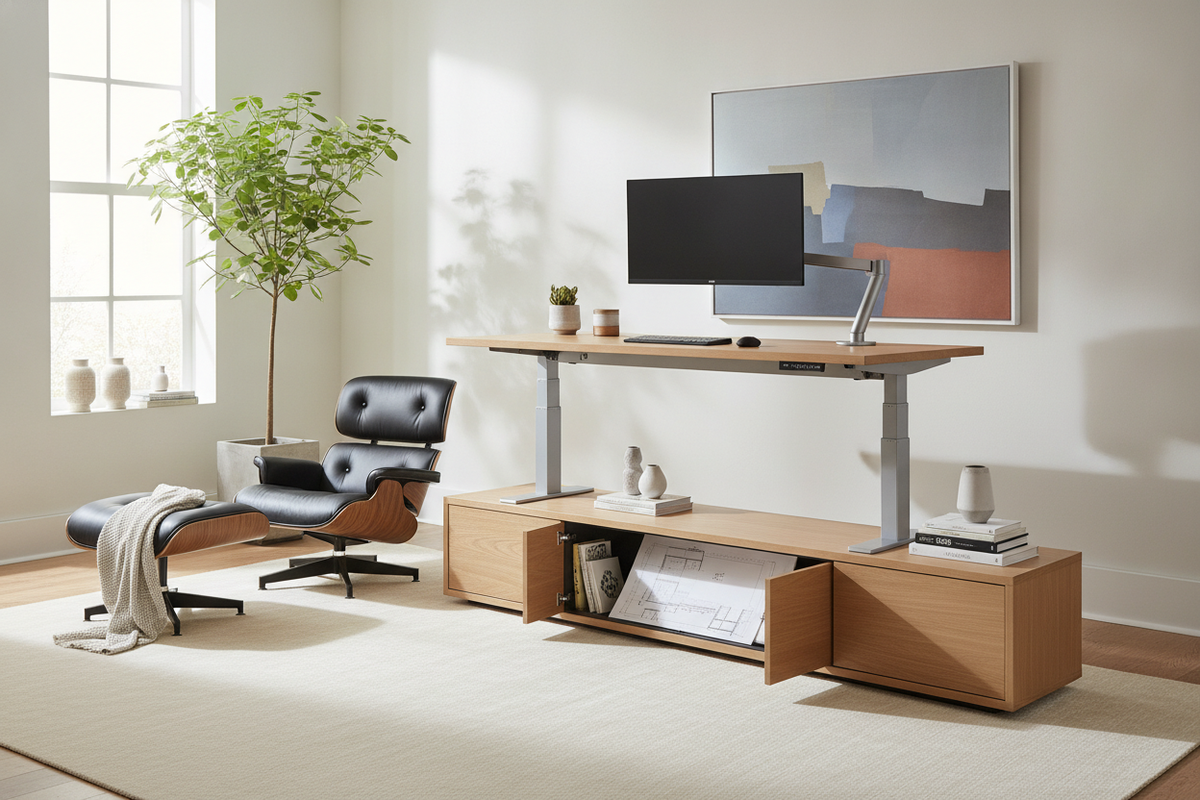
Because rolling desks prioritize agility, they intentionally omit heavy built-in drawer pedestals. Adding substantial storage directly to a mobile desk compromises its maneuverability and balance. To keep your work surface uncluttered, pair your mobile desk with anchored storage pieces throughout the room.
Integrating dedicated storage units—such as credenzas, tall shelving, or concealed cabinets highlighted in this computer desk guide—gives books, filing folders, and large peripheral devices a permanent home while keeping your rolling desk unencumbered for daily tasks.
Selection Checklist: Choosing the Ideal Mobile Workstation for Your Routine
When finalizing your choice of a rolling standing workstation, review these core evaluation criteria:
- Travel Frequency: Will the desk stay in one primary room with occasional adjustments, or move across multiple living zones daily?
- Floor Texture: Do your floors feature plush area rugs, hardwood, or hard tile transitions?
- Hardware Payload: Are you supporting a single compact laptop, or mounting multi-jointed display arms and auxiliary hardware?
- Adjustment Ease: Do you prefer the completely untethered speed of a gas-spring lift or the programmed precision of an electric frame?
By balancing structural stability, caster quality, streamlined cord management, and supplementary room storage, an adjustable rolling desk becomes a versatile centerpiece for modern, flexible living.

Laisser un commentaire
Ce site est protégé par hCaptcha, et la Politique de confidentialité et les Conditions de service de hCaptcha s’appliquent.