


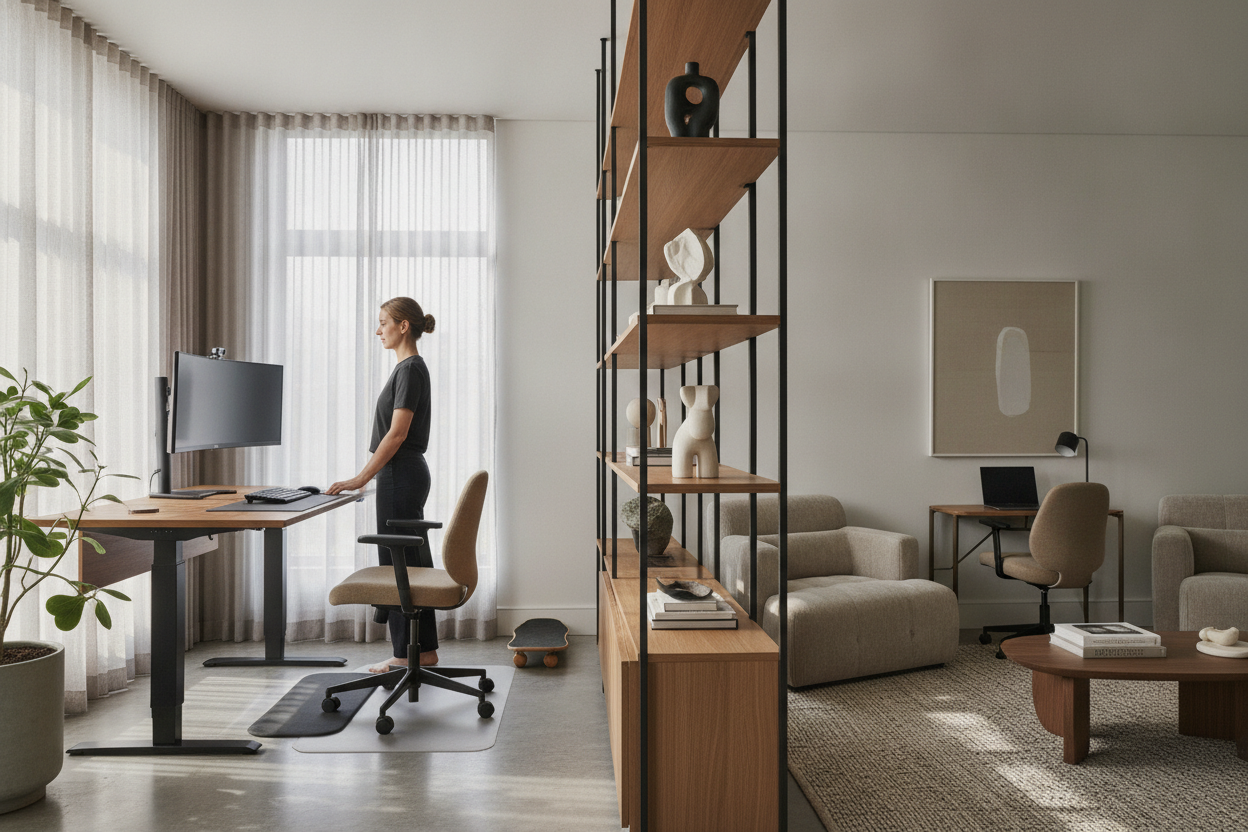
Evaluating Sit-Stand Workstations: Beyond the Ergonomic Hype
The modern workspace has transformed dramatically as home office planners and professionals seek environments that support active, adaptable routines. Height-adjustable workstations have moved from niche ergonomic novelties to mainstream fixtures. However, deciding whether to transition requires examining the authentic pros and cons of standing desk designs rather than simply following trends.
A sit-stand workstation is an operational system that interacts with your room footprint, storage requirements, power distribution, and daily workflow habits. When evaluating the standing desk pros and cons, one must consider both the freedom of physical movement and the practical trade-offs involved in mechanical desk frames. For many professionals, curating an aesthetically balanced standing desk setup means aligning dynamic ergonomics with cohesive interior styling.
The Key Advantages of Adopting a Standing Desk
Understanding the primary advantages of height-adjustable furniture clarifies why sit-stand platforms have become standard across contemporary office environments. Selecting a motorized adjustable height standing desk with presets allows users to customize their working posture with minimal disruption.
Postural Variability and Workflow Energy
The foremost benefit highlighted in any assessment of the pros and cons of stand up desks is posture flexibility. Traditional static desks lock the body into a fixed position for hours. Height-adjustable frames allow users to alternate seamlessly between sitting and standing, introducing natural shifts in posture throughout the day. This movement encourages periodic engagement of leg and core muscles, supports open breathing posture, and helps combat the midday sluggishness often associated with prolonged sedentary sessions.
Multi-User Adaptability and Precision Height Customization
Standard fixed desks are typically built to a uniform height that rarely matches every individual's biomechanics. An adjustable desk allows precise micro-adjustments to align the desktop surface perfectly with resting elbow height, whether seated or standing. In shared home offices, motorized memory controllers allow multiple family members of different heights to share a single workstation, dialing in their preferred settings at the press of a button.
Practical Drawbacks and Operational Trade-Offs to Plan For
While dynamic adjustability offers clear benefits, an objective review of pros cons standing desk setups must address structural, spatial, and storage compromises. Unlike traditional executive desks or writing tables with integrated pedestals, sit-stand frames prioritize vertical movement over built-in storage.
Under-Desk Storage Sacrifices and Leg Clearance
The lifting mechanism of an adjustable desk requires unencumbered vertical clearance. Fixed drawers, kneehole credenzas, and deep pencil drawers are usually absent because they can interfere with legroom or collide with under-desk accessories when lowered. Users who transition from traditional furniture with integrated desk storage and monitor riser solutions must plan for auxiliary storage units, such as mobile pedestals or adjacent shelving, to keep office supplies organized.
Dynamic Cable Management and Vertical Slack Requirements
Static desks allow power cords and display cables to be tucked away neatly in fixed raceways. In contrast, an adjustable desk requires dynamic cable management. Cords running from desktop equipment to wall outlets must have enough vertical slack to extend safely to the maximum standing height without pulling or dislodging connections. Cable spine organizers, under-desk power strips, and articulated trays become essential additions rather than optional accessories.
Frame Stability and Upper-Range Monitor Wobble
As a desk extends to its higher elevations, the center of gravity shifts upward. Depending on the engineering of the telescoping leg columns and the presence of crossbar stabilization, some standing desks may experience subtle harmonic wobble during vigorous typing or writing at full extension. This effect can be magnified when using heavy multi-monitor mounts with articulated arms.
Choosing the Right Standing Desk Configuration for Your Space
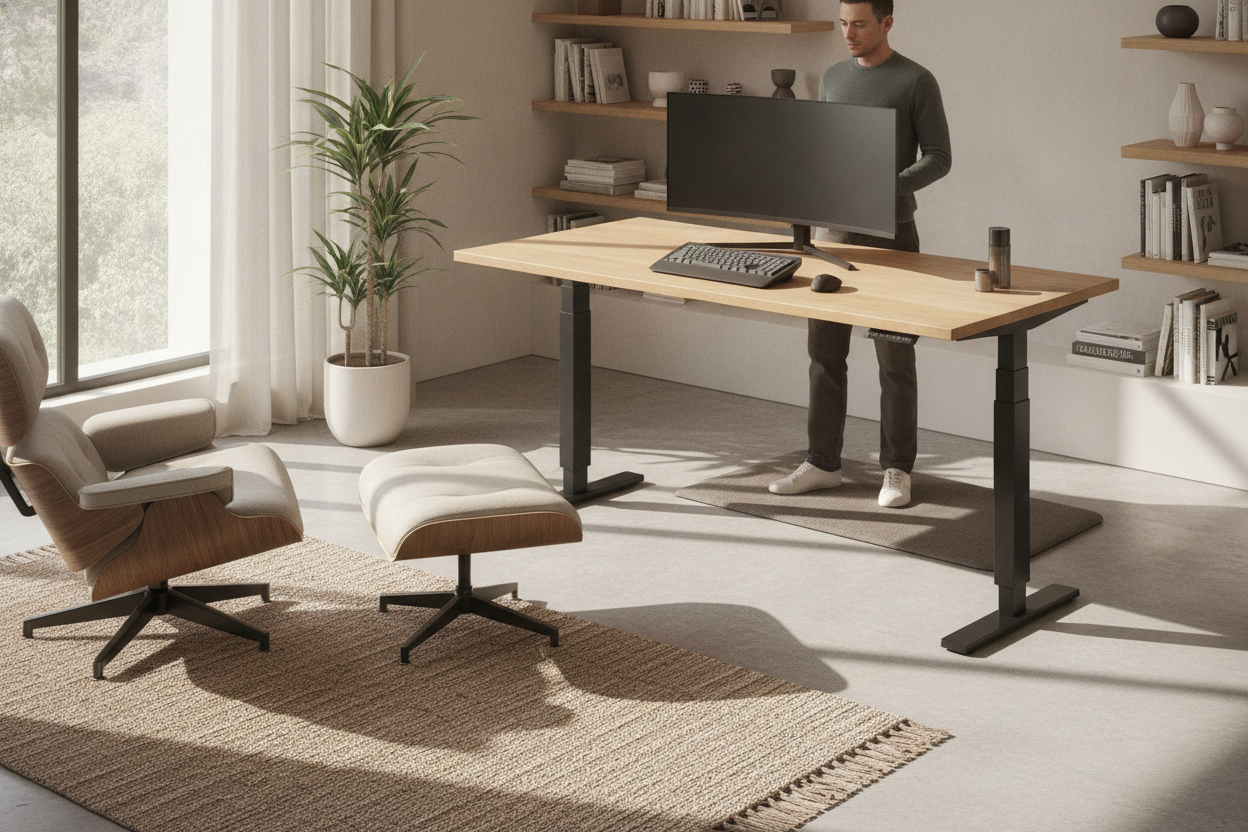
Finding the ideal workstation involves weighing the physical dimensions of your room against your technological and surface area needs. Selecting an expansive wide-span adjustable standing desk provides ample real estate for multiple displays and paperwork, but it requires thoughtful spatial planning.
Compact Workspaces vs. Multi-Monitor Spans
When selecting a desk size, assess the perimeter clearance of your office. A wider desktop accommodates multiple monitors, reference documents, and desk accessories, but it requires sufficient wall expanse and open floor area to avoid crowding the room. In tighter footprints, a streamlined compact top maintains open traffic flow while still delivering full sit-stand capability.
Manual Lift vs. Motorized Memory Presets
Manual crank and pneumatic lift desks provide height adjustability without electrical cords, making them suitable for floating setups away from wall outlets. However, electric dual-motor systems with digital memory controllers eliminate physical effort, making height transitions smooth and frequent throughout the day.
Complementary Workstation Design: Anti-Fatigue and Storage Strategies
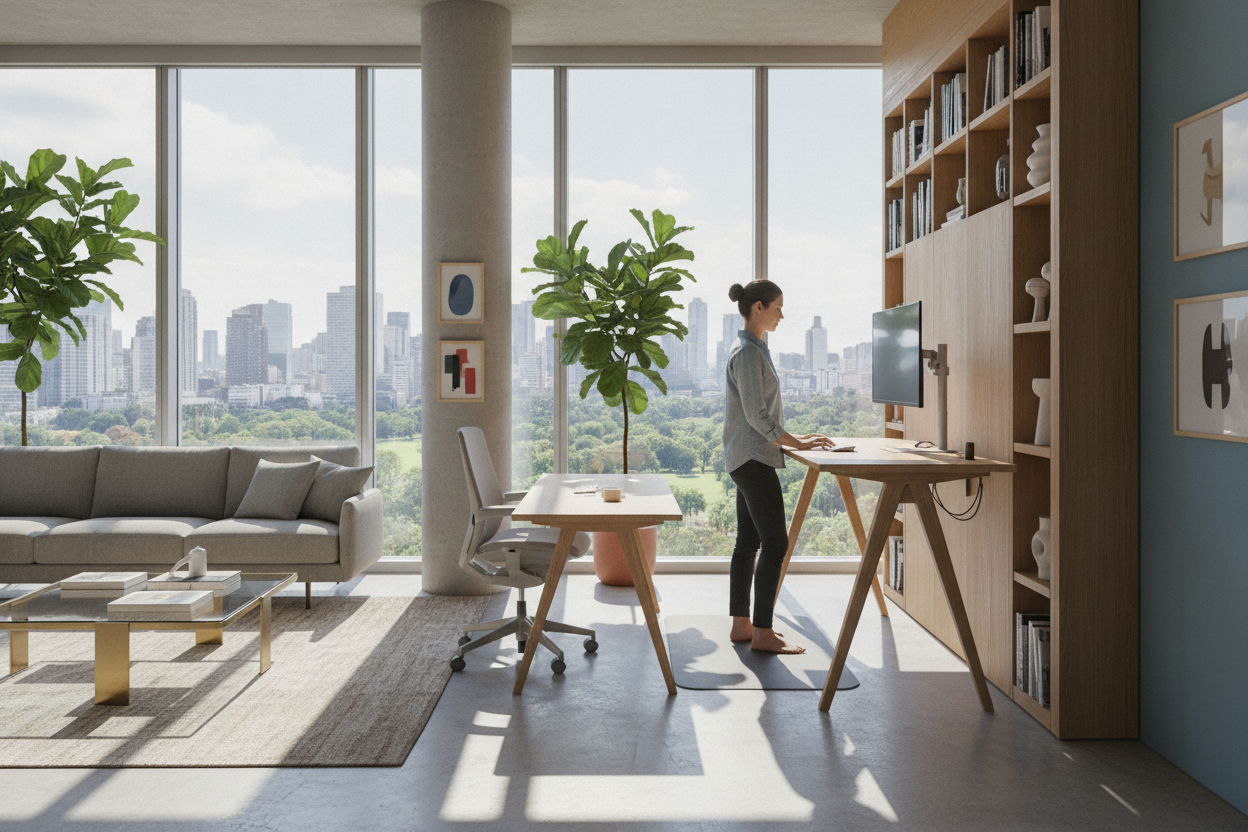
Optimizing a sit-stand workspace requires looking beyond the desk frame itself to create a comprehensive working environment. Incorporating supportive floor surfaces, such as cushioned anti-fatigue mats, helps relieve pressure on the feet and lower joints during extended standing periods.
To solve the inherent storage limitations of lifting frames, pair the desk with matching perimeter cabinets, vertical bookcases, or low-profile credenzas. Exploring designer layouts for standing desk workstations helps maintain a balanced, clutter-free environment that combines the physical flexibility of sit-stand furniture with the practical organization of traditional office suites.

Laisser un commentaire
Ce site est protégé par hCaptcha, et la Politique de confidentialité et les Conditions de service de hCaptcha s’appliquent.