


Switching from a traditional seated desk to an adjustable workstation is a constructive step toward a more dynamic routine. However, remaining motionless on your feet for extended periods presents its own set of posture challenges. Embracing exercises for standing desk environments transforms static elevation into an active, functional workstation where mobility feels natural rather than disruptive.
By blending subtle physical adjustments, mobility routines, and proper office organization, you can maintain steady focus on your projects while keeping your body engaged throughout the workday.
Rethinking Workday Movement: Why Active Standing Beats Static Posture
When professionals first transition to standing desks, a common mistake is locking the knees and standing completely rigid. Static standing places continuous pressure on the lower limbs and can lead to tired feet and lower back fatigue. Active standing, on the other hand, prioritizes small, rhythmic shifts in body weight and intentional muscle engagement.
Incorporating gentle standing desk exercise routines keeps muscle groups active and encourages healthy blood circulation without distracting you from professional tasks. The goal is not an intense gym workout at your computer, but continuous, low-impact motion that supports posture and sustains daytime energy levels.
Preparing Your Workspace: Clearance, Footwear, and Frame Stability
Before introducing movement into your daily tasks, your physical setup must accommodate active posture safely. A cluttered floor or a wobbly desktop can discourage movement or cause unexpected spills.
- Supportive Footwear and Flooring: Supportive footwear or a cushioned anti-fatigue mat provides a comfortable base that eases pressure during repeated movements.
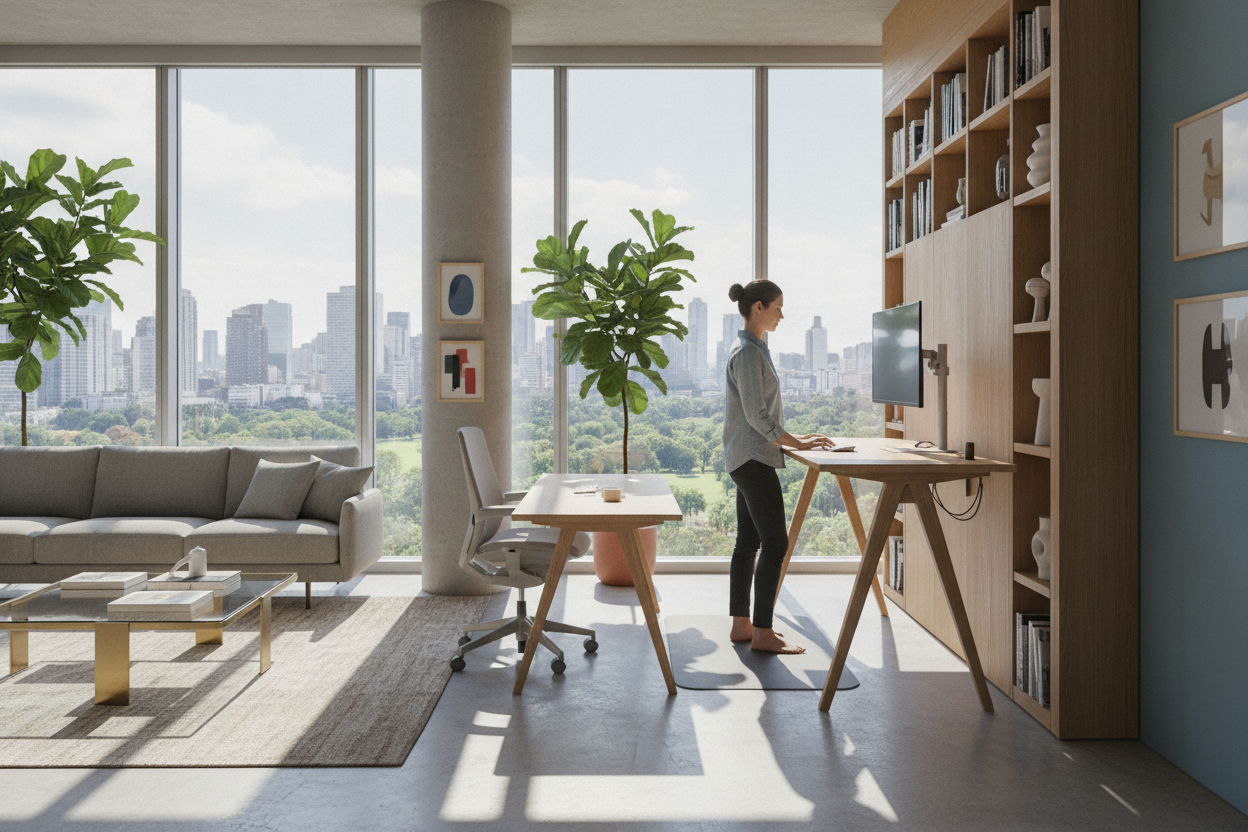
- Unobstructed Legroom: Ensure cables, trash bins, and storage units are positioned clear of your feet so you can shift stances freely.
- Surface Rigidity: When performing light stretches that utilize the desk edge as a balance point, structural stability is essential. A robust surface such as a super sized standing desk with electric lift keeps monitors, laptops, and accessories steady throughout movement routines.
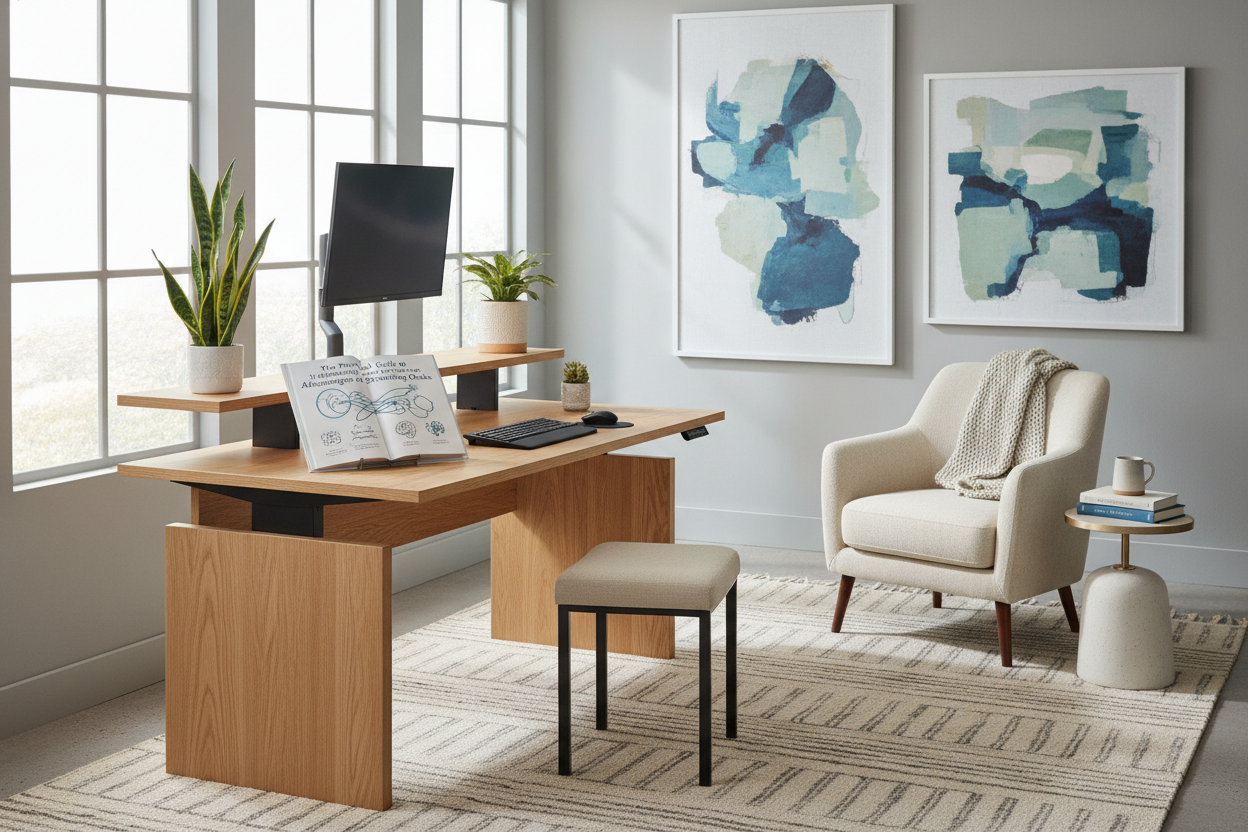
- Layout Planning: Thoughtful spatial organization leaves room for sideways steps and rear lunges. Exploring designer ideas for standing desk layouts helps establish dedicated zones for both focused computing and movement clearance.
7 Practical Standing Desk Exercises While Working
These exercises can be performed directly at your station. Many can be done while reviewing documents, attending virtual presentations, or handling phone calls.
Lower-Body Activation: Calf Raises and Ankle Rotations
Calf raises are among the simplest standing desk exercises while working. Stand with your feet hip-width apart, lightly rest your fingers on the desktop for balance, and raise your heels until you are balanced on the balls of your feet. Hold briefly before slowly lowering back down. To complement this, lift one foot slightly off the floor and rotate the ankle in slow circles to maintain joint mobility.
Glute and Hip Engagement: Subtle Glute Squeezes and Side Leg Lifts
Extended standing can cause the pelvis to tilt forward if the posterior chain remains inactive. Performing controlled glute contractions while reading an email reinforces pelvic alignment. For active hip engagement, keep your hands light on the work surface and slowly lift one leg out to the side while keeping the torso upright. Alternate sides to encourage balanced hip stabilization.
Core and Leg Mobility: Standing Marching and Gentle Squat Pulses
During webinars or audio calls, incorporate slow standing marching by lifting your knees toward hip height in a steady rhythm. If you want to engage larger muscle groups, step slightly back from your work surface and perform shallow squat pulses. Keeping your weight centered over your heels engages the thighs and core while keeping your eyes aligned with your monitor.
Having expansive horizontal space makes wide stances much easier. A wide-span 71-inch height adjustable standing desk provides ample elbow room and legroom, allowing you to transition between narrow and wide stances without bumping into desk legs or side cabinets.
Hamstring and Posterior Chain Relief: Desk-Supported Forward Hinges
To relieve tension across the back of the legs and lower spine, step back a couple of feet from your desk. Place your palms flat on the front edge of the desktop, soften your knees, and hinge forward at the hips while lengthening your spine. This desk-supported stretch elongates the upper back and hamstrings without pulling your workstation out of alignment.
Upper-Body Tension Release: Shoulder Rolls and Chest-Opening Stretches
Typing and mouse work often pull the shoulders forward into a rounded posture. Reset your upper body by rolling your shoulders up toward your ears, backward in a circular arc, and down along the ribcage. Follow this by clasping your hands behind your lower back and gently opening your chest to counteract habitual forward slouching.
Wrist, Forearm, and Neck Mobility for Computer Users
Upper-limb comfort is fundamental to sustained desk productivity. Extend one arm forward with the palm facing up, then gently draw the fingers downward with the opposite hand to stretch the forearm flexors. Follow with slow side-to-side neck tilts, bringing your ear toward your shoulder to relieve neck tightness after detailed screen work.
Integrating Active Movement into Daily Workflows
Building a successful standing desk fitness habit depends on consistency and seamless workflow integration rather than rigid exercise sessions. Combining ergonomic hardware with structured habits yields the best results.
An adjustable height standing desk with electric lift system allows you to save preferred heights for sitting, upright standing, and movement-ready postures. By programming your preferred elevations, transitioning between seated focus, upright typing, and active movement intervals requires only a single touch.
Consider structuring your day around natural workflow transitions:
- Morning Focus (Seated or Neutral Standing): Reserve early hours for deep writing or data tasks with standard posture.
- Midday Communication (Active Standing): Shift to active standing during status meetings, phone calls, and routine inbox processing, weaving in calf raises and shoulder rolls.
- Afternoon Mobility (Stretching and Resetting): Use mid-afternoon breaks to perform desk-supported hinges, side leg lifts, and wrist mobility routines to stay refreshed.
Pairing these movement patterns with thoughtful decor choices ensures your office remains an inspiring place to spend the day. Learning the fundamentals of designing a standing desk setup that looks good will help you coordinate functional storage, cable routing, and active standing accessories into a cohesive, comfortable home workspace.

Laisser un commentaire
Ce site est protégé par hCaptcha, et la Politique de confidentialité et les Conditions de service de hCaptcha s’appliquent.