


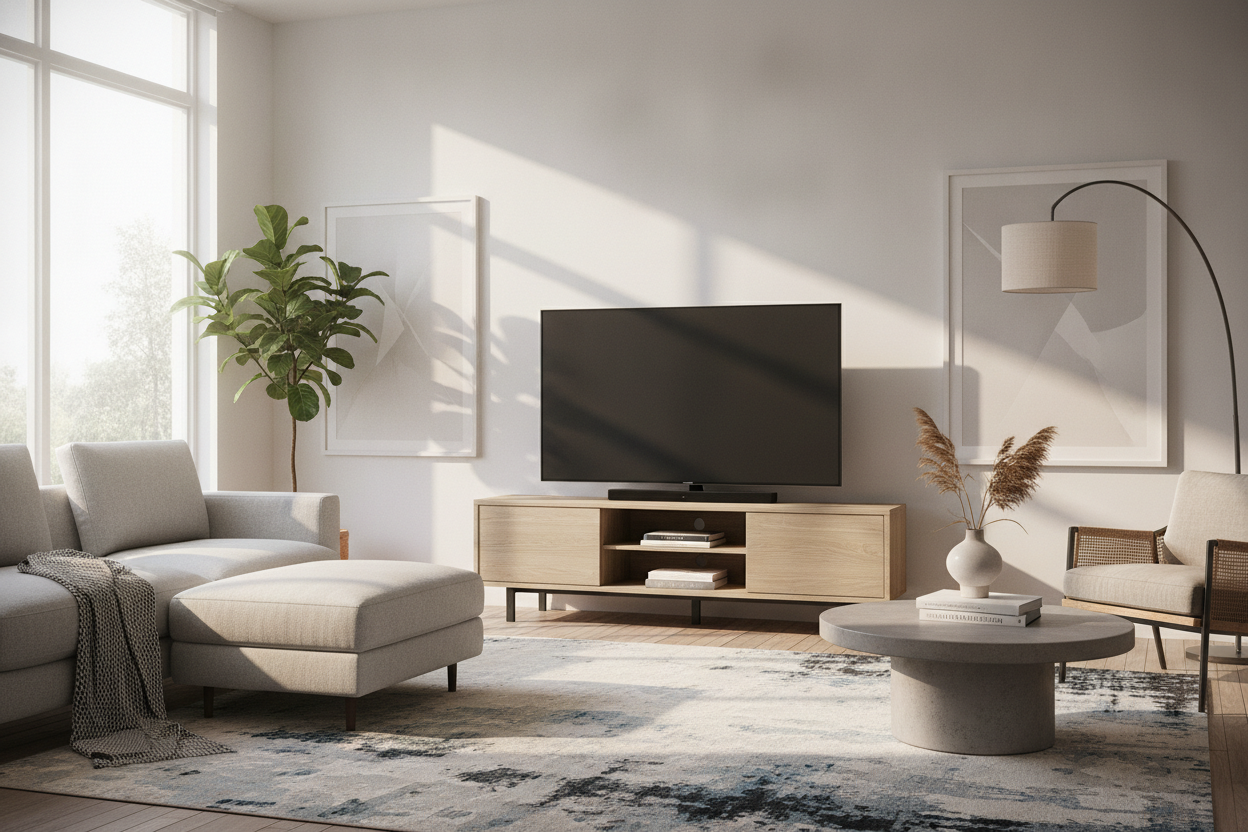
I have spent too many late nights staring at a 75-inch screen sitting on a stand that cost less than the HDMI cables. You know the feeling: you click 'Buy Now' on an amazon flat screen tv stand, it arrives in a flat box that weighs as much as a small car, and three months later, the whole thing is visibly frowning at you. I have assembled (and eventually disassembled for the dumpster) enough particle board to know that a low price tag usually comes with a hidden cost: gravity.
- Check for a center support leg on anything wider than 50 inches.
- Subtract 20% from the advertised weight capacity to stay in the safety zone.
- Avoid 'paper veneer' if you ever plan on placing a cold drink or a leaky planter on top.
- Prioritize units with 'honeycomb' or 'solid core' MDF over generic particle board.
Why So Many Cheap Consoles Start Bowing in the Middle
Particle board is essentially sawdust and hope held together by glue. When you buy a budget amazon furniture tv stand, the manufacturer is banking on you not noticing the 1/8-inch dip that develops over the first six months. Gravity is a patient enemy. Most modern TVs have feet at the far ends, but if your stand lacks internal vertical supports, that long horizontal span is just a slow-motion disaster waiting to happen.
The physics are simple: the longer the shelf, the more it wants to flex. If you see a listing that shows a perfectly flat top with no support underneath, keep scrolling. You are looking for 'torsion'—that slight bend that makes your doors stop closing properly and your drawers start sticking. Once it starts, there is no 'un-bending' it.
The 'Center Leg' Rule You Cannot Ignore
I call this the 'Fifth Leg Rule.' If your console is longer than 55 inches, it needs a spine. Look at the assembly manual photos in the product listing. If there is not a leg in the dead center of the unit, skip it. Without that central pillar, the entire weight of your electronics is being carried by the outer four legs, forcing the middle of the unit to bear a load it was never designed for.
This is especially true for smaller units where an Amazon TV Stand 50 Inch Looks Like Doll Furniture because the scale is off and the support is nonexistent. A center leg provides the structural integrity needed to keep the top surface level, ensuring your expensive OLED doesn't end up on a tilt. Always verify this in the 'customer photos' section, as marketing renders often hide the extra legs to make the piece look 'cleaner.'
Decoding Weight Capacities (And Why They Lie)
Manufacturers love to brag about '200 lb weight capacities,' but read the fine print. That number is almost always the *total* capacity, including every internal shelf and drawer. The top surface, where your TV actually sits, might only be rated for 60 or 70 lbs. If you have a legacy plasma or a massive new LED with a heavy base, you are pushing those limits faster than you think.
I always recommend looking for dedicated TV stands that explicitly state the top-shelf load limit. If the listing is vague, assume the capacity is half of what they claim. I have seen 'sturdy' media units buckle under the weight of a soundbar and a few coffee table books because the top panel was hollow-core cardboard disguised as wood.
Material Red Flags: MDF vs. Particle Board vs. Solid Wood
Not all 'engineered wood' is created equal. MDF is denser and less prone to sagging than low-grade particle board, but both are vulnerable to moisture. If the listing mentions 'paper veneer,' run. That is essentially a sticker that will peel the first time you use a cleaning spray. You want 'melamine' or 'high-pressure laminate' for a surface that actually lasts.
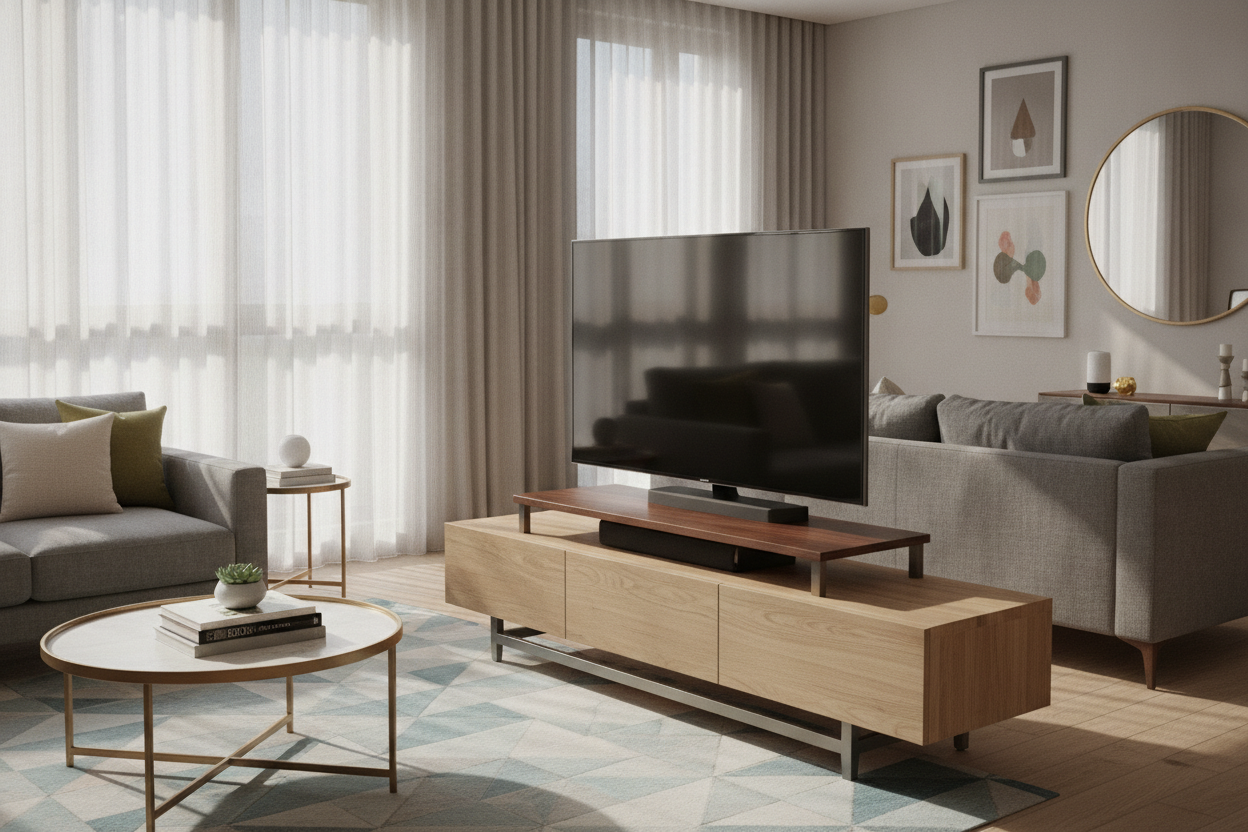
I personally prefer something like a mid century modern TV stand with slatted doors. This design is smart because it uses vertical slats to add structural rigidity while allowing airflow for your gaming consoles. Heat is the silent killer of both furniture and electronics; a closed-back box made of cheap MDF will trap heat and eventually warp the very shelves holding your gear.
When You Actually Need a Wider Credenza
Don't be the person whose TV overhangs the edges of the stand. It looks top-heavy, cheap, and it is a massive tipping hazard for kids and pets. A 66 W TV stand storage credenza provides the extra width needed to distribute weight toward the legs rather than the center of the span. It also gives you a much-needed 'buffer zone' if someone bumps into the side of the unit.
Upgrading to a wider unit isn't just about aesthetics; it is about the footprint. A wider base is inherently more stable. If your TV is 65 inches, your stand should be at least 70 inches wide. This creates a visual anchor for the room and ensures the structural load is spread across a larger surface area, preventing that dreaded middle-sag.
Is a center leg really necessary for a 50-inch TV?
Yes, if the stand is made of particle board. While the TV might not be heavy enough to snap the wood, the constant pressure will cause a visible dip over time that ruins the look of the furniture.
How can I tell if the veneer is high quality?
Check the edges. If the 'wood grain' doesn't wrap around the corner or if you can see a seam where the sticker meets the board, it is cheap paper veneer. High-quality melamine will feel slightly textured and cool to the touch.
What is the best way to prevent my stand from wobbling?
Most Amazon units come with adjustable leveling feet. Use them. If yours doesn't, a simple felt pad or a shim can stop the vibration that eventually loosens the cam-lock screws holding the piece together.

Laisser un commentaire
Ce site est protégé par hCaptcha, et la Politique de confidentialité et les Conditions de service de hCaptcha s’appliquent.