


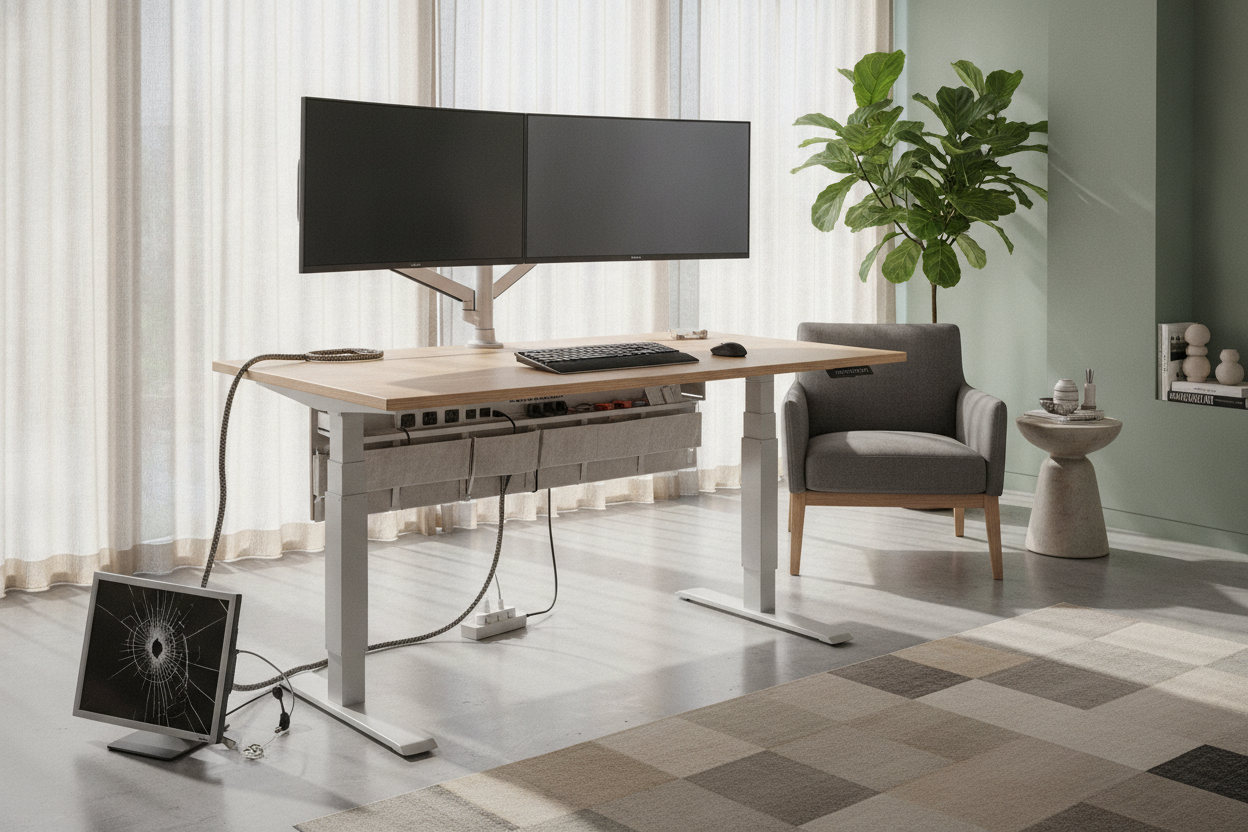
I was mid-sentence in a high-stakes Zoom call when I decided to stretch my legs. I tapped the 'up' preset on my controller, and as the motors whirred, I heard a sickening, plastic-on-plastic snap. My secondary monitor lurched forward, its HDMI cable acting like a leash that was suddenly six inches too short. I had just discovered the hard way why owning a standing desk with outlet isn't a luxury—it is a safety requirement for your tech.
Quick Takeaways
- Integrated power moves with the desktop, preventing cables from tension-snapping.
- Floor-based power strips create a 'cable slack' nightmare that looks messy and causes trips.
- A single main power cord is easier to manage than twelve individual device cords.
- Look for desks with at least one USB-C port and built-in surge protection.
The Day My Setup Came Crashing Down
The physics of a sit-stand workstation are deceptively simple until you add electricity. Most of us plug everything—monitors, laptops, lamp, ring light—into a power strip sitting on the floor. When that desk surface travels from 28 inches to 45 inches, every single one of those cords has to stretch. If one cord is slightly shorter than the others, or if a cable gets snagged on the edge of the frame, something has to give.
In my case, it was the port on my expensive 4K monitor. The rising desk pulled the power cable so taut that it nearly ripped the internal hardware right out of the casing. I spent the next twenty minutes frantically checking for cracked screens instead of finishing my presentation. It was a clumsy, expensive mistake that could have been avoided if my power source had just moved with me.
Why Floor Power Strips and Moving Desks Don't Mix
The core problem is what I call 'the accordion effect.' If you leave enough slack in your cables so they don't snap when you stand, you end up with a tangled rat's nest of wires resting on the floor when you sit. It is a vacuum cleaner's worst nightmare and a visual disaster. A standard writing computer desk stays put, so you can zip-tie your cords once and forget them. But a moving desk is a living, breathing thing that demands a different strategy.
I spent months trying to be clever. I used velcro, cable spines, and even tried to hid the cords on my electric standing desk using a series of adhesive clips. It never worked perfectly. Every time I changed the height, I was playing a dangerous game of 'will it snag?' A standing desk with power outlet solves this by moving the destination to the source. Everything stays plugged into the desktop, and only one heavy-duty cord travels to the wall.
Why Integrated Desktop Power Changed Everything
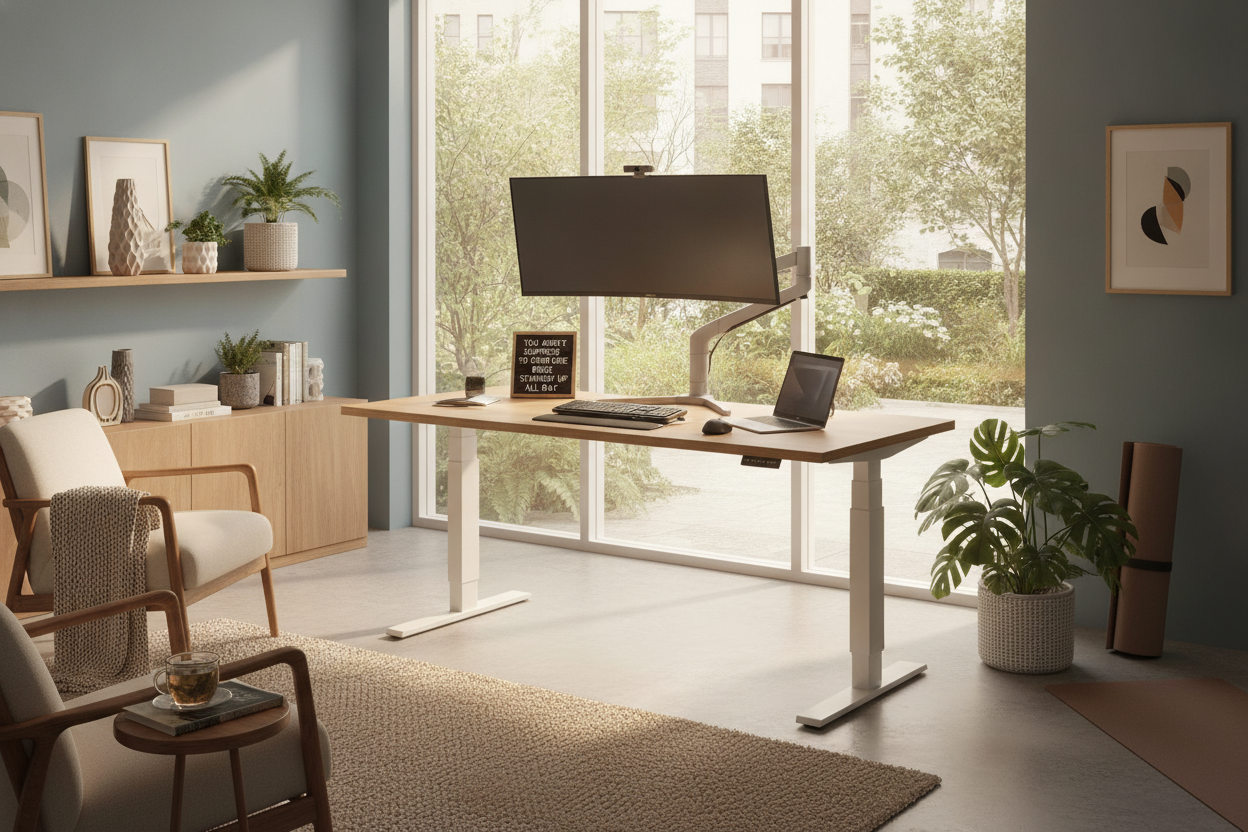
Switching to a desk with integrated power felt like finally solving a Rubik's cube. Because the outlets are built into the top or the underside of the frame, the distance between your monitor and its power source never changes. You can use short, tidy cables for your peripherals because they aren't reaching for the floor anymore. I eventually opted for an electric lift system 54 desk that kept the transitions smooth enough that my coffee didn't even ripple, let alone my cables.
The real magic is the single-cord life. You run one high-quality, braided extension cable from the desk to the wall. That's it. You can put that one cord in a neat cable sleeve or a spine, and your cable management is officially done. No more worrying about the 'height adjustable desk with power outlet' tension or whether your laptop brick is dangling mid-air like a heavy pendulum.
What to Plug In Up Top (And What Stays Below)
Just because you have a desk with power supply doesn't mean you should overload it. I keep my 'essentials' on the desktop: the dual monitors, my laptop charger, and my phone. If you have a massive workstation PC tower that sits on the floor, keep its power cord separate. For those of us with heavy multi-monitor setups, a super sized standing desk provides enough real estate to keep the power hub accessible without it getting buried under notebooks and coffee mugs.
Don't Buy One Until You Check These 3 Power Specs
Not all built-in power strips are created equal. I've seen cheap versions that use ungrounded two-prong plugs, which is a recipe for fried electronics. First, check the wattage and ensure it has built-in surge protection. You are plugging thousands of dollars of gear into this thing; don't trust a no-name strip. Second, look for USB-C Power Delivery (PD). A standard USB-A port won't charge a modern iPad or phone at full speed.
Lastly, check the length and thickness of the main power cord. If the desk only comes with a 6-foot cord, you're going to be limited in where you can place it in the room. Before buying an electric standing desk, make sure the power hub is positioned where you actually need it—usually the back center or a rear corner is best to keep your workspace clear.
Is the Built-In Power Upgrade Actually Worth It?
Honestly, yes. You might pay a small premium for a standing desk with power strip, but it’s significantly cheaper than replacing a monitor with a ruined port or a laptop that took a dive off the edge. It’s about peace of mind. I no longer hold my breath every time I hit the 'stand' button. My cables stay put, my desk looks clean, and I haven't snapped a cord in two years. That’s a win in my book.
FAQ
Can I add an outlet to my existing standing desk?
Yes, you can buy clamp-on power strips that attach to the edge of your desk. They aren't as seamless as a built in power strip desk, but they solve the cable tension problem just as well.
Is it safe to plug a power strip into another power strip?
Generally, no. This is called 'daisy-chaining' and can be a fire hazard. If your desk has an integrated outlet, plug it directly into the wall outlet.
Will a standing desk outlet charge my laptop?
It depends on the wattage of the USB ports. Most built-in USB-C ports are meant for phones. For a laptop, you'll likely still need to plug your actual brick into one of the AC outlets on the desk.


Laisser un commentaire
Ce site est protégé par hCaptcha, et la Politique de confidentialité et les Conditions de service de hCaptcha s’appliquent.