


Using a kitchen countertop as a dedicated home office workstation surface has become one of the most effective ways to design a tailored desk setup. Standard pre-fabricated desks often limit users to fixed widths, shallow surface depths, and predetermined storage configurations. In contrast, adapting a modular worktop allows remote workers, designers, and gamers to select exact horizontal dimensions, combine robust storage pedestals, and support multi-monitor arrays with ease.
Successfully executing this setup requires careful planning around structural span, core composition, and ergonomic alignment. For those starting their initial layout, exploring a comprehensive ikea countertop desk guide provides useful perspective on how modular surfaces interface with standalone storage units.
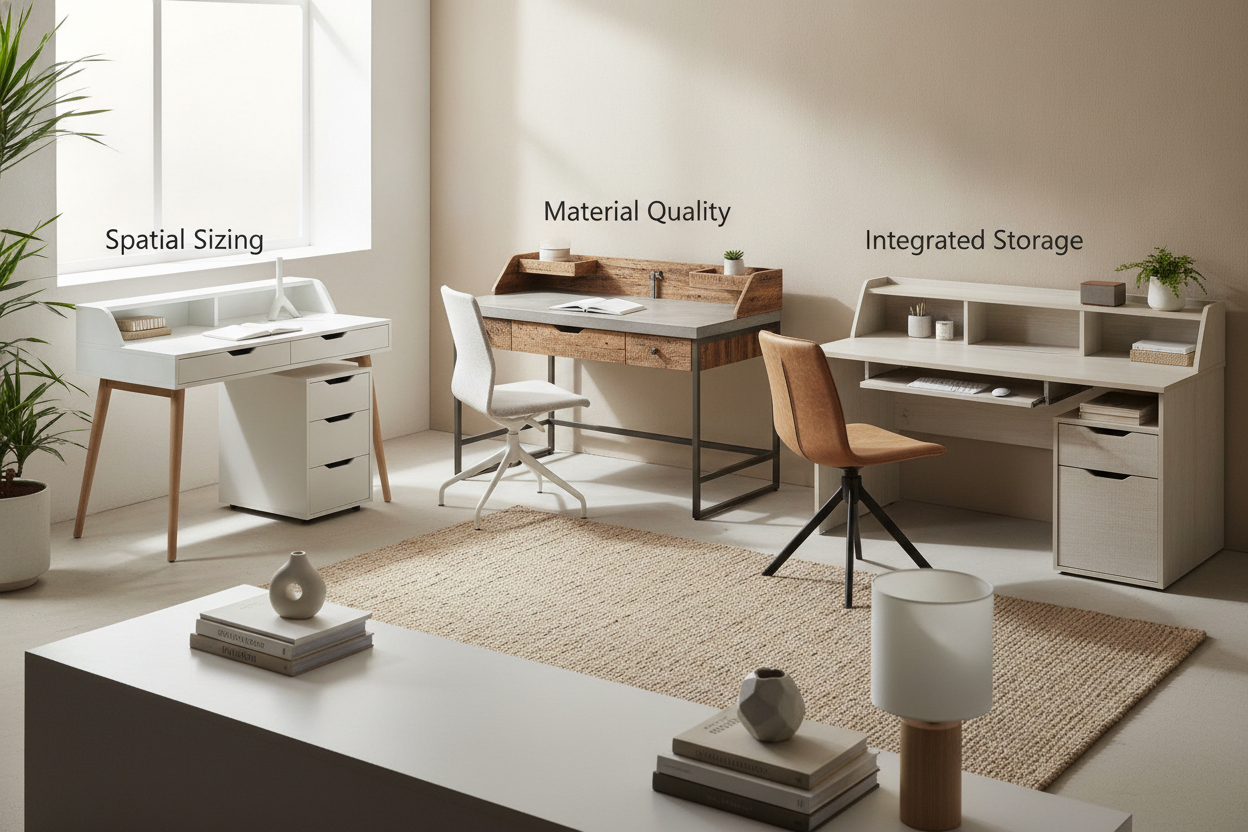
Evaluating IKEA Desk Material Profiles for Longevity
Understanding the internal composition of a table countertop ikea surface or kitchen worktop is critical to ensuring your desk does not bow or deteriorate over years of daily productivity. Different manufacturing techniques provide distinct trade-offs between surface authenticity, weight, and hardware fastening strength.
Particleboard with Wood Veneer Layering
Many popular countertop selections utilize a thick particleboard core wrapped in a genuine hardwood veneer. This construction style delivers the tactile warmth and visual grain of authentic oak, walnut, or birch while maintaining high dimensional stability. Because engineered cores resist expansion and contraction caused by seasonal humidity shifts better than solid planks, veneer worktops stay flat across varied indoor climates. However, users must take care around edge banding to prevent moisture intrusion from unsealed spills.
High-Pressure Laminate and Solid Engineered Cores
Laminate surfaces feature a durable decorative layer fused over high-density substrate boards. For individuals seeking low-maintenance workstations that resist coffee rings, ink stains, and surface scratches, laminate is an exceptional choice. The non-porous exterior simplifies sanitization and withstands continuous mouse friction without requiring recurring wax or mineral oil applications.
Solid Hardwood vs. Honeycomb Paper Fill Alternatives
When selecting your ikea desk material, it is vital to distinguish between heavy-duty kitchen worktops and lightweight decorative tabletops. Budget-tier modular tabletops often employ a honeycomb paper core encased in thin fiberboard. While manageable to carry, these lightweight tops cannot safely support heavy clamp-on monitor arms or massive desktop equipment without crushing the hollow core. Solid wood butcher blocks or dense composite countertops provide the compressive strength necessary for securely fastening monitor mounts, under-desk keyboard trays, and cable management raceways.
Workstation Span Dynamics and Deflection Prevention
A frequent challenge when building a desk countertop ikea workstation is center sagging, formally known as structural deflection. Kitchen countertops are engineered to rest continuously on full cabinetry runs, whereas desks typically span open legroom spaces between two side pedestals.
Center Support Legs and Stiffener Rails
To avoid noticeable middle dip over extended spans, installing targeted mid-point reinforcement is essential. Common reinforcement strategies include:
- Adjustable Central Support Legs: Positioning an adjustable metal leg slightly rear of center prevents downward bowing while preserving knee clearance.
- Steel Stiffener Channels: Screwing steel angle irons or U-channels into the underside of the worktop adds longitudinal rigidity without encroaching on leg space.
- Perimeter Cleats: For desks placed against structural walls, anchoring a continuous rear timber ledger board transfers desktop load directly into wall studs.
Weight Distribution for Dual Monitors and Heavy Gear
Heavy peripheral hardware, such as computer towers, uninterruptible power supplies, and multi-display monitor stands, should be positioned directly above vertical base supports whenever possible. Placing concentrated point loads over open spans accelerates material fatigue, especially on wider surface cuts.
Base Cabinet Integration and Height Calibration
Pairing your chosen surface with the right foundation determines the workstation's comfort and organizational efficiency. Standard home office builds frequently combine worktops with modular drawer pedestals or specialized DIY countertop modular base units to establish sturdy resting platforms.
Drawer Pedestals and Under-Desk Storage Clearances
Utilizing matching side drawers delivers immediate utility for filing paperwork, routing power strips, and organizing desktop clutter. When positioning your base units, ensure the open middle span provides ample horizontal clearance for comfortable chair movement and unrestricted leg positioning throughout the workday.
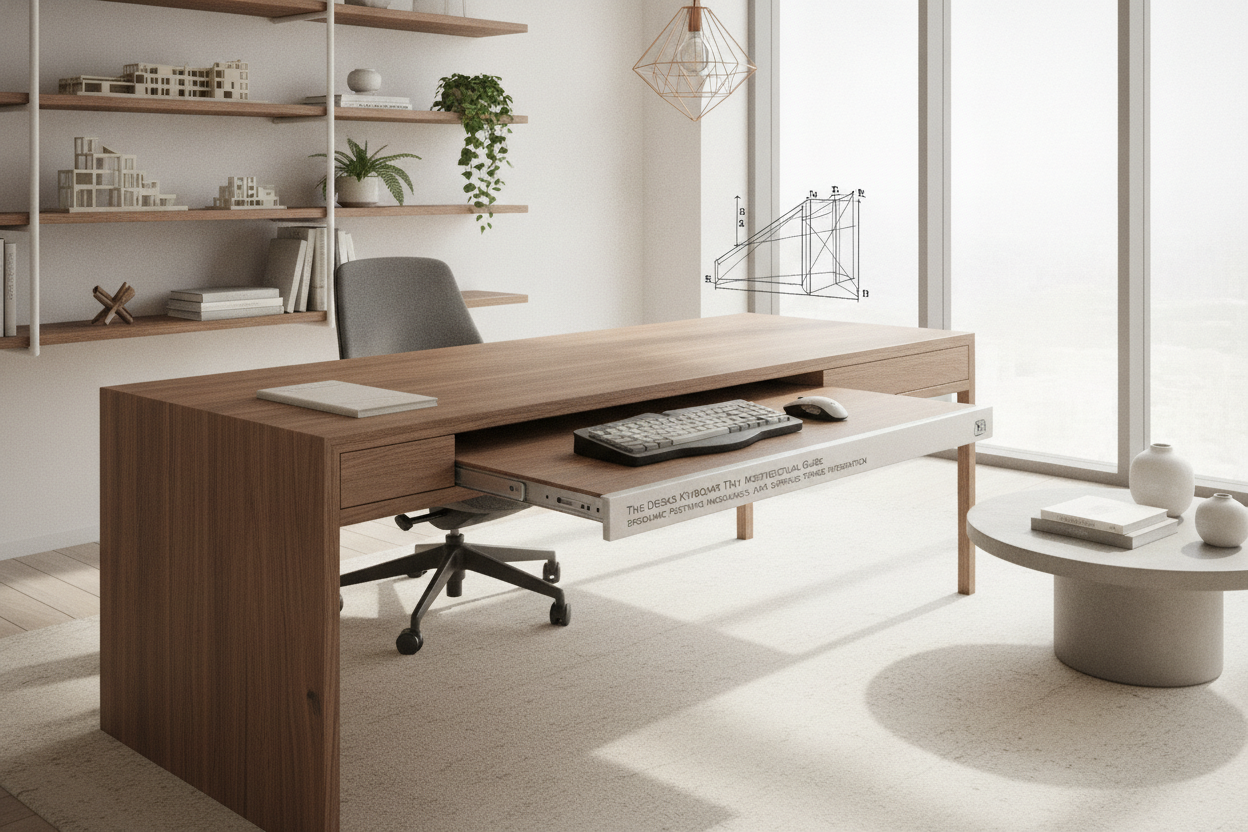
Ergonomic Height Management and Surface Risers
Standard kitchen countertops are often thicker than traditional desk panels, which can raise the final working surface higher than standard office desk dimensions. To ensure neutral wrist alignment and proper seated posture:
- Verify that your office chair adjusts high enough to keep elbows at roughly a ninety-degree angle relative to the surface.
- Incorporate an ergonomic footrest if elevating the chair lifts your feet off the floor.
- If adding riser hardware between the drawer pedestals and countertop, select low-profile spacers to avoid excessive working heights.
For spaces where vertical real estate is prioritized alongside desktop area, planning a built-in desk and shelves setup can seamlessly unify lower desk drawers with upper shelving.
Spatial Sizing Categories and Room Layout Planning
Matching the footprint of your desktop to the architecture of your room prevents overcrowded layouts and awkward traffic flow.
Compact Single-User Workstations
In bedrooms, studio apartments, or compact study nooks, shorter countertop lengths deliver a generous workstation footprint without overwhelming the room. If open floor space is exceptionally tight, comparing countertop configurations with dedicated compact office desk solutions can help determine whether an open desk or an enclosed cabinet best fits your lifestyle.
Expansive Dual-User and Battlestation Configurations
Longer continuous countertops make it possible to create cohesive side-by-side workstations for two individuals or an expansive single-user setup housing multiple computers, audio interfaces, and drafting zones. Placing a shared drawer pedestal in the center divides the workspace evenly while acting as a natural load-bearing span divider.
Surface Care, Cable Routing, and Hardware Fastening
Proper finishing touches elevate a functional build into a refined, long-lasting workstation. When fastening equipment underneath dense countertops, always pre-drill pilot holes with appropriate drill bits to prevent splitting the core material. Secure cables using adhesive clips or mounted wire baskets beneath the rear lip of the worktop to keep cords off the floor and away from foot traffic.
For wood-veneer and butcher-block surfaces, applying periodic furniture oil or conditioning wax preserves surface hydration and protects against daily wear. By balancing solid structural reinforcement, smart material selection, and ergonomic heights, your custom countertop desk will provide a comfortable and dependable workstation for years to come.

Laisser un commentaire
Ce site est protégé par hCaptcha, et la Politique de confidentialité et les Conditions de service de hCaptcha s’appliquent.